Why your nail business needs a review strategy
As a nail technician, your business thrives on local reputation and visual proof of your skill. When a potential new client searches for "nail salons near me," your star rating is often the deciding factor that makes them book an appointment with you instead of the competitor down the street. In an industry where trust is built on hygiene, precision, and aesthetic consistency, online reviews act as the ultimate social proof. A high volume of four and five-star reviews signals to Google’s algorithm that your business is relevant, active, and high-quality, significantly boosting your visibility in the "Local Map Pack"—the coveted top three results that appear at the top of search engine results pages.
A concrete scenario often plays out like this: a client loves their fresh nail art, feels satisfied, and is ready to leave. However, if they have to search for your business name later on Google, they will likely forget or get distracted by the myriad of other tasks in their day. The "intent-to-action" window is remarkably small, usually lasting only the few minutes the client spends settling their bill or walking to their car. By presenting a simple scan-and-review system, you turn that immediate post-service satisfaction into a tangible asset for your search engine rankings. Our free Google Review QR Code Generator helps you capture that momentum instantly, ensuring that you don't lose potential brand ambassadors to the friction of a manual search process.
Furthermore, an active review strategy allows you to engage in local SEO competition. When you reply to these reviews, you provide Google with fresh, keyword-rich content that reinforces your expertise. Whether you specialize in acrylics, gel extensions, or intricate nail art, consistent reviews help you capture long-tail keywords. If your clients mention "best nail art in [Your City]" in their reviews, your SEO profile strengthens organically. This cycle creates a flywheel effect: better rankings lead to more clients, which leads to more reviews, which in turn leads to even better rankings. A QR-driven strategy is the most efficient fuel for this engine, moving the responsibility of review generation from a manual, awkward request to a streamlined, professional part of your customer experience.
What you need before you start
Before you begin the process of generating your code, you need to ensure your digital house is in order. First, confirm that you have a verified Google Business Profile, as this is the destination for your customers. If your business isn't verified, you won't be able to generate a direct review link, and any efforts to collect feedback will be futile. Verification usually involves receiving a postcard from Google with a PIN, so if you are a new technician, plan this step at least two weeks in advance. Regularly log into your Google Business dashboard to ensure that your business hours, address, and service categories are accurate. Google prioritizes profiles that show signs of being managed, so adding photos of your latest work is a great way to prime your page for the influx of new traffic your QR code will generate.
Second, gather your specific "Place ID" or the direct link to your review box. Having this URL ready will allow you to generate yours in seconds without fumbling through your dashboard during a busy shift. To find this link, navigate to your Business Profile on Google Search, select "Ask for reviews," and copy the provided URL. Note that if you use an abbreviated link, ensure it redirects properly before mass-printing your materials. You want to test this link in an "incognito" browser window to guarantee it bypasses your management interface and lands directly on the five-star selection box. This minimizes the number of clicks a user must perform, which is directly correlated to your conversion rate—the fewer clicks, the higher the completion rate.
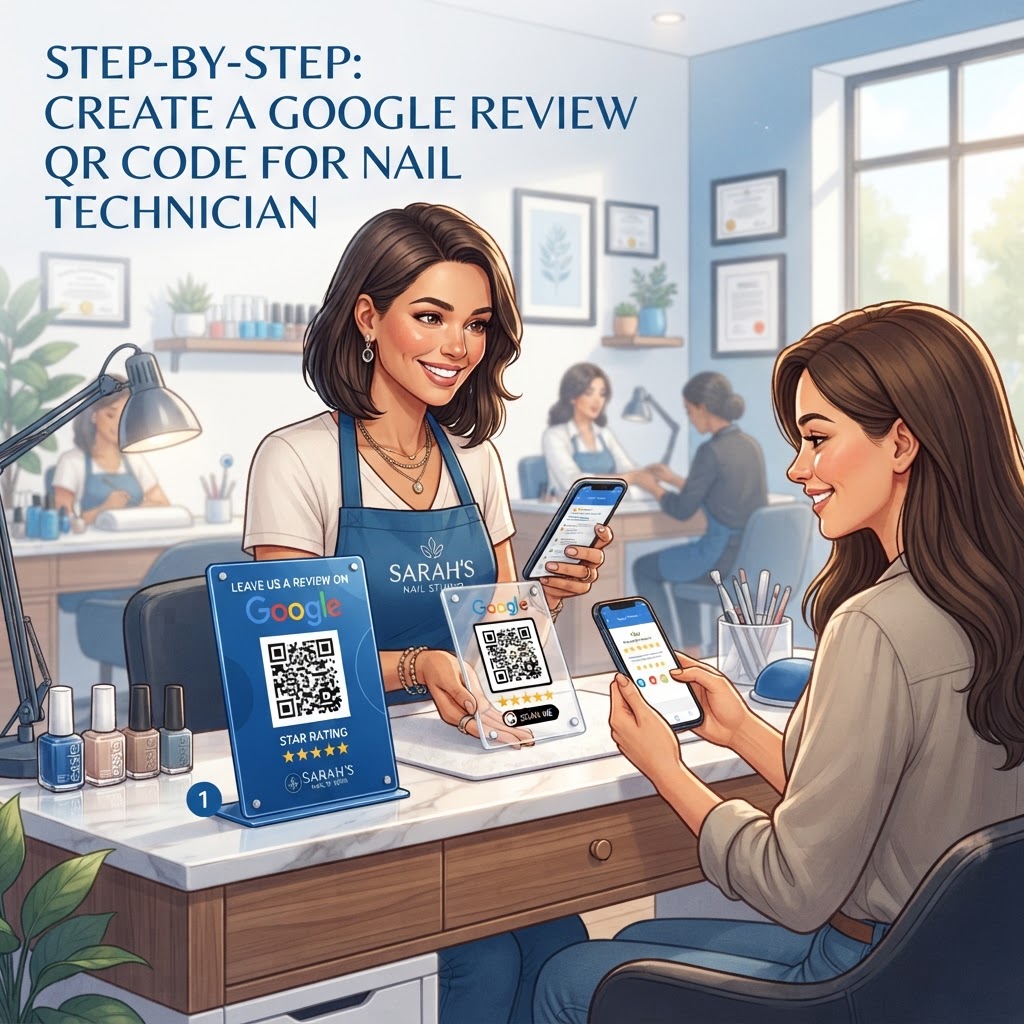
Finally, decide on your placement strategy. Whether you want to print it on a small business card or a countertop display, having a plan for your physical marketing materials ensures the process remains seamless for both you and your clients. Think about the physical flow of your salon. Is there a designated checkout area? Do clients wait in a specific chair while payment processes? If you do mobile nail services, your placement will be different, perhaps requiring a QR code on a small portable display or the back of your business cards. By auditing your physical space, you can identify "high-intent" zones—places where a client is already idle and receptive to a suggestion. Preparing your materials—whether that’s a professional acrylic stand, a QR-printed loyalty card, or a sticker on your mirror—ensures that the technology feels integrated into your business rather than a last-minute add-on.
How to create your Google review QR code for nail technician tasks
- Locate your review link: Log into your Google Business Profile manager. Look for the "Get more reviews" button. This unique URL is specifically designed by Google to open the review dialog window automatically. Avoid using your map link or your website link, as these force the customer to hunt for the "write a review" button, which leads to high drop-off rates.
- Visit the generator: Navigate to the Blue QR Code Generator, which provides a fast, free, and reliable way to link your customers to your review page. Our generator is optimized for mobile responsiveness, meaning the resulting QR code will be clear, scannable, and efficient, ensuring even older smartphones can read it without errors.
- Paste your link: Enter the Google review link you copied in step one into the input box on our site. Take a moment to ensure there are no leading or trailing spaces. The system will then encode your URL into the pixel pattern.
- Customize the design: Use the available tools to add a frame or change the foreground color to match your nail salon’s branding aesthetic. Consider using your brand's primary color, provided it offers enough contrast against the background to remain scannable. A dark navy or deep burgundy code on a white background works exceptionally well for high-end salons.
- Download the file: Once you are satisfied with the look of your code, download it in a high-quality format. We recommend PNG for digital use and SVG for printed materials. SVG files are vector-based, meaning you can resize them to the size of a billboard or a business card without any loss of clarity or pixelation.
- Print and place: Add the code to your appointment cards, a frame at your reception desk, or even onto your business signage. When printing, use a laser printer or professional print service to ensure the edges are crisp. A blurry, low-resolution QR code is the most common reason for scan failures.
How to test and deploy it
Once you have created your code using the Blue QR Code Generator, testing is the most important step before you go live. Use your personal smartphone to scan the code multiple times under different lighting conditions. You want to ensure the link opens the exact review window where the client can select five stars and start typing their comment immediately. Test this on both iOS and Android devices, as the scanning software on different phones handles contrast differently. If you are using a QR code stand, test it while sitting in your client's chair to mimic their perspective. If the phone struggles to focus, consider increasing the size of the QR code or moving it to a flatter, non-reflective surface.
Deployment is just as critical as testing. You might place a small printed card near the register or have a digital version ready on a tablet that you hand to the client after a payment. Because nail services are personal and intimate, you can casually mention: "If you love your nails, would you mind scanning this to leave a quick review? It really helps my small business grow." This human touch often results in higher conversion rates than a passive sign on the wall. For those who find asking difficult, place the code on a "Thank You" card that is handed to the client along with their receipt or loyalty card. This provides a gentle, non-pressuring prompt that the client can handle at their own pace.
Additionally, consider the "timing" of your deployment. The best time to ask for a review is immediately after the client has expressed satisfaction—perhaps when they are looking at their hands and admiring the finished design. That peak moment of dopamine and satisfaction is when a client is most likely to leave a glowing, detailed review. If you wait until they have reached the parking lot or are home, the likelihood of them remembering drops by over 60%. By making the scan part of the "finishing touch" of your service, you normalize the request. You can also incentivize the process by telling clients, "If you leave a review, show it to me next time you come in for a discount on a nail art add-on." This simple incentive structure can turn a steady stream of reviews into a tidal wave of positive feedback.
Common mistakes that ruin results
- Linking to the homepage: Never link to your general website; always link directly to the "Write a Review" pop-up box on Google to minimize friction. If a client lands on your homepage, they have to find your contact page, then find the map link, then find the review button. Most will give up at step one.
- Printing too small: Ensure the QR code is at least 1.5 x 1.5 inches; anything smaller may cause scanning issues for clients with older smartphones, shaky hands, or poor lighting. If you are printing it on a business card, use the full back of the card to ensure the code is prominent.
- Inconsistent branding: Don't just print a black-and-white square; adjust colors so it fits your salon’s brand, making it look like an intentional part of your shop. However, ensure the contrast ratio remains high. A neon green code on a yellow card will likely fail to scan.
- Lack of clear instruction: Don't leave the QR code alone; include a small text label nearby that says "Review us on Google" so clients know exactly what to do. Add a call to action like "Scan to share your nail art" to give them a specific reason to engage.
- Ignoring the glare: If you place the code behind glass or on a glossy surface, make sure the lighting doesn't reflect off the code, as this prevents phone cameras from focusing. Use a matte finish for printed materials to ensure the code is legible from all angles, even in a bright, sun-drenched salon.
- Neglecting your profile: A QR code is useless if your Google Business Profile is empty. If a client scans your code and finds a page with no photos, no hours, and no other reviews, they will likely hesitate to contribute their own. Keep your profile vibrant with recent images of your work.
- Asking at the wrong time: Never ask for a review if a client is clearly in a rush or unhappy with the service. Always perform a quick check-in at the end of the appointment to ensure the client is 100% satisfied before presenting the QR code.
Real examples of successful implementation
Consider a local nail artist named Sarah who struggled with reviews despite having hundreds of happy clients. She started using Blue QR Code Generator's Google review QR codes tool to put a small QR sticker on the back of her professional appointment cards. By giving the cards out after each service, she transformed her customer retention strategy. Her clients, who already valued her work, were happy to leave a review when they had the physical card in their hand. By tying the review request to her loyalty program—offering a "review bonus"—she increased her monthly reviews by 40% in just two months, eventually ranking number one for "Nail Tech in [City]" in her local market.
Another example involves a high-end salon that uses a customized QR code printed on their mirror-side service menu. When a client is sitting through a long session, they have the time to scan the code and start their review while the top coat is drying. This strategic placement turns "downtime" into "review time," effectively automating the process without requiring the nail tech to awkwardly ask for a favor while holding the client's hands. The salon owner noted that because the clients were sitting right in front of the mirror, the QR code was always within their line of sight, serving as a subtle, persistent prompt that didn't feel intrusive or aggressive.
Lastly, there is the story of a mobile nail technician who uses a small, laminated QR code display on her portable equipment kit. As she packs up her tools after a mobile visit, she sets the display on the table and says, "It was a pleasure working with you today! If you enjoyed your manicure, feel free to scan this to leave your thoughts before I head out." This personal, direct approach has helped her build a reputation in a competitive suburban market where she previously relied entirely on word-of-mouth. By leveraging the technology of a QR code, she has successfully moved her business from a hidden service to a top-rated local provider, proving that the tools you use to bridge the gap between digital and physical are just as important as the skill you put into the nails themselves.