1. Why this matters in 2026
In the landscape of 2026, the intersection of digital identity and physical environment security is critical. Most smartphones now possess high-resolution cameras and processing capabilities that make them ideal scanners for secure entry.
Businesses have recognized that physical proximity cards are easily lost, stolen, or forgotten by employees, leading to significant overhead in replacement costs and administrative labor. By adopting QR codes for access, organizations shift the burden of hardware onto the user's existing device, which they are already highly motivated to keep secure and nearby.
This shift is not merely about convenience; it is about establishing a robust security posture that can be updated in real-time. Unlike a static keycard, a QR code can be dynamic, tied to a specific time window, or revoked instantly through a cloud-based management portal.
This level of granularity is essential for businesses that operate with flexible hours, contract labor, or high-security areas requiring specific clearance. Furthermore, many businesses are prioritizing sustainability, and moving away from the mass manufacturing of plastic RFID cards aligns with broader environmental and corporate governance goals.
The integration of QR technology into access control infrastructure also provides a digital breadcrumb trail, allowing security administrators to analyze entry data, optimize traffic flow, and respond to incidents with exact timestamps. As we navigate the complexities of 2026, the ability to grant, deny, or restrict access remotely through a simple platform like BlueQRCode represents a competitive advantage for any organization that values agility, security, and user experience.
By removing the friction of physical barriers, companies foster a more modern, frictionless environment that meets the demands of a high-tech workforce while maintaining strict security oversight across their properties.
2. How it works technically
The technical architecture of a QR code access system is deceptively simple yet incredibly effective. At its core, the system relies on three pillars: the encrypted QR image, the optical reader, and the backend verification engine.
When a user generates a QR code, such as a URL-QR from blueqrcode.com, the code does not necessarily contain the user's credentials in plain text. Instead, it typically acts as a pointer or a unique identifier that the backend system uses to query its database.
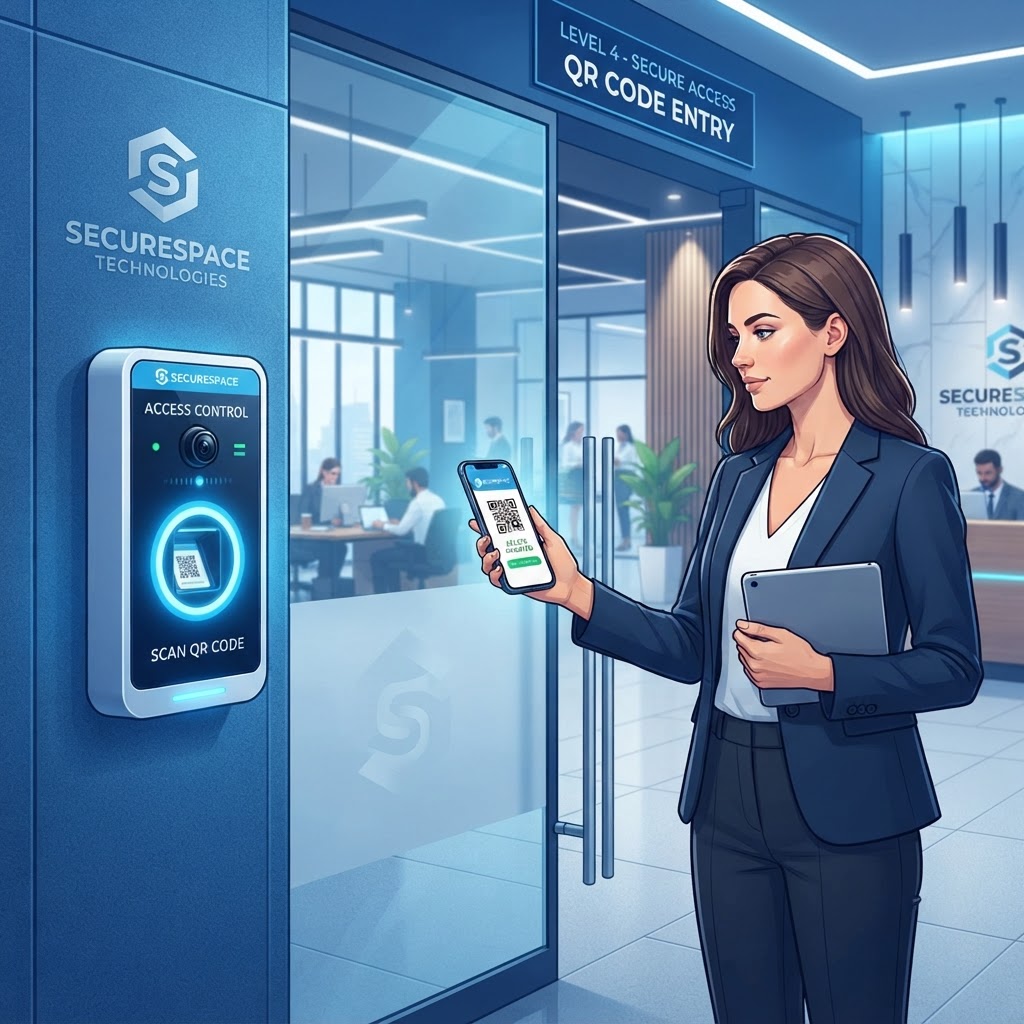
When a visitor or employee presents their screen to the optical scanner—usually mounted near an entrance—the scanner captures the matrix of the QR code and transmits the data to a local or cloud-based server. The server instantly decodes the image and cross-references the unique token against an access control list (ACL).
If the token is valid, hasn't expired, and is associated with the user currently attempting entry, the server sends a signal to the door controller or electric strike to release the lock. To ensure security, modern implementations often use rolling codes or time-sensitive tokens, which prevent a static image from being copied and reused indefinitely.
Many businesses utilize encrypted HTTPS protocols for this handshake, ensuring that even if the raw data were intercepted, it would be useless without the corresponding decryption keys. Furthermore, the optical readers must be calibrated for various lighting conditions, such as high-glare environments or dark lobbies, necessitating the use of infrared or LED-lit scanners.
By keeping the logic centralized on a secure server, administrators can modify access permissions in milliseconds, revoking entry for terminated employees or expiring temporary guest passes without needing to reprogram a single physical device or keycard, making the entire ecosystem highly resilient and efficient.
Try it now: Generate a free Qr Code For Access Control →
3. Step-by-step guide using blueqrcode.com
Getting started with QR code access control is straightforward when using a reliable platform. Follow these steps to create and test codes for your setup.
- Step 1: Visit blueqrcode.com to access the generator tool. For access control, you will typically want to use the URL-QR feature, which allows you to link the QR code to a private, secure web page where your access control logic resides.
- Step 2: Gather the specific URLs or unique tokens assigned to your users. These tokens could be generated by your own internal security database.
- Step 3: Select the URL-QR option on the dashboard and input the secure link that contains the user-specific authorization data. We recommend using a private, encrypted sub-domain to host these authorization pages to ensure maximum security.
- Step 4: Customize the visual appearance of your code. While standard black and white is the most readable, you can integrate your brand colors for a professional look, ensuring the contrast remains high enough for rapid scanning.
- Step 5: Generate and download the QR code in a high-resolution vector format, such as SVG or high-DPI PNG. Vector files are particularly important if you are printing the codes for long-term use, such as on entry badges or stickers, as they won't pixelate when scaled.
- Step 6: Distribute these codes to your authorized users via an encrypted portal or direct secure email.
- Step 7: Test the entire flow before full-scale deployment by scanning the code with a variety of devices—both Android and iOS—to ensure your readers detect and process the request within sub-second times.
- Step 8: Log back into your management dashboard regularly to monitor activity and ensure that all generated codes are functioning as expected. Use the tools provided to rotate or update links if security protocols demand periodic credential refreshes.
4. Best practices for deployment (size, placement, format)
Successful deployment of QR-based access systems hinges on environmental factors and physical placement. Standardizing these physical parameters across your entry points helps minimize user frustration and prevent bottlenecks.
Size and placement
- For stationary scanners mounted at eye level, a printed code should be no smaller than two inches by two inches.
- If the scanner is handheld or mounted at a distance, make the code proportionally larger to account for the camera's focal length and the user's tremor.
- Install scanners in areas with ambient lighting but away from direct, harsh sunlight, which can create glare that blinds the camera lens.
- At night, use scanners with built-in LED illumination to maintain high read rates.
- Mount the scanner on a non-reflective surface to prevent secondary reflections from confusing the software.
Format and surfaces
- Use high-contrast QR codes—black modules on a white background are the gold standard.
- Avoid low-contrast color schemes like light yellow on white or dark blue on black, as these significantly increase the processing time required for the reader to identify the code.
- If the QR code is on an ID card, choose a matte laminate instead of glossy plastic to minimize reflection.
- Keep codes undistorted. Flat, planar surfaces provide the highest reliability, while curved surfaces like a door handle or a cylindrical pillar can affect scanning.
Most smartphones handle QR scanning well, but the installation should account for lighting, reflections, and the code's surface. These considerations help the system feel seamless for end-users as they arrive at the site.
100% Free — No signup required
Create your Qr Code For Access Control in seconds
Create Free QR Code →5. Common mistakes to avoid
Even with the most robust systems, mistakes in implementation can lead to significant security vulnerabilities or operational downtime. Avoid these common oversights when deploying access control.
- Failing to implement rate limiting: If your system does not prevent multiple rapid-fire requests, a malicious actor might attempt to flood the scanner to trigger a Denial-of-Service (DoS) condition. Configure reader software to ignore repeated scans of the same token within a short time frame, such as thirty seconds.
- Using static, publicly accessible URLs: If a QR code directs to a public web page that isn't protected by authentication, anyone who takes a photo of that QR code can potentially gain access. Always use unique, encrypted, or one-time-use tokens for these links.
- Neglecting fallback mechanisms: Technology can fail—batteries die, software updates can cause glitches, or networks can go offline. Have a secondary, non-digital method of access, such as an override key or a security guard station, to prevent personnel from being locked out during a system failure.
- Leaving the management console poorly protected: An unauthorized person could gain administrative access and issue themselves or others valid entry codes. Ensure your blueqrcode.com account and any associated backend databases have multi-factor authentication (MFA) enabled.
- Using overly complex QR patterns: Adding logos and intricate designs can occasionally interfere with the error-correction modules, leading to 'read errors' in less-than-ideal lighting. Keep designs simple and functional to ensure maximum reliability across a variety of hardware.
6. 3-4 concrete use cases by industry/sector
The versatility of QR code access control is best illustrated through its application in specific sectors. These examples show how QR technology can support distinct access needs.
- Co-working spaces: Operators can generate time-limited QR codes for members, which are automatically sent via email upon booking a desk. These codes expire precisely when the member’s contract ends, eliminating the need for staff to collect keys or deactivate cards.
- Residential apartments: Residents can create a temporary 'visitor pass' for a courier or a family member, setting the QR code to be valid only for a specific hour on a specific day. Once the window passes, the code becomes useless, helping keep access restricted while providing a frictionless experience for guests.
- Industrial and construction sites: By issuing QR codes tied to safety training certifications, site managers can ensure that a contractor cannot enter the facility unless their digital training record is up to date. If the training expires, the system automatically invalidates the QR code.
- Events and conferences: Attendees receive a single QR code that grants access to the venue, lunch services, and VIP zones based on their ticket tier. Because the system is cloud-connected, organizers can see in real-time which areas are reaching capacity, allowing them to redirect foot traffic dynamically.
Across different industries, QR technology can support security and operational efficiency beyond basic entry tasks.
7. Summary and next steps
In conclusion, the adoption of QR code for access control represents a significant leap forward in how we manage and secure physical spaces. By leveraging the existing technology already in our pockets, we reduce physical hardware dependencies, lower operational costs, and gain data insights into movement patterns.
Throughout this guide, we have explored why this technology is essential in 2026, analyzed the technical handshake that makes it work, provided a step-by-step approach using blueqrcode.com, and highlighted the critical best practices and potential pitfalls that define successful implementations.
Whether you are a small business owner looking to modernize your office entrance or a facility manager overseeing a complex multi-tenant environment, the move toward QR-based authentication is both accessible and effective. Your next step should be a thorough assessment of your current infrastructure: identify your high-traffic and high-security doors, evaluate the lighting and networking capabilities at those locations, and begin a pilot program with a small group of users.
Use the URL-QR functionality to create a sandbox environment where you can test the speed, security, and reliability of your scanners without disrupting your entire operation. At blueqrcode.com, we provide the reliable foundation you need to generate professional, high-quality QR codes that integrate seamlessly into your security stack.
As you refine your system, continue to prioritize user education and robust backend security to ensure that your transition to a digital-first access strategy is as smooth as possible. The future of access control is contactless, data-driven, and centered on the smartphone; by acting now, you position your organization at the forefront of this digital evolution, ensuring a safer and more efficient environment for everyone involved.
No watermark · No expiry · Works on all phones
Your QR code is ready in under 30 seconds.
Generate Free QR Code →