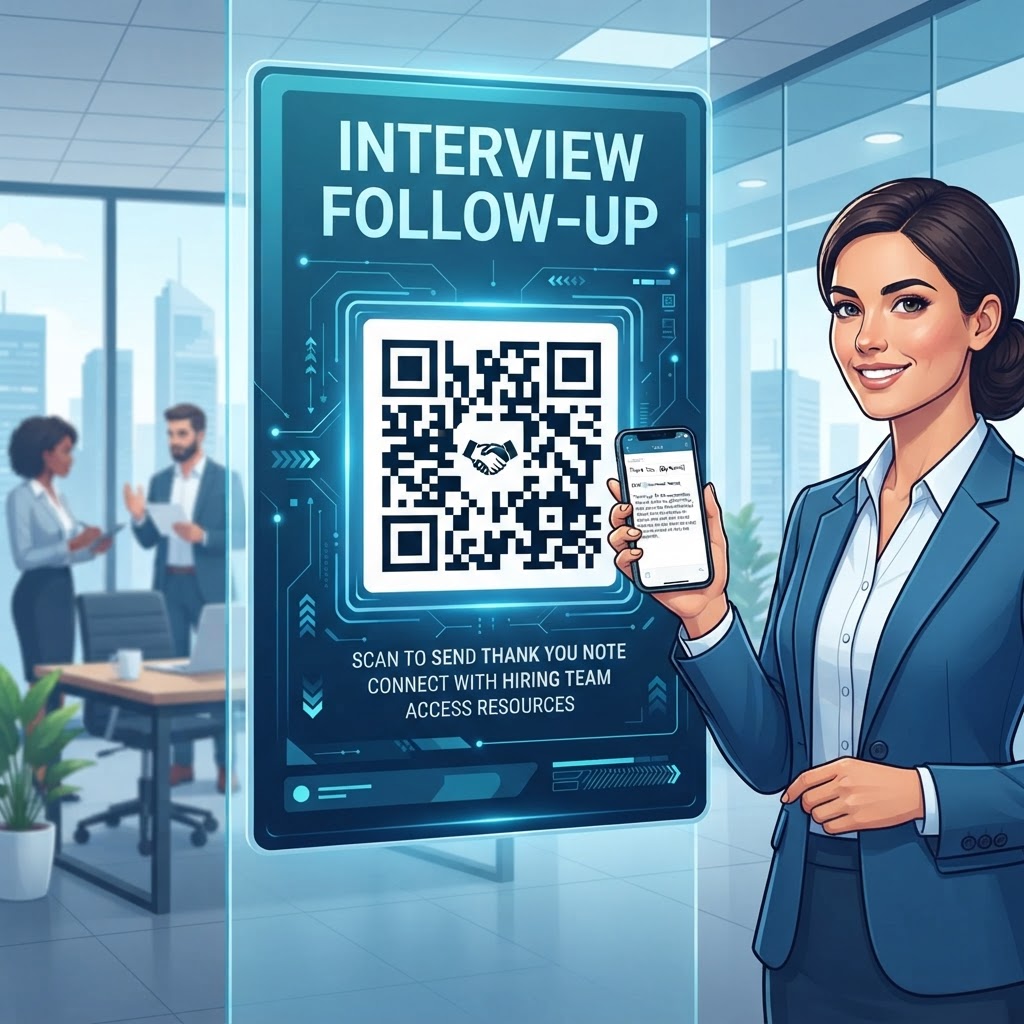
Why Integrating QR Codes Into Your Follow-Up Strategy Matters in 2026
The landscape of professional communication has shifted significantly toward instant, high-impact digital touchpoints. In 2026, hiring managers and recruiters are managing hundreds of applications, meaning their attention span is at an all-time low.
Traditional follow-up methods, such as a plain text email, often fail to create a memorable impact. By implementing a QR code for your interview follow-up, you demonstrate that you are forward-thinking and proficient in modern digital tools, which are critical skills in almost every industry today.
The novelty of scanning a QR code creates a tactile and interactive moment that forces a momentary pause in the recruiter’s workflow, effectively making them pay more attention to your materials than they would to a standard attachment.
Furthermore, using a QR code provides measurable analytics. Unlike a simple email, you can track when, where, and how often your link is accessed, giving you insight into the recruiter's interest level.
This level of sophistication communicates that you are data-driven and organized. In many industries, the ability to synthesize complex information into a simple, accessible format—like a landing page accessible via a QR code—is viewed as a major soft skill.
It proves you understand how to optimize the user experience, even for the person evaluating your hiring potential. Many businesses now value employees who can proactively offer creative solutions that simplify internal processes.
By bringing this technology to your interview process, you are essentially providing a case study of how you handle professional communication and problem-solving, setting yourself apart from the sea of candidates who rely solely on dated networking tactics.
The professional advantage here is not just about the technology itself, but the context in which it is delivered. When you provide a QR code on a physical thank-you card or a printed document left behind, you bridge the physical and digital divide.
Most smartphones in 2026 have native, highly capable QR scanners, making the barrier to entry non-existent. You are essentially creating a personalized digital concierge for the interviewer, ensuring that your portfolio, LinkedIn profile, or a bespoke project showcase is only one quick scan away.
This minimizes the friction associated with the recruiter having to look up your information manually or search through an email database. By making it easier for them to hire you, you statistically increase the likelihood of them engaging further with your profile, leading to more meaningful follow-up interactions and potentially better job offers.
How QR Code Technology Works for Professional Networking
Technically, a QR code is a matrix barcode that contains machine-readable information, often a URL that points to a specific web address. When an interviewer scans the code using the camera app on their smartphone, their device interprets the pattern of dots to instantly direct their browser to your designated content.
In the context of an interview follow-up, the "content" is the most critical element. You are not just sending a link; you are sending a curated destination.
This destination could be a vCard, which instantly adds your contact information to the recruiter's smartphone address book, or a specialized landing page that aggregates your professional highlights. Because the QR code essentially serves as a container for this data, you can update the destination URL at any time if you utilize dynamic QR code technology available at blueqrcode.com.
From a technical standpoint, the encoding process involves mapping data into a grid format that includes error correction. This means that even if the QR code is slightly smudged or partially obscured, the smartphone can still reconstruct the URL successfully.
This is vital for professional documents where high-quality printing is expected. When a user initiates a scan, the handshake between the physical print and the web occurs in milliseconds.
Most modern mobile operating systems optimize this process, allowing for seamless redirection. Understanding this technology allows you to appreciate why formatting matters; for example, if you are linking to a large PDF portfolio, ensuring that the PDF is mobile-optimized is a technical responsibility you must account for before generating your code.
If the mobile browser struggles to load your content, the efficacy of the entire QR code strategy is nullified.
Try it now: Generate a free Qr Code For Interview Follow-Up →
Additionally, the backend infrastructure provided by services like BlueQRcode.com handles the redirection logic. When you generate a dynamic QR code, you are not printing the URL itself but a shortened link that the platform then redirects to your target.
This allows for the tracking of scan counts, device types, and geographic locations. This data is invaluable for candidates who are serious about their job search; it provides feedback on whether your follow-up materials are actually being viewed.
If you notice high scan rates but no follow-up, it might suggest your landing page needs better optimization. This technical loop—create, deploy, track, optimize—mimics the professional life cycle of many technical and business roles, further reinforcing your candidacy as a serious and capable professional who understands how to leverage tools for performance enhancement and result tracking.
Step-by-Step Guide to Creating Your QR Code via BlueQRcode.com
Creating your professional follow-up QR code is a straightforward process that requires no specialized technical training.
- Choose a category: Start by visiting https://blueqrcode.com and selecting the appropriate category for your needs. For interview follow-ups, the most common choice is the 'vCard' option, as it makes saving your contact details into the recruiter’s phone address book as easy as a single tap.
- Enter your details: Once you have chosen your category, you will be prompted to input your professional details. This should include your full name, title, current company (if applicable), email address, phone number, and a direct link to your personal portfolio or LinkedIn profile. Ensure that every piece of information is accurate, as this serves as your digital business card that stays permanently on their device.
- Customize the design: After inputting your data, the next step involves customizing the appearance of the QR code to ensure it matches your personal branding. BlueQRcode.com offers various design options, including different foreground colors and patterns. While it is tempting to go overboard, a professional, high-contrast black-and-white or dark-navy-and-white scheme remains the most reliable for scanning across all devices.
- Generate and test the code: Once you are satisfied with the design, generate the code to see a preview. Test this preview immediately by using your own smartphone's camera to ensure it leads to the correct landing page and displays your contact information clearly in the correct fields. Do not skip this testing phase, as the recruiter’s first experience with your QR code is a direct reflection of your attention to detail.
- Download and use the code: Finally, download the generated QR code in a high-resolution format, such as PNG or SVG. PNG is generally sufficient for most digital documents like PDFs, while SVG is preferred if you are printing the code on high-quality cardstock thank-you notes, as it allows for infinite scaling without pixelation.
Once you have the file, integrate it into your follow-up email or print it clearly on your physical card. If you are using a dynamic QR code from BlueQRcode.com, you can come back to the dashboard later to change the destination URL if you update your portfolio or want to show a different project in the future.
This flexibility is a significant benefit over static QR codes, as it allows you to keep the same printed materials while updating the content they deliver, ensuring your career materials remain current and relevant throughout your job search process.
Best Practices for Deployment: Size, Placement, and Format
Deployment is where the strategy meets the reality of user behavior. A QR code, regardless of how well-designed it is, will be useless if it is placed in an inaccessible location or if it is too small to be picked up by a mobile camera.
When including a QR code in an interview follow-up, the cardinal rule is clarity and context. On a printed thank-you note or a leave-behind document, the QR code should be at least one inch by one inch in size.
- Place the code in a prominent location, preferably at the bottom corner or centered near the bottom of the page, where it does not interfere with the text of your written follow-up message.
- Ensure that the surrounding area is free of clutter. A common error is placing the QR code too close to borders, logos, or other graphic elements that might confuse the scanner's ability to detect the 'quiet zone'—the empty space around the code that is necessary for the scanner to identify the pattern.
- When sending a QR code via email, treat it as a supplemental element rather than the primary one. Ensure your written message remains professional, respectful, and summarizes your enthusiasm for the position, with the QR code serving as an 'added value' link.
Any smaller, and users may struggle to get their camera to focus correctly, leading to frustration and abandonment. Phrase your call-to-action clearly, such as: 'Scan this code to easily add my contact information or view my extended portfolio.' This sets clear expectations and encourages the recruiter to interact with the link.
100% Free — No signup required
Create your Qr Code For Interview Follow-Up in seconds
Additionally, consider the environment in which the code will be viewed. If you are printing it, use a matte finish paper to avoid glare from office lighting, which can easily interfere with the scanning process.
If you are embedding it in an email, test the visual sizing on both desktop and mobile email clients. Many people read emails on their phones; if your QR code appears too small or distorted on a mobile screen, the recipient may ignore it.
By adhering to these standards of size, placement, and environmental context, you ensure that the technology functions as intended, providing a frictionless experience that reflects positively on your professional standards. The goal is to make the technology feel like a seamless, natural part of your communication, not a gimmick that draws unnecessary attention to itself.
Common Mistakes to Avoid When Using QR Codes
While QR codes offer a significant advantage, mishandling them can result in a negative impression.
- Leaving out a fallback option: Not every recruiter will be comfortable or able to scan a code immediately. Always include the full URL text beneath the QR code so that if a user prefers to type it in or if the scanning process fails, they have a manual alternative. Ignoring this creates an unnecessary barrier to your information, which is the antithesis of what you are trying to achieve.
- Linking to a poor mobile experience: Another common mistake is linking to a non-responsive or slow-loading website. If your digital portfolio or LinkedIn profile does not scale correctly on a mobile device, or if it takes more than three seconds to load, the recruiter will likely close the tab. Ensure your destination link is optimized for mobile performance.
- Using a dead or broken link: Always test your links immediately before sending your follow-up. If your portfolio link changes or if you restructure your personal website, a static QR code will lead to a 404 error, which is highly unprofessional. This is why utilizing dynamic QR code solutions is so important; they allow you to update the destination URL without having to re-print your documents.
- Overcomplicating the design: Avoid making the QR code design too complex. While BlueQRcode.com allows for some branding, adding too many colors, complex gradients, or obstructing the code with logos can make it difficult for standard camera apps to interpret the data. Stick to high-contrast, clean designs that are instantly recognizable as scannable.
- Overwhelming the recruiter: If your QR code leads to a cluttered landing page with fifty different links, the user will be paralyzed by choice. The follow-up destination should be a focused, curated experience—a landing page that showcases your top three projects or a clean vCard contact download.
If the content does not directly relate to the job you interviewed for, exclude it. The objective of the follow-up is to reinforce your suitability for the specific role.
A QR code that leads to a generic, unorganized folder of files will signal a lack of focus and poor prioritization, ultimately undermining the very professionalism you intended to project by using such a modern, high-tech approach.
Concrete Use Cases by Industry and Sector
The application of a QR code in an interview follow-up varies by industry, but the core principle—providing instant access to your value proposition—remains constant.
Creative Industries
In the creative industries, such as graphic design or advertising, a QR code should link directly to an 'interactive portfolio' or a showcase of your best work. Imagine a recruiter looking at your thank-you note and scanning the code to instantly launch a high-resolution slideshow of your design projects on their phone.
This immediate, high-quality visual stimulation is far more impactful than a simple email link that requires them to open a new tab and navigate a website, keeping your work at the forefront of their mind during the decision-making process.
Technical and Engineering Sectors
In the technical and engineering sectors, a QR code can be used to link to a 'Project Repository' or a 'Documentation Page.' For a software developer, this might be a link to a clean, well-documented repository of a specific project you discussed in the interview.
By allowing the interviewer to quickly scan and see the code quality, testing suites, or project documentation you produced, you provide tangible proof of your technical competence. This is a game-changer when you need to differentiate yourself from other candidates who only talk about their projects.
It moves the conversation from 'I have experience' to 'here is proof of that experience,' which is a powerful shift in the recruitment dynamic.
Management, Executive, Sales, and Marketing Roles
For those in management or executive roles, a QR code can link to a 'Leadership Portfolio' or a curated collection of case studies where you successfully led teams or managed budgets. This digital 'executive summary' can feature testimonials, links to press releases about projects you spearheaded, or a brief professional bio that highlights your career milestones.
In sales and marketing, you could link to a video message where you briefly summarize your value proposition for the company. A personalized video, accessible via a single scan, adds a human element that is often missing from formal business communication.
By tailoring the destination content to the specific expectations of your target industry, you demonstrate not only technical ability but also an acute understanding of what your future employers value most.
Summary and Next Steps for Your Professional Branding
As we navigate the job market of 2026, the traditional tools of career advancement require upgrades to stay effective. Incorporating a QR code into your interview follow-up strategy is a low-cost, high-impact method to demonstrate that you are modern, technically competent, and genuinely thoughtful about the hiring experience.
By taking the time to curate your digital landing page and ensuring that your QR code is perfectly presented on your follow-up documents, you signal to recruiters that you pay attention to the details and understand the power of user-centric communication. This is not just a trend; it is a shift toward a more interactive, efficient way of managing professional connections.
To get started, follow the steps outlined in this guide: assess the best content to showcase, generate your link using the reliable services at BlueQRcode.com, and perform rigorous testing across different devices. Your next follow-up should not just be a request for an update, but an invitation for the recruiter to delve deeper into your professional story.
Take the time to refine your landing pages and ensure your digital footprint is as professional as your resume. The candidates who embrace these small, incremental innovations are the ones who stay ahead in the competitive race for top positions.
Start by creating your first vCard or project-link QR code today, and observe how this small technological addition changes the quality of your engagement with prospective employers. Your professional brand is defined by the tools you use and the ease with which you allow others to discover your value.
No watermark · No expiry · Works on all phones
Your QR code is ready in under 30 seconds.