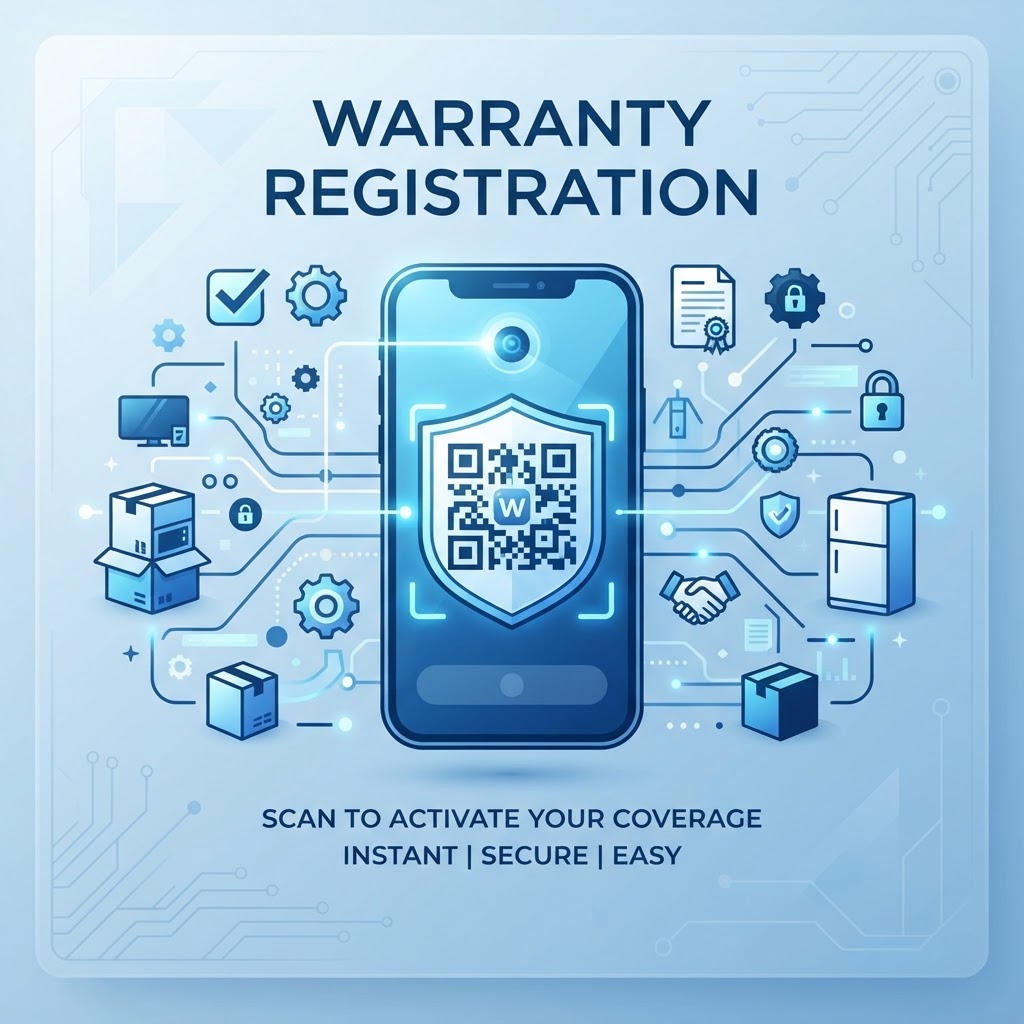
1. Why the Shift to Digital Warranty Registration Matters in 2026
By 2026, the traditional paper warranty registration process has become largely obsolete, viewed by consumers as a remnant of a less efficient era. Most smartphones today come equipped with native camera-based QR scanners, removing the barrier to entry for digital adoption.
For businesses, the primary driver for this transition is the urgent need for high-quality, actionable data. Physical registration cards are frequently lost, ignored, or damaged during shipping, resulting in a low conversion rate of registrations.
When a company uses a qr code for warranty registration, data collection becomes instantaneous and highly accurate, allowing for immediate entry into the customer database. This shift enables manufacturers to establish a direct line of communication with their users, which is essential for ongoing brand support and future product development.
Furthermore, reducing paper waste can benefit brand perception. Modern consumers prioritize sustainability, and removing paper inserts from product packaging is a tangible signal of corporate responsibility.
Digital registration also allows companies to update warranty terms or product manuals in real time, without recalling or reprinting physical literature. The agility provided by dynamic codes generated on platforms like blueqrcode.com means the link can be modified after a product leaves the factory to reflect new promotions, updated safety information, or troubleshooting resources.
This flexibility creates a dynamic relationship between the brand and the user that static paper cards could never achieve. By digitizing this touchpoint, businesses can reduce administrative overhead, minimize staff data-entry errors, and maintain a complete, searchable record of products sold for supply chain management and customer support.
2. How the Technology Works Technically Behind the Scenes
At its core, a qr code for warranty registration functions as a shortcut to a specific digital destination. When a user scans the code with a mobile device, the embedded URL opens in the default web browser and directs the user to a secure registration landing page.
This page is typically integrated with a cloud-based database that validates the serial number or unique product ID provided by the customer. URL-based QR codes can transmit unique parameters, allowing companies to append identifiers that pre-fill fields such as the product model or manufacturing batch.
Dynamic Codes and Scalability
Many businesses use dynamic QR codes, which point to a redirecting server rather than a hardcoded landing page. If a company changes its web hosting or updates its warranty portal, it can update the destination URL in the blueqrcode.com dashboard without reprinting every packaging insert.
The browser handles the redirection in milliseconds. Modern web development standards also allow landing pages to be progressive web applications (PWAs), which can load quickly even in areas with poor mobile connectivity.
This technical efficiency helps make registration resilient for customers in remote locations or using older devices. It also supports global brands managing large numbers of product registrations while reducing the risk of system bottlenecks or data corruption.
Try it now: Generate a free Qr Code For Warranty Registration →
3. Step-by-Step Guide Using blueqrcode.com
Creating a professional qr code for warranty registration is straightforward with a dedicated tool like blueqrcode.com. Follow these steps to prepare, create, and verify your code.
- Prepare your destination: Create a mobile-optimized warranty landing page, since most scans will happen on mobile devices.
- Select the QR option: Navigate to the generator dashboard and choose the URL-based QR option.
- Enter your URL: Paste your warranty portal URL into the designated input field. Use dynamic tracking if you want to monitor scans and assess packaging engagement.
- Customize the code: Adjust the pattern and color palette to match your brand, and add your company logo if desired. A professional, official-looking design can help build trust.
- Test the scan: Test with both iOS and Android devices to verify that the redirect works and the form loads correctly.
- Download and place the code: Choose a high-resolution format such as PNG or SVG. SVG is often preferred for mass production because it can scale without loss of detail. Add the code to product manuals, warranty inserts, or packaging.
- Monitor performance: Check your blueqrcode.com dashboard periodically to review scan rates and confirm the link remains active throughout the product's distribution cycle.
4. Best Practices for Deployment, Size, and Placement
The success of a qr code for warranty registration often depends on its visibility and accessibility. Place the code where users are most likely to look when unboxing a product.
- Consider the front cover of the user manual, the inside flap of the primary packaging, or a dedicated Quick Start card.
- Avoid cramped, dark areas and textured surfaces that could interfere with scanning.
- Keep the code large enough to scan comfortably; a typical standard application uses a code at least 2cm by 2cm.
- Consider a matte finish on glossy surfaces to reduce glare that can prevent the camera from focusing properly.
Provide a clear, concise call to action (CTA) next to the code, such as “Scan to Register Your Warranty” or “Register in Seconds.” Explicit instructions give users context and can increase conversion rates.
Ensure there is sufficient “quiet zone”—clear space around the perimeter of the QR code—to prevent nearby text or graphics from interfering. For international products, phone-action icons can help make instructions understandable regardless of language.
100% Free — No signup required
Create your Qr Code For Warranty Registration in seconds
5. Common Mistakes to Avoid When Deploying
Testing only on a desktop browser is a common mistake. A registration portal may fail on mobile because of missing viewport meta tags or overly complex, large-file scripts.
- Skipping mobile and network testing: Test across mobile browsers and varying network conditions to catch problems before launch.
- Using a broken destination: A changed URL can create a dead link. Dynamic QR codes through platforms like blueqrcode.com allow destination updates, but you should still verify the URL before and after generating the code.
- Making the form too demanding: Excessive personal information or a complex account-password requirement can lead users to abandon registration. Focus on necessary data, such as the serial number, date of purchase, and contact details.
- Neglecting support options: Provide an offline alternative or a clear support contact, and make a Support or Help button available on the landing page.
- Overlooking print quality: Smudged, low-contrast, or pixelated codes can increase scanning failures. Use high-quality output for packaging.
6. Concrete Use Cases by Industry and Sector
The utility of the qr code for warranty registration spans numerous sectors, with each applying the technology to different operational needs. In consumer electronics, manufacturers may print the code on a product label so users can register devices upon activation and link registration to the device's hardware ID.
For home appliances, the code can also provide access to service requests, troubleshooting guides, and spare parts ordering. This can create a long-term product portal and reduce the burden on call centers.
Industry Applications
- Automotive aftermarket parts: Warranty registration can help users prove parts are authentic, with the QR code linking to a secure server that confirms the serial number.
- Outdoor equipment and luxury goods: Brands can use registration to build ownership profiles and offer access to community forums, extended warranty periods, or early access to new product lines.
- Furniture and home decor: Codes printed on the base of items can provide product care instructions and warranty claim information without requiring customers to retain paper records.
Across sectors, the common thread is transforming a one-time sale into an ongoing relationship through digital connectivity.
7. Summary and Next Steps for Your Business
Implementing a qr code for warranty registration is a foundational step in digitizing the customer experience and optimizing post-purchase operations. It can reduce manual paper-form entry, improve data accuracy, lower administrative costs, and help businesses build a more direct relationship with customers.
As we move further into 2026, these digital tools are expected to become increasingly important. With tools like blueqrcode.com, the process can be cost-effective and scaled across product lines and territories.
A Phased Implementation Plan
- Audit your current process: Identify the main points of friction in your existing warranty registration experience.
- Choose a platform: Select a dynamic QR code platform that supports real-time URL management and analytics.
- Integrate your portal: Connect the registration portal with your CRM system so captured data can be used by sales and support teams.
- Run a pilot: Test one product line, assess user uptake, and refine the experience based on the data collected.
The goal is not just to collect data, but to provide value through a streamlined, transparent, and supportive warranty process. Generate your first codes on blueqrcode.com and evaluate how digital tools can support your customer retention strategy.
No watermark · No expiry · Works on all phones
Your QR code is ready in under 30 seconds.