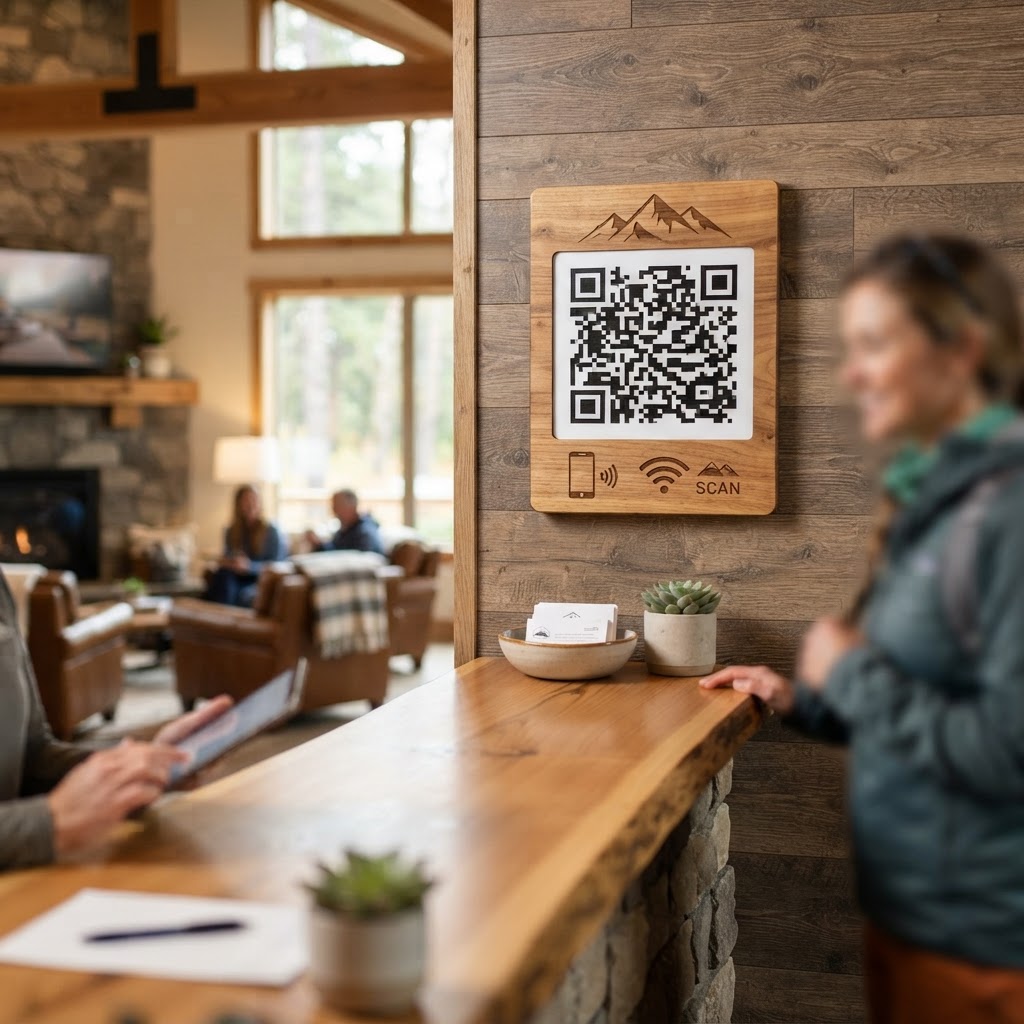
Why a WiFi QR Code for Campsite Guests Matters
Campsite guests, especially those on extended stays or those working remotely from nature, often rely on consistent internet access. Sharing your WiFi password manually can be tedious, prone to errors (especially with complex passwords), and can lead to guests congregating at a single point to ask. A QR code streamlines this entire process, offering an instant, contactless way for guests to connect. For example, a family arrives at your scenic mountain campsite; instead of writing down a complex password or having your staff explain it, they see a small, well-placed sign with a QR code. A quick scan and they're connected, ready to share their adventure or check weather updates.
What You Need Before You Start
To create your wifi qr code for campsite effectively, you'll need a few essential pieces of information readily available:
- Your Campsite's WiFi Network Name (SSID): This is the name of your WiFi network that appears when you search for available networks.
- Your WiFi Password: Ensure you have the correct, case-sensitive password for your network.
- A Reliable QR Code Generator Tool: We recommend using our free WiFi QR Code Generator for its simplicity and effectiveness. You can access it here: Blue QR Code Generator's WiFi QR codes tool.
How to Create Your Campsite WiFi QR Code — Step by Step
- Navigate to the WiFi QR Code Generator: Open your web browser and go to https://blueqrcode.com/WiFiQRGenerator. This is where you'll create your code.
- Select the WiFi QR Code Option: On the generator page, find and select the option specifically for generating WiFi QR codes.
- Enter Your Network SSID: Carefully type in the exact name of your campsite's WiFi network (SSID). Double-check for any typos.
- Input Your WiFi Password: Enter your WiFi password. Remember that this is case-sensitive, so ensure it matches precisely.
- Choose Encryption Type: Select the correct encryption type for your network, typically WPA/WPA2. If you're unsure, check your router settings or ask your internet provider.
- Generate the QR Code: Click the 'Generate' or 'Create' button. The tool will instantly produce your WiFi QR code.
- Download and Save: Download the generated QR code image in a high-resolution format (like PNG or SVG) for best quality. Save it to a location where you can easily access it for printing.
How to Test and Deploy Your WiFi QR Code
Before you print hundreds of flyers, it's crucial to test your QR code. Use your smartphone to scan it. Does it prompt you to connect to the correct network? Does it automatically fill in the password? If it works on your device, try it on a friend's phone with a different operating system (iOS and Android) to ensure broad compatibility. Once confirmed, deploy it strategically. Consider printing them on small, weather-resistant signs to place at the reception, near common areas, and even at individual campsite spots if appropriate. You can also include it on your booking confirmation emails or welcome packets.
Common Mistakes That Ruin Results
While creating a wifi qr code for campsite is straightforward, a few common pitfalls can hinder its effectiveness:
- Incorrect SSID or Password: The most frequent error. A single typo means the code won't work. Always double-check!
- Using a Low-Resolution Image: Printing a blurry or pixelated QR code can make it difficult for smartphones to scan. Always download the highest quality image available.
- Poor Placement: Hiding the QR code behind the counter or placing it in a dimly lit area will reduce its usability. Make it visible and accessible.
- Outdated Information: If you change your WiFi password, you MUST generate a new QR code. Don't rely on an old code with outdated credentials.
- Not Testing Across Devices: Assuming it works on your phone means it works for everyone. Test on multiple devices and operating systems to be sure.
Real Examples for Campsites
Consider a large RV park with multiple WiFi networks for different zones. They could create specific QR codes for each zone, directing guests to the closest and strongest signal, simplifying their connection process. Another example is a glamping site that wants to offer a premium WiFi experience. They can place beautifully designed QR codes on the welcome desks of each luxury tent, making it feel exclusive and convenient for their guests. Even a small, family-run campground can benefit immensely by simply placing a small, laminated QR code sign at their check-in booth, saving them repeated explanations of the WiFi password to every new arrival.
The Blue QR Code Generator is a versatile tool that can help manage guest access effectively. It ensures that everyone, from tech-savvy travelers to those less familiar with digital processes, can get online with ease. Ready to simplify your guest WiFi experience? You can generate yours here and start connecting guests in seconds.