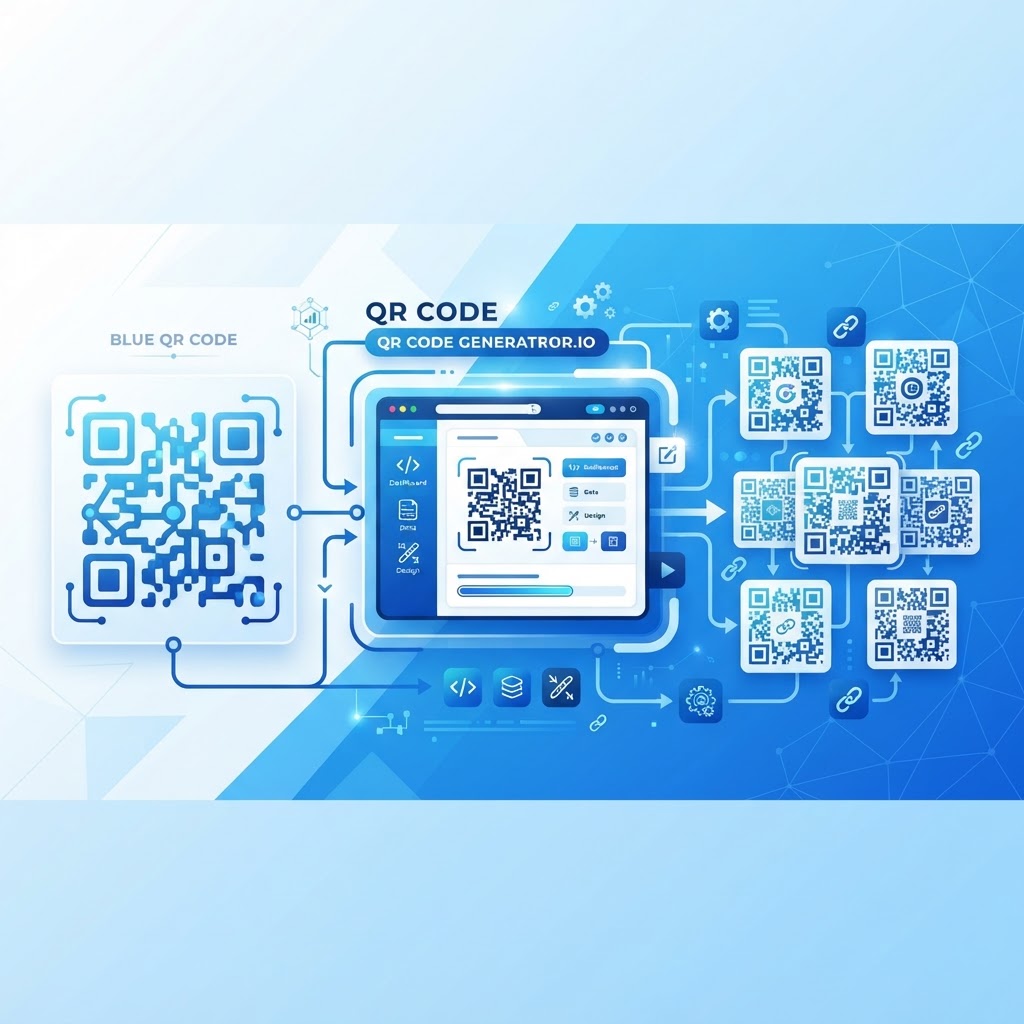
Why This Topic Matters
Choosing between Blue QR Code and QR Code Generator IO matters because the right platform affects brand consistency, campaign flexibility, and long-term costs.
Understanding the differences in design, dynamic capabilities, analytics, pricing, and usability helps you pick the tool that fits your operational needs — whether you're a solo entrepreneur or managing enterprise-scale assets. This comparison covers blue qr code vs qr code generator io in practical terms.
Key Points
- Design flexibility and brand-aligned customization
- Dynamic vs. static QR code behavior and operational impact
- Analytics depth, pricing transparency, and ease of use
Step-by-Step Guide
Practical steps to evaluate and choose between the two platforms.
- Step 1: Define your requirements (brand customization, dynamic links, analytics, and print-quality exports).
- Step 2: Trial both platforms with representative use cases and check real-time previews, file export formats, and analytics access.
- Step 3: Select the platform that meets your needs for design control, dynamic management, and usable analytics; implement and monitor performance.
Best Practices
Use practices that ensure QR codes remain useful, scannable, and measurable across channels.
- Use dynamic QR codes for printed collateral to avoid costly reprints.
- Export vector formats (SVG/PDF) for print production to maintain scan reliability and visual quality.
- Track scans with analytics to optimize placements, timing, and device-specific experiences.
Common Mistakes to Avoid
Avoid pitfalls that reduce campaign effectiveness or increase costs.
- Relying on static codes for time-sensitive campaigns and facing reprint costs
- Ignoring analytics and running untracked QR campaigns that provide no performance feedback
Conclusion
For most businesses that need brand alignment, operational flexibility, and meaningful analytics, Blue QR Code provides more professional output and practical value.
Try creating a code to compare capabilities directly using your real content and design requirements.
Blue QR Code vs QR Code Generator IO: What's the Real Difference?
If you've been searching for the right QR code platform for your business, you've likely come across both Blue QR Code and QR Code Generator IO.
At first glance, they might seem interchangeable — both let you create scannable codes, both offer some level of customization, and both promise to simplify how you connect digital content to physical touchpoints. But once you look beneath the surface, the differences are significant, practical, and directly relevant to how your business operates.
This article breaks down exactly what separates these two platforms — not in abstract terms, but in ways that matter when you're generating QR codes for restaurant menus, product packaging, event tickets, marketing campaigns, or retail displays.
Whether you're a solo entrepreneur or managing brand assets for a growing company, choosing the right tool can save you time, money, and a lot of rework down the line.
Design Flexibility and Customization: Where Blue QR Code Pulls Ahead
One of the first things users notice when comparing QR code platforms is how much creative control they actually have.
QR Code Generator IO offers a baseline set of customization options — you can change some colors, pick a few dot styles, and upload a logo. For casual or one-off use, that may be enough. But for businesses that care about brand consistency, the limitations quickly become apparent.
Blue QR Code was built with brand-forward design in mind and lets you fully customize visual elements while providing real-time previews.
- Retail packaging: A beverage brand needs a QR code that matches their label's color palette exactly, not a generic black-and-white square that clashes with premium design.
- Event materials: A conference organizer wants QR codes on name badges and banners that carry brand colors and a logo, reinforcing identity at every touchpoint.
- Restaurant menus: A fine dining establishment needs a QR code that looks elegant, not utilitarian — blending into the menu design rather than interrupting it.
QR Code Generator IO can produce visually decent codes, but its customization layer is shallower and users frequently hit limits on gradients and transparent backgrounds.
Beyond aesthetics, scan reliability is non-negotiable. Blue QR Code runs error correction optimization automatically, ensuring that visual customization never comes at the cost of functionality.
Generate your QR code free and see the full range of design options available to you right now.
Dynamic vs. Static QR Codes: Why This Distinction Could Save Your Business
This is arguably the most operationally important difference between QR code platforms.
Let's be direct: static QR codes are permanent and unchangeable. Once printed, the destination URL is locked in forever. If your webpage changes, your promotion ends, or you need to redirect to new content, a static code is useless — you'd have to reprint everything.
Dynamic QR codes, on the other hand, allow you to change the destination URL at any time, even after the code has been printed and distributed.
- Gym chain: Prints QR codes on membership cards linking to a welcome video and updates the onboarding content without reprinting cards.
- Real estate agency: Puts QR codes on yard signs and redirects them to a "sold" page or a new listing when a property changes status.
- Retailer: Uses the same printed QR code on bags to redirect seasonally to different promotions without replacing packaging.
Blue QR Code offers robust dynamic QR code functionality as a core feature, not a premium add-on hidden behind an enterprise tier.
QR Code Generator IO provides dynamic codes but restricts management and update frequency on lower-tier plans, which can be a bottleneck for small businesses running multiple campaigns.
Dynamic codes also enable analytics tracking — something static codes cannot provide, which we cover next.
Analytics and Tracking: Understanding What Your QR Codes Are Actually Doing
A QR code that generates no data is essentially a one-way door. For marketers and operations teams, lacking scan data creates an unacceptable blind spot.
Blue QR Code provides real-time analytics for all dynamic QR codes, offering granular insights that make QR codes actionable.
- Total scan volume: How many times your code has been scanned in a given period
- Unique vs. repeat scans: Distinguishing new engagements from returning users
- Device type breakdown: iOS vs. Android vs. desktop to optimize landing experiences
- Geographic location data: City and country-level tracking to understand audience distribution
- Time-of-day patterns: Identifying peak engagement windows for scheduling campaigns
This data transforms QR codes from simple redirects into marketing intelligence tools for A/B testing, location comparisons, and campaign optimization.
QR Code Generator IO offers analytics, but depth and accessibility vary by plan; free or entry tiers often face delays, caps, or aggregated data that limit actionability.
Blue QR Code's analytics dashboard is clean, exportable, and available at meaningful detail levels even on lower plans, reflecting the platform's focus on business needs.
Pricing Transparency and Value: No Surprises, No Paywalls
Pricing transparency matters because hidden paywalls or gated features drive frustration and extra costs.
QR Code Generator IO has been criticized for a pricing structure that places core features like dynamic codes, custom domains, and deeper analytics behind paid plans.
Blue QR Code aims for a more straightforward approach: a functional free tier that allows meaningful customization and a clear scaling of paid plans based on dynamic code volume and analytics needs.
Consider hidden downstream costs when evaluating total cost of ownership:
- Reprint costs: When static codes are used and campaigns change
- Time costs: Rebuilding codes on platforms with poor UX
- Branding inconsistency costs: When customization options are too limited to match guidelines
- Opportunity costs: Not having analytics when data-driven decisions could improve ROI
A platform that appears cheaper upfront can become more expensive over time; Blue QR Code focuses on reducing those downstream friction points.
Ease of Use and Workflow Integration: Built for Real People, Not Just Tech Teams
If the interface is clunky or exports are limited, adoption suffers and campaigns underperform.
Blue QR Code was designed for non-technical users with features that support fast, reliable workflows.
- A clean, guided creation flow: Walks you from content selection to download in under two minutes
- Multiple file export formats: PNG, SVG, and PDF for print production needs
- Organized code library: Find, edit, and clone codes for multiple campaigns
- Mobile-responsive dashboard: Make quick edits or check stats on the go
QR Code Generator IO is feature-complete in many respects, but some users report a learning curve when managing large volumes or advanced customization.
For teams managing codes across many locations, Blue QR Code's management infrastructure supports collaboration, cloning, and batch updates.
SVG export is particularly important for print professionals; vector files scale without pixelation and preserve scan reliability.
Which Platform Should You Choose? A Clear-Eyed Recommendation
After examining design flexibility, dynamic functionality, analytics, pricing, and ease of use, the differences become decisive for non-trivial use cases.
Both platforms can produce functional QR codes for basic needs, but when you require professional output and operational flexibility, Blue QR Code is the stronger option.
Choose Blue QR Code if you:
- Need QR codes that align precisely with your brand identity
- Plan to use dynamic codes to keep campaigns flexible and up-to-date
- Want meaningful scan analytics without upgrading to enterprise tiers
- Require print-quality exports for professional production
- Value a clean, intuitive interface for the whole team
- Are managing multiple campaigns or locations simultaneously
QR Code Generator IO may be sufficient if you:
- Need a one-time static QR code for a simple, permanent link
- Have no brand customization requirements
- Don't need to track scan performance
For most businesses — from restaurants to retail brands to event organizers — Blue QR Code delivers more professional output, operational flexibility, and insight into performance.
The best way to experience the difference firsthand is to start creating. Generate your QR code free on Blue QR Code and explore the platform before spending money.
Frequently Asked Questions
Is Blue QR Code free to use, or do I need a paid plan?
Blue QR Code offers a genuinely functional free tier that lets you create customized QR codes without requiring a credit card or immediate upgrade.
You can access design customization, download codes in usable formats, and explore core features at no cost. Paid plans unlock more dynamic codes, extended analytics history, and higher-volume tools.
What makes dynamic QR codes better than static ones for business use?
Dynamic QR codes allow you to change the destination URL at any time after the code has been created and printed.
This means you can update campaigns, fix broken links, and redirect seasonal promotions without reprinting materials. Dynamic codes also enable scan tracking and analytics, which static codes cannot support.
Can I use Blue QR Code for print production materials?
Yes. Blue QR Code supports vector file exports including SVG and PDF formats, which are standard for professional print production.
Vector files scale infinitely without pixelation, ensuring QR codes look sharp on small labels or large banners. Many competing platforms only offer raster exports, which can produce blurry or low-quality printed codes.
How does QR code analytics actually help my marketing campaigns?
Scan analytics provide actionable data about how, when, and where your audience interacts with QR codes.
This helps you determine which placements drive engagement, which markets respond best, peak scanning times, and what devices are used — enabling evidence-based optimization of campaigns.
How does Blue QR Code handle multiple QR codes for different campaigns or locations?
Blue QR Code includes an organized code management dashboard that allows you to create, categorize, edit, and monitor multiple QR codes from one account.
You can clone codes, update dynamic codes individually or in batches, and review analytics per code to compare performance across campaigns — essential for franchises, multi-location retailers, and teams running concurrent initiatives.