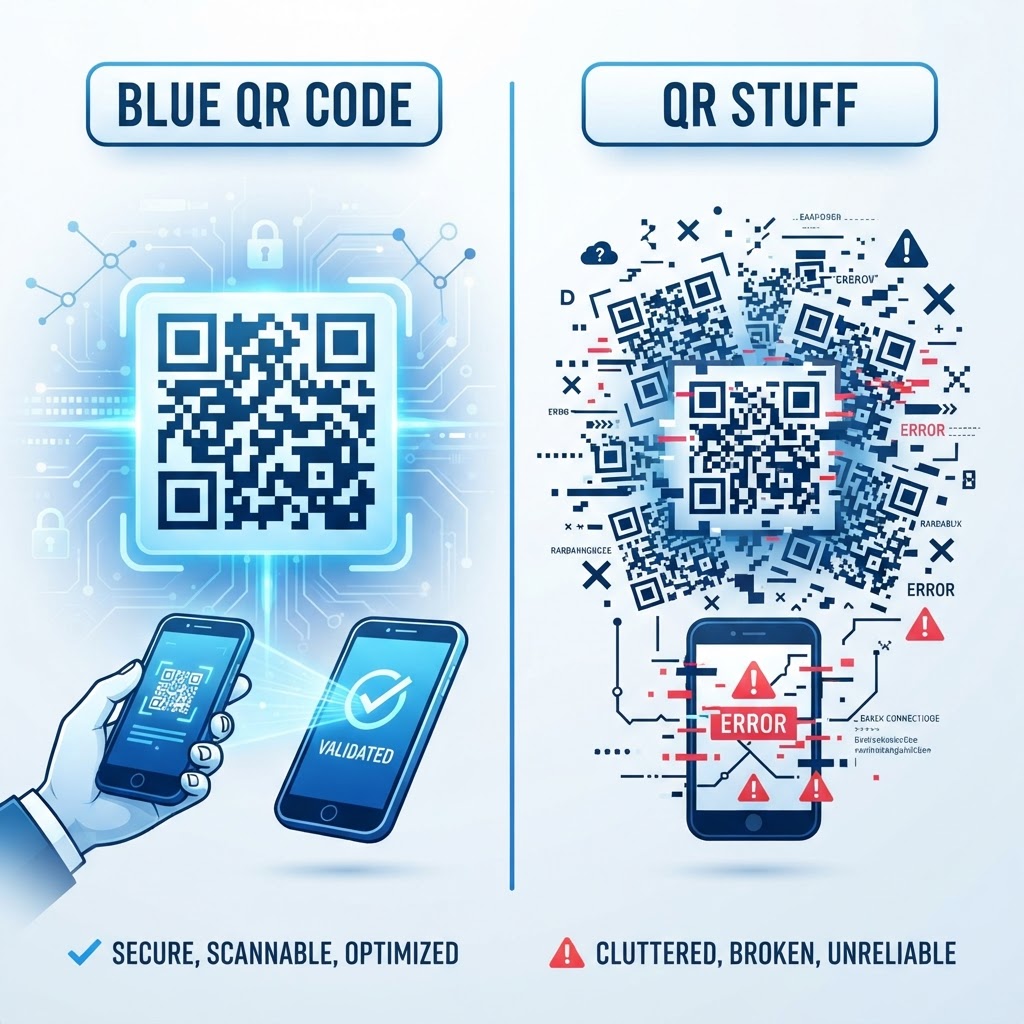
Why choosing the right QR generator matters
Imagine you just spent your entire marketing budget printing high-quality brochures for a major trade show, only to find the QR codes lead to dead links or expire after a week. Selecting between tools like blue qr code vs qr stuff directly impacts the long-term reliability of your marketing campaigns.
A consistent, high-performing QR code is the bridge between a potential customer and your product. By choosing a stable generator, you ensure that every scan provides a seamless user experience, which is critical for conversion rates.
What you need before you start
Before you dive into creating your codes, have the following assets ready to streamline the process.
- Target URL: Have the exact destination link for your landing page or digital asset.
- Brand Assets: If you plan to customize, keep your logo file and color hex codes handy.
- Clear Strategy: Decide whether your code needs to be static or dynamic based on your tracking requirements.
- Access to our free QR Code Generator: Visit our free QR Code Generator to begin the creation process immediately.
How to generate high-quality QR codes — step by step
Using a reliable tool ensures that your output is professional and scannable across all devices. Follow these steps to build your next asset using the Blue QR Code Generator.
- Select the Content Type: Choose the format that matches your goals, such as a URL, WiFi network, or vCard.
- Paste Your Data: Input the specific URL or text string into the field provided by the interface.
- Customize Design: Adjust the colors or add a logo to reflect your brand identity effectively.
- Verify the Destination: Double-check the URL to ensure there are no typos before finalizing your code.
- Generate the Code: Click the generation button to render your unique visual asset.
- Download and Deploy: Save the high-resolution file and use Blue QR Code Generator's QR codes tool for your print media.
How to test and deploy it
Testing is the most overlooked phase of QR code marketing. Once you generate your code, use at least three different smartphones—specifically different models—to scan the image in varying lighting conditions.
Make sure the target landing page loads within three seconds. If the page is heavy or slow, users will likely abandon the scan before the content appears. Once verified, generate yours in seconds to start your campaign with confidence.
Common mistakes that ruin results
- Low Contrast: Using light-colored codes on light backgrounds makes it impossible for cameras to focus.
- Over-customization: Adding too many complex design elements can interfere with the data integrity of the code.
- Ignoring Size Requirements: Printing a code too small for the distance the user will be standing ruins the scannability.
- Broken Links: Failing to test the URL after moving files on your server leads to frustrating 404 errors.
Real examples
A restaurant owner might use a custom code on a table tent that links directly to a digital menu, removing the need for physical printing updates. Similarly, a real estate agent could attach a code to a "For Sale" sign that takes interested buyers to a virtual 3D tour of the property.
By choosing a platform that prioritizes uptime and ease of use, you ensure your business remains accessible to every visitor. You can easily use Blue QR Code Generator's QR codes tool to implement these strategies today.