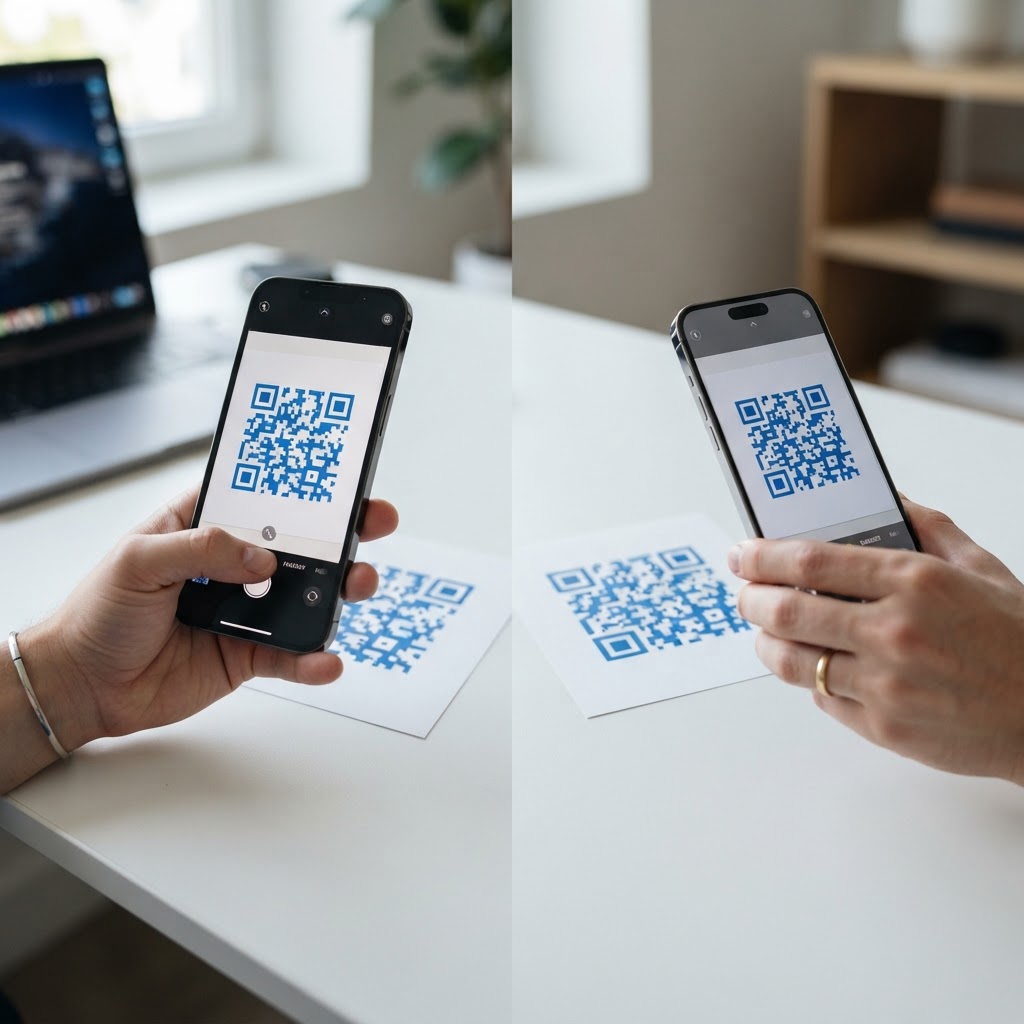
Why choosing the right QR generator matters
Imagine you have printed 5,000 direct mail flyers featuring a QR code, only to find the link is broken or the scan resolution is too low for user devices. Selecting a platform like Blue QR Code vs Scanova is not just about the interface; it is about ensuring your physical-to-digital bridge functions reliably every single time.
For small business owners, wasting budget on expensive subscriptions when you only need a simple URL redirect is unnecessary. Understanding the functional differences ensures you pick a tool that supports your growth without hidden costs. You can use our free QR Code Generator to handle standard campaigns without the overhead of enterprise software.
What you need before you start
Before jumping into a platform comparison, gather these essentials to ensure your campaign runs smoothly:
- Target Destination: A finalized, live URL for your website, menu, or landing page.
- Brand Assets: High-resolution company logo if you plan to incorporate it into your design.
- Measurement Goals: Clarity on whether you need deep analytics or just a simple, static scan link.
- Device for Testing: Both an iOS and Android smartphone for verification before you print your materials.
How to generate yours — step by step
Once you have decided between platforms, follow these steps to deploy your campaign. You can generate yours in seconds using our intuitive interface.
- Select the Type: Choose the nature of your content, such as a URL, WiFi network, or contact card.
- Input Content: Copy and paste your destination link into the primary data field.
- Design Customization: Use the interface to adjust colors or patterns to match your brand identity.
- Error Correction: Set the error correction level higher if you plan to print the code on rough or folded surfaces.
- Preview Scan: Use your phone's camera to ensure the code captures the target URL immediately.
- Download Assets: Save the final image in a high-resolution format like PNG or SVG for printing.
How to test and deploy it
Never rely on a digital preview alone; always print a test copy at your intended size to check for scannability. If you are comparing Blue QR Code vs Scanova, note that both allow for instant creation, but the Blue QR Code Generator is optimized for fast, no-account access. Position your code in areas with good lighting and avoid placing them on reflective surfaces or curved items that distort the pixel patterns.
Common mistakes that ruin results
- Low Contrast: Using light-colored codes on a light background, which makes it impossible for cameras to detect the edges.
- Over-Complicated Designs: Adding too many logos or complex patterns that interfere with the scan pattern.
- Ignoring Size: Printing codes smaller than 1 inch by 1 inch, leading to "too small to scan" errors.
- Broken Links: Failing to verify the final landing page on a mobile device before production.
Real examples
A local coffee shop used the Blue QR Code Generator to create a contactless menu that works instantly for customers. Because they didn't require complex tracking, they saved money by avoiding expensive subscription-based platforms. Another user implemented a code on their business cards to route clients directly to their calendar for bookings. If you are ready to start, use Blue QR Code Generator's QR codes tool to set up your own functional links without the hassle of sign-up forms.