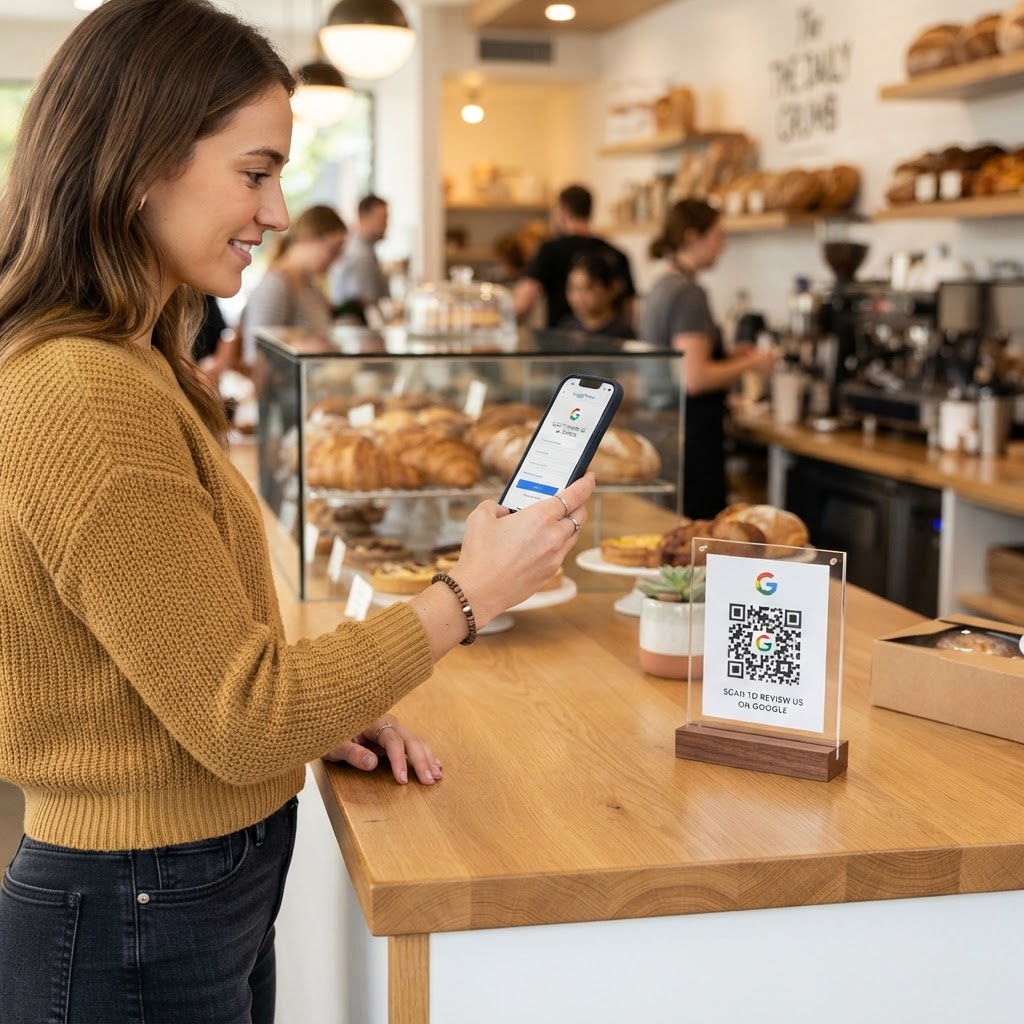
Why your bakery needs a review strategy
Imagine a customer just finished your signature sourdough loaf and is visibly satisfied as they walk toward the counter. Without a clear call to action, that moment of appreciation rarely translates into a permanent review, costing you valuable local SEO ranking signals.
A dedicated QR code placed near the register or on tables transforms that casual interaction into a digital asset. When you simplify the feedback process, you actively build the social proof required to attract new foot traffic to your display cases every single day.
What you need before you start
Before heading over to the Blue QR Code Generator, ensure you have your Google Business Profile URL ready. You need to be logged into your account and navigate to the 'Share your business profile' section to copy your unique review link.
Have your design assets ready as well, such as your bakery logo or a high-resolution photo of your storefront. Using these elements will ensure the code feels like a native part of your shop's branding rather than an intrusive advertisement.
How to create your Google review QR code for bakery success
- Find your link: Access your Google Business Profile dashboard and select the option to get more reviews, which provides you with a direct URL that opens the review form.
- Visit the tool: Head over to our free Google Review QR Code Generator to begin the creation process.
- Paste the URL: Enter your unique review link into the input field on the page; this ensures customers are directed exactly where they need to go.
- Apply customization: Use the Blue QR Code Generator to adjust the colors, add a frame, or embed your logo in the center to make the code stand out visually.
- Download your asset: Save the final QR code in a high-quality format like PNG or SVG, ensuring it remains scannable even if printed on larger materials.
- Final review: Scan the code with your own smartphone before distributing it to confirm it navigates directly to the review submission screen.
How to test and deploy it
Testing is non-negotiable before you print hundreds of table tents. Test the code on both Android and iPhone devices to ensure the redirect works seamlessly regardless of the user's software.
100% Free — No signup required
Create your Google Review Qr Code For Bakery in seconds
Create Free QR Code →For deployment, place the codes in high-traffic areas such as the payment terminal, inside display cases, or on small tent cards near the exit. You can also print the code on receipt slips to capture the customer at the exact moment they are reviewing their purchase experience.
Common mistakes that ruin results
- Poor placement: Putting the code where it is physically hard to reach or hidden behind signs means it will never be scanned.
- Lack of incentive: You do not need to bribe customers, but clearly stating 'Rate us on Google' near the code improves conversion rates significantly.
- Low-resolution printing: Printing small, blurry codes makes them unreadable for modern smartphone cameras, frustrating potential reviewers.
- Dead links: If you change your business profile URL, ensure you update your printed materials to avoid taking customers to a 404 error page.
Real examples of successful implementation
One local bakery owner placed a small, elegant vinyl sticker with the QR code directly on their take-away pastry boxes. This allowed customers to scan the code once they reached home and settled in, resulting in a 40% increase in monthly reviews.
Another bakery utilized a framed tabletop sign near the espresso machine. By encouraging customers to review their morning coffee while waiting for their drink to be prepped, the shop quickly climbed the local rankings. You can use Blue QR Code Generator's Google review QR codes tool to achieve similar results by integrating the code into your physical storefront aesthetic today.
Taking the time to set up your custom QR code will pay dividends as your ratings improve and your visibility in local map searches increases. Don't wait for reviews to come naturally; use the tools available to prompt your satisfied customers to share their feedback.
No watermark · No expiry · Works on all phones
Your QR code is ready in under 30 seconds.
Generate Free QR Code →