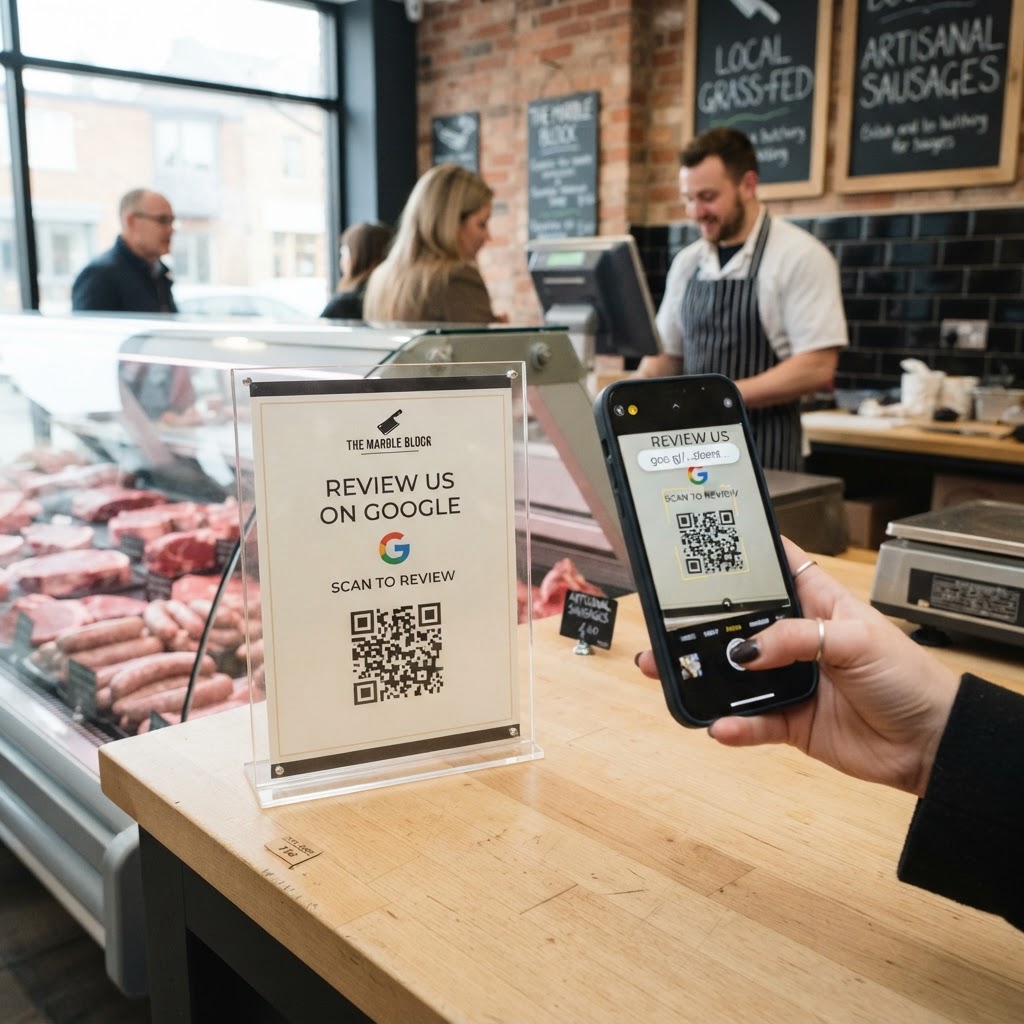
Why a Google Review QR Code for Butcher Matters
Local customers rely heavily on star ratings when choosing where to buy fresh meat. If a potential client searches for a local supplier and sees a competitor with dozens of five-star reviews while your shop has none, they will simply walk past your door.
Imagine a customer who just bought the perfect dry-aged ribeye for a weekend dinner. A simple scan of a physical code on the counter is a frictionless way to turn that positive experience into a permanent, public endorsement for your business.
What you need before you start
Before you begin, ensure you have your Google Business Profile set up and verified. You will also need your unique Google Review link, which can be found in your business dashboard under the 'Get more reviews' section.
Once you have that link, you are ready to visit our free Google Review QR Code Generator to begin the creation process. Having your store logo ready as an image file will also help you create a more professional, branded look for your printed materials.
How to create a google review qr code for butcher shops — step by step
- Locate your review link: Log into your Google Business Profile and copy the direct URL that triggers the review pop-up box.
- Visit the tool: Navigate to our free Google Review QR Code Generator to start your custom code.
- Paste the URL: Enter the link you copied into the required field within the generator.
- Customize the design: Use the Blue QR Code Generator interface to change the colors and frame to match your butcher shop's branding.
- Add a logo: Upload your shop's logo to the center of the QR code to build trust and brand recognition.
- Download your file: Export your code as a high-resolution PNG or SVG file, perfect for printing on signage or receipts.
How to test and deploy it
Before printing hundreds of flyers, scan the code with your own smartphone to ensure it navigates correctly to the review form. Test the link while not signed into your own business account to mimic the customer experience accurately.
Place the printed code in high-traffic areas, such as the payment terminal, the display glass of your meat counter, or even on the back of your receipts. Use Blue QR Code Generator's Google review QR codes tool to ensure your prints remain scannable even at small sizes.
Common mistakes that ruin results
- Poor placement: Putting the code where customers cannot reach it, like behind the heavy freezer glass.
- Lack of call-to-action: Failing to add text like 'Scan to rate us' next to the code.
- Testing failure: Printing codes that lead to a dead link or a 404 page.
- Cluttered design: Using an overly complex design that makes the code difficult for older smartphone cameras to scan.
Real examples
A neighborhood butcher shop added a small QR code to the bottom of their printed price tags. Within a month, they saw a 40% increase in weekly reviews, which helped them outrank larger grocery chains in local search results.
Another business used the Blue QR Code Generator to place a large sticker on their checkout counter. They trained their staff to say, 'If you enjoyed the steak, please scan this and let us know,' which created a personal connection and significantly improved their review volume. Generate yours in seconds and see how quickly your online presence grows.