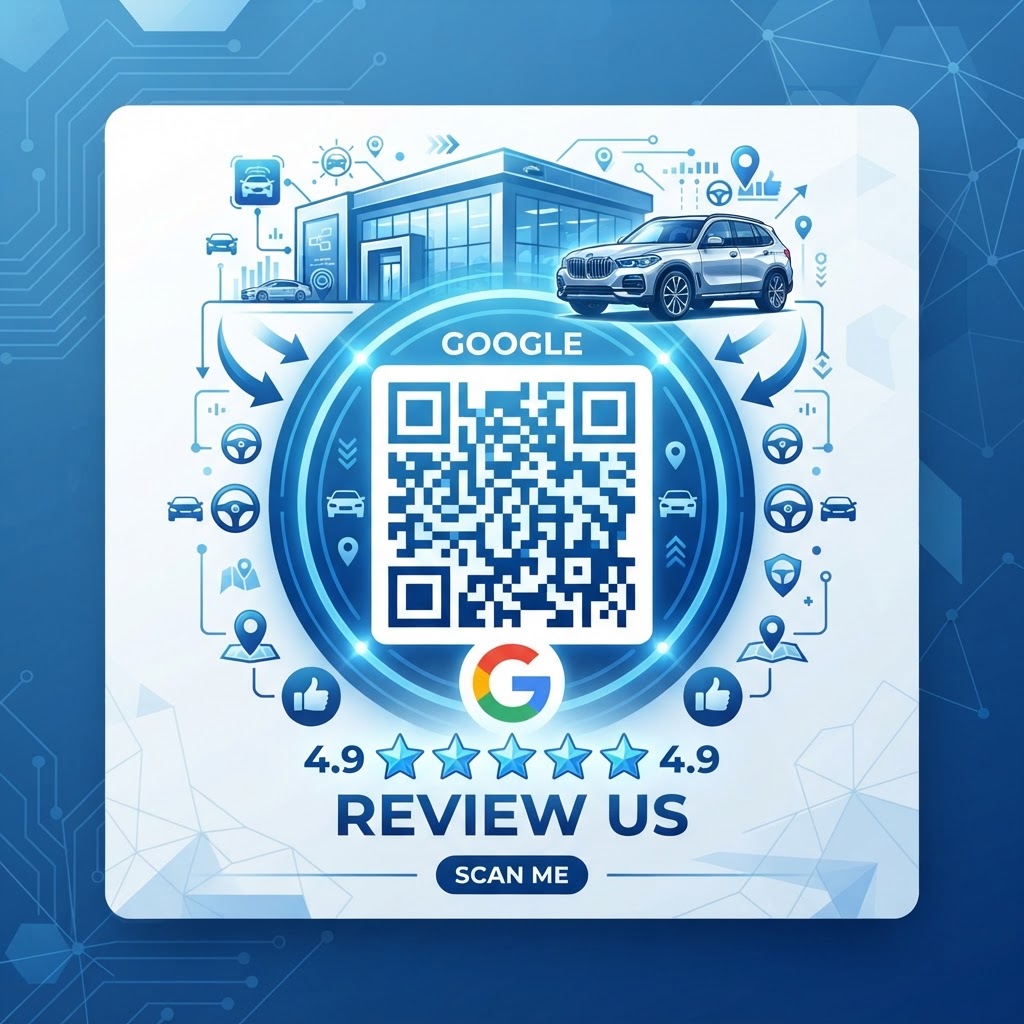
Why a google review qr code for car dealership growth matters
In the automotive industry, trust is the primary currency. When a potential buyer sees a recent, positive review about your transparent pricing or professional sales staff, they are significantly more likely to visit your lot.
A physical scan code bridges the gap between a successful handshake and a published testimonial. By placing a custom code on the finance desk, you remove the friction of the customer having to search for your business name on their phone after leaving your premises.
What you need before you start
Preparation is key to ensuring your digital strategy actually drives results. Before you generate your custom QR, ensure you have these items ready.
- Google Business Profile link: Ensure you have the direct link that opens your review submission form.
- High-quality logo: A clean version of your dealership logo helps build brand recognition.
- Printer or display stand: Decide where the code will live so you can choose the right file format.
- Blue QR Code Generator: Use our free tool to generate yours in seconds without any sign-up requirements.
How to create yours — step by step
- Locate your place ID: Search for your dealership on Google and find the direct "write a review" link from your business dashboard.
- Access the tool: Open the Blue QR Code Generator to begin the creation process.
- Paste your link: Enter your unique Google review URL into the input box provided on the site.
- Customize the design: Select your brand colors or add your logo to match your dealership's professional aesthetic.
- Generate and download: Once you are satisfied with the look, click the download button to save your high-resolution QR image.
- Print and display: Incorporate the code into your existing sales paperwork or frame it on the delivery desk.
How to test and deploy it
Before you print hundreds of copies for every desk, test the scan functionality with at least three different smartphone models. You want to ensure the code leads directly to the submission screen rather than just the general Google search results.
100% Free — No signup required
Create your Google Review Qr Code For Car Dealership in seconds
Create Free QR Code →Place the code at eye level where the final signatures occur, such as the finance office or the service advisor's counter. You can also use Blue QR Code Generator's Google review QR codes tool to print smaller versions on business cards handed out at delivery.
Common mistakes that ruin results
- Over-complicating the link: Using a link that drops customers on your homepage instead of the review box causes them to drop off.
- Printing at low resolution: Blurry codes will not scan reliably, which frustrates customers and loses you the review.
- No call to action: Simply displaying a code isn't enough; include a small sign that says "Rate your experience!"
- Lack of contrast: Avoid using light colors on light backgrounds, as the scanner needs high contrast to recognize the pattern.
Real examples of success
A regional Ford dealership used our tools to place a QR code on the key fobs they provide to new customers. By encouraging a review while the customer is holding their new keys, they saw a 40% increase in monthly feedback.
Another independent used-car lot added a QR code to their service department checkout receipt. This allowed them to capture feedback from repeat service clients, significantly boosting their local SEO rankings. You too can use our free Google Review QR Code Generator to achieve similar visibility for your business.
No watermark · No expiry · Works on all phones
Your QR code is ready in under 30 seconds.
Generate Free QR Code →