Why your cleaning business needs more reviews
In the competitive residential and commercial cleaning industry, your reputation is your strongest asset. When a potential lead searches for "cleaning services near me," the first thing they look for is a high rating and recent, detailed reviews.
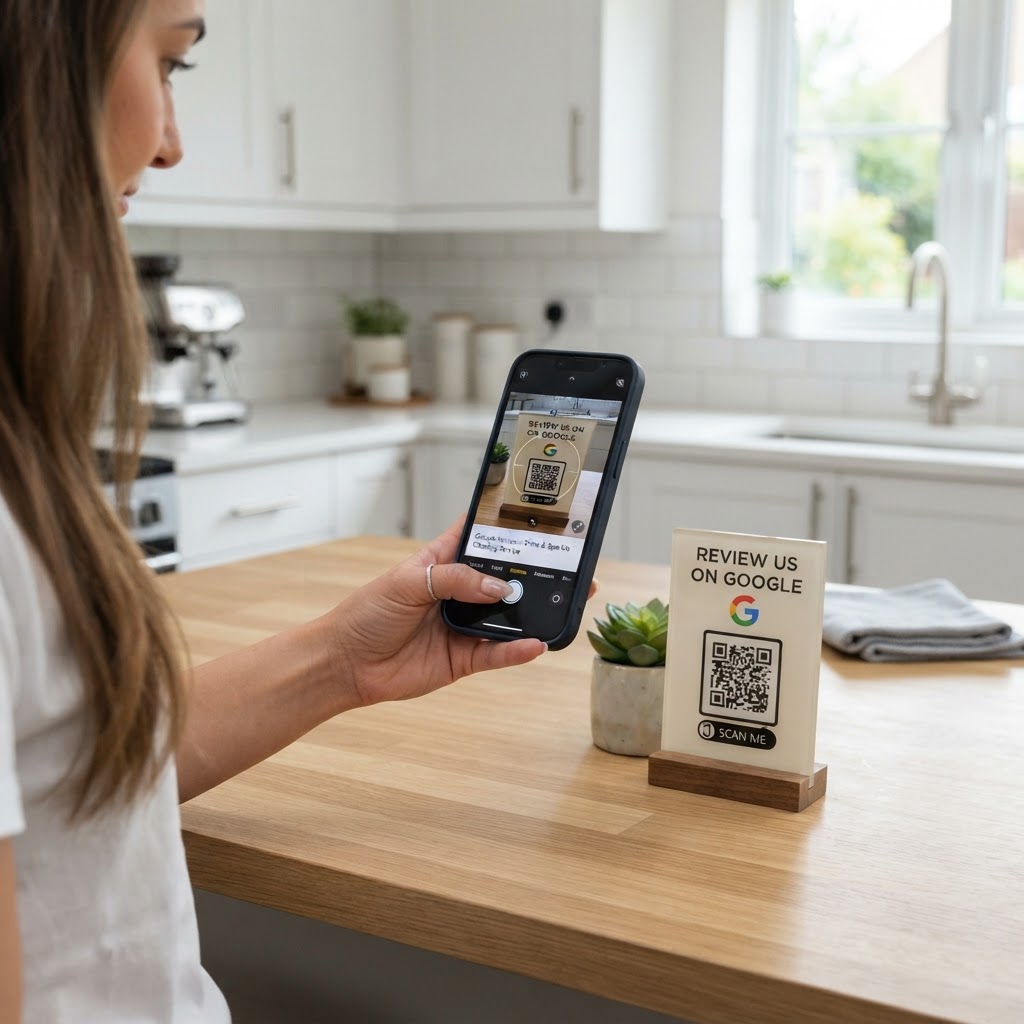
If you have satisfied clients but no digital footprint, you are essentially invisible to new leads. A physical QR code on your invoice, business card, or a follow-up card left on the kitchen counter makes it frictionless for clients to share their experience. Using the Blue QR Code Generator ensures you capture that momentum while your work is still fresh in their minds.
What you need before you start
Before you generate your code, ensure you have these items ready to make the process smooth and professional.
- A Google Business Profile: Your business must be verified on Google so that you have a direct link to your review form.
- Your Place ID: This allows you to link directly to your specific review submission window.
- A clear call-to-action: Know where you plan to place the code, whether it is on a laminated card or a digital invoice.
- Blue QR Code Generator: Access our free Google Review QR Code Generator to begin building your custom asset.
How to create a Google review QR code for cleaning service
Follow these steps to generate your code in under five minutes.
- Find your Google Place ID: Visit your Google Business Profile and identify the link that opens the "Write a review" dialog box.
- Copy the URL: Ensure you have the direct link that leads customers straight to the star rating screen.
- Access the Tool: Navigate to the Blue QR Code Generator website and select the Google Review option.
- Paste your Link: Enter your unique review URL into the designated field on the tool page.
- Customize the Appearance: Adjust the colors or add a logo to match your cleaning company branding to ensure it looks professional.
- Generate and Download: Hit the generate button and save the image file in a high-resolution format like PNG or SVG.
How to test and deploy it
Before you print hundreds of business cards, always scan the code with a smartphone camera to verify it leads to the correct review page. You can easily generate yours in seconds and test it immediately to avoid broken links.
Once tested, place the code in high-traffic areas or include it in your post-service follow-up email. A physical "Rate us" card left on a clean desk or kitchen counter serves as a gentle, non-intrusive nudge that drastically increases your conversion rates.
Common mistakes that ruin results
- Low Contrast: Printing a light-colored QR code on a light background makes it impossible for phones to read.
- No Instruction: Simply putting a QR code on a piece of paper isn't enough; you must explicitly state "Scan to leave a review."
- Wrong Link: Using a link to your website homepage instead of the direct review form adds an extra step that frustrates users.
- Too Many Codes: Don't crowd your card with links to five different social media accounts; stick to the one that matters—Google reviews.
Real examples
Imagine a local house cleaning service that leaves a small, laminated thank-you note on the kitchen island. The note features a branded QR code and the text "Love your clean home? Scan to leave us a quick review!" This small touch point results in an immediate increase in weekly feedback.
Another example is an office cleaning contractor who attaches a digital version of their code to their final monthly invoice. By making it easy for facility managers to provide feedback, they build a library of social proof that helps them bid on larger commercial contracts. When you use Blue QR Code Generator's Google review QR codes tool, you are investing in the long-term growth of your client base.