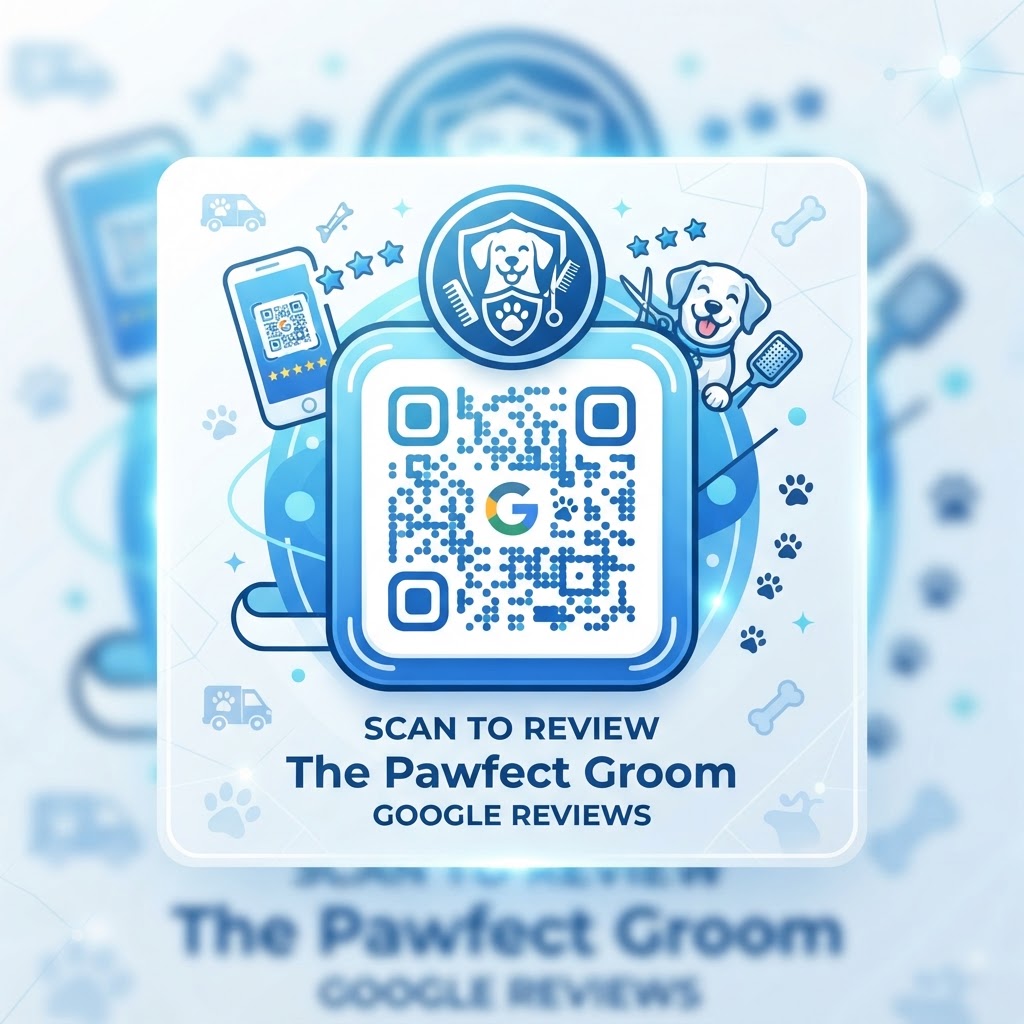
Why your dog grooming business needs a review strategy
In the pet industry, trust is the primary currency. Pet owners treat their dogs like children, and they rely heavily on social proof before booking a first appointment at a new salon.
A glowing five-star review regarding your patience with anxious dogs or your skill with breed-specific cuts carries immense weight. By making the review process frictionless with our comprehensive guide to review management, you increase the likelihood of loyal clients sharing their positive experiences, which directly influences your local search ranking.
What you need before you start
Before you begin, ensure you have your business listed and verified on Google Business Profile. If you have not claimed your listing, you will need to do that first to receive a unique review link.
You will also need a clean, high-resolution logo if you want to customize your code. Having a smartphone ready for testing the final output is also essential to ensure the link redirects properly to your review submission page.
How to create a Google review QR code for dog groomer success
- Locate your place ID: Log into your Google Business Profile and find the 'Get more reviews' section to copy your unique shareable review URL.
- Visit the generator: Navigate to our free Google Review QR Code Generator to begin the process.
- Paste your link: Input the URL you copied from Google into the designated field on the tool.
- Customize the design: Use the Blue QR Code Generator interface to change the colors or add a frame to ensure the code matches your salon's branding.
- Generate the code: Click the button to render your dynamic QR code instantly.
- Download the file: Save the code as a high-quality PNG or SVG file for printing on business cards or checkout signage.
How to test and deploy it
Once you have your code, print a test version on a standard office printer to ensure the contrast is high enough for mobile cameras. Test it from different distances to make sure the focus remains sharp.
100% Free — No signup required
Create your Google Review Qr Code For Dog Groomer in seconds
Create Free QR Code →Strategically place your printouts at your reception desk, on the grooming station mirror, or even on the back of your business cards. The Blue QR Code Generator ensures your link is always active, providing a seamless path for pet parents to leave feedback after a fresh cut.
Common mistakes that ruin results
- Small sizing: Printing the code too small makes it difficult for older smartphones to scan quickly.
- Poor placement: Putting the code where lighting is dim or glares off the paper surface will frustrate users.
- Lack of instructions: Not providing a simple call to action like "Scan here to rate your groomer" leaves customers confused.
- Ignoring the link: Failing to verify that your Google review URL is the direct review link rather than just a link to your general maps page.
Real examples
Imagine you run a mobile grooming van; you can place a branded sticker with your QR code on the inside of your van door so clients see it the moment you hand them back their clean pet. This high-visibility placement acts as a constant reminder.
Alternatively, if you run a physical retail storefront, frame a small sign at the front desk with a "Rate your pup's glow-up" message. Many successful businesses use Blue QR Code Generator's Google review QR codes tool to ensure the process feels like a fun engagement rather than a chore for the client.
When you are ready to grow your online presence, use our free tools to bridge the gap between in-person service and digital reputation. You can generate yours in seconds to start collecting more reviews today.
No watermark · No expiry · Works on all phones
Your QR code is ready in under 30 seconds.
Generate Free QR Code →