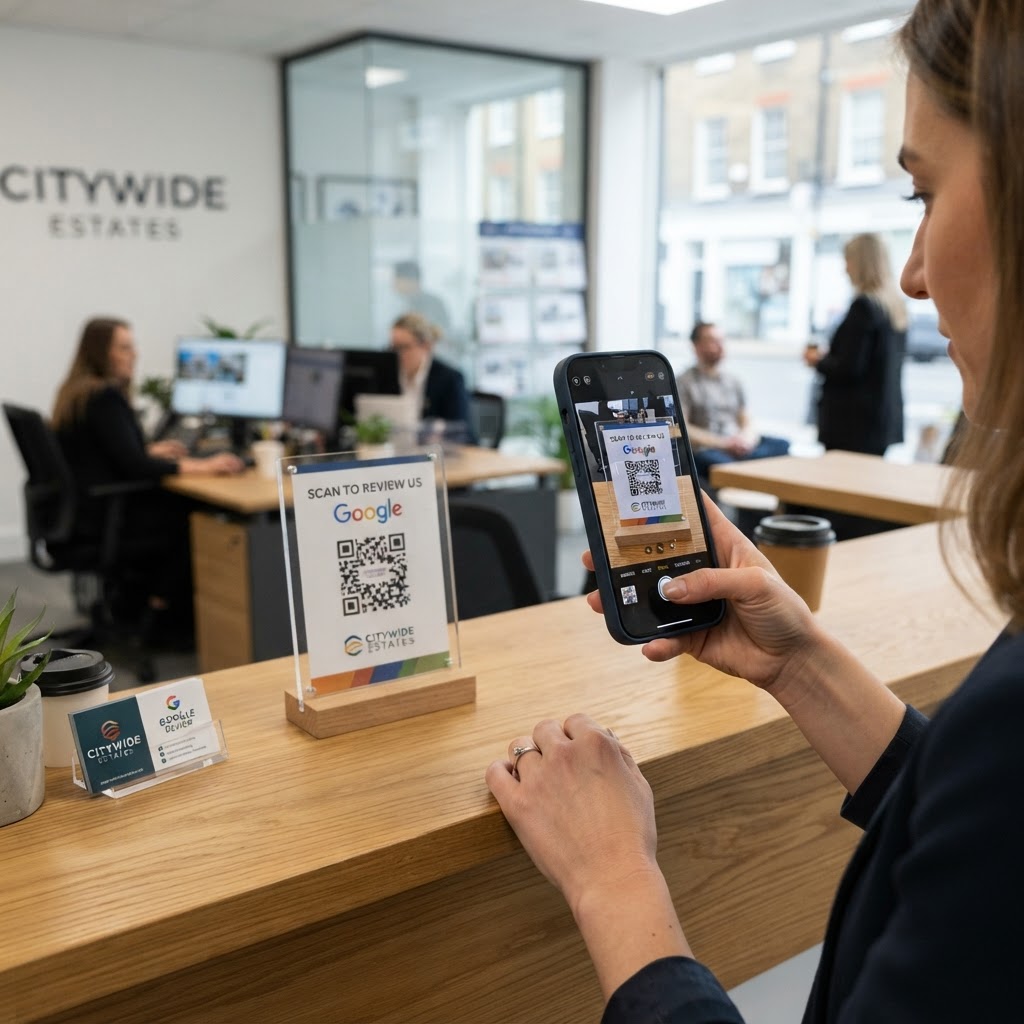
Why a google review QR code for estate agent branding matters
In the competitive real estate market, your online reputation is your strongest asset. When potential clients search for an agent, they prioritize those with a high volume of recent, positive feedback.
Imagine this scenario: you are at a property closing, and your client is ecstatic. If you have to send a follow-up email later, they will likely get distracted by moving boxes and forget. By placing a QR code on your business card or a "Congratulations" sign, you capture them in the moment of highest joy.
What you need before you start
Before you build your code, ensure you have your business basics in order. You cannot direct clients to a review page if you haven't set up your Google Business Profile correctly.
First, verify that your agency is live on Google Maps and searchable. Second, grab the specific "Place ID" or direct review link from your Google Business dashboard to ensure clients land exactly where they need to leave feedback. Finally, use our free Google Review QR Code Generator to streamline the entire technical process.
How to generate yours in seconds
Follow these steps to create a professional bridge between your in-person service and your online presence.
- Locate your review link: Log into your Google Business Profile and copy the direct link that opens the review submission box.
- Visit the generator: Navigate to Blue QR Code Generator to begin the creation process.
- Paste your URL: Copy and paste your Google review link into the designated field provided by the tool.
- Customize the design: Add your agency colors or upload a small logo if the tool allows to maintain brand consistency.
- Test the destination: Before printing, ensure the link opens directly to the review submission page, not just your general map listing.
- Download your assets: Save your QR code in a high-resolution format like PNG or SVG for use on various marketing materials.
How to test and deploy it
Once you use Blue QR Code Generator's Google review QR codes tool to create your code, testing is non-negotiable. Open your phone's camera, scan the code, and confirm that it takes you directly to the review pop-up window within two seconds.
For deployment, think high-visibility. Place the code on your "Sold" signs, print it on the back of your business cards, or frame a small card on your desk at the office. The easier it is for a client to see, the more likely they are to engage.
Common mistakes that ruin results
- The destination trap: Linking to your main profile instead of the specific review dialogue box creates extra work for the user.
- Tiny printing: Scaling the code down too small makes it unreadable by standard smartphone cameras.
- Poor contrast: Using light-colored codes on light backgrounds will result in scan failures.
- Ignoring the prompt: Providing a QR code without asking the client to write the review usually results in silence.
Real examples
Consider the "Sold" sign strategy. A top-performing agent in London added a sticker to the bottom of their sign that said, "Enjoyed your experience? Scan here to share your feedback." This resulted in a 40% increase in monthly reviews.
Another example involves a boutique agency using a QR code on their closing folders. By making it part of the formal "Welcome Home" package, they turned a administrative task into a ritual of appreciation. It is a simple way to leverage the Blue QR Code Generator for your business growth.