Why your venue needs a review strategy
Event planning is a high-stakes industry where reputation is your primary currency for securing future bookings. When a client spends months planning a milestone, they rely heavily on the word-of-mouth feedback found on your Google Business Profile to justify their decision.
By using a Google review QR code for event venue visibility, you bridge the gap between a successful night and a published testimonial. If you wait until a client gets home to email them a request, the chance of them actually taking the time to write a review drops significantly. Streamlining this process ensures you catch them while they are still impressed by your service, and you can generate yours here to start collecting feedback immediately.
What you need before you start
Before you generate your code, ensure your digital foundation is ready to receive feedback. You must have an active Google Business Profile associated with your venue to create a functional link.
You will also need to locate your specific "Write a Review" URL directly from your business dashboard. Having a high-quality logo ready for the code can also help with branding. With these pieces, you can easily use Blue QR Code Generator to create a professional asset that matches your venue’s aesthetic.
How to set up a Google review QR code for event venue success
Follow these steps to generate your code in under three minutes.
- Access the Tool: Navigate to our free Google Review QR Code Generator to begin the setup process.
- Retrieve your Review URL: Log into your Google Business Profile and copy the direct link that opens the review submission window.
- Paste the Link: Insert your unique URL into the designated field within the generator.
- Customize the QR: Adjust the colors or add your venue's logo to make the code feel like an intentional part of your signage.
- Download the Image: Once you are satisfied with the design, click to download the final QR code in a high-resolution format like PNG or SVG.
- Test the Code: Always scan the code with your own smartphone before printing it to ensure it directs guests straight to your review page.
How to test and deploy it
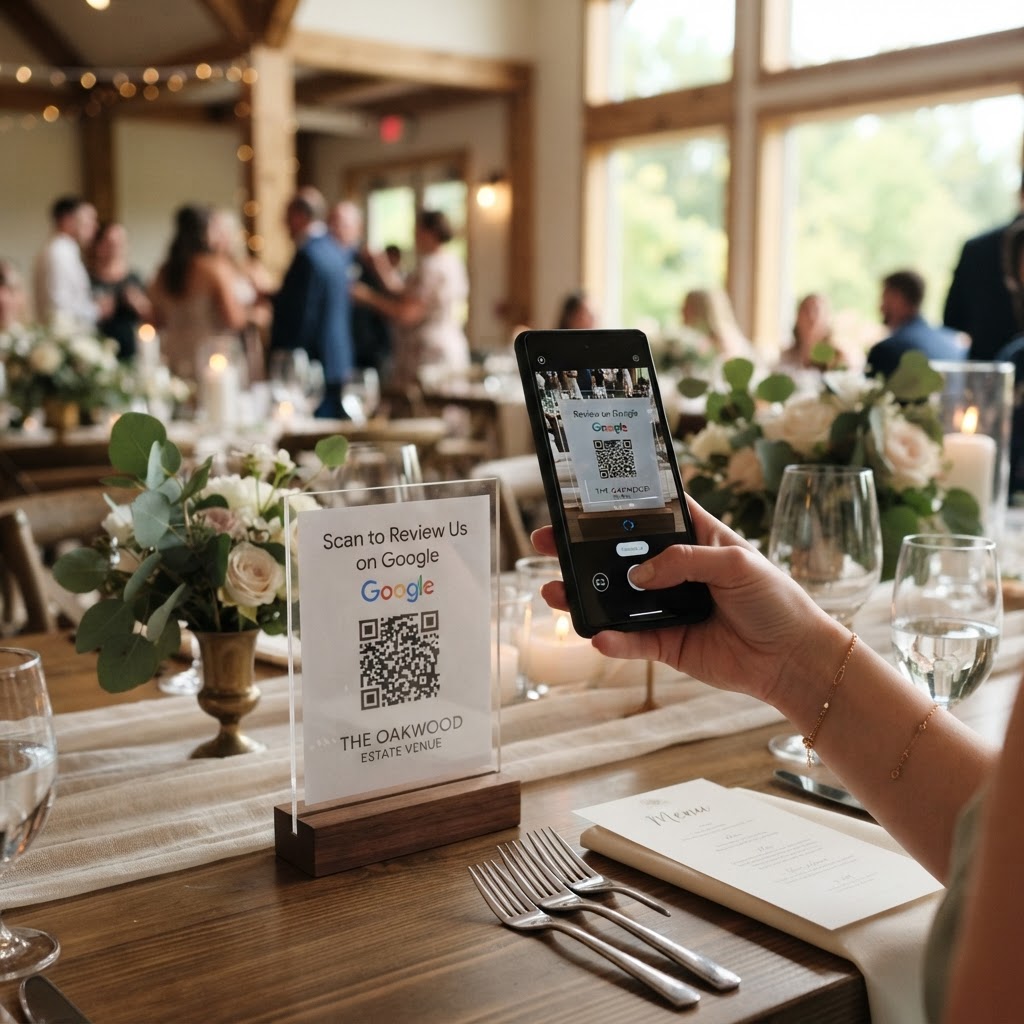
After you generate yours in seconds, placement is everything for driving interaction. You should print the QR code on small table cards or include it on a "Thank You" card handed to the event organizer at the end of the night.
Blue QR Code Generator provides high-quality images that work perfectly on signage. Place the code near the exit or on the bar where guests congregate before leaving. This subtle approach acts as a final professional touch to your event management services.
Common mistakes that ruin results
- Broken Links: Always verify your URL before printing hundreds of copies.
- Poor Contrast: Avoid printing light-colored codes on light backgrounds, as they become impossible for phones to read.
- Missing Instructions: Never just leave a QR code alone; include a small note like "Scan to share your feedback."
- Low Resolution: Ensure you use a high-quality format so the code doesn't pixelate when printed on large signage or banners.
Real examples
Consider a large banquet hall that places a small, branded acrylic stand on every dining table. By using Blue QR Code Generator's Google review QR codes tool, they invite guests to snap a photo of the code while waiting for dessert, leading to an average of five new reviews per event.
Another example is an outdoor wedding venue that prints the QR code on a small sign at the photo booth. Because the guests are already using their phones to take photos, they are much more likely to scan the code and leave a glowing review immediately. You can start getting these results today; click here to generate yours in seconds.