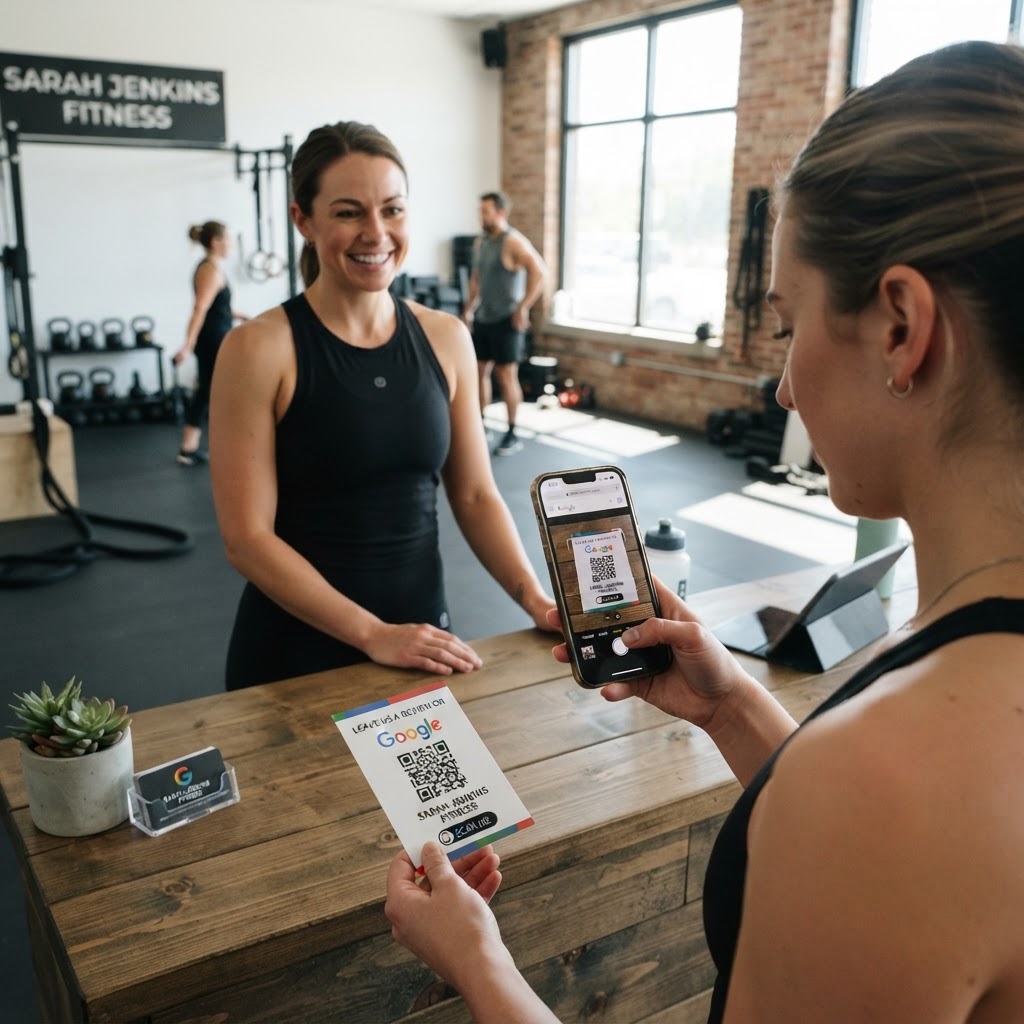
Why a Google review QR code for fitness instructor success matters
In the fitness industry, social proof is everything. Potential clients often search for trainers on Google, and a high number of positive reviews can be the deciding factor between someone booking a session or scrolling past your profile.
Imagine a client leaves a session feeling invigorated and accomplished. Instead of relying on them to remember to go home and search for your business on Google later—which they rarely do—a simple scan takes them directly to your review form in seconds.
What you need before you start
Before you begin, ensure you have your Google Business Profile set up and verified. Without a live profile, there is no landing page for your clients to leave feedback on.
You will also need your unique Google Review URL. You can find this by logging into your Google Business Profile dashboard and clicking on the 'Get more reviews' button to copy your specific review link.
How to create your code — step by step
Creating a functional code is simple when you use the right tools. Follow these steps to generate yours in seconds using our platform.
- Copy your review link: Navigate to your Google Business Profile and copy the direct link that opens the 'Write a Review' window.
- Visit the tool: Open our free Google Review QR Code Generator to begin the process.
- Paste your URL: Carefully paste the link you copied from your Google Business Profile into the designated input field.
- Customize the design: Blue QR Code Generator allows you to adjust the colors and frames so that the code matches your fitness brand’s aesthetic.
- Test the code: Always scan the generated image with your own phone to ensure it directs you exactly to the review screen.
- Download your asset: Once verified, download the file in a high-resolution format like PNG or SVG for your marketing materials.
How to test and deploy it
Placement is vital for getting scans. You can print the code on business cards, place it on a small placard at your gym’s front desk, or even include it on your post-workout email follow-ups.
The Blue QR Code Generator provides high-quality images that remain scannable even when printed on smaller items like keychains or water bottle labels. Test your printed materials in different lighting conditions to ensure the scan speed is near-instant.
Common mistakes that ruin results
- Linking to the wrong page: Many trainers link to their general homepage instead of the specific review dialog, which causes users to give up immediately.
- Ignoring design: If the code is blurry or clashes with your brand colors, potential reviewers may be hesitant to scan it.
- No call to action: Never display a code without instructions; add a small note like "Scan to rate your workout" to encourage interaction.
- Over-complicating the process: Do not add extra steps like requiring a login or a survey; just get them straight to the star rating.
Real examples
Consider a personal trainer who places a sticker on their equipment. After a successful squat PR, the client feels great, sees the code, and leaves a glowing review right then and there.
Another example involves a yoga instructor who prints their custom code on the footer of their digital class recap emails. When clients read the email later that day, they can scan the screen and provide feedback easily using the Google Review QR Code Generator.
You can also use Blue QR Code Generator to create codes for your website, social media, and digital brochures to ensure you are always ready to collect feedback. Use our free tool today to streamline your reputation management.