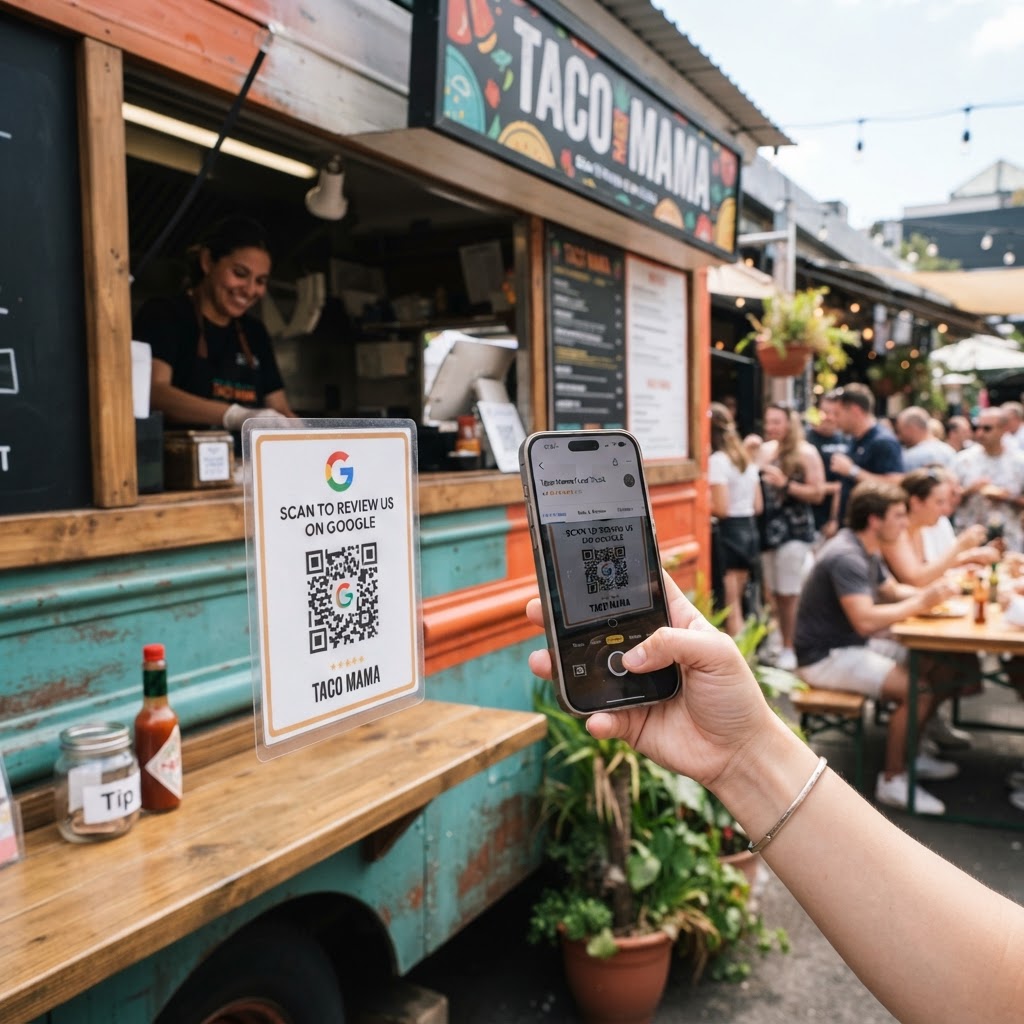
Why your food truck needs a dedicated review strategy
You have just served an incredible taco or burger, and the customer is visibly thrilled. In the fast-paced environment of a food truck, that moment of peak satisfaction is fleeting and often lost because there is no immediate call to action.
By leveraging a Google review QR code for food truck patrons, you capture that positive energy exactly when they are finished eating. This simple addition helps build social proof, improves your local SEO ranking, and attracts new hungry customers who check Google Maps before choosing where to grab lunch.
What you need before you start
Before you begin, ensure you have your official Google Business Profile account details ready to go. You must have ownership of your business listing to generate the correct review link.
You should also have a clear digital copy of your food truck logo if you want to customize your output. If you are ready, you can generate yours in seconds using our intuitive platform.
How to implement your Google review QR code for food truck customers
- Find your Place ID: Log into your Google Business Profile, navigate to the 'Get more reviews' section, and copy the unique review link provided by Google.
- Visit our generator: Open our free Google Review QR Code Generator to begin the creation process without any complicated sign-ups.
- Input your link: Paste your copied Google review URL into the designated field on our dashboard to link the code directly to your review form.
- Customize the design: Use the built-in features to add your brand colors or logo, which makes the code feel like an official part of your mobile kitchen setup.
- Generate and download: Once you are satisfied with the look, click the download button to save your file in a high-resolution format like PNG or SVG.
- Print and place: Print the code on durable stickers or flyers that can be displayed at your service window or stapled to takeout bags.
How to test and deploy it
Testing is vital because once your signage is printed, you do not want to realize the link is broken. Open your phone's camera, scan the code you just generated, and verify that it redirects the user directly to your Google review submission page.
Blue QR Code Generator makes this process reliable and fast for busy owners. Once tested, place the code in high-traffic zones like your serving hatch, the side of your truck, or even on the napkins you hand out. When you use Blue QR Code Generator's Google review QR codes tool, you ensure that even customers on the go can leave a review in under thirty seconds.
Common mistakes that ruin results
- Low resolution printing: If the QR code is blurry or printed too small, customers will struggle to scan it, leading to missed opportunities.
- Poor placement: Placing the code in a spot where there is no lighting or where it is obstructed by a long line of customers will drastically lower scan rates.
- No clear call to action: Never just print the QR code alone; always add a short, punchy phrase like 'Scan to rate us!' or 'Loved your meal? Tell us on Google!'.
- Using a dead link: If you change your business name or URL, update your QR code immediately to avoid sending customers to an error page.
Real examples of success
A gourmet taco truck in Austin started placing these codes on the back of their takeout menus, leading to a 40% increase in weekly reviews. They found that because the customer was already holding the menu, it was a natural nudge to leave feedback.
Another example involves a coffee trailer that attached a laminated QR code sign to their pick-up counter. The Blue QR Code Generator allowed them to create a professional-looking display that matched their trailer's aesthetics perfectly. By keeping the barrier to entry low, they moved from ten reviews a month to over fifty in the same timeframe.