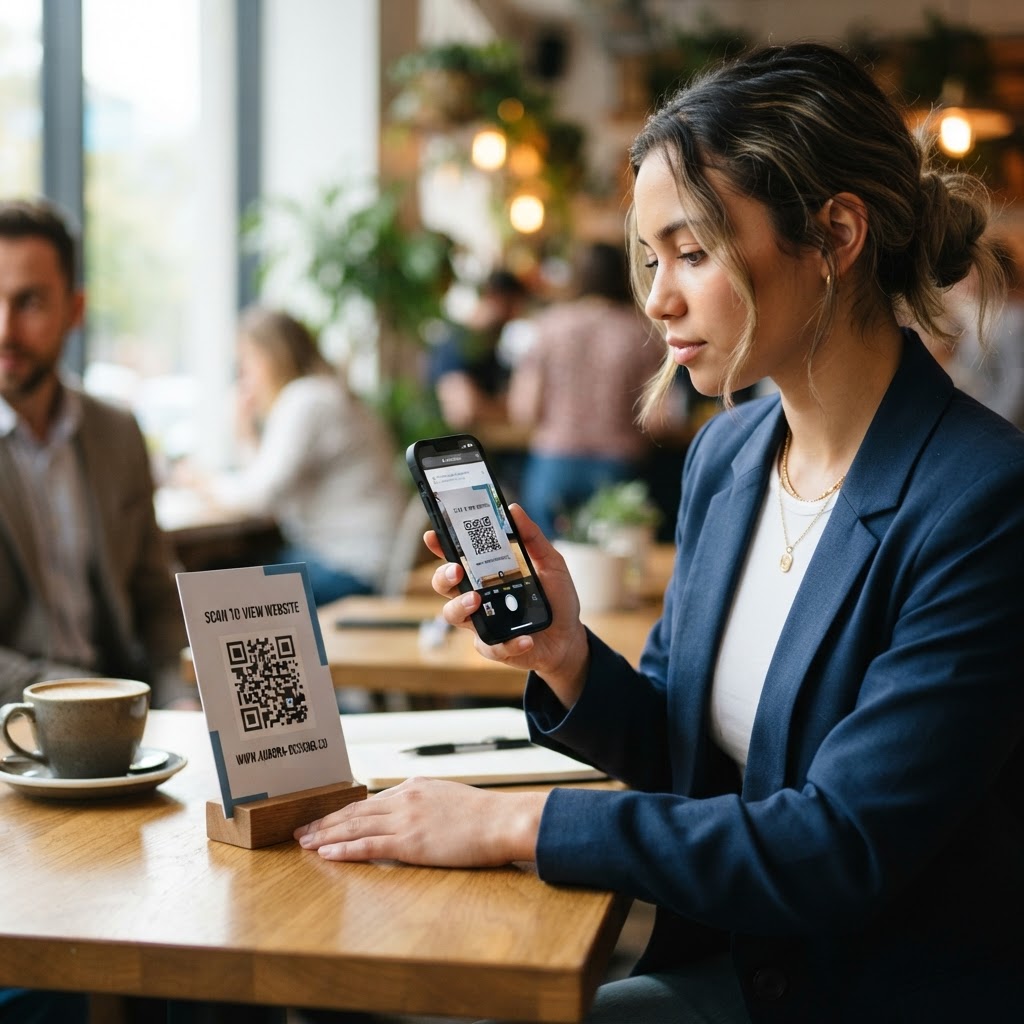
Why learning how to create a qr code for a website matters
In a world where mobile users demand instant gratification, forcing them to manually type a URL from a flyer or poster is a conversion killer. Imagine a local restaurant owner hosting a special event; they place posters around the neighborhood but rely on customers to remember a long, complex website address. Human error, lack of time, and the sheer inconvenience of manual data entry ensure that the vast majority of potential leads are lost before they even reach your digital doorstep.
By creating a functional QR code, that restaurant owner transforms a passive observer into an active website visitor with one scan. This immediate transition from the physical environment to your digital storefront is vital for tracking campaign performance and increasing engagement rates in real-time. Unlike traditional print marketing, which often suffers from an inability to measure ROI, QR codes act as a bridge that allows you to collect precise data on which specific print placements are driving the most traffic.
When you use the Blue QR Code Generator, you gain a professional-grade link that directs traffic precisely where it needs to go. This level of accessibility is no longer optional for businesses in 2026; it is a fundamental requirement for staying competitive in both local and digital markets. Beyond mere utility, QR codes signal that a brand is tech-savvy, modern, and values the user’s time by reducing the friction between interest and action.
Furthermore, QR codes allow for dynamic content delivery. By linking to a URL that you control, you can update the landing page content without ever changing the QR code printed on your physical materials. This provides a level of agility that allows for real-time marketing adjustments—such as changing a menu, updating an event schedule, or pivoting a promotion—without incurring the cost of reprinting expensive signage. In a competitive landscape, this agility is often the deciding factor in maintaining audience engagement.
What you need before you start
Before you begin, ensure you have a clean, functional URL that you want to promote. A common mistake is using a URL that is too long or requires a secure, updated landing page to ensure the best user experience. If your URL is excessively long, the resulting QR code pattern will be highly dense, containing more data points that make it harder for older camera sensors to decode accurately. Consider using a URL shortener if your primary address is particularly cumbersome.
You will also need a clear design plan. While the QR code itself is a functional tool, its placement on your marketing collateral will determine its success. Make sure your design leaves enough clear space (the "quiet zone") around the code so that scanning apps can easily distinguish the pattern from the background colors or busy design elements. This buffer is critical; without it, the scanner may attempt to process the surrounding text or imagery, leading to a scanning error.
Finally, confirm that you have an internet connection to generate the code and a testing device handy. A smartphone with a standard camera app is sufficient for verifying your work as you go. You can easily generate yours in seconds using our platform once your destination URL is confirmed. Prepare your design assets ahead of time: if you intend to include a logo in the center of the code, have that file ready in a high-contrast format (ideally a transparent PNG). Always verify that your landing page is mobile-responsive before generating the code; a great QR code is useless if the destination page doesn't render properly on the device used to scan it.
How to create a qr code for a website — step by step
- Choose your destination link: Copy the exact URL of the website page you want to drive traffic to, ensuring it is a mobile-optimized page for the best user experience. Avoid deep-linking to pages that require complex navigation or heavy files that load slowly on cellular data.
- Navigate to the generator: Visit the Blue QR Code Generator website and select the URL category to open the tool interface. This dedicated portal is optimized to ensure that the code generation process is lightweight and reliable.
- Paste your link: Enter your website URL into the designated input field, being careful not to include any unnecessary spaces or typos. Even a single hidden space at the end of the string can break the link, rendering the code ineffective.
- Customize the design: Adjust the colors, shapes, and logo integration if your brand requires it, though a clean, high-contrast black-and-white look usually offers the highest scan success rate. If you choose colors, ensure the foreground is significantly darker than the background.
- Verify the link: Before finalizing, double-check that the URL is working and that you have not accidentally truncated the web address. Use a browser on your phone to visit the link directly to ensure no redirect errors or 404 pages appear.
- Download your asset: Save your generated QR code in a high-resolution format like PNG or SVG, which will allow you to resize it for various print materials like business cards or large banners without losing clarity. SVG is preferred for large-scale prints as it is a vector format that does not pixelate at any size.
By following these steps, you ensure that your digital presence is effectively integrated into your physical assets. You can use Blue QR Code Generator's URL QR codes tool to handle this process without any technical expertise or complex software requirements. The system automatically optimizes the pixel density based on the character length of your URL to ensure the most readable pattern possible.
How to test and deploy it
Never send a file to the printer until you have physically scanned your code multiple times. Use multiple devices, such as both Android and iOS smartphones, to ensure compatibility across different scanning software. Different operating systems and third-party apps utilize different algorithms for image processing; testing on both platforms accounts for these variances. Specifically, check the focus speed of your default camera app; it should ideally recognize the link within one second of being pointed at the code.
Check the scan speed; if it takes more than a second or two to register, your design may be too complex or the resolution may be too low. Furthermore, test the code under the lighting conditions in which it will be displayed. If your QR code will be placed on a menu, test it under dim restaurant lighting. If it will be on an outdoor banner, test it in direct sunlight to ensure that the contrast remains sharp and that the glare doesn't wash out the dark segments of the code.
If you are placing a QR code on a window or a metallic surface, ensure there is no glare that could impede the camera sensor. If you find the scan is inconsistent, consider increasing the size of the QR code or simplifying the foreground-to-background contrast to help the camera reader identify the data points more reliably. A good rule of thumb is to ensure the QR code is at least 1 inch by 1 inch for close-up items like business cards, and significantly larger for signage viewed from a distance, such as a poster on a wall or a floor stand.
Finally, always perform a "contextual test." If the code is intended for a customer to scan while waiting in line, stand in that position and try to scan it from the intended distance. If you have to lean in awkwardly or the code is positioned too high or too low, re-evaluate your placement strategy. The goal is to make the scan as seamless and "un-thought-out" as possible for the end-user.
Common mistakes that ruin results
- Neglecting the quiet zone: Removing the white border around the QR code will prevent most scanner apps from reading it correctly. The "quiet zone" is the mandatory margin that separates the data pattern from surrounding content; without it, the scanner becomes confused.
- Poor contrast ratios: Using light-colored codes on light backgrounds makes it impossible for cameras to detect the necessary contrast for decoding. Even if it looks stylish, a grey code on a white background or a white code on a black background often fails; stick to black on white or dark blue on white.
- Ignoring mobile optimization: Driving users to a non-responsive desktop site will result in an immediate bounce, wasting the effectiveness of your campaign. Ensure your landing page is mobile-friendly, loads in under three seconds, and has clear calls to action.
- Printing at low resolution: Scaling a small image up too much will cause pixelation, which corrupts the data patterns within the QR code. Always use a high-DPI export or a vector file format (SVG) to ensure the sharp edges of the squares remain perfectly crisp for the camera lens.
- Over-customization: Adding complex patterns, rounded corners, or heavy logos can sometimes distort the "finder patterns"—the three larger squares in the corners—which the camera relies on to orient itself. Always test your code after applying any custom brand styling.
Avoid these traps by keeping your design clean and your destination links mobile-friendly. A high-quality QR code is only as good as the destination experience it provides to the user. If you find your conversion rate is low, it is rarely the QR code's fault, but rather the failure of the landing page to deliver the value promised by the physical material.
Real examples of success
Consider a boutique retail shop launching a seasonal sale. They place a QR code on their storefront window that leads directly to a "Secret Discount" landing page, which tracks how many walk-in shoppers scanned the code versus those who found them through social media ads. By segmenting their traffic sources, the shop owner can determine that their window signage is actually generating 30% of their new customer acquisitions, justifying the investment in higher-quality physical store front design.
Another example is an event organizer who prints QR codes on event badges. These codes link to a live digital agenda, allowing them to push updates or changes to the schedule in real-time without having to reprint thousands of paper schedules. In one instance, a keynote speaker was delayed by 20 minutes; because the attendees had the digital agenda, the organizer pushed a notification through the web page, preventing confusion and ensuring the audience remained engaged in the common areas rather than sitting in an empty auditorium.
Finally, consider the hospitality industry. A hotel uses a QR code on a card placed on the nightstand of each room. Instead of a thick, physical guest services book that is rarely updated, the QR code links to a digital concierge page where guests can order room service, request extra towels, or check out of the hotel. This reduces administrative overhead, minimizes paper waste, and provides the hotel with analytics on exactly which services are being requested the most during different times of the year.
These strategies demonstrate the versatility of using a QR code for a website, whether for tracking local conversion or providing real-time data to event attendees. Once you have seen how effective this is, you will realize that you can use our free URL QR Code Generator for every marketing campaign you launch moving forward. The barrier to entry is low, but the potential for data-driven growth is immense for those willing to implement these tools strategically.