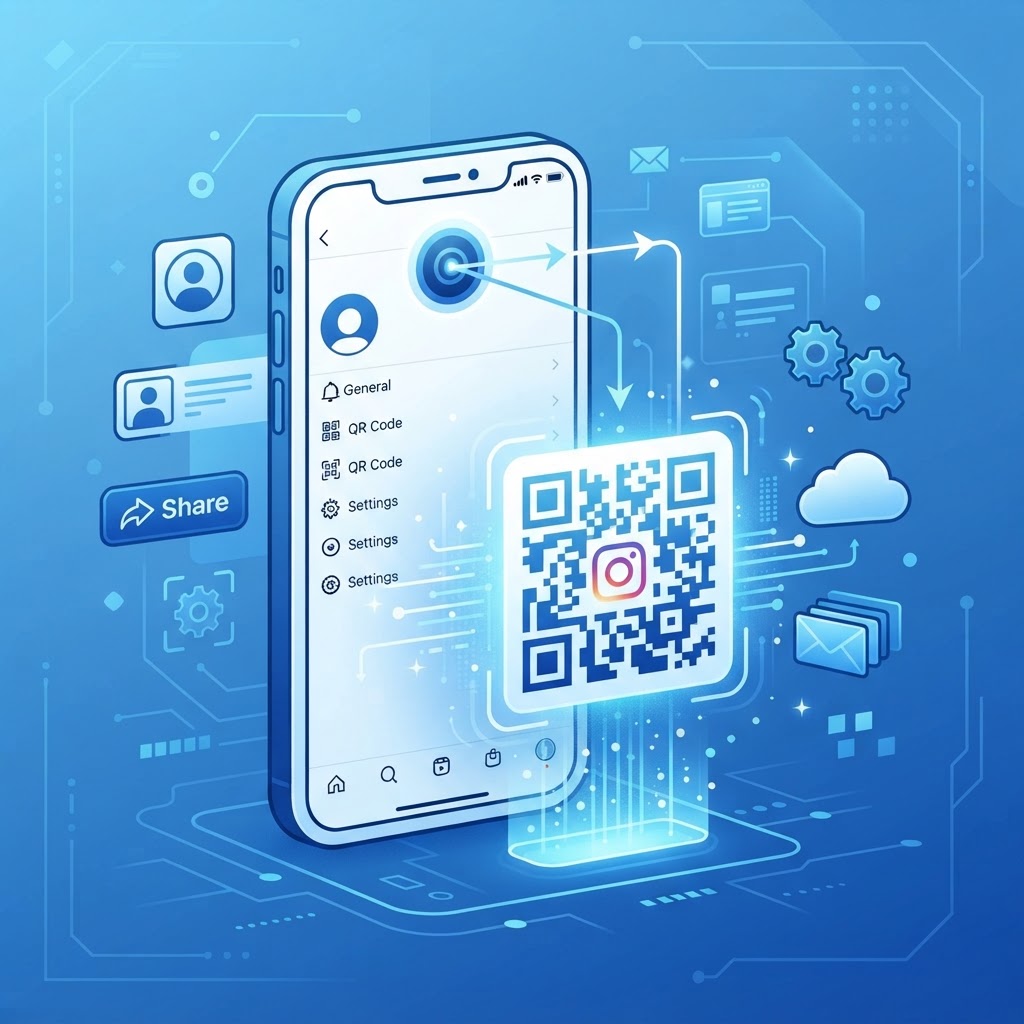
Why an Instagram QR code matters
Imagine a customer standing in your cafe or retail store, loving your atmosphere, but they never follow your account because typing in your handle is too much effort. A scannable code eliminates that friction, allowing users to land directly on your profile with a single tap of their camera app.
Using a QR code strategy is a low-cost, high-impact marketing tactic for brick-and-mortar businesses. It transforms static print materials like flyers, menus, or product tags into interactive gateways that drive measurable social growth.
What you need before you start
To get started, you only need a few basic components ready to go. First, ensure you have your exact Instagram profile URL copied to your clipboard to prevent any typos.
Second, keep a high-resolution version of your brand logo handy if you want to personalize your design. Finally, head over to our free Instagram QR Code Generator to begin the creation process immediately.
How to create a qr code for instagram — step by step
- Copy your profile link: Navigate to your profile on a web browser and copy the URL from the address bar.
- Access the generator: Visit the Instagram QR Code Generator to access the platform.
- Paste the URL: Insert your profile link into the designated field to ensure the code directs users to the correct destination.
- Customize the design: Use the Blue QR Code Generator interface to change colors or add your brand logo for a more professional look.
- Generate the code: Click the primary action button to build the file for your marketing materials.
- Download your asset: Save the final image in a high-resolution format like PNG or SVG to ensure print quality remains crisp.
How to test and deploy it
Before you print thousands of flyers, always test your code with multiple devices. Use both an iPhone and an Android phone to ensure the link opens the Instagram app correctly rather than a mobile browser.
100% Free — No signup required
Create your How To Create A Qr Code For Instagram in seconds
Create Free QR Code →When deploying your code, place it at eye level where it is easy to reach. The Blue QR Code Generator creates high-quality files that remain scannable even when slightly resized for signage or business cards.
Common mistakes that ruin results
- Insufficient contrast: Using light-colored codes on a light background makes it impossible for cameras to focus.
- Ignoring quiet zones: Forgetting to leave a small white margin around the code prevents scanning software from reading the matrix.
- Static print size: Printing the code too small for the distance at which it will be viewed renders it unreadable.
- Broken links: Failing to verify the URL before mass printing, which is why you should always generate yours in seconds and test it twice.
Real examples
One restaurant uses a custom QR code on their printed cocktail menu. Scanning it leads customers to a highlight reel of the bartenders making the drinks, which significantly boosted engagement on their video content.
A clothing brand includes a QR code on their clothing hang-tags. This allows shoppers to see how the item looks when styled by influencers, which is a powerful way to use Blue QR Code Generator's Instagram QR codes tool to drive conversion.
No watermark · No expiry · Works on all phones
Your QR code is ready in under 30 seconds.
Generate Free QR Code →