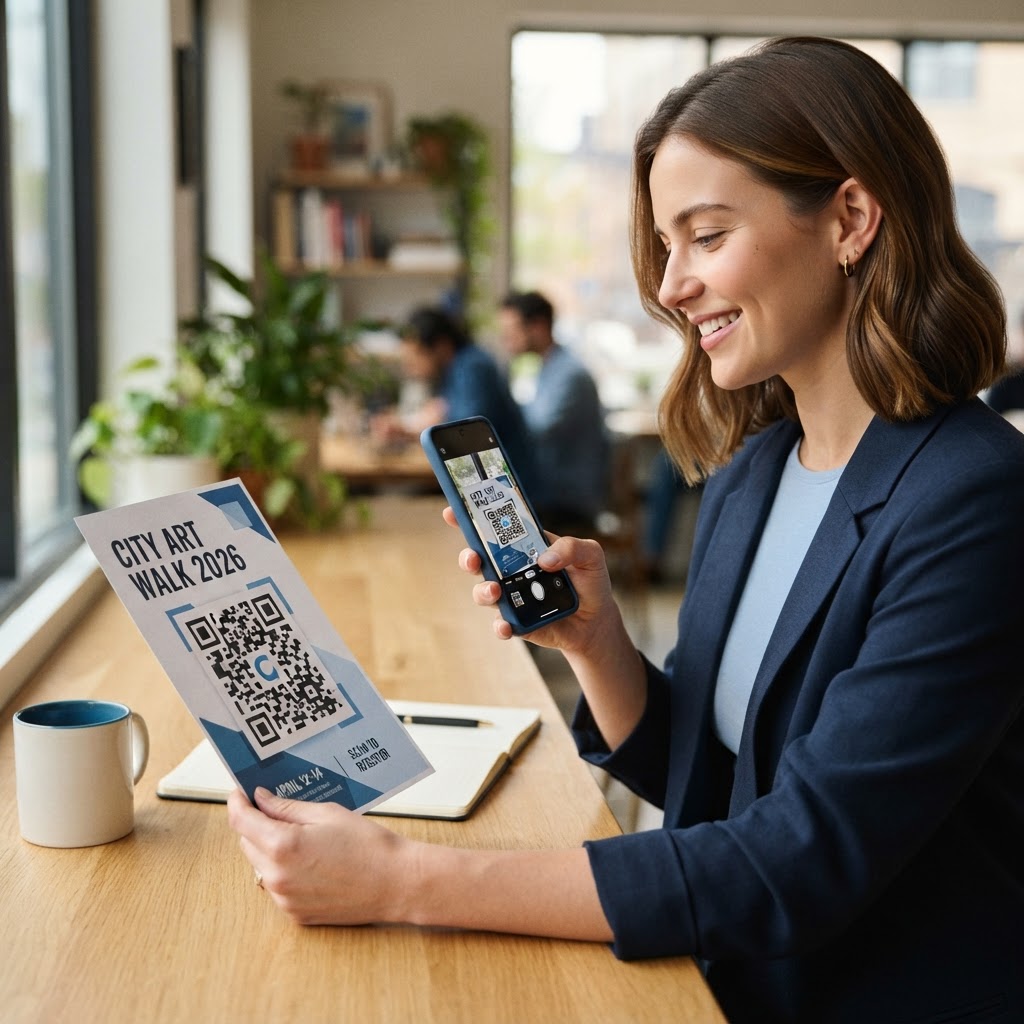
Why learning how to make a qr code for a flyer matters
Print marketing is often a dead end because customers rarely type long URLs into their browsers after seeing a paper advertisement. When you learn how to make a qr code for a flyer, you transform a passive static image into an interactive gateway that leads directly to your booking page, product catalog, or event registration form. In a fast-paced environment where consumer attention spans are measured in milliseconds, bridging the physical-to-digital gap is essential for converting interest into tangible sales or lead data.
Consider a local restaurant running a weekend lunch special. If they simply print the menu items on a flyer, potential customers might read it and walk away, forgetting the name of the establishment or the specific offer. However, by placing a scannable code, that same restaurant can track exactly how many people scanned the link while walking by, providing actionable data on campaign ROI that print media previously could not capture. This transition turns "dark traffic"—people who see your ad but take no action—into measurable digital visitors. When a user scans the code, you gain immediate insights into the demographics of your audience, the peak hours of engagement, and the specific conversion rates of your physical assets, allowing you to iterate on your marketing strategy with scientific precision rather than guesswork. To start tracking your own print campaigns today, simply generate yours here.
What you need before you start
Before you dive into the technical side of generating your code, you need to ensure you have the right components ready. Preparation prevents errors and ensures your call-to-action is effective for your target audience. Skipping these foundational steps often leads to broken user experiences, which can damage brand trust.
- A Destination URL: Ensure the link you are using is functional, mobile-friendly, and points to the specific landing page you want users to visit. Avoid homepages; direct users to a page optimized for conversion, such as a contact form or a specific product page, to minimize the "bounce rate."
- A High-Resolution Graphic: If you are adding the code to a flyer design in software like Canva or Adobe, having a clean PNG or SVG file of your QR code is essential for print clarity. A low-resolution pixelated code will fail to be recognized by modern smartphone cameras.
- A Clear Call-to-Action (CTA): Never place a code alone; add text like 'Scan to view our menu' or 'Scan to book your spot' so users know exactly why they should scan it. A code without context is essentially an unidentified visual noise.
- Blue QR Code Generator: Utilize our free URL QR Code Generator to create a reliable and professional code that functions across all modern smartphone operating systems. This tool ensures that your generated codes are encoded with error correction levels that make them readable even if the print quality is slightly compromised.
- Analytics Tagging (Optional): If you are using Google Analytics, append UTM parameters to your URL. This allows you to differentiate "flyer traffic" from your organic search traffic, giving you a crystal-clear view of which marketing channels are actually driving revenue for your business.
How to make a qr code for a flyer — step by step
The process of creating a functional code is straightforward when using the right tools. Follow these steps to generate yours in seconds and start boosting your campaign engagement immediately. By following this systematic approach, you reduce the risk of technical failure and ensure a seamless handoff from print to digital.
- Prepare your URL: Copy the exact web address of your landing page, making sure to remove any unnecessary tracking parameters that might make the URL overly long or complex. If you have a massive URL, consider using a URL shortener first to keep the QR code pattern dense but readable.
- Navigate to the tool: Open our free URL QR Code Generator in your web browser to get started. Ensure you are on a stable connection to avoid timeout errors during the encoding process.
- Paste your link: Carefully paste your URL into the provided input field on the dashboard, double-checking for any typos that could lead users to a 404 error page. A single missing character will render the entire flyer batch useless.
- Customize the design: Adjust the colors or frames if your brand guidelines require it, ensuring there is enough contrast between the code squares and the background for optimal scanning. Avoid neon or pastel combinations that lack the necessary dark-on-light density required by camera software.
- Generate and verify: Click the generate button to finalize your code and immediately scan it with your phone to ensure it navigates to the intended destination correctly. Use at least two different devices—one Android and one iPhone—to account for differences in camera software and operating system optimization.
- Download the file: Select the file format that works best for your design software, such as PNG for general use or SVG if you need to scale the code significantly for large posters. SVG files are vector-based, meaning you can stretch them to the size of a billboard without losing the crisp edges required for machine scanning.
How to test and deploy it
Once you have generated your code, do not rush to the printer immediately. Testing is the most overlooked phase of print marketing, yet it is the most critical for ensuring your campaign actually succeeds in the real world. A perfect design is worthless if the code doesn't register instantly.
First, test your code on different devices, including both iOS and Android smartphones, to ensure the landing page loads rapidly and displays correctly on smaller screens. If your landing page takes longer than three seconds to load on 4G or 5G, most users will abandon the process. Second, test the code under different lighting conditions and at the size you intend to print it. Place your test print on a wall or surface and walk toward it at various distances. If the code is too small or blurred, your customers will be frustrated by repeated failed scans. A minimum size of 1 inch by 1 inch is generally recommended for printed flyers to ensure reliable distance scanning.
When you are ready to deploy, position the code in a 'sweet spot'—usually at eye level or near the bottom-third of your flyer where it is easily accessible for someone holding the paper. Consider the physical interaction: will the person be standing, walking, or sitting? Placing the code where the thumb naturally rests on the flyer increases the likelihood of an interaction. You can confidently use Blue QR Code Generator's URL QR codes tool to ensure your printed assets carry the professional weight your business deserves, providing a high-fidelity output that holds up even under professional printing standards like offset or digital lithography.
Common mistakes that ruin results
Many marketers fail not because the technology is bad, but because the execution is poor. Avoiding these specific pitfalls will put you ahead of your competition and ensure your printed collateral functions as a high-performance marketing funnel.
- Poor Contrast: Using light-colored codes on light backgrounds makes it impossible for camera sensors to identify the patterns; always prioritize high-contrast color schemes, such as black-on-white or dark blue-on-white.
- Lack of Instructions: A floating QR code is mysterious, and people often ignore them; adding a simple text prompt explaining the benefit of scanning, like "Scan to unlock your 20% discount," is proven to increase conversion rates by as much as 40%.
- Broken Links: Always check your URL after a few days, especially if you move your website files or update your landing page URL structure. A dead link is a missed opportunity and makes your brand appear neglectful.
- Cluttering the Design: Putting too many other graphic elements directly touching the code can interfere with the scan detection. Always leave a bit of 'white space' or quiet zone around the QR code borders; this buffer is essential for the QR scanner to define the boundaries of the code pattern.
- Ignoring Mobile Responsiveness: Generating a great code is only half the battle. If the landing page it points to requires the user to pinch-and-zoom to read text, they will leave immediately. Ensure your destination URL is fully optimized for mobile devices with large buttons and readable font sizes.
Real examples
See how different industries successfully implement this technology to drive specific business goals. For instance, a local real estate agent can place a custom code on a 'Just Listed' flyer that leads directly to a virtual walkthrough of the property, allowing potential buyers to engage with the home instantly while standing on the sidewalk. This reduces the number of "curiosity-only" inquiries and ensures that the people who call to book a viewing have already seen the property layout, making them much more qualified leads.
Another example is an event organizer planning a charity gala. By including a code on their invitation flyers, they allow attendees to scan and purchase tickets directly from their phones, removing the friction of manual entry and payment processing. This creates a "frictionless" customer journey where the impulse to support the cause can be acted upon in seconds. A gym owner might place a QR code on a community flyer that leads to a free day-pass download. By capturing their email address in exchange for the pass, the gym owner builds a list they can market to for months to come. Using the Blue QR Code Generator ensures these links remain stable and professional, reflecting well on the organization's brand identity while simplifying the user experience for every event guest or potential client. By integrating these codes into your workflow, you move from simple print advertising to a sophisticated, data-driven marketing machine that works for you 24/7.