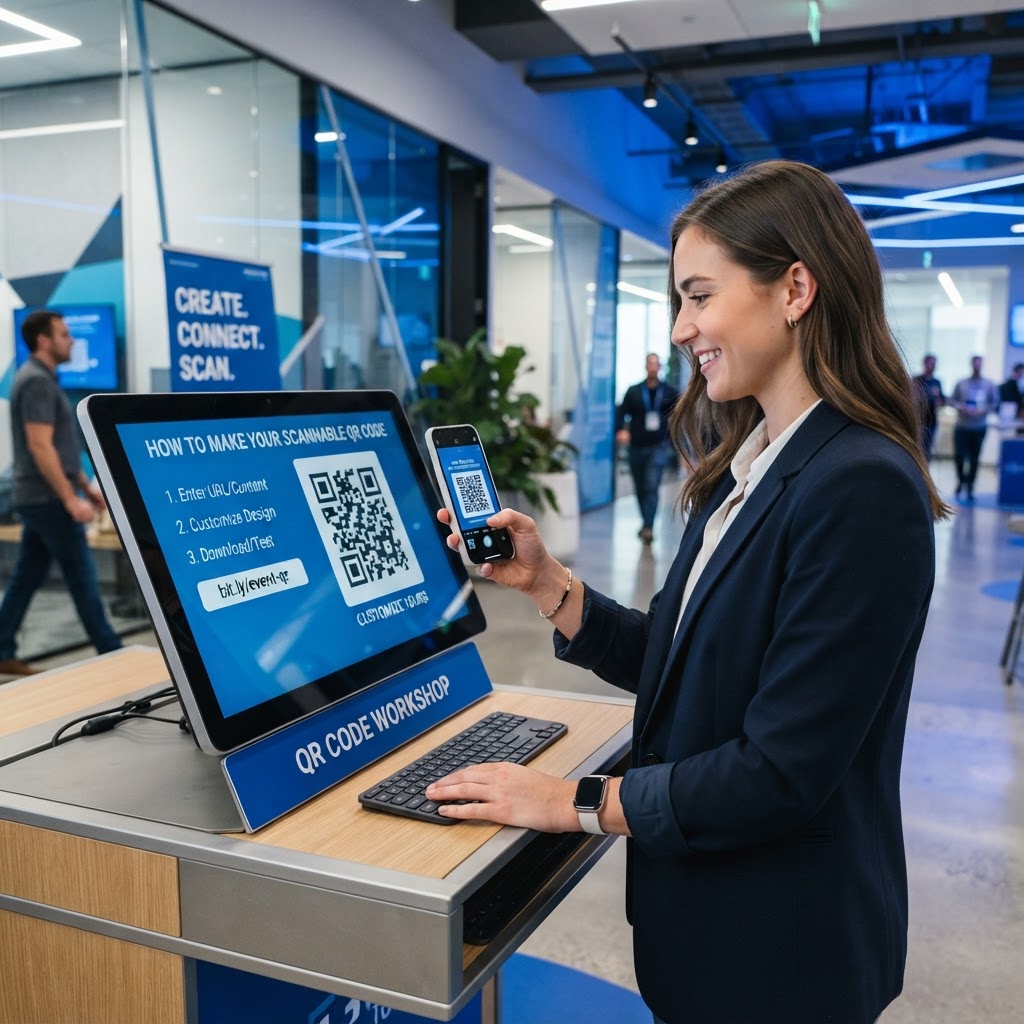
When you place a broken link or a pixelated graphic on your marketing materials, you lose potential customer engagement instantly. QR codes serve as the vital bridge between your physical assets—such as business cards, brochures, product packaging, and large-scale signage—and your digital presence. When this bridge is compromised by poor design, low resolution, or technical errors, your marketing campaign hits a dead end. Our free QR Code Generator is designed to help you avoid these technical failures and deliver a seamless experience to your audience every time.
Why scannability matters
A non-scannable QR code is essentially a black hole for your marketing ROI. Imagine a high-traffic retail environment, like a coffee shop counter or a busy trade show floor, where a customer takes three seconds to pull out their phone, aim, and fail to capture your code. They will move on immediately. In the fast-paced modern retail landscape, consumer attention spans are remarkably short. If a user spends more than a few seconds trying to get a read, they will abandon the interaction entirely. This is not just a minor design annoyance; it is a direct failure of your call-to-action path.
The technical architecture of a QR code relies on the camera's ability to identify three large square patterns in the corners, which define the orientation, and then interpret the data grid within. If the contrast is too low, the pixels are blurred, or the quiet zone is obstructed, the processor on the smartphone camera will fail to "lock on." Ensuring your code is technically sound, properly sized, and placed in a high-visibility, low-glare area ensures that your conversion funnel remains open for every visitor. Reliability builds brand trust; when your audience experiences a flawless scan, they are more likely to trust the link you have provided, whereas broken codes signal a lack of professionalism and attention to detail.
What you need before you start
Before you begin the technical process, gather your assets so you can produce a professional result. First and foremost, you need a destination URL that is mobile-responsive. If you link to a desktop-only page, your users will have a frustrating experience regardless of how well the code scans, as they will be forced to pinch, zoom, and scroll horizontally, ultimately hurting your conversion metrics.
Additionally, audit your URL to ensure it is as short as possible. While our generator can handle long URLs, shorter links result in less complex data patterns. A less complex QR code (with fewer "dots") is inherently easier to scan because the squares are larger and more distinct. If your destination URL is excessively long, consider using a URL shortener first. You should also decide on your design intent. Keep in mind that high-contrast color schemes are vital for hardware readability. Avoid gradients, shadows, or rounded elements that might distort the data matrix. Once you have these basics, you can generate yours in seconds using our platform to ensure technical accuracy.
How to make a scannable QR code — step by step
Follow these steps to ensure your finished graphic performs reliably on any standard smartphone camera. Consistency and adherence to standards are the keys to a functional code.
- Choose your data type: Select the URL option in the dashboard to direct users to your website or landing page. Always double-check that you have included the 'https://' prefix.
- Input your destination: Carefully copy and paste your URL to avoid any broken links, which are a primary cause of failed campaigns. Manually typing a URL introduces unnecessary risk of human error.
- Set the error correction level: Choose a high error correction setting, such as 'H' (30%). This is a critical step; it allows the code to be read even if parts are obscured by dust, a thumbprint, or partial folding of the printed material.
- Select high-contrast colors: Always use a dark foreground, such as black, deep navy, or dark charcoal, against a light, plain white background to maximize the scanner's ability to interpret the data. Avoid light-on-dark or colored-on-colored designs, as mobile sensors have difficulty distinguishing colors that are too similar.
- Avoid complex patterns: Keep the quiet zone clear and avoid adding excessive logos or heavy design elements that might interfere with the positioning markers. If you must add a logo, ensure it does not cover more than 15-20% of the code and never obscure the three corner anchor squares.
- Download in high resolution: Export your file as a vector (SVG) or a high-quality PNG. Vector files (SVG) are infinitely scalable, meaning they will remain sharp regardless of whether you are printing on a business card or a billboard. PNG files should be exported at a minimum of 300 DPI for print.
How to test and deploy it
Testing is the most neglected phase of the design process. Never print a batch of thousands of flyers before you have personally verified that the code directs to the intended destination on both iOS and Android devices. Different operating systems use different camera software, and while most are highly capable, some entry-level devices struggle with lower-quality prints.
Use our Blue QR Code Generator to create reliable codes and always scan them from different distances. For example, if the code is meant to be scanned from three feet away on a poster, test it from three feet. If you are placing the code on a window or a glossy surface, test it under the specific light conditions it will face. Glare is the enemy of the QR code; if the light hits the glossy surface, it will cause a white-out on the sensor, making the code invisible. To mitigate this, use matte lamination or place your signage away from direct spotlights or sunlight reflection points.
Furthermore, perform a "usability test" with a friend or colleague. Watch them scan the code without providing instructions. If they struggle to find the right angle or distance, your QR code may be too small or placed in an awkward position. Always aim for eye-level placement, approximately 4 to 5 feet from the ground for indoor signage, to ensure that the user can comfortably align their camera without awkward reaching or kneeling.
Common mistakes that ruin results
- Low Contrast: Using light-colored codes (like white or beige) on dark backgrounds or low-contrast combinations like yellow and white makes it impossible for hardware to differentiate the data pixels. The software requires a distinct luminance difference.
- Overcrowding the Quiet Zone: Every code needs a border of white space around the square. Placing text, borders, or graphics too close to the edges confuses the sensor. Think of this zone as a "buffer" that tells the scanner where the code starts and ends.
- Distortion and Stretching: Never resize your code by pulling the corners without maintaining the aspect ratio. Even slight warping can corrupt the binary data, making the squares into rectangles, which the scanner will reject immediately. Always hold 'Shift' while resizing in design software to ensure proportional scaling.
- Poor Material Choices: Printing on highly reflective, wrinkled, or uneven surfaces can distort the image and block the scanner's line of sight. Fabric surfaces, while visually appealing, can distort a QR code when stretched or worn. Stick to rigid, flat surfaces whenever possible.
- Dynamic Link Expiration: If you use a URL shortener or a tracking link, ensure that the service has not expired. A common mistake is using a trial link that redirects to a 404 error after 30 days, rendering your printed materials completely useless.
Real examples
Consider a local boutique owner who wants to drive traffic to their Instagram profile. By using the Blue QR Code Generator, they create a clean, high-contrast code and display it on a standing acrylic sign at the checkout counter. Because they maintained the quiet zone and used high-quality settings, the scan rate is nearly 40% higher than their previous attempts using low-resolution, blurry images printed on standard inkjet paper.
Another example is a restaurant implementing contactless digital menus. By using a properly sized, high-contrast QR code on a matte-finish table tent, they ensure that every diner can quickly access the menu. In a restaurant environment, liquid spills and constant handling are common. The owner laminated the cards, which protected the print, but they ensured the lamination was non-glare to maintain readability. The result was a smoother dining flow, reduced physical menu printing costs, and positive customer feedback regarding ease of access.
In a final instance, a trade show exhibitor used a floor-to-ceiling banner with a QR code designed to lead to a lead-capture form. By utilizing an SVG vector file from our generator, they were able to scale the code to 24 inches wide without any loss of quality. The high-contrast black-and-white design stood out against the colorful tradeshow booth, prompting hundreds of attendees to scan it instantly. If you are ready to improve your own results and avoid the common pitfalls of digital marketing, you can use Blue QR Code Generator's QR codes tool to ensure your business stays connected effectively, reliably, and professionally.