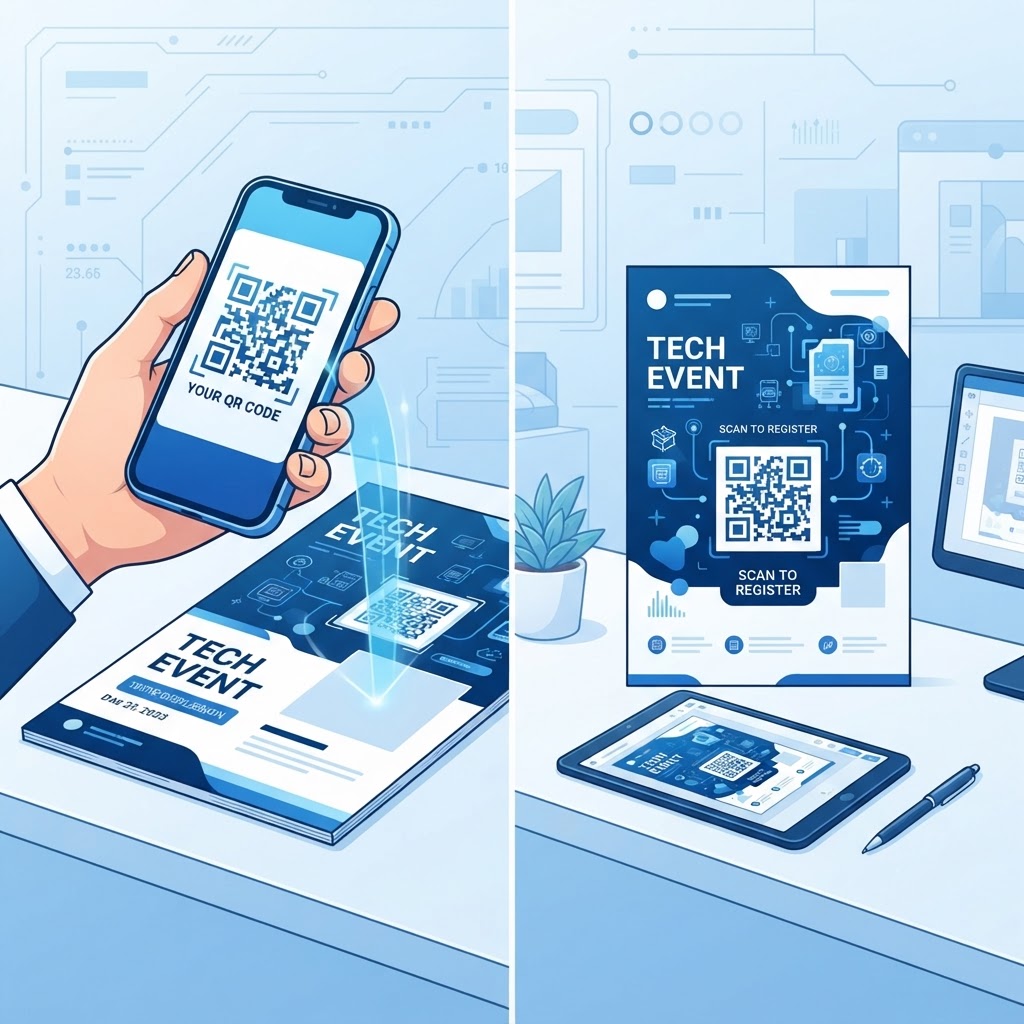
Why putting a QR code on your marketing materials matters
Imagine handing out a beautiful brochure at a busy trade show, but your potential customer loses interest before they find your website address. By adding a scannable link directly to the design, you remove the friction of manual typing, allowing users to jump straight into your funnel with a single scan. You can generate yours here to get started today.
This simple addition turns a static piece of paper into an interactive touchpoint that tracks engagement. It transforms your offline marketing into a measurable digital experience for your customers.
What you need before you start
Before you begin the process of placing your digital link, ensure you have the destination URL (the website or landing page you want to promote) ready. You will also need a high-quality image file for your flyer design and access to a reliable, ad-free tool.
Using the Blue QR Code Generator ensures your link is not only functional but also professional. Having your design software open—whether it is Canva, Adobe Illustrator, or Microsoft Publisher—will also streamline the final assembly process.
How to put a QR code on a flyer — step by step
- Choose your content type: Decide whether your link should lead to a website, a PDF menu, or a contact form.
- Generate the code: Visit the Blue QR Code Generator and input your destination URL into the required field.
- Customize the design: Select your preferred colors and frame to match your flyer's aesthetic, ensuring you use the Blue QR Code Generator’s QR codes tool for maximum clarity.
- Download your file: Export your code as a high-resolution PNG or SVG file to maintain sharp edges for printing.
- Import into your design: Open your flyer file in your preferred software and drag the QR code image into your layout.
- Align and resize: Position the code in an area with high contrast, ensuring it is at least 1 x 1 inch for easy scanning.
How to test and deploy it
Before you commit to printing a thousand copies, print a test flyer on your office printer to confirm the scan distance. Different phone cameras have varying focal lengths, so you want to ensure the code remains responsive from at least three feet away.
100% Free — No signup required
Create your How To Put A Qr Code On A Flyer in seconds
Create Free QR Code →Once satisfied, ensure the digital destination is optimized for mobile devices. Using our free QR Code Generator ensures your codes are robust, but if the landing page is slow, your conversion rate will suffer regardless of the code's quality.
Common mistakes that ruin results
- Low contrast colors: Using light-colored codes on a light background makes scanning impossible for many mobile devices.
- Too small to scan: Printing a code smaller than 0.8 inches often leads to blurriness that cameras cannot decode.
- Lack of clear instruction: Failing to include a call to action like "Scan here for 10% off" leaves users unsure why they should interact.
- Cluttered placement: Placing the code inside a dense block of text or near the edge of the paper can lead to printing errors.
Real examples of QR codes on flyers
Local coffee shops often use these codes to link directly to their loyalty program registration page, effectively tracking their repeat customers. By placing the code in the bottom corner of their promotional flyers, they capture sign-ups even during the busiest morning rush.
Event organizers also use this technique to link to digital tickets or full schedules. They simplify the check-in process by ensuring every attendee has the necessary information in their pocket before they arrive at the venue. You can easily mirror these successful strategies when you use our free QR Code Generator for your next campaign.
No watermark · No expiry · Works on all phones
Your QR code is ready in under 30 seconds.
Generate Free QR Code →