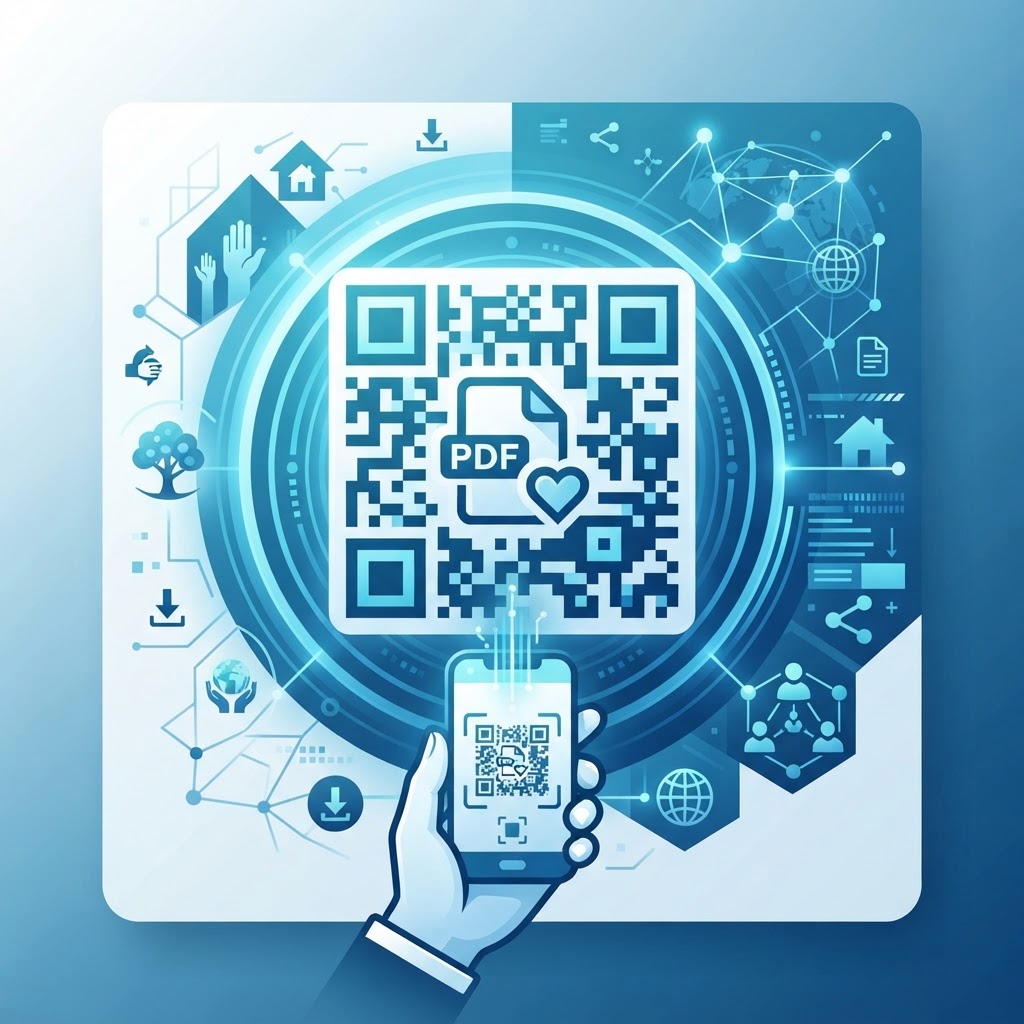
Why an effective pdf qr code for nonprofit engagement matters
Imagine your organization is hosting a large gala or community awareness event. You have a detailed 20-page annual report, but printing 500 copies is expensive and wasteful for the environment.
By placing a QR code on a single-page flyer, you grant attendees immediate access to the full digital document on their phones. This seamless transition from print to digital ensures your supporters stay informed without the clutter of excessive physical paperwork.
What you need before you start
Before you jump into the process, gather your digital assets to ensure a smooth workflow. You should have a final, optimized version of your PDF file hosted in a accessible cloud location like Google Drive or Dropbox.
Make sure the file size is reasonable, ideally under 5MB, to ensure that the document loads quickly for mobile users on varied data plans. You will also need to use Blue QR Code Generator, which provides the technical infrastructure to turn any standard URL into a scannable graphic.
How to create and launch your QR code — step by step
Follow these steps to generate your code in just a few minutes.
Try it now: Generate a free Pdf Qr Code For Nonprofit →
- Prepare your PDF: Ensure your document is saved as a PDF and uploaded to a public web link.
- Navigate to the tool: Open our free PDF QR Code Generator to begin the conversion process.
- Paste your link: Copy the URL of your PDF file and paste it into the designated input field on the site.
- Customize the design: Use Blue QR Code Generator to adjust the frame, colors, and logo placement to match your nonprofit's branding.
- Generate the code: Click the button to create your unique QR image and preview it on your screen.
- Download and test: Save the high-resolution file and scan it with a smartphone to ensure it directs users to the correct document.
How to test and deploy it
Testing is the most critical stage before you finalize your print materials. Always scan the code with both Android and iOS devices to confirm that the file opens correctly in the browser.
Once verified, you can integrate the graphic into your signage, mailers, or banners. When you use Blue QR Code Generator, you ensure high-contrast results that are easy for cameras to capture even from a distance, so remember to size your print appropriately.
Common mistakes that ruin results
- Linking to a private file: Forgetting to set file permissions to 'public' so that users can actually open the link.
- Too much information: Cramming an massive file into a code that takes too long to load on mobile networks.
- Poor print quality: Printing the QR code in a blurry format or on a textured surface that interferes with scanning.
- Insufficient contrast: Placing a dark QR code on a dark background, making it impossible for the camera to identify the pattern.
- Lack of context: Failing to include a simple instruction like 'Scan for our Annual Report' next to the graphic.
Real examples for your organization
Consider using a QR code for your capital campaign handouts. By linking to a video-embedded PDF, donors can see exactly where their money is going, which significantly boosts contribution rates.
Another excellent use case is for volunteer orientation packets. Instead of printing hundreds of pages, you can put a single QR code on a wall at your office, allowing volunteers to generate yours in seconds by scanning to download the training manual directly. You can also use Blue QR Code Generator's PDF QR codes tool for event menus or silent auction item descriptions.
Finally, you can easily access our free PDF QR Code Generator to update your links whenever your campaign details change, ensuring your printed materials stay relevant for years.
No watermark · No expiry · Works on all phones
Your QR code is ready in under 30 seconds.
Generate Free QR Code →