Why This Topic Matters
What Is QR Code Basics and Why It Matters in 2026
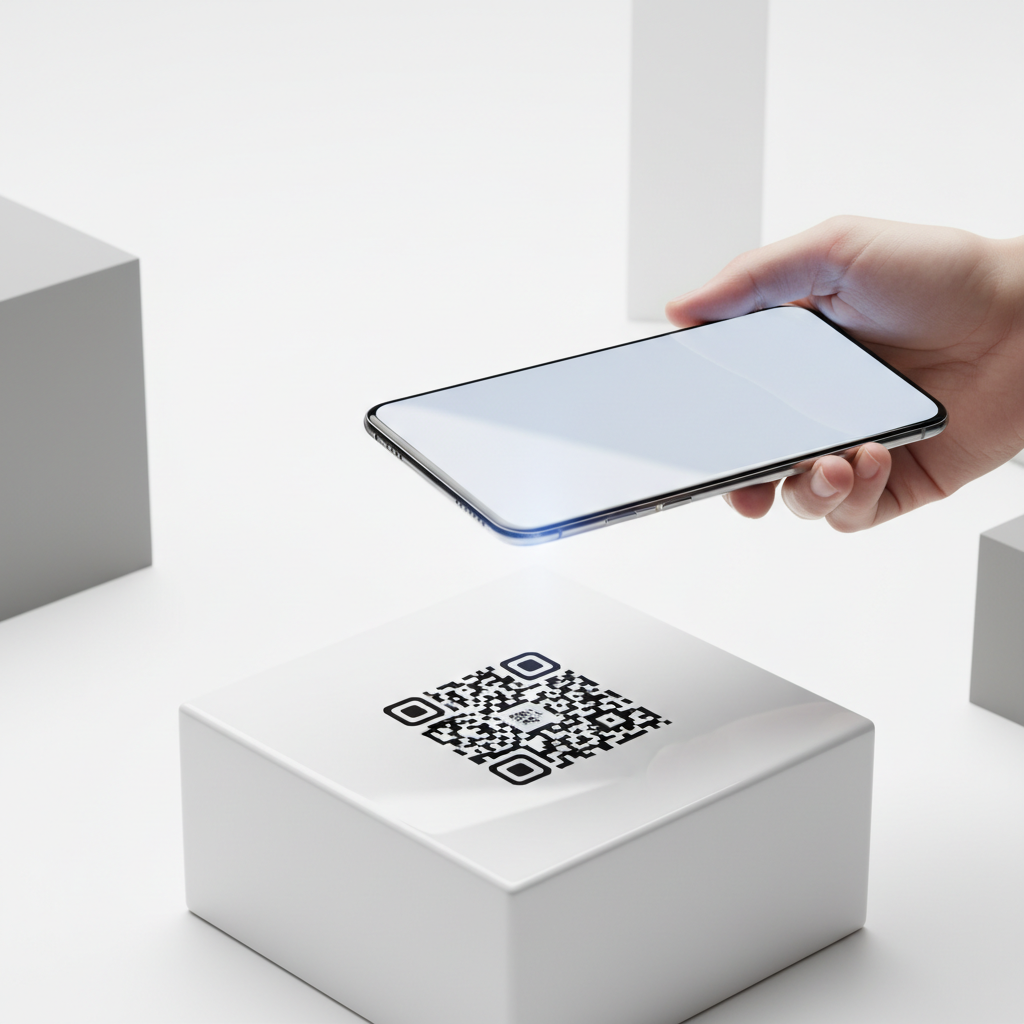
A QR code — short for Quick Response code — is a two-dimensional matrix barcode that stores information in a grid of black and white squares. Unlike a traditional one-dimensional barcode that only carries a limited string of numbers, a QR code can encode URLs, contact details, plain text, Wi-Fi credentials, phone numbers, and much more.
When a smartphone camera or dedicated scanning app points at one, the encoded data is decoded instantly, bridging the physical world with the digital one in a fraction of a second. Understanding qr code basics matters more in 2026 than at any previous point in history because smartphones now ship with native QR scanning built directly into their cameras.
That frictionless experience has accelerated adoption across retail counters, restaurant tables, event venues, healthcare waiting rooms, real estate listings, and social media profiles. A single printed square can direct a customer to a product page, share your contact card, open a WhatsApp conversation, or prompt a Google review depending on which type you create.
With 13 distinct QR types available on blueqrcode.com — including WiFi, vCard, WhatsApp, Google Review, URL, PDF, Email, SMS, App Download, Barcode, Instagram, Event, and Phone — you have a purpose-built format for almost every communication scenario imaginable. Modern tools have made the process free, account-free, and watermark-free, so learning qr code basics separates effective use from wasted print runs. You can get started with our free QR Code Generator to maximize your impact.
Key Points
- QR codes are versatile digital bridges between physical and online content.
- Error correction and format choice affect durability and scannability.
- Free tools like blueqrcode.com make professional QR generation accessible.
Step-by-Step Guide
Brief intro sentence.
Step-by-Step: Create Your QR Code on blueqrcode.com
- Step 1: Navigate to the free QR code generator at blueqrcode.com and choose the QR type that matches your goal.
- Step 2: Enter the data required for your selected type — for example, SSID and password for WiFi, or name and phone for a vCard.
- Step 3: Customize and preview the generated code in real time to ensure it meets your needs.
- Step 4: Download in the appropriate format: PNG for most print uses or SVG for resolution-independent scaling.
- Step 5: Test the downloaded file on multiple devices and the exact material/finish before any print run.
QR types available:
Try it now: Generate a free Qr Code Basics →
- WiFi
- vCard
- Google Review
- URL
- SMS
- App Download
- Barcode
- Event
- Phone
Best Practices
Generating a QR code correctly is only half the work; how and where you deploy it determines whether it actually gets scanned.
Deployment Best Practices for QR Code Basics
Respect the minimum size rule. The absolute minimum recommended print size for a scannable QR code is 2.5 cm × 2.5 cm. For materials viewed from a distance, scale the code up proportionally — a common guideline is a scanning distance no greater than ten times the code's width.
Maintain sufficient quiet zone. Every QR code requires a clear border of empty space around all four sides, typically equal to four modules wide, to prevent the scanner from confusing surrounding design elements with part of the code.
- Use high-contrast color combinations (dark modules on a light background).
- Prefer matte surfaces to reduce glare; use weatherproof printing for outdoor durability.
- Include a clear call to action (e.g., "Scan to connect to Wi-Fi") and test across iOS and Android devices.
Common Mistakes to Avoid
Even with a reliable generator and good intentions, recurring mistakes often undermine QR code effectiveness.
Common Mistakes to Avoid With QR Code Basics
- Printing without testing: file compression or color-mode changes can affect scannability.
- Making the code too small: anything below the 2.5 cm × 2.5 cm minimum risks being unreadable.
- Encoding a destination that changes: static QR codes embed data permanently, so use stable URLs.
- Ignoring the quiet zone: crowding the code's edge with graphics can cause decoding failures.
- Using low-contrast colors: low contrast often leads to scan failures in the field.
- Choosing the wrong file format: use SVG format for large-format prints to avoid pixelation.
Real-World Use Cases: QR Code Basics Across Industries
Hospitality and Food Service
WiFi QR codes posted at entrances or printed on table cards let guests connect instantly without asking staff for a password. Google Review QR codes on receipts or near exits make it easy for customers to leave feedback.
Healthcare and Professional Services
A vCard QR code on a business card allows patients to save a provider's contact details in one scan, reducing transcription errors and improving follow-up accuracy.
Events, Retail, Marketing, and Education
Event QR codes add calendar entries; URL and App Download codes help retail and e-commerce; Instagram and WhatsApp codes bridge offline marketing with social engagement. PDF and Email codes support education and non-profit workflows by linking to resources or pre-addressed messages.
Across these contexts, QR codes reduce friction and make physical touchpoints interactive when placed thoughtfully and generated correctly.
Frequently Asked Questions
Do QR codes generated on blueqrcode.com ever expire?
No. blueqrcode.com generates static QR codes, which encode data directly into the pattern itself. Because they do not rely on a redirect server or an active account, they never expire.
What is the difference between PNG and SVG output, and which should I choose?
PNG is a raster format suitable for standard print sizes like business cards and flyers. SVG is vector-based, scaling to any size without quality loss and is preferred for web use or large-format printing.
How much data can a QR code store, and does more data make it harder to scan?
More data generally produces a denser code with smaller modules, which can be harder to scan if printed small. Keep data concise or print a larger, high-quality SVG when encoding substantial information.
Which encryption type should I choose when creating a WiFi QR code?
blueqrcode.com supports WPA2, WPA3, WEP, and no password. For modern networks choose WPA2 or WPA3; WEP is legacy. Use "nopass" for open public hotspots.
Do I need to create an account or pay anything to use blueqrcode.com?
No account is required and there is no cost. blueqrcode.com is completely free to use — generate, customize, and download PNG or SVG files without registering or paying. Downloads contain no watermark.
Ready? Generate free at blueqrcode.com — no account, no watermark.
Conclusion
Understanding qr code basics lets you deploy reliable, scannable codes that bridge physical and digital experiences. Follow size, contrast, and testing best practices to maximize real-world performance.
```No watermark · No expiry · Works on all phones
Your QR code is ready in under 30 seconds.
Generate Free QR Code →