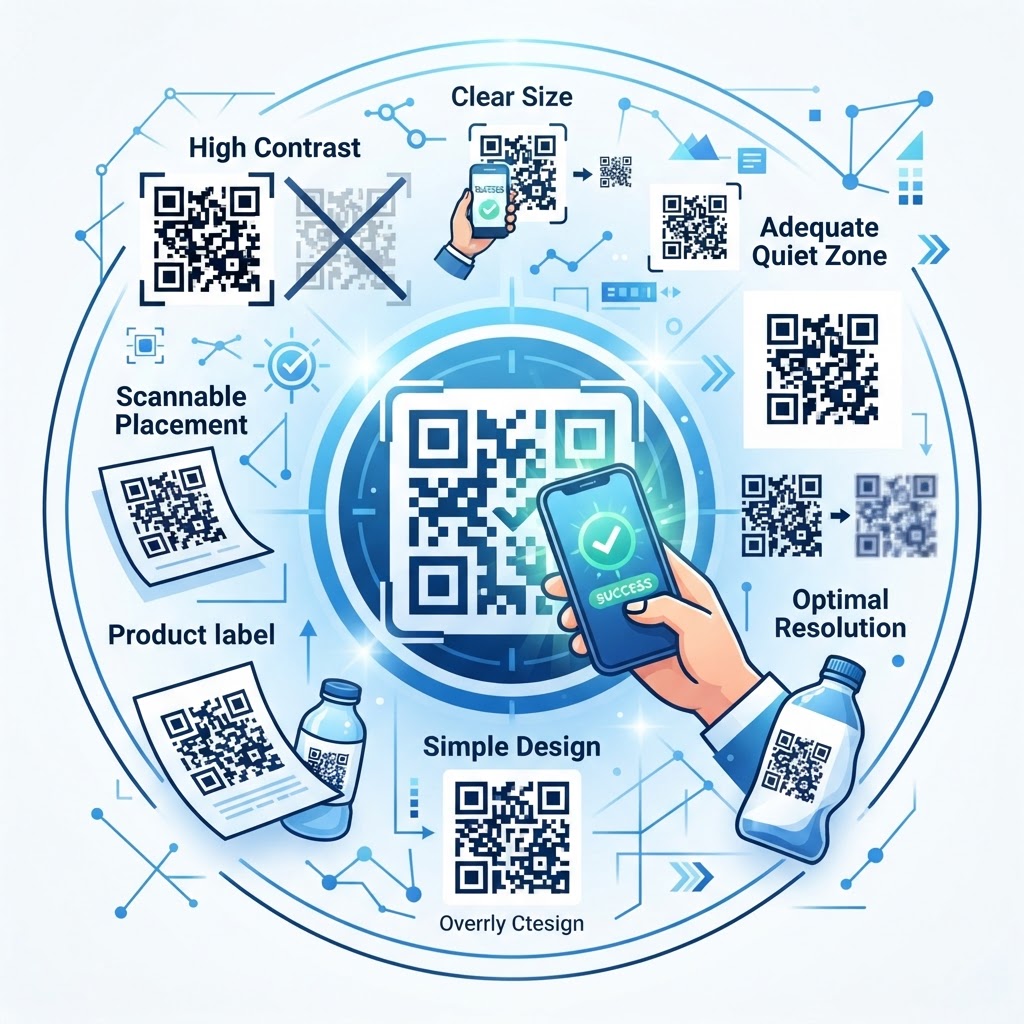
Why qr code best practices matters
Imagine a customer standing in a busy transit hub, phone in hand, trying to scan your ad. If the code is printed on a textured surface or is too small to capture, they will give up within three seconds.
Applying these standards ensures your content remains accessible, building trust and higher conversion rates for your brand. You can easily generate high-quality assets using our free QR Code Generator to avoid these common usability issues.
What you need before you start
Before you begin creating your codes, gather the necessary resources to keep your branding consistent. You need a high-resolution version of your company logo, your final destination URL, and a clear understanding of the color contrast requirements.
Having your brand assets ready allows you to generate yours in seconds without needing to pivot back to design software later.
Try it now: Generate a free Qr Code Best Practices →
How to implement qr code best practices — step by step
- Choose the right type: Decide between static and dynamic codes based on whether you need to track scans or update the target URL later.
- Input your destination: Carefully copy and paste your URL to ensure the link is active and free of typos.
- Maintain high contrast: Always use a dark foreground, such as black or dark blue, against a light background to maximize scanner detection.
- Keep the design clean: Avoid over-customizing your code with too many elements that interfere with the data modules.
- Add a call to action: Place text next to your code, such as "Scan to View Menu" or "Scan for 10% Off," so users know exactly why they should scan it.
- Verify the size: Ensure the final code is at least 1.2 inches (3cm) square for print materials to guarantee readability from a distance.
How to test and deploy it
Never send a file to the printer before scanning it with at least two different mobile devices. One device should use an iOS camera app, and the other should use a native Android scanner to identify potential issues.
When you use the Blue QR Code Generator, you can quickly verify your design settings before finalizing your project. Test the code in the actual lighting conditions where it will be displayed, such as a dimly lit restaurant or a bright outdoor trade show booth.
Common mistakes that ruin results
- Inverted colors: Using a white code on a black background often confuses native phone scanners.
- Excessive density: Adding too much data to a static code makes the patterns too complex for cameras to resolve.
- Ignoring quiet zones: Forgetting to leave a white margin around the code causes it to blend into the surrounding design.
- Printing on glossy surfaces: Glare from the sun or overhead lights can create reflections that make scanning impossible.
Real examples
A local coffee shop used these methods to link a flyer to their loyalty portal, resulting in a 40% increase in app sign-ups. By following the Blue QR Code Generator guidelines, they ensured the code remained legible on a small, glossy table tent.
A logistics company placed large-format codes on shipping crates to track inventory. Because they maintained proper size-to-distance ratios, the warehouse team could scan the codes from five feet away without needing to climb a ladder.
Finally, remember that professional consistency is key. Whenever you need to update a campaign, you can use Blue QR Code Generator's QR codes tool to keep your branding looking sharp across every touchpoint.
No watermark · No expiry · Works on all phones
Your QR code is ready in under 30 seconds.
Generate Free QR Code →