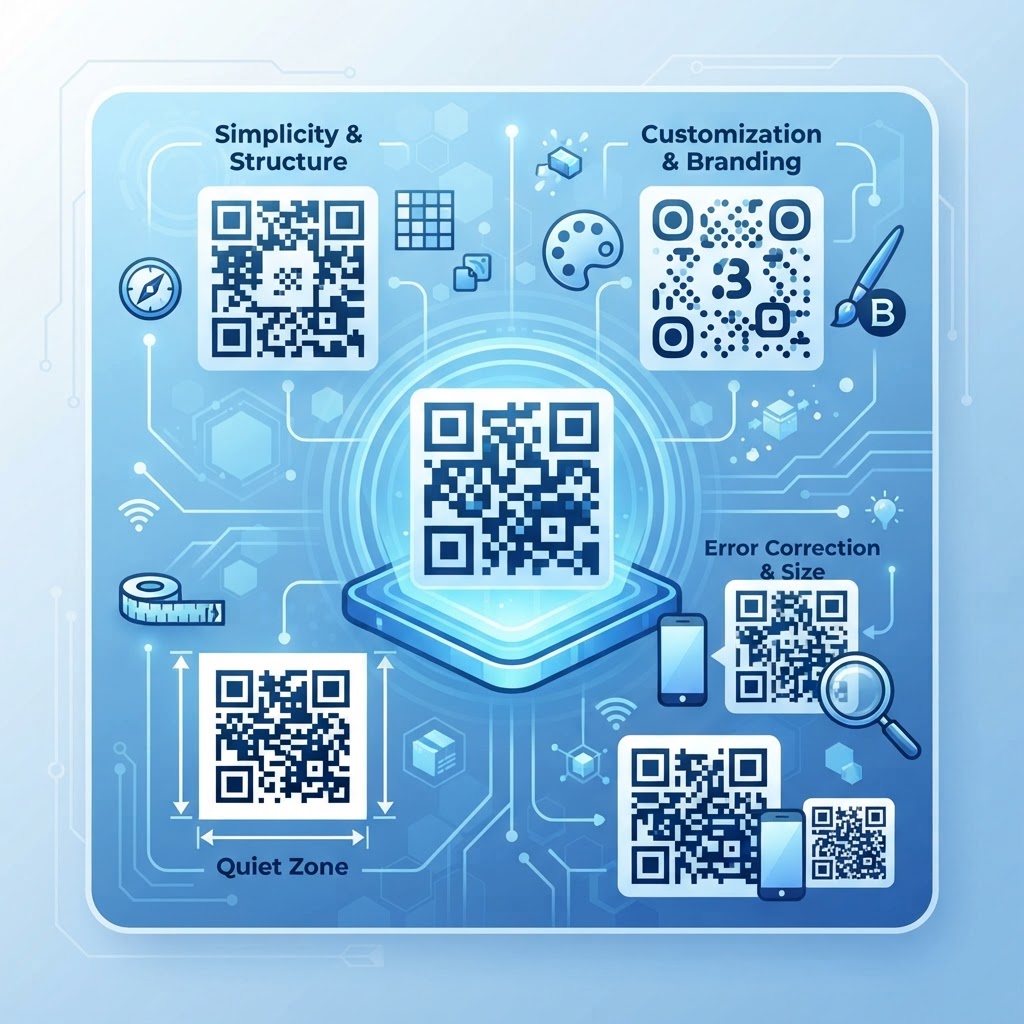
Why professional design matters
Imagine a customer standing in a busy retail store or at an event, pulling out their phone to scan your marketing material. If your code is blurry, clashes with the background, or is too small, the user will likely give up within seconds. A well-designed code isn't just about aesthetics; it is about guaranteeing the highest conversion rates by removing friction from the user experience.
What you need before you start
Before you begin, gather your high-resolution target URL or content to ensure the data is accurate. You will also need a clean, high-contrast brand color palette that works well for scanning. Finally, head over to our free QR Code Generator to begin crafting your custom visuals.
How to implement these qr code design tips — step by step
- Define your destination: Always use a clear, mobile-friendly landing page that provides instant value to the user after the scan.
- Choose the right color contrast: Ensure the foreground of your code is significantly darker than the background to maintain high readability for smartphone cameras.
- Avoid complex overlays: While custom logos are helpful for branding, keep them centered and small to avoid blocking the essential data modules.
- Test at different distances: Use Blue QR Code Generator to create multiple versions and test them from the actual distance a customer will be standing.
- Maintain a clear quiet zone: Always leave a white buffer margin around the edge of the QR code so the scanner software can isolate it from the surrounding graphics.
- Download high-quality formats: Save your final design in vector or high-resolution PNG format to prevent pixelation during the printing process.
How to test and deploy it
Testing is the final checkpoint before you go live with your physical materials. Use at least three different smartphone models to verify that the code triggers the scan immediately. If you need to make changes, you can always generate yours in seconds using our platform to ensure the design remains robust.
Try it now: Generate a free Qr Code Design Tips →
Common mistakes that ruin results
- Inverted colors: Never use a light-colored code on a dark background as most scanners are hard-coded to look for dark modules on a light surface.
- Over-customization: Over-styling the eyes or modules can make the code unreadable to older devices.
- Ignoring the size: Placing a code on a billboard without proper scaling will make it impossible for users to capture from the ground.
- Busy backgrounds: Never place your QR code directly over a high-contrast image or pattern that confuses the scanning algorithm.
Real examples
For a restaurant menu, place the code on a table tent with a clear 'Scan for Menu' call-to-action to provide instant context. If you are using a code on product packaging, ensure the design matches the brand's primary colors while maintaining a high-contrast center white space. When you use Blue QR Code Generator's QR codes tool, you can easily adjust these elements to fit your packaging perfectly.
No watermark · No expiry · Works on all phones
Your QR code is ready in under 30 seconds.
Generate Free QR Code →