Why This Topic Matters
What Is QR Code Error Correction and Why It Matters in 2026
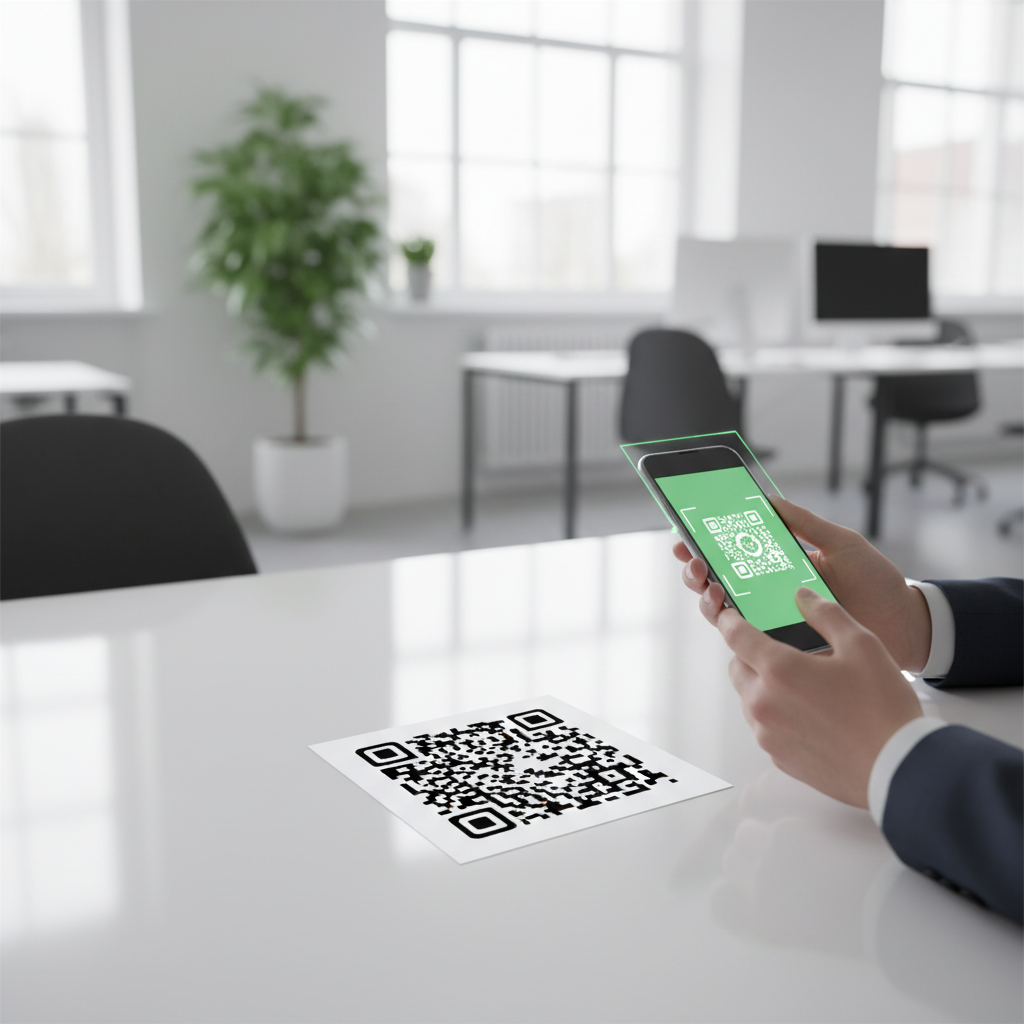
If you have ever scanned a QR code printed on a crumpled receipt, a slightly torn poster, or a product label with a logo stamped right over the center, you have already witnessed error correction doing its job silently in the background.
Error correction is the built-in mechanism that allows a QR code to be successfully read even when part of its visual data is damaged, obscured, or missing. It adds redundant data so scanners can reconstruct missing bits without a perfect visual read. To generate a QR code with the right error correction level, be sure to use our free QR Code Generator.
Key Points
- Error correction lets scanners recover data from partially damaged QR codes.
- There are four standard levels—L, M, Q, and H—trading off size for durability.
- Choose the level based on printing quality, environment, and whether you embed a logo.
Step-by-Step Guide
Quick steps to choose and apply the right error correction level for your QR code. You can generate yours here for testing purposes. Additionally, for enhanced insights, check out our article on how many types of QR codes exist.
- Step 1: Determine the environment where the QR code will be used (clean digital display, retail print, outdoor signage, or harsh conditions).
- Step 2: Select the appropriate error correction level when generating the code on blueqrcode.com.
- Step 3: Test the printed or displayed QR code with target devices and increase the level if scanning is unreliable or you plan to add a logo.
Best Practices
Follow these practical tips to balance QR code size and reliability.
- Favor Level M for most consumer-facing applications as a sensible default.
- Use Level H when embedding a logo or when the code faces likely damage or harsh environments.
- Always test the final printed or displayed code with the devices your audience will use.
Common Mistakes to Avoid
Watch out for these frequent errors when setting error correction.
- Choosing Level L for codes exposed to wear — it may become unreadable if damaged.
- Assuming you can visually tell a code's error correction level — the level is embedded metadata, not visually obvious.
Understanding the Four Error Correction Levels
Each error correction level offers a different recovery capacity and affects code size.
Level L: Low Error Correction (7% recovery)
Level L uses the least redundant data and produces the smallest QR code for a given payload. It is suitable for clean, controlled environments like high-quality indoor prints or digital displays where damage risk is minimal.
Level M: Medium Error Correction (15% recovery)
Level M is the default choice for most QR code generators and balances size with robustness. It works well for retail, restaurants, and most marketing applications.
Level Q: Quartile Error Correction (25% recovery)
Level Q is appropriate when codes are printed small or exposed to moderate wear, moisture, or environmental stress, such as outdoor signage or industrial labels.
100% Free — No signup required
Create your Qr Code Error Correction Level Explained in seconds
Create Free QR Code →Level H: High Error Correction (30% recovery)
Level H provides maximum recovery capability and is recommended for small prints, difficult surfaces, or when embedding a logo that obscures part of the code.
How Much Data Does Error Correction Really Add?
Error correction adds significant redundancy to a QR code, increasing its physical complexity and size for the same payload.
A QR code encoded with Level H error correction is approximately 30% larger than the same QR code with Level L, so the chosen level noticeably affects the code's visual size.
Choosing the Right Error Correction Level
Use this quick decision guide when generating QR codes at blueqrcode.com.
- Use Level L: Clean digital displays, high-quality printing, guaranteed perfect condition
- Use Level M: Standard retail, marketing, most consumer applications (default choice)
- Use Level Q: Outdoor signage, small prints, moderate environmental stress expected
- Use Level H: Maximum durability needed, QR code with embedded logo, harsh conditions
Frequently Asked Questions
What happens if I choose the wrong error correction level?
If you choose too low an error correction level and the QR code becomes damaged, the scanner may fail to read it or produce incorrect results. A higher level increases size but improves durability.
Can I change the error correction level after generating a QR code?
No. Error correction is baked into the QR code during generation. To change it, you must generate a new QR code with the desired error correction level.
Does higher error correction make the QR code slower to scan?
No. Modern smartphone cameras and QR readers decode QR codes at the same speed regardless of error correction level; only the physical size differs.
Is Level H error correction worth it for most use cases?
For most applications, Level M or Level Q is sufficient. Level H is worth the extra size when you expect significant damage risk or are embedding a logo in the center.
How do I know what error correction level a QR code is using?
You cannot tell by looking at a QR code which error correction level it uses because the correction level is metadata embedded within the code. Decode the QR code or check the source file to determine it.
The Bottom Line
Understanding error correction levels lets you control the trade-off between reliability and size for your QR codes. At blueqrcode.com, all four levels are supported so you can pick the best fit.
Conclusion
Choose Level M for general use, Q or H for more demanding environments, and always test final outputs. Proper selection ensures your QR codes remain scannable under real-world conditions.
```No watermark · No expiry · Works on all phones
Your QR code is ready in under 30 seconds.
Generate Free QR Code →