Why This Topic Matters
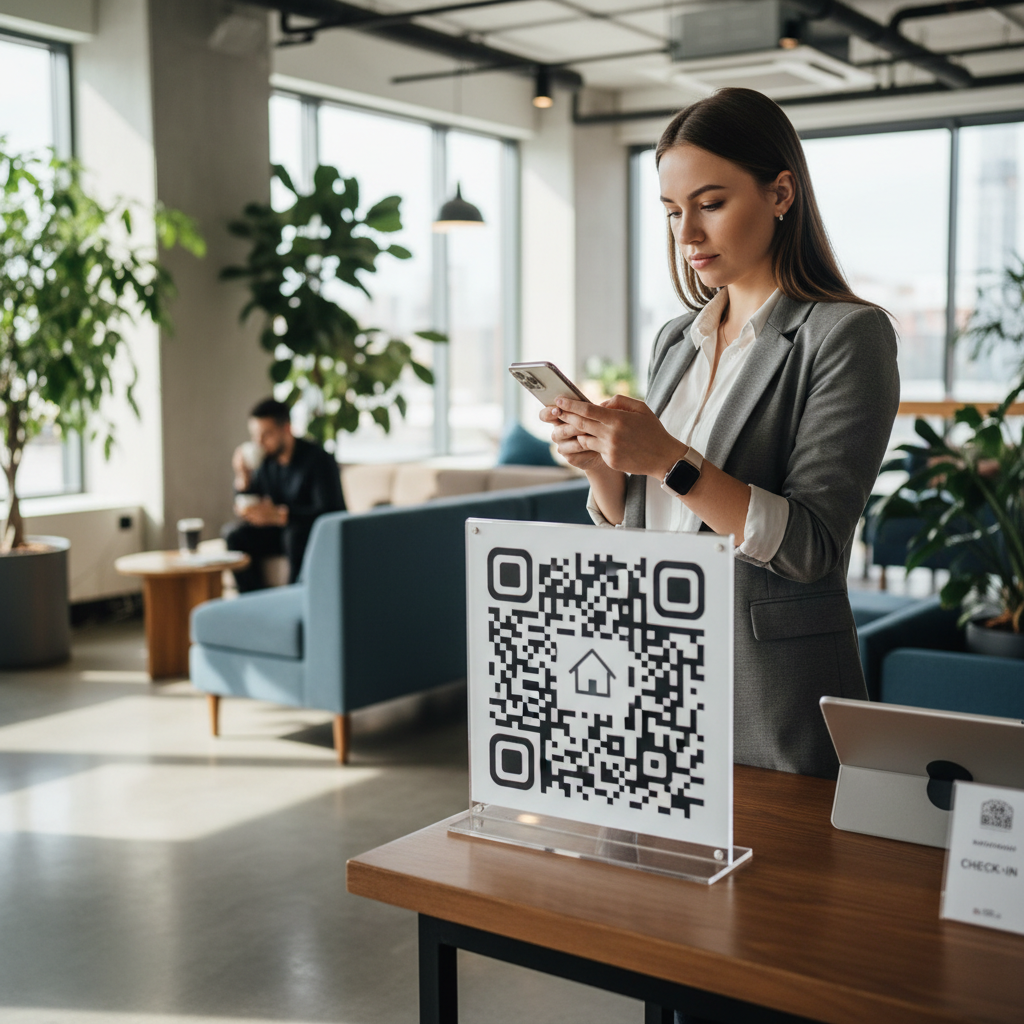
A QR code for Airbnb check in gives guests instant, contactless access to arrival information so they can scan, read, and settle in without waiting for a host. It replaces lengthy message threads and multi-page printed guides with one scannable destination.
In a competitive 2026 short‑term rental market, a smooth first 15 minutes shapes reviews and repeat bookings. A well-placed QR code can surface WiFi credentials, entry instructions, emergency contacts, and a house guide immediately.
Key Points
- Make arrival frictionless with a single scannable destination
- Encode WiFi, entry, and emergency info for immediate access
- Test on iOS and Android and place codes where guests will actually see them
Step-by-Step Guide
High-level process to create a reliable check-in QR code for your Airbnb listing.
- Step 1: Decide the QR type (URL to a welcome page or PDF, WiFi auto-connect, vCard, or WhatsApp link) and prepare the destination resource.
- Step 2: Enter the full destination URL into the generator, customize appearance if desired, and ensure high contrast for scanning.
- Step 3: Download at print quality (PNG 300 DPI or SVG), add a clear CTA nearby, and test on multiple devices before guests arrive.
Best Practices
Follow these practical measures to keep the guest experience seamless and information trustworthy.
- Keep the destination current and update immediately when passwords or rules change
- Mobile-optimize the destination so it loads fast and reads well on phones
- Provide multiple contact methods and a simple fallback like a phone number
Common Mistakes to Avoid
These frequent errors undermine guest trust and reduce QR code usefulness.
- No explanation or context: A bare QR code is often ignored; include clear CTAs like "Scan for WiFi & house guide."
- Broken or outdated links: Dead destinations frustrate guests and damage credibility—test and update regularly.
- Poor print quality: Low-resolution or faded codes may not scan; use high-quality printing and lamination.
- Difficult to access: Codes behind glass, in poor lighting, or too small are frustrating—place them at eye level and well lit.
- Overloading with information: Too much content in one destination confuses guests—use multiple codes for discrete purposes.
- Not testing on both iOS and Android: Ensure compatibility across major devices before deployment.
Conclusion
Creating a QR code for Airbnb check in is a low-cost change that significantly improves arrival experience, reduces support messages, and often leads to better reviews. Start simple with a WiFi code at the entry, test it, and expand to additional, purpose-specific codes if helpful.
What Is a QR Code for Airbnb Check In and Why It Matters in 2026
A QR code for Airbnb check in is a scannable matrix code that gives guests instant, contactless access to everything they need from the moment they arrive at your short-term rental property. Instead of exchanging lengthy message threads, printing multi-page instruction booklets, or calling guests to walk them through door locks and house rules, hosts encode all critical arrival information into a single scannable code displayed at the property entrance, inside a welcome binder, or sent digitally before the stay begins.
The rise of self-check-in across short-term rental platforms has made this approach increasingly relevant. Guests increasingly expect frictionless arrivals — they want to scan, read, and settle in without waiting for a host to show up in person.
In 2026, competition among Airbnb listings has intensified, and the guest experience during the first fifteen minutes of arrival strongly shapes the overall review. A confusing check-in can turn a stay into a frustrating experience, while a seamless arrival backed by a well-placed QR code often results in better reviews and repeat bookings.
Why Airbnb Hosts Are Turning to QR Code Check-In Solutions in 2026
Several trends have made QR codes particularly attractive to Airbnb hosts managing self-check-in properties:
- Smartphone ubiquity: By 2026, nearly every guest arriving at an Airbnb has a smartphone with a modern camera, so no special app is required.
- Self-check-in expectations: Guests expect immediate access without waiting for a host, making QR code check-in desirable.
- Support burden reduction: QR destinations answer common arrival questions at scale, reducing repetitive messaging for hosts.
- Host safety and boundary setting: QR codes minimize in-person contact while maintaining professional communication.
- Competitive advantage: Smooth check-in processes improve reviews, Airbnb ranking, and booking performance.
- Customization and control: Hosts can fully own and customize the QR destination experience independent of platform tools.
What Should an Airbnb Check-In QR Code Include
An effective Airbnb check-in QR code should provide guests with everything they need during the first 15 minutes of arrival. Prioritize the most immediate needs and link or encode the rest.
Try it now: Generate a free Qr Code For Airbnb Check In →
- WiFi credentials (WiFi QR code or instructions): Create a WiFi QR code for auto-connect or link to clear network name and password details.
- Smart lock or entry instructions: Provide codes or app links for smart locks, or clear directions for physical lockboxes and keypads.
- House rules summary: Short, essential rules like quiet hours and parking—keep the full manual elsewhere.
- Emergency contacts: Host phone, emergency services (e.g., 911 in the US), nearest hospital, and building management if relevant.
- Appliance quick-start guide: TV, thermostat, coffee maker, washer/dryer instructions via a simple PDF or web page.
- Parking and local orientation: Parking instructions, permits, nearest grocery, pharmacy, and transit links like Google Maps.
- Checkout instructions: Departure time, key return, garbage, and any special checkout steps.
- Feedback and support: Link to WhatsApp, phone number, or a short feedback form for guest questions during the stay.
How to Create an Airbnb Check-In QR Code on blueqrcode.com
Creating a QR code for Airbnb check-in on blueqrcode.com is straightforward. Follow these practical steps to build and deploy a reliable code.
- Step 1: Choose your QR code type — a URL to a welcome page or PDF is most common; you can also create WiFi, vCard, or WhatsApp codes.
- Step 2: Create or host the resource (Google Sites, Wix, your domain, or a hosted PDF), then copy the full URL including https:// into the generator.
- Step 3: Customize appearance if desired, download as PNG (300 DPI) or SVG, print at recommended sizes, add a CTA, and test the code on multiple devices.
Where to Place Your Airbnb Check-In QR Code
Strategic placement ensures guests notice and use your QR code. Place codes where guests naturally look first and where specific information is most useful.
- Property entrance door or gate: Eye level, well-lit, laminated—make it the first thing guests see on arrival.
- Welcome binder or folder: Include a printed QR code inside with printed backup for guests who prefer paper.
- Bedside table: A small laminated card on the nightstand for late-arrival or in-room needs.
- Smart home hub or central control location: Place near smart locks or thermostat with setup links.
- Kitchen area: Put appliance manuals and food/delivery recommendations by the fridge or counter.
- Parking or entrance gate: For external parking, place a code at the gate with access instructions.
- Digital send-ahead option: Send the QR code link via Airbnb message 24 hours before arrival so guests can pre-scan.
Best Practices for Airbnb Check-In QR Codes
Once live, these practices help maintain reliability and guest satisfaction.
100% Free — No signup required
Create your Qr Code For Airbnb Check In in seconds
Create Free QR Code →- Keep the destination current: Update promptly when WiFi or rules change; outdated info damages trust.
- Mobile-optimize the destination: Ensure pages and PDFs load quickly and read well on phones with large fonts and short sections.
- Use simple, clear language: Guests arriving tired need direct instructions without technical jargon.
- Include multiple contact methods: Provide at least two ways to reach you; WhatsApp plus a phone number is a good combo.
- Leverage Airbnb messaging: Complement the QR code with a welcome message 24–48 hours before arrival to prime guests to scan it.
- Test before guests arrive: Verify scanning and destination behavior on both iOS and Android.
Advanced: Multiple QR Codes for Different Purposes
Using multiple, purpose-specific QR codes reduces information overload and increases the chance guests will scan and act.
- Entry door (WiFi code): Immediate connection upon arrival.
- Bedroom (vCard code): Save host contact quickly with one scan.
- Kitchen (appliance guide URL): Quick access to coffee maker and dishwasher instructions.
- Living room (local recommendations URL): Curated restaurants, parks, and transit info.
Multiple codes let each one solve a single, immediate problem and make guests more likely to scan.
Measuring Success: Are Your Airbnb Guests Using the QR Code
Track adoption and impact with a few practical metrics and feedback channels.
- Google Analytics (if your code links to a webpage): Monitor visits on arrival dates to see if guests access the page when they check in.
- Guest feedback: Look for review mentions like "easy check-in" or direct survey responses about the QR code.
- Support message volume: A drop in arrival-related messages indicates the QR system is working.
- Airbnb reviews and ranking: Smooth check-ins tend to correlate with higher review scores and improved ranking.
- Direct guest feedback: Ask guests in messaging whether the QR code helped and incorporate suggestions.
Common Mistakes to Avoid
Even well-meaning hosts sometimes implement QR codes poorly; avoid these pitfalls.
- No explanation or context: A bare code is ignored—always label it with a CTA like "Scan for arrival info."
- Broken or outdated links: Test links regularly and update destinations when details change.
- Poor print quality: Use high-resolution printing and lamination so codes scan reliably.
- Difficult to access: Place codes at eye level and in good lighting, not behind glass or far away.
- Overloading with information: Use separate codes for distinct needs rather than one overwhelming destination.
- Not testing on both iOS and Android: Confirm compatibility across major platforms before deployment.
Generate Your Airbnb Check-In QR Code Today
If you manage an Airbnb property and want to improve the check-in experience, creating a QR code is one of the most effective, lowest-cost changes you can make. Start with a simple WiFi QR code at your entry door and expand based on guest feedback.
No watermark · No expiry · Works on all phones
Your QR code is ready in under 30 seconds.
Generate Free QR Code →