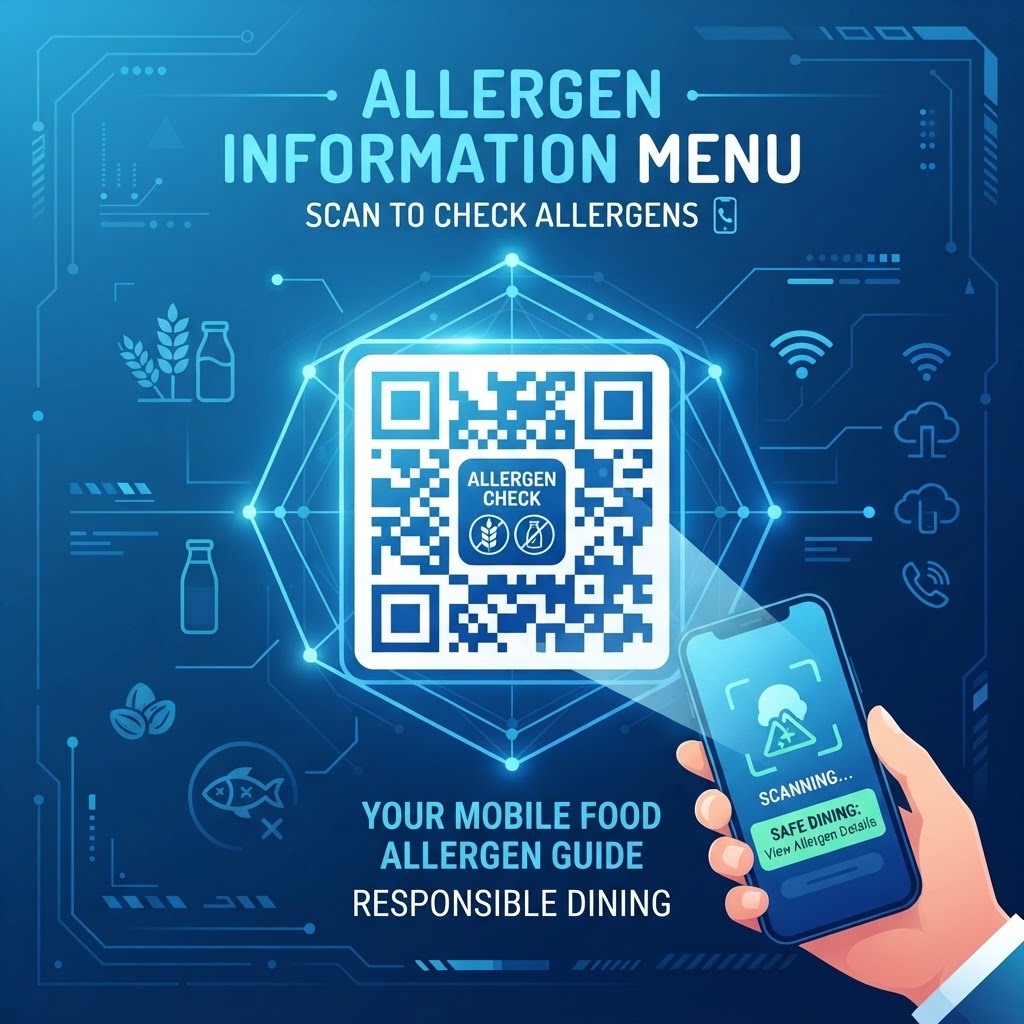
Why Implementing Allergen QR Codes Matters in 2026
The culinary and retail landscape of 2026 is defined by a heightened sense of consumer agency regarding personal health. Modern diners and shoppers are more informed than ever before, often navigating complex dietary requirements ranging from severe anaphylactic triggers like peanuts or shellfish to lifestyle-based choices such as gluten-free or plant-based diets.
Traditional paper menus often fail to account for the dynamic nature of kitchen operations, where ingredient sourcing might change on a daily basis due to supply chain fluctuations or batch-specific recipe modifications. By utilizing a QR code for allergen information, businesses shift from static, potentially outdated printed information to a dynamic, scalable digital record that can be updated in seconds.
Key Benefits
- Consumer access to current allergen and ingredient information
- Detailed “may contain” warnings and disclaimers without limited print space
- Greater transparency, inclusivity, customer retention, and brand trust
Most smartphones are now equipped with native scanning capabilities, removing the friction of downloading third-party applications. When a consumer scans a code, they are greeted with an instantaneous window into the kitchen’s inventory, allowing them to make informed decisions that align with their health needs.
Furthermore, the regulatory environment is increasingly emphasizing the transparency of food labeling. Many businesses are finding that QR codes provide the most robust defense against liability, as they allow for the inclusion of detailed “may contain” warnings and disclaimers that would be practically impossible to print on a limited-space physical menu or small product label.
Beyond compliance and safety, this practice fosters a culture of inclusivity. When a venue proactively provides digital allergen tools, it signals to the consumer that their safety is a priority, which directly correlates with higher customer retention, improved brand reputation, and a deeper sense of trust within the community, ultimately turning a technical requirement into a significant competitive advantage.
How QR Code Technology Works for Allergen Transparency
Technically, a QR code functions as a high-capacity, two-dimensional bridge between the physical and digital domains. At its core, the code is a matrix of black squares arranged on a white grid, which encodes a specific URL (Uniform Resource Locator).
When a user scans the code using their mobile device, their smartphone interprets this data and triggers the default web browser to navigate to the designated landing page. For allergen management, this process is optimized by using a URL-QR tool that directs the user to a secure, mobile-optimized webpage containing structured allergen declarations, ingredient lists, and nutritional breakdown summaries.
Core Technology Features
- Dynamic content updates without reprinting physical QR codes
- Mobile-optimized landing pages, web forms, or PDFs
- Tracking metrics that show which items are checked most frequently
The elegance of this system lies in the separation of the physical code from the backend content. Because the code simply points to a web address, the actual information behind that link can be managed, edited, and updated in real-time without ever needing to reprint the physical assets.
This is critical for high-volume environments where recipes are adjusted frequently or where specific products are rotated in and out of stock. From a database perspective, these landing pages are often structured as simple web forms or PDFs that are optimized for quick loading even in low-bandwidth environments, ensuring that accessibility is maintained in crowded cafes or remote retail locations.
Modern QR technology also allows for advanced tracking metrics, which can provide businesses with insight into which items are being checked for allergens most frequently. This data can then be used to refine menu design and prioritize the health-conscious offerings that resonate most with the customer base.
By leveraging the versatility of the blueqrcode.com platform, managers can generate unique codes that are permanent, reliable, and capable of handling high-volume traffic without latency issues, ensuring that the critical safety data is always accessible within milliseconds of a scan.
Step-by-Step Guide Using BlueQRCode.com
Executing a robust allergen disclosure program starts with selecting the right digital infrastructure. Using the tools provided at blueqrcode.com, businesses can streamline the creation of these codes to ensure accuracy and compliance.
- Step 1: Identify the specific content you wish to share, such as a digital PDF document of your current menu, a specialized web page hosted on your site, or a dedicated allergen-management portal.
- Step 2: Navigate to the QR code generator on the BlueQRCode website, select the “URL” category, paste your destination link, and verify that the URL is correct.
- Step 3: Customize the design of your QR code while maintaining high contrast for scanner readability.
- Step 4: Test the generated code with multiple mobile devices, including both iOS and Android platforms, to confirm that the landing page renders correctly.
- Step 5: Download the high-resolution file, using a vector format like SVG or a high-quality PNG for printed signage.
- Step 6: Train internal staff to direct customers to the code whenever an allergen query arises.
While basic black-and-white codes are functional, using customization features to add a professional touch or your company’s logo can increase trust and encourage engagement. Once you are satisfied with the performance, download the high-resolution file.
By consistently using this workflow through blueqrcode.com, you establish a reliable cycle of communication that empowers both staff and customers to handle food safety inquiries with confidence and ease, removing the ambiguity often found in traditional service models.
Best Practices for Deployment: Size, Placement, and Format
The successful deployment of a QR code is just as important as the information it contains. If a customer cannot easily scan a code, the allergen information effectively ceases to exist.
- Place codes at eye level or where customers naturally linger, such as table tents, counter displays, and physical menus.
- Use shelf talkers or product labels in retail settings.
- Print signage at least 2 inches by 2 inches to account for different phone camera sensitivities and focal lengths.
- Keep codes crisp and free from surrounding graphics or text that could confuse scanner software.
- Use high-contrast printing, such as black ink on a matte white background.
Lighting also plays a major role in the functionality of the QR code. Avoid placing the code in areas with high glare, such as behind glass or under direct, harsh spotlights that could cause reflections.
Include a clear call to action adjacent to the code. A simple statement like “Scan for Allergen Information” or “View Ingredients Here” guides the user’s intent and makes the technology appear approachable rather than intimidating.
Finally, regularly audit your physical materials. If a menu is printed on high-gloss paper, ensure the reflections are minimized, and verify that physical copies of QR codes are replaced if they become damaged, folded, or stained.
100% Free — No signup required
Create your Qr Code For Allergen Information in seconds
Create Free QR Code →Common Mistakes to Avoid in Allergen Disclosure
One of the most frequent errors businesses make is linking to a large, unoptimized PDF file that takes too long to load on cellular data. Customers in a busy environment will rarely wait more than a few seconds for a document to populate, so a sluggish load time may cause them to abandon the search.
- Using an unoptimized PDF instead of a mobile-optimized landing page
- Failing to update the link destination when menu items change
- Relying solely on the QR code without staff training
- Hiding the QR code in an obscure or difficult-to-see location
- Failing to test active codes and underlying URLs regularly
Always ensure your allergen data is housed on a mobile-optimized landing page that prioritizes text clarity over large, decorative image files. An inaccurate digital document is often worse than no document at all, as it provides a false sense of security that could lead to a severe health incident.
Always implement a “version control” policy where the digital database is updated simultaneously with the physical menu or inventory. If a customer has a life-threatening allergy, staff should be equipped to offer verbal confirmation and bridge the gap between the digital data and the actual kitchen preparation practices.
Visibility is synonymous with accessibility in this context. Periodically test all active codes to ensure the underlying URL remains valid and the server hosting the allergen information is operational.
Concrete Use Cases by Industry and Sector
In the restaurant and hospitality sector, QR codes for allergen information are essential for managing complex menus. For instance, a fast-casual café can place a code on the order counter, allowing customers to scan and view a comprehensive table of allergens for every item on the menu.
- Restaurants and cafes: Display allergen tables categorized by “contains,” “may contain,” and “processed in a facility with.”
- Institutional catering: Update daily menus to reflect the specific shift’s preparation.
- Food manufacturing: Link product packaging to detailed sourcing and allergen information.
- Grocery retail: Place codes on deli or prepared-food display cases.
- Food delivery: Include codes on delivery bags or receipts for verification before consumption.
This transparency is particularly valuable for customers with multiple dietary restrictions who need to cross-reference ingredients quickly. In the institutional catering sector, such as university dining halls or corporate cafeterias, QR codes can be updated daily to reflect the “menu of the day,” ensuring that the information provided is accurate for that specific shift’s preparation.
In the food manufacturing and retail sector, companies often use QR codes to provide deep-dive information that cannot fit on a physical label. A snack manufacturer might print a code on the back of a bag that links to a detailed breakdown of where ingredients were sourced, specifically highlighting allergens like soy, nuts, or dairy.
Additionally, in the grocery sector, supermarkets can place codes on deli or prepared-food display cases, allowing shoppers to verify ingredients for items that are packaged in-house and do not have traditional nutrition labels. Across these diverse sectors, the common denominator is the need for speed, accuracy, and ease of use, all of which are addressed through the strategic deployment of QR code technology as facilitated by platforms like blueqrcode.com.
Summary and Next Steps for Your Business
Transitioning to a digital-first approach for allergen information is a proactive step that reflects the maturity and responsibility of your brand. The combination of consumer demand, regulatory expectations, and the ease of use offered by the blueqrcode.com platform makes this an ideal time to implement or upgrade your current systems.
- Step 1: Audit your current food offerings to identify where risks lie and where transparency is needed most.
- Step 2: Create a digital database that is easy to navigate and ensure the formatting is mobile-optimized.
- Step 3: Use the URL-QR tool provided by BlueQRCode to generate your access points.
- Step 4: Pilot the deployment in your highest-traffic area and observe how customers interact with the code.
- Step 5: Gather feedback and adjust the placement or digital landing page layout as necessary.
By standardizing the way your team shares allergen data, you not only mitigate the risk of adverse health outcomes but also enhance the overall guest experience, showing that your business values safety and clarity above all else.
Remember that this is a living process; as your menu changes and as you receive feedback, your digital content must evolve accordingly. By embracing this technology, you are positioning your business as a leader in transparency and digital integration.
No watermark · No expiry · Works on all phones
Your QR code is ready in under 30 seconds.
Generate Free QR Code →