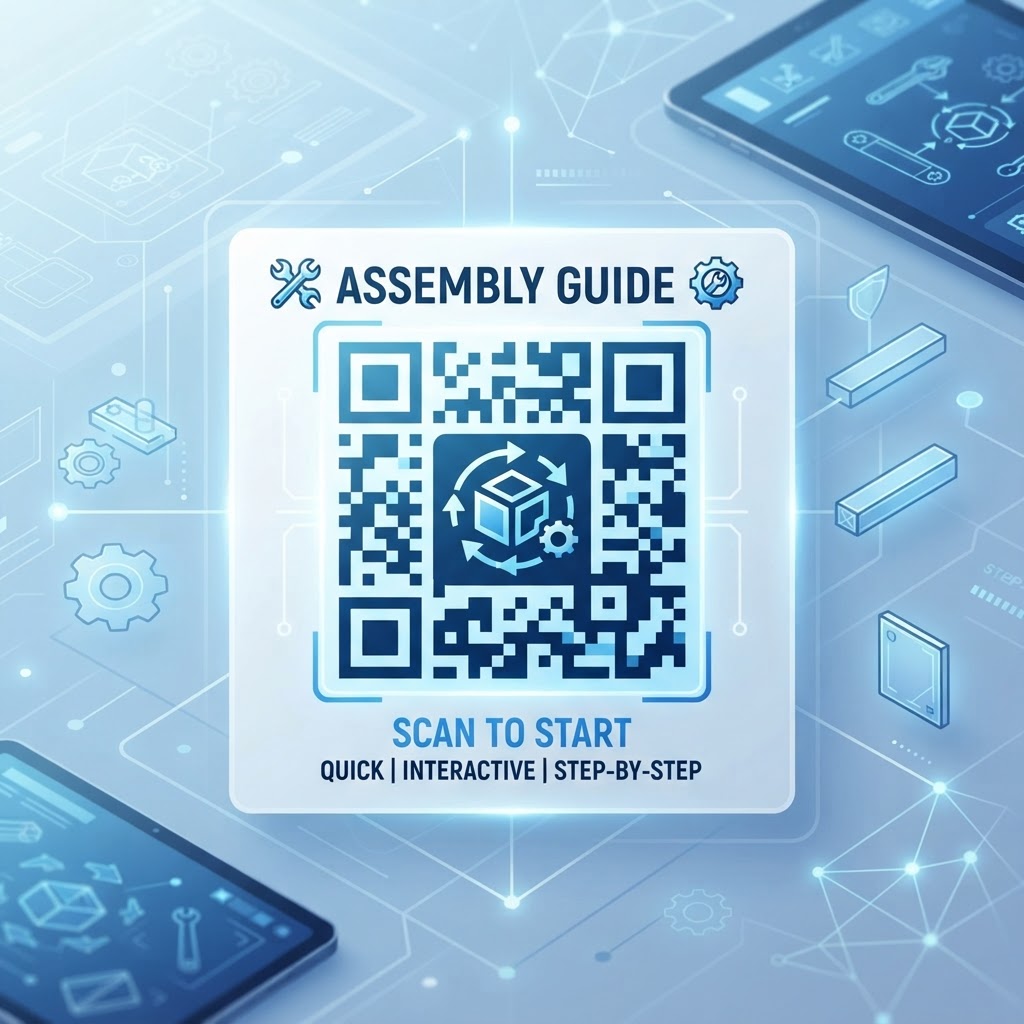
Why Integrating a QR Code for Assembly Guide Matters in 2026
As we navigate through 2026, the consumer landscape has shifted heavily toward interactive and mobile-first experiences. Traditional printed manuals are frequently cited by users as a major pain point; they are often printed in small, difficult-to-read font sizes, lack visual clarity, and are prone to being discarded or misplaced shortly after purchase.
By adopting a qr code for assembly guide strategy, businesses can offer dynamic, up-to-date instructions without reprinting physical stock. Customers can scan a code to view digital instructions optimized for their devices, while companies can reduce paper waste and update guidance when assembly errors are identified.
Key Points
- Digital guides can be updated without reprinting physical manuals.
- Mobile-friendly instructions can make assembly information easier to access and view.
- Reducing printed materials can lower paper use and production costs over time.
How It Works Technically: The Mechanics of Digital Instructions
At its core, a QR code for assembly guide functions as a bridge between product packaging and an online information portal. When a user scans the code, their smartphone detects the encoded URL and opens the linked content, such as a PDF manual, video walkthrough, or interactive web page.
When you utilize the PDF QR code feature at BlueQRCode, you create an access point that can lead users to the relevant document. QR codes can encode URLs to online resources, allowing businesses to use existing web assets without developing custom mobile applications.
Step-by-Step Guide to Using BlueQRCode.com
Creating a professional QR code for assembly guide is straightforward when you use the tools available at BlueQRCode. Follow these steps to prepare and deploy your code.
- Step 1: Gather your assembly materials, such as a PDF instruction manual, a private YouTube video tutorial, or a dedicated landing page on your company website.
- Step 2: Navigate to the BlueQRCode platform and select the appropriate QR code type. For most assembly guides, choose the 'PDF' or 'URL' category.
- Step 3: Upload your file or paste your URL into the provided input field.
- Step 4: Customize the code to match your brand identity by adjusting colors, choosing a frame, or incorporating your company logo.
- Step 5: Test the code using various mobile devices to confirm the destination loads correctly and is mobile-responsive.
- Step 6: Download the finished code in a suitable format, such as high-resolution PNG, SVG, or EPS, and add it to your product packaging or user manual insert.
Best Practices for Deployment: Size, Placement, and Format
Strategic deployment helps ensure that customers can find and scan your QR code for assembly guide. Make the code visible and ensure that the linked content is suitable for mobile devices.
- Place the code on the primary packaging or the first page of the quick-start guide, rather than hiding it on the back or inside the carton.
- Make the QR code at least 2cm by 2cm so smartphone cameras can focus on it more easily.
- Optimize the linked content for mobile; compress large PDFs or use a responsive web page that allows users to zoom into assembly steps.
- Use high-contrast colors, such as a dark blue or black code on a white background, and avoid low-contrast combinations.
- Consider a matte finish for the QR code area on glossy or reflective packaging to minimize glare.
- Add a clear call to action, such as 'Scan for Video Assembly Guide' or 'Assembly Instructions Inside'.
Common Mistakes to Avoid During Implementation
Implementation mistakes can frustrate users and make a QR code difficult to scan or use. Check the destination, mobile experience, and physical placement before products go to market.
- Broken links: Verify that the destination is stable and does not lead to a broken or 404 error page.
- Poor mobile responsiveness: If users must constantly pinch and zoom, they may abandon the instructions and resort to trial-and-error assembly.
- No offline alternative: Keep a simplified, paper-based quick-start card inside the box for customers without internet access or who are uncomfortable with technology.
- Unsuitable placement: Avoid printing the code on curved or textured surfaces, which can distort the patterns and make scanning difficult.
- Over-branding: Keep the logo small and limit decorative customization so it does not interfere with the code's data modules or scannability.
- Changing the destination without a redirect: If you need to change the destination after printing, use a redirect managed on your end so the printed code continues to work.
Concrete Use Cases by Industry and Sector
A QR code for assembly guide can support manufacturers and consumers across a range of sectors. The linked content can be tailored to the product and the user’s needs.
- Home furniture: Link to a 3D interactive video that helps users see how flat-pack parts connect.
- Consumer electronics: Direct users to a manufacturer-hosted portal with resources such as firmware update links after assembly.
- Medical equipment: Guide healthcare workers through assembly steps and safety protocols.
- DIY and hobbyist products: Link to community forums or verified tutorial videos for model kits or custom automotive parts.
- Hardware and tools: Provide access to safety videos or maintenance tips.
Summary and Next Steps for Your Business
Implementing a QR code for assembly guide can modernize customer service and product documentation. With mobile-friendly content, careful placement, and reliable links, businesses can create a more accessible assembly experience.
Audit your existing assembly materials, choose a product line for a pilot, and gather customer feedback before expanding the approach across your catalog. BlueQRCode provides tools to create and manage QR codes for your assembly guides.