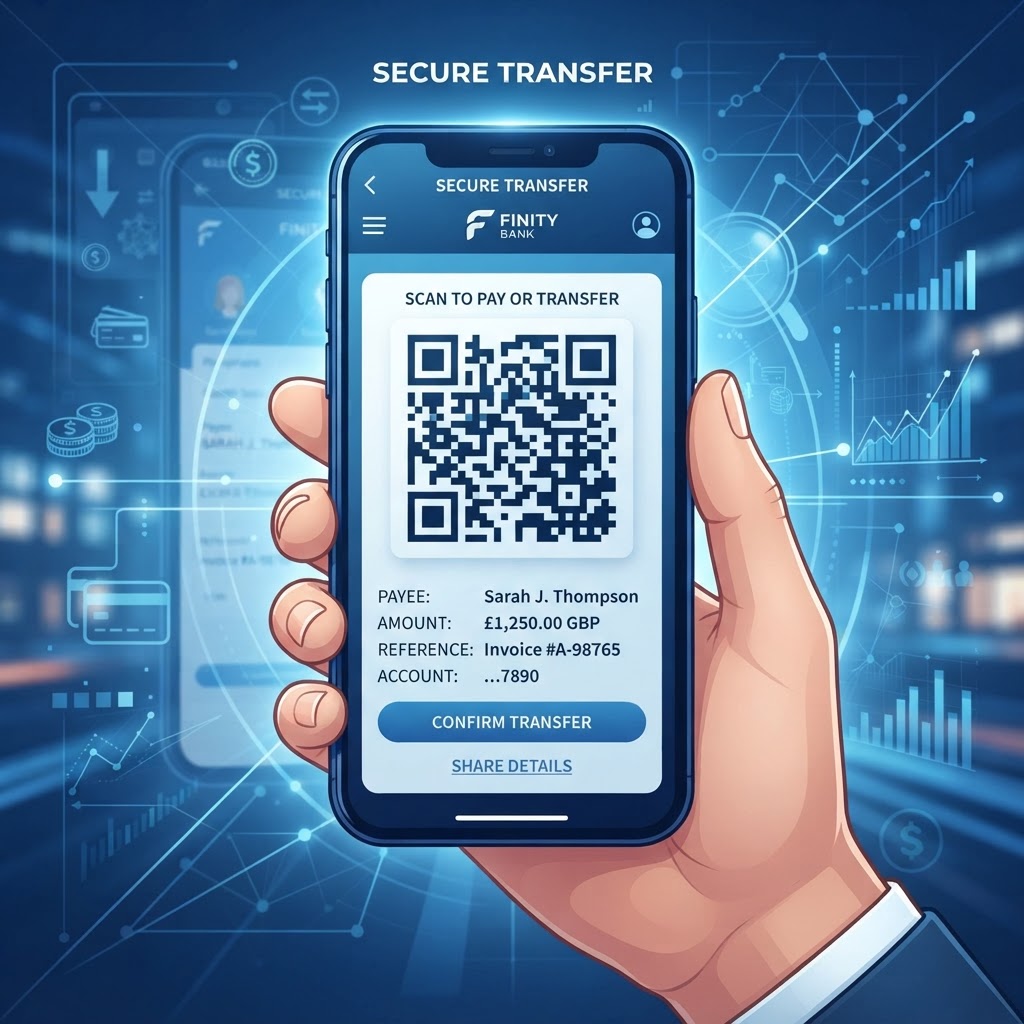
The Evolution of Seamless Payments in 2026
As we navigate through 2026, the global shift toward cashless transactions has reached a point of no return. Consumers no longer carry paper invoices or physical checkbooks, and the expectation for instant, error-free financial processing is higher than ever.
When you provide a customer with a long, alphanumeric string of banking information, you create an inherent risk of data entry errors. A simple typo in an IBAN or a routing number can lead to failed transfers, locked funds, and a lengthy reconciliation process for your accounting department. By utilizing a QR code for bank transfer details, you remove these hurdles entirely.
This technology matters because it acts as a universal bridge. Many businesses have found that reducing the time taken to process an invoice directly correlates with improved cash flow. In an era where most smartphones come equipped with native QR scanning capabilities, the barrier to entry for your customer is effectively zero.
They simply point their camera, confirm the details, and initiate the payment through their existing banking app. Furthermore, using a reliable service like blueqrcode.com ensures that your financial data is encoded in a standardized, machine-readable format that is compatible with virtually every major banking application globally.
By standardizing the input method for bank transfers, you protect your revenue streams from the delays caused by manual processing. As more businesses adopt these digital shortcuts, those who fail to provide scannable payment information will increasingly be viewed as archaic, potentially losing customers who prioritize convenience over brand loyalty in their daily commercial interactions.
Understanding the Technical Framework of Payment QR Codes
The magic behind a functional QR code for bank transfer details lies in the underlying structure of the data string. A QR code is essentially a visual container for text. When generating a payment QR, you are encoding specific financial data points—often using the SEPA (Single Euro Payments Area) standard or a custom URL scheme—that your customer’s banking application can interpret.
Most modern mobile banking apps are designed to parse these specific code structures, automatically populating the recipient’s name, account number, SWIFT/BIC code, and the specific payment reference field when a user scans the image.
From a technical standpoint, the code functions as an automated data-entry tool. When a scan occurs, the smartphone's software strips the metadata and feeds the structured information into the transaction initiation screen.
This process is highly secure because the QR code itself does not process the money; it merely passes the instruction set to the secure environment of the user's banking app. This separation of concerns is vital for security. Because the transaction occurs inside the user’s authenticated banking interface, the risk of data interception is minimized.
At blueqrcode.com, our engine ensures that your data is formatted correctly to adhere to these industry standards, preventing the fragmentation of strings that often occurs with generic, non-optimized code generators.
Furthermore, the capacity for high-density data means that you can include not just the account credentials, but also pre-defined amounts or specific invoice identifiers, making the reconciliation process for your accounts receivable team nearly instantaneous once the transfer is verified by your banking provider.
Step-by-Step Guide to Generating Your QR Code
Creating a professional QR code for your banking information is a straightforward process when using the intuitive tools available on our platform. First, navigate to blueqrcode.com and select the appropriate option for generating a text or URL-based QR code.
Before you begin, gather your essential financial details, including your full legal account holder name, the International Bank Account Number (IBAN), your SWIFT/BIC code, and the bank’s address if required for international transactions. Having this information ready ensures you don’t have to switch between windows, reducing the chance of accidental errors.
- Step 1: Navigate to blueqrcode.com and select the appropriate option for generating a text or URL-based QR code.
- Step 2: Input your financial details into the data field. Many users find it helpful to format this information in a clear, readable text block, or if your specific banking ecosystem allows, use the dedicated transaction-link feature if you are generating a link that triggers an app intent.
- Step 3: Customize the appearance of the code. Adjusting the foreground and background colors to match your brand identity is recommended, as it adds a layer of professionalism and trust.
- Step 4: Perform a test scan using several different mobile devices to ensure the information populates correctly in the destination field.
- Step 5: Download the code in a high-resolution format, such as PNG or SVG, which will allow you to scale the code for both physical printed materials and digital screen displays without loss of fidelity.
Best Practices for Deployment and Placement
Deployment is just as important as generation. For a QR code for bank transfer details to be effective, it must be placed where the user is naturally inclined to act.
- If you are a freelancer, place the QR code directly on your digital invoice files, just below the total amount due. This provides the path of least resistance for the client.
- For retail environments, printing the code on a small, high-quality acrylic sign at the checkout counter is an excellent strategy.
- Avoid placing the code in areas with glare or poor lighting, as this can degrade the scanner's ability to interpret the modules correctly.
Size also plays a significant role in success. The QR code must be large enough to be scanned from a comfortable arm’s length. For printed invoices or business cards, a size of at least 2cm by 2cm is standard.
If the code is being displayed on a wall sign or a large-format poster, increase the size proportionally to ensure it remains legible from several feet away. Furthermore, always ensure there is a clear "quiet zone" around the QR code—a margin of empty space that separates the code from other graphic elements.
Overcrowding the code with text or logos can lead to scanning failures. By following these placement and sizing principles, you ensure that the user experience is frictionless, turning the payment phase of your business relationship into a quick, pleasant, and modern interaction that reflects well on your professional standards and organizational efficiency.
100% Free — No signup required
Create your Qr Code For Bank Transfer Details in seconds
Create Free QR Code →Common Mistakes to Avoid During Implementation
The most frequent error users encounter is failing to perform a multi-device test before mass-producing printed materials. A QR code that scans perfectly on an iPhone might behave differently on an Android device if the underlying data string is not formatted to be universally compatible.
- Always test with multiple operating systems and a variety of scanner apps to ensure that the data string is interpreted uniformly across the board.
- Avoid choosing overly complex patterns or low-contrast color combinations that look aesthetically pleasing but fail to scan under real-world conditions.
- Verify the accuracy of the account details before final generation. Once the QR code is printed on hundreds of invoices or brochures, any mistake in the bank account number becomes costly and difficult to correct.
- Double-check every digit against your official bank statement.
- Avoid using dynamic QR codes that might expire or require a premium subscription if you haven't managed the account correctly.
- Do not bury the QR code in the footer or hide it on the back of a document; users will only scan what they can easily see.
Using blueqrcode.com helps you avoid these pitfalls by providing a stable and reliable generation environment. Treat your payment QR code as a primary call-to-action rather than an afterthought, ensuring that it remains the focal point of the transaction process on all your physical and digital documents.
Concrete Use Cases by Industry and Sector
The versatility of QR codes for bank transfer details allows them to be deployed across numerous sectors to drive operational efficiency. In the professional services industry, such as accounting firms or legal practices, invoices often carry large amounts.
Including a QR code on these invoices allows clients to initiate a bank-to-bank transfer instantly, bypassing the fees associated with credit card processing while ensuring the funds are moved quickly. This practice is standard for high-ticket service industries that prioritize direct transfers over credit-based payments.
The retail and artisan sector also sees significant benefits. Small businesses and craft creators who sell at local markets often struggle with card terminals and high transaction costs. By displaying a QR code that encodes their bank transfer details, these merchants can accept payments directly into their accounts without needing an expensive point-of-sale system.
This creates a secure and reliable way to handle transactions on the go. Additionally, property management and real estate companies use these QR codes to facilitate rent or deposit payments. By placing the code in the lease agreement or on a digital tenant portal, landlords provide a streamlined way for tenants to send their payments without needing to manually copy account information every month.
Regardless of the industry, the common thread is the reduction of friction. Any business that relies on bank-to-bank transfers as a primary payment method can leverage our tools at blueqrcode.com to create a unified, secure, and professional payment experience that customers will appreciate for its simplicity and efficiency.
Summary and Next Steps for Your Business
As we have explored, the integration of a QR code for bank transfer details is more than just a modern convenience; it is a tactical necessity in the fast-paced landscape of 2026. By removing the manual labor associated with traditional bank transfers, you improve your cash flow, minimize the risk of human error, and enhance the overall experience for your clients.
Whether you are streamlining freelance invoicing, managing retail payments, or optimizing property management collections, the transition to QR-based payment initiators is a step toward a more efficient and professional operation. The technology is accessible, the implementation is straightforward, and the benefits are immediate and measurable.
Now is the time to take action and modernize your payment processes. Start by identifying your most common payment touchpoints—the documents or physical spaces where your customers currently struggle with manual data entry.
Use the tools provided at blueqrcode.com to generate your first set of QR codes, ensuring you test them thoroughly across different devices. Once confirmed, begin incorporating these codes into your invoices, emails, and physical displays.
As you move forward, monitor your reconciliation process to see the reduction in errors and the increased speed of incoming payments. Embracing this shift will position your business as a forward-thinking entity that values the time and convenience of its customers, ultimately building stronger, more efficient commercial relationships in a digital-first world.
No watermark · No expiry · Works on all phones
Your QR code is ready in under 30 seconds.
Generate Free QR Code →