1. Why the QR Code Rental Model Matters in 2026
In the current business landscape of 2026, the reliance on manual rental processes is quickly becoming a relic of the past. Customers demand immediacy, and a QR code for bike rental provides exactly that. When a potential renter walks up to a bike rack, they expect to be on the road within minutes, not filling out paper forms or waiting for an attendant.
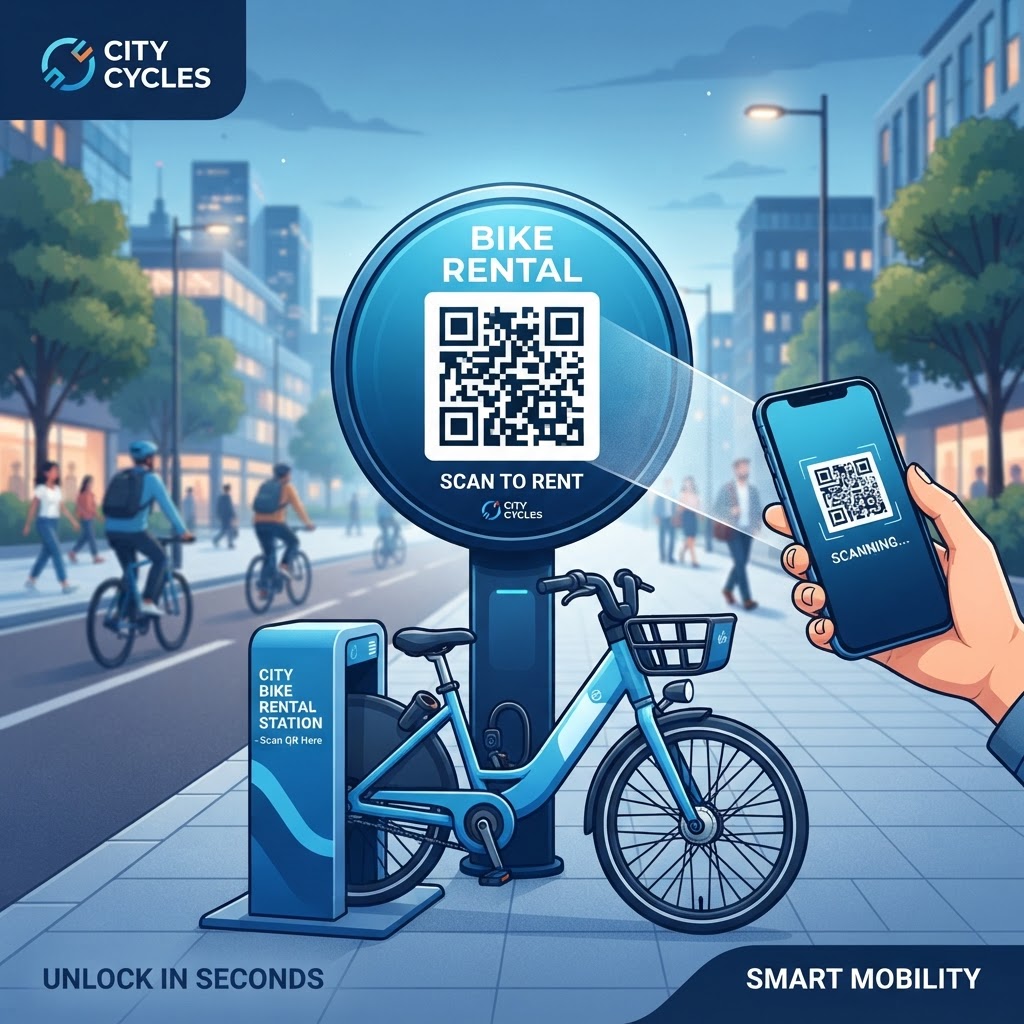
QR codes serve as the ultimate bridge between the physical bicycle and the digital booking interface, allowing users to scan, sign, and unlock in seconds. This shift toward self-service models reduces overhead costs by minimizing the need for constant on-site staffing while providing a digital audit trail of every transaction.
Key Benefits
- Smartphones provide most customers with the hardware needed to scan QR codes.
- Mobile-first rental solutions create a faster, more professional customer journey.
- QR-based systems scale consistently across fleets of five bikes or five hundred.
- Digital checkouts reduce paper and plastic waste, supporting eco-friendly brand values.
2. How the QR Code Rental Process Works Technically
At its core, a QR code for bike rental is a visual gateway that directs a user's mobile browser to a specific URL. When a user scans the code using their camera, the smartphone identifies the encoded information, which is typically a unique web address or a deep link to an application.
This URL can pass specific parameters to your rental management platform, such as the bike's unique identification number, location, or category code. The customer then sees a responsive web page or rental app where the scanned bike is already pre-selected, reducing the number of steps required to start the rental.
Backend Processing
When a scan occurs, the backend server processes the unique ID associated with the QR code. The system checks whether the bike is available, currently out on a trip, or marked for maintenance.
- Available bikes prompt the user for payment, waiver acceptance, and identity verification.
- Completed steps can trigger an automated smart lock or a notification to an on-site attendant.
- Secure HTTPS connections help protect payment details and personal information.
- Dynamic QR code redirection allows destination URLs to be updated without printing new codes.
By using platforms like blueqrcode.com to generate your codes, you ensure that the QR codes are high-resolution and machine-readable, reducing error rates even in challenging lighting conditions. This technical architecture is robust, scalable, and built to handle high volumes of simultaneous requests without crashing or latency issues.
Try it now: Generate a free Qr Code For Bike Rental →
3. Step-by-Step Guide to Generating Your QR Code
Creating your QR code is a straightforward process that begins with setting up your digital infrastructure. Before generating a code, ensure you have a mobile-responsive landing page or rental system URL ready.
- Step 1: Set up a functional mobile-responsive booking page or rental system URL.
- Step 2: Visit blueqrcode.com and select the “URL” option.
- Step 3: Paste your unique rental URL into the designated field.
- Step 4: Consider using unique URLs for every bike, such as yourdomain.com/rent?bike_id=101, to track individual usage.
- Step 5: Customize the QR code with your brand logo or colors if desired.
- Step 6: Generate a high-resolution image file, such as an SVG or high-quality PNG.
- Step 7: Test the code with various smartphones and mobile screen sizes.
- Step 8: Print the code on weather-resistant vinyl stickers or aluminum plates.
- Step 9: Affix the code to a visible location, such as the handlebars or top tube.
4. Best Practices for Deployment and Placement
Where and how you place your QR code for bike rental is just as important as the technology itself. A functional code is useless if the user cannot easily reach or scan it.
- Place the code at a natural eye level or near a point of interaction, such as the handlebars or frame.
- Use durable, UV-resistant materials that can withstand sunlight and rain.
- Keep the area around the QR code clean so dirt and grime do not obscure the pattern.
- Make the code at least 2 inches by 2 inches for optimal scanning ease.
- Use a flat surface because highly curved tubes can distort the pattern.
- Add call-to-action text such as “Scan to Rent” or “Unlock Bike Here.”
Thoughtful planning of placement, material, and size creates an environment that feels welcoming and easy to navigate for new users, thereby increasing conversion rates and overall rental frequency.
100% Free — No signup required
Create your Qr Code For Bike Rental in seconds
5. Common Mistakes to Avoid During Implementation
One frequent mistake is using a static QR code that leads to a broken URL or outdated landing page. If you change your booking platform or URL structure, a static code becomes obsolete and may force you to replace every sticker on every bike.
- Using static codes can make stickers obsolete after a URL or booking platform change.
- Slow or non-mobile landing pages can cause users to abandon the rental process.
- Failing to provide an alternative can exclude users with dead batteries or poor internet connections.
- Overly complex designs and low-contrast colors can reduce scanning accuracy.
- Unprotected codes in high-traffic areas may be damaged or tampered with.
Use dynamic QR codes when available, or use a URL shortener or redirect service that you control. Keep the landing page fast and minimalist, and consider a short URL or an offline method such as manual reservation via SMS as a secondary option.
6. Concrete Use Cases for Modern Rental Operations
The application of QR code technology extends beyond simple city-wide bike shares. Hotels and resorts can place QR-enabled bikes at various stations so guests can scan, unlock, and ride to amenities, with rental fees automatically applied to their room bill.
- Hotels and resorts: Provide automated mobility across expansive properties while reducing front-desk congestion.
- Parks and recreational centers: Offer flexible hourly rentals without requiring visitors to wait in line.
- Corporate campuses: Track asset usage and limit access through company email verification.
- Academic institutions: Link rentals to university student ID databases for low-cost or free campus bike sharing.
In each use case, the QR code acts as a 24/7 attendant, managing asset distribution and helping bikes remain a viable transportation tool for the people who need them most.
7. Summary and Next Steps for Your Business
Implementing a QR code for bike rental aligns your business with modern consumer expectations. A digital-first, self-service model can streamline rentals, reduce operational overhead, and provide valuable data about inventory usage.
Start by auditing your current rental process and identifying customer delays. Then create a pilot program with a few bikes, monitor scan rates and feedback, refine the booking flow, and scale the system across your fleet as confidence grows.
No watermark · No expiry · Works on all phones
Your QR code is ready in under 30 seconds.