Why This Topic Matters
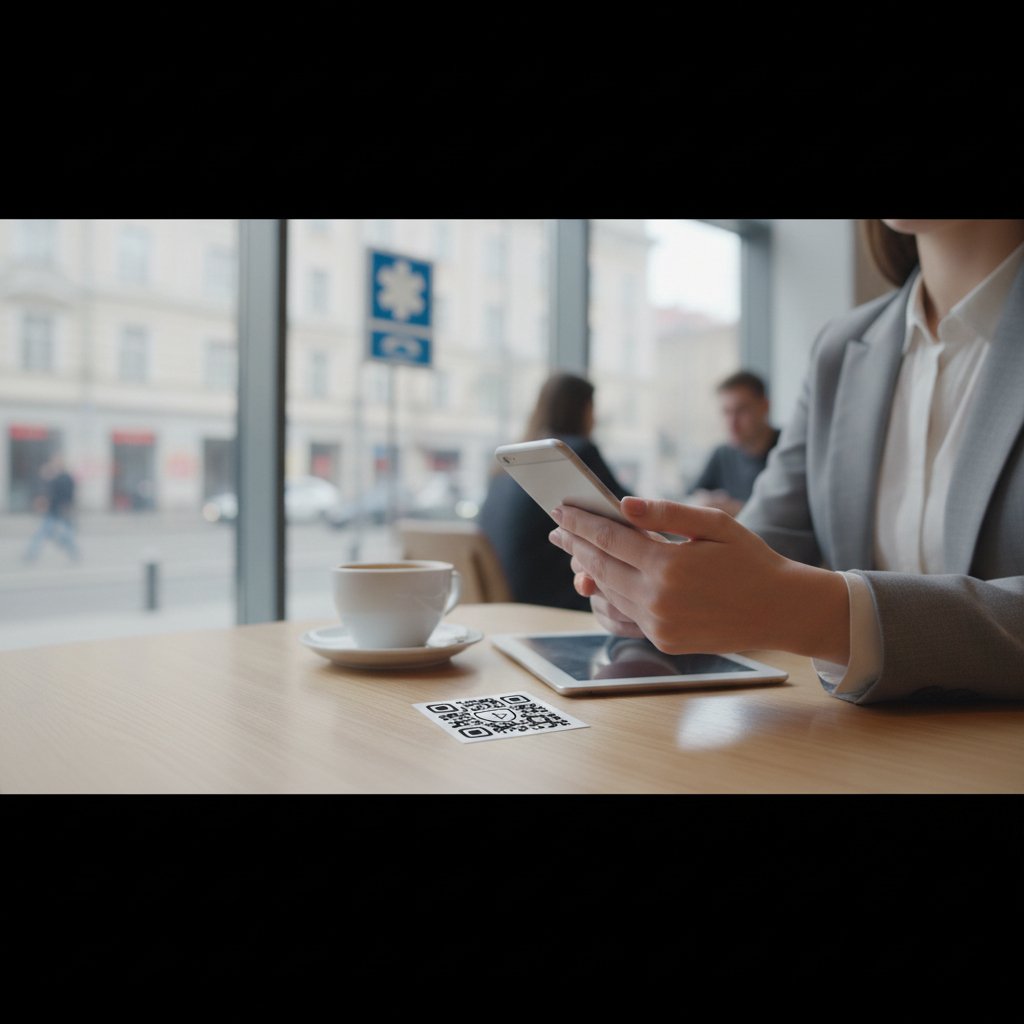
A QR code for emergency contacts gives first responders and bystanders instant access to critical contact and medical information without unlocking a phone or digging through paperwork. You can easily create one using our free vCard QR Code Generator.
This guide explains how these codes work, where to use them, and how to create reliable, privacy-conscious emergency contact QR codes in 2026.
What Is QR Code For Emergency Contacts and Why It Matters in 2026
A QR code for emergency contacts is a scannable code that instantly delivers critical contact information — names, phone numbers, email addresses, physical addresses, and even a photo — to anyone who scans it with a smartphone. For more specific applications, check out our guide on QR Codes for Pet Tag Emergency Contacts.
In emergency scenarios, seconds matter. Built-in camera apps on iOS and Android decode QR codes natively in 2026, so most users can scan without a separate app.
The underlying format commonly used is the vCard QR code, which bundles structured contact data into a scannable package that phones can offer to save directly to the address book. If you're looking to add a QR code to another important item, like a business card, consider reading our Step-by-Step Guide on How to Add QR Code to Business Card.
Emergency contact QR codes are used on ID lanyards, medical alert bracelets, hiking gear, and workplace badges to provide fast access to accurate information.
Key Points
- Instant access to structured contact and medical info using the vCard standard
- Works without an app on most modern smartphones (camera handles decoding)
- Can be static (embedded data) or dynamic (point to an editable URL)
Step-by-Step Guide
Follow these high-level steps to create and deploy an emergency contact QR code.
- Step 1: Use a vCard QR code generator and enter contact and medical details.
- Step 2: Customize design, choose dynamic or static encoding, and test scannability.
- Step 3: Print on durable materials at an appropriate size and deploy on badges, bracelets, or gear.
How Emergency Contact QR Codes Work: The vCard Standard
Emergency contact QR codes typically use the vCard (VCF) format, a long-established standard for contact data.
Try it now: Generate a free Qr Code For Emergency Contacts →
vCard data is encoded directly into the QR pattern or hosted behind a short URL for dynamic codes.
- Full name: required
- Phone numbers: multiple (home, mobile, work)
- Email addresses:
- Physical mailing address:
- Organization/company name:
- Job title:
- URL/website:
- Photo/avatar: optional (base64 increases complexity)
- Notes: allergies, medications, special instructions
- Step 1: The camera app recognizes the QR code.
- Step 2: The OS decodes the vCard data inside.
- Step 3: The phone displays the contact and offers "Add to Contacts."
- Step 4: The scanner taps to save the contact.
This process typically takes 3–5 seconds and needs no extra app for static vCard codes.
Best Practices
Apply these practices to maximize usefulness, reliability, and privacy.
- Keep contact info current — update dynamic codes when numbers or addresses change
- Use clear labels like "EMERGENCY CONTACT — SCAN" so people know the code's purpose
- Test the QR code on multiple phone models (iPhone and Android) before deployment
- Include allergies, medications, and medical provider details in the vCard notes field
- Protect privacy by avoiding sensitive identifiers (Social Security or insurance numbers)
- Use high-contrast designs (black on white) for fastest scanning
Real-World Use Cases for Emergency Contact QR Codes
1. Medical Alert Systems: Patients or elderly individuals wear QR stickers on bracelets or necklaces to reveal emergency contact, allergies, meds, blood type, physician, and insurance info.
2. School and Childcare Settings: Daycare and school badges or wristbands can display a child's name, DOB, guardian contacts, allergies, and authorized pickup contacts for fast reunification.
3. Outdoor and Adventure Sports: Hikers, bikers, and climbers can place a small QR sticker on helmets or packs so rescuers can contact emergency contacts quickly.
4. Workplace Safety and ID Badges: Employee badges can include emergency contact details and medical restrictions for faster triage.
100% Free — No signup required
Create your Qr Code For Emergency Contacts in seconds
Create Free QR Code →5. Pet Identification: QR codes on collars reveal owner contact and pet medical info for reunited pets or veterinary care.
6. Caregiver and Dependent Programs: Nursing homes and in-home care can use codes on wristbands or door plaques to access resident contact and medical history.
Common Mistakes to Avoid
Avoid errors that reduce effectiveness or expose privacy.
- Failing to update dynamic codes — stale info defeats the purpose
- Using low-contrast or small designs that are hard to scan
- Embedding sensitive data (SSNs, insurance account numbers) in the vCard
- Placing codes where they can be hidden, damaged, or faded without inspection
- Relying solely on a QR code without a durable visible backup (e.g., a medical bracelet)
- Not testing across multiple phone models before printing
Advantages and Limitations
Advantages:
- Instant, no-app-required access to critical information
- Works when phones are locked or paper records are unavailable
- vCard is universally supported on modern smartphones
- Very low printing cost and easy deployment
- Static vCards work offline; dynamic codes can be updated without reprinting
Limitations:
- Code must be visible and intact to be useful
- Requires a smartphone with QR capability to scan
- Older or basic phones may not scan natively
- Doesn't guarantee someone will scan it — depends on responder awareness
- Privacy risk: anyone with a smartphone can read the code
Emergency Contact QR Codes vs. Medical Alert Bracelets
QR codes add capability to traditional medical alert bracelets but come with trade-offs.
- QR codes provide extensive, structured info (phone, email, address, allergies, meds) compared with limited engraved text on bracelets
- QR codes are fast and digital, while bracelets are durable and visible without a phone
- Dynamic QR codes allow updates; bracelets require replacement to change info
The practical recommendation from the original guidance is to use both: a durable medical alert bracelet for visibility and a QR code for instant detailed retrieval.
Frequently Asked Questions
Do emergency contact QR codes work without internet?
Yes, for static QR codes. The vCard data is embedded directly in the QR pattern, so scanning works offline. For dynamic QR codes that point to a URL, a network connection is required.
Can I include a photo in an emergency contact QR code?
Yes. Photos are optional in vCard format but increase QR complexity and size. For ID badges include a small photo (about 100×100 pixels); for pure emergency codes a photo is less critical.
Is it safe to put my address in a QR code?
It depends. If the code is on items you carry, the address is only visible if someone physically accesses the item. Avoid putting a home address on items that may be lost or stolen; for workplace IDs prefer a work address.
How often do I need to replace printed emergency contact QR codes?
Printed vinyl or paper stickers typically fade in 1–2 years depending on sun exposure. Replace daily-worn items annually; indoor items may last 2–3 years.
What if someone scans my emergency contact QR code out of curiosity?
Any QR code is readable by anyone with a smartphone, so your contact information will be revealed. If this concerns you, use a dynamic code that stores only minimal info or place codes on less-exposed items.
Conclusion
Emergency contact QR codes are a low-cost, high-impact way to provide instant access to structured contact and medical information in critical moments.
Use best practices—clear labels, testing, privacy controls, and durable backups—to make them reliable and safe.
```No watermark · No expiry · Works on all phones
Your QR code is ready in under 30 seconds.
Generate Free QR Code →