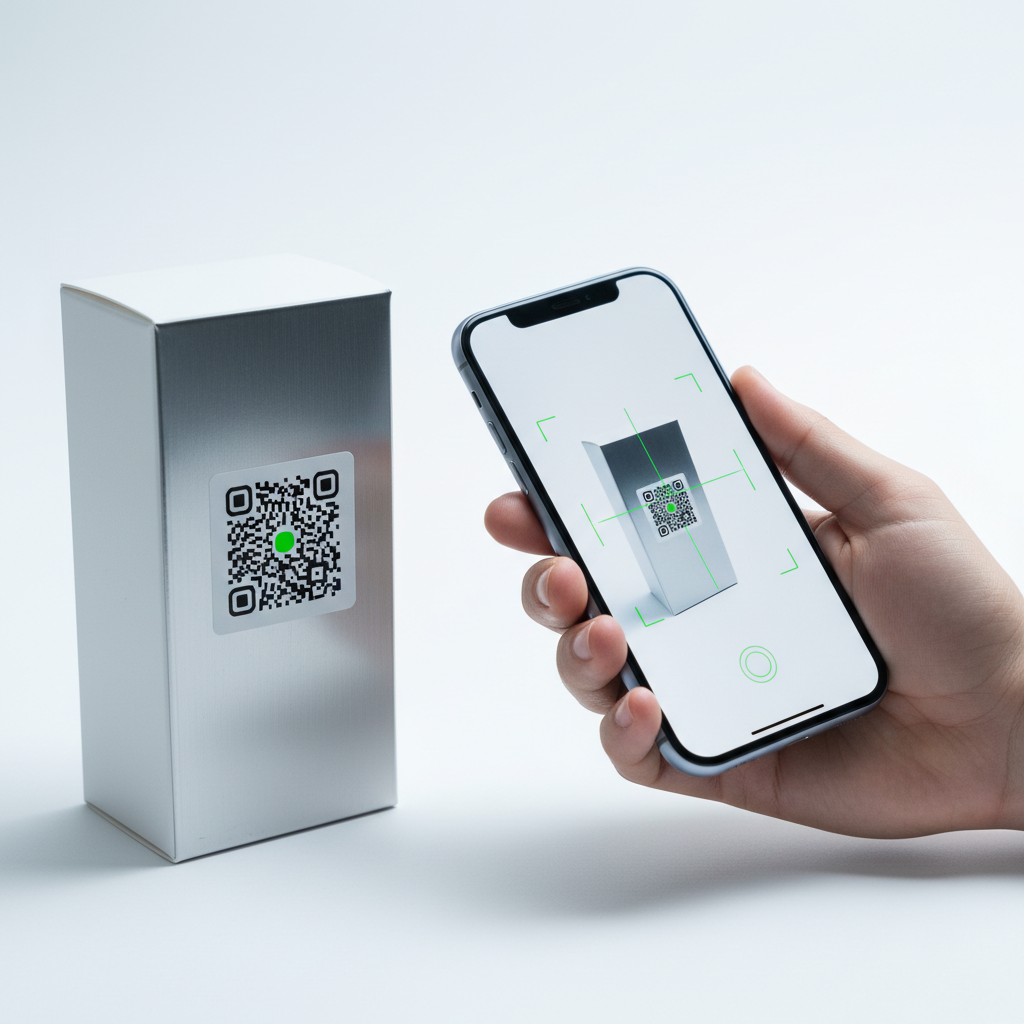
What Is QR Code For Event Tickets and Why It Matters in 2026
A QR code for event tickets is a scannable two-dimensional barcode that encodes essential admission details — event name, date, time, venue, and ticket type — into a compact, machine-readable format.
In 2026, digital-first event experiences have made QR-based ticketing a mainstream expectation. Attendees at concerts, conferences, sports matches, and community gatherings expect a seamless scan-and-enter process that minimizes queues and lost paper tickets.
The appeal of QR codes extends beyond convenience: they are cost-effective and versatile, suitable for everything from neighborhood fundraisers to multi-stage festivals. Using a free tool like blueqrcode.com lets organizers generate codes without specialized equipment or paid software.
Most importantly, QR codes reduce friction at entry points, speeding check-in and improving attendee satisfaction. This is why many organizers — from independent promoters to large venue managers — adopt QR ticketing as a standard approach.
Key Points
- QR code for event tickets enables fast, contactless entry and reduces queues
- They are low-cost and versatile, compatible with free generators like blueqrcode.com
- High error correction and proper sizing make printed codes reliable in real-world conditions
How QR Code For Event Tickets Works — The Technical Foundation
At its core, a QR code for event tickets is a matrix of black and white squares encoding a specific string of data. For tickets this can be a URL, a vCard with event details, or a structured Event format containing title, date, time, and location.
On blueqrcode.com, organizers can choose from multiple QR code types suitable for ticketing. Common options include:
- URL QR codes — link to an event confirmation page, digital ticket wallet, or event webpage
- Event QR codes — encode event details like title, date, time, location, and description
- vCard QR codes — encode organizer contact details so guests can save contacts instantly
- Email QR codes — trigger a pre-filled email to the event support team when scanned
Error correction is a critical technical feature. blueqrcode.com supports up to Level H error correction, allowing a code to remain readable even if up to 30% of its surface area is damaged.
The platform outputs PNG for print and SVG for web or digital use. PNG is suitable for high-resolution ticket printing, while SVG scales infinitely without pixelation. For reliable scanning, the recommended minimum print size is 2.5cm × 2.5cm.
Try it now: Generate a free Qr Code For Event Tickets →
Static QR codes generated by blueqrcode.com encode information permanently at creation, so they work without server dependency — useful in crowded arenas or outdoor fields with poor connectivity.
Step-by-Step: Create Your QR Code For Event Tickets on blueqrcode.com
Creating a professional QR code for event tickets on blueqrcode.com is quick and requires no account or downloads. Follow these steps:
- Step 1: Navigate to blueqrcode.com/qr-code-generator. The interface loads instantly in any modern browser on desktop or mobile.
- Step 2: Select the QR code type that fits your ticketing strategy — URL for confirmation pages or Event type to embed full event details directly in the code.
- Step 3: Enter event information. For a URL QR, paste the link. For an Event QR, add event name, start and end times, venue, address, and a description.
- Step 4: Customize appearance if desired to match branding. A well-designed QR code integrated into your ticket layout looks professional and encourages use.
- Step 5: Download the code in PNG for printed tickets or SVG for digital distribution. Both formats are available free with no watermark.
- Step 6: Test the QR code on at least two different smartphones before distribution. Confirm the link opens, details display correctly, and scanning is fast and reliable.
The process is free, requires no account creation, and produces non-expiring codes. Many organizers generate separate QR codes for different ticket tiers (e.g., general admission, VIP, staff) to speed on-site verification.
Deployment Best Practices for QR Code For Event Tickets
How you present and deploy your QR code for event tickets significantly affects check-in speed and reliability. Follow these proven best practices:
- Meet the minimum size requirement — print codes at least 2.5cm × 2.5cm to avoid scanning failures
- Maintain strong contrast — use a dark pattern on a light background and avoid busy images behind the code
- Use high error correction (Level H) for physical tickets that may be crumpled, wet, or torn
- Provide a backup plan, such as a printed confirmation number for manual lookup if scanning fails
- Test across multiple devices and apps (Android/iOS, native camera and third-party readers)
- Consider lighting conditions at your venue and brief door staff to assist with screen brightness or placement
- Communicate clearly with attendees; ask them to have their QR code ready on-screen or printed before reaching the entrance
Common Mistakes to Avoid With QR Code For Event Tickets
Avoiding common pitfalls saves time and reduces attendee frustration. Be mindful of these frequent mistakes:
- Printing the QR code too small — preview at actual print size and ensure at least 2.5cm × 2.5cm
- Using a low-resolution PNG and then enlarging it — this causes pixelation; use SVG for scalable designs
- Linking to an unstable URL that changes or requires login — ensure the destination is mobile-optimized and stable
- Skipping the test phase — always scan the code yourself and have a colleague test on a different device
- Neglecting venue connectivity — if internet is unreliable, use Event QR type or encode data directly instead of relying on a live URL
- Using decorative colors that reduce contrast — brand-colored codes must still provide sufficient foreground-to-background contrast
- Forgetting to create separate codes for different ticket categories — individual codes for VIP and general admission simplify gate management
Real-World Use Cases: QR Code For Event Tickets Across Industries
The flexibility of QR codes for event tickets makes them useful across many sectors. Common real-world uses include:
100% Free — No signup required
Create your Qr Code For Event Tickets in seconds
Create Free QR Code →- Music and Entertainment Venues: QR codes on confirmation emails and printed tickets speed crowd processing and allow multi-day events to issue day-specific codes.
- Corporate Conferences and Seminars: QR codes embedded in confirmations help attendees collect name badges, access schedules, and save speaker contacts via vCard codes.
- Sports Events: Stadiums use QR ticketing across multiple gates to manage thousands of entries efficiently, leveraging broad smartphone compatibility.
- Community and Nonprofit Events: Free generators like blueqrcode.com let budget-conscious organizers produce professional QR tickets for distribution via WhatsApp or email.
- Educational Institutions: Universities use Event QR codes for ceremonies and open days so guests can scan once and save full event details locally.
- Theater and Performing Arts: Theaters use QR codes in digital brochures and emails for seat confirmation and digital programs, with SVG ensuring sharp display.
- Trade Shows and Expos: Exhibitors place QR codes on badges and booths for networking, lead capture, and direct links to product catalogs or forms.
Frequently Asked Questions
Do QR codes for event tickets expire after the event is over?
Static QR codes generated on blueqrcode.com never expire. The code remains valid as long as the destination URL or the encoded data remains accessible.
If you link to a URL, keep that page live for a short period after the event in case attendees need to reference their confirmation.
Can I use a QR code for event tickets without internet at the venue?
Yes — if you use the Event QR type or encode plain text directly, all information is stored inside the code and no internet is required to read it. If the code points to a live URL, an active connection is needed for the destination to load.
What is the best format to use when printing QR codes on physical event tickets?
For printed tickets, the PNG format is widely compatible with design software and printers; download at the largest available resolution and insert at the intended print size (minimum 2.5cm × 2.5cm).
If your design requires scaling the code larger, use the SVG format to avoid pixelation.
How do I create different QR codes for VIP and general admission tickets?
Create separate confirmation pages or registration URLs for each ticket category, then generate a distinct QR code for each on blueqrcode.com. Each URL produces a unique QR code you can label and distribute accordingly.
Label codes clearly in design files and brief door staff on which codes map to which access levels.
Is it safe to send event ticket QR codes via WhatsApp or email?
Yes. Sharing QR codes via WhatsApp, email, or SMS is practical. Static QR codes encode fixed information and cannot be altered after sending.
To reduce fraud risk, combine the QR code with a unique confirmation number on the ticket so staff can cross-reference a guest list if needed. blueqrcode.com also supports WhatsApp QR codes for directing attendees to support contacts.
Ready? Generate free at blueqrcode.com — no account, no watermark.
Conclusion
QR codes for event tickets offer a reliable, low-cost way to streamline entry and improve the attendee experience. With proper sizing, contrast, and testing, they are a practical solution for events of every scale.
No watermark · No expiry · Works on all phones
Your QR code is ready in under 30 seconds.
Generate Free QR Code →