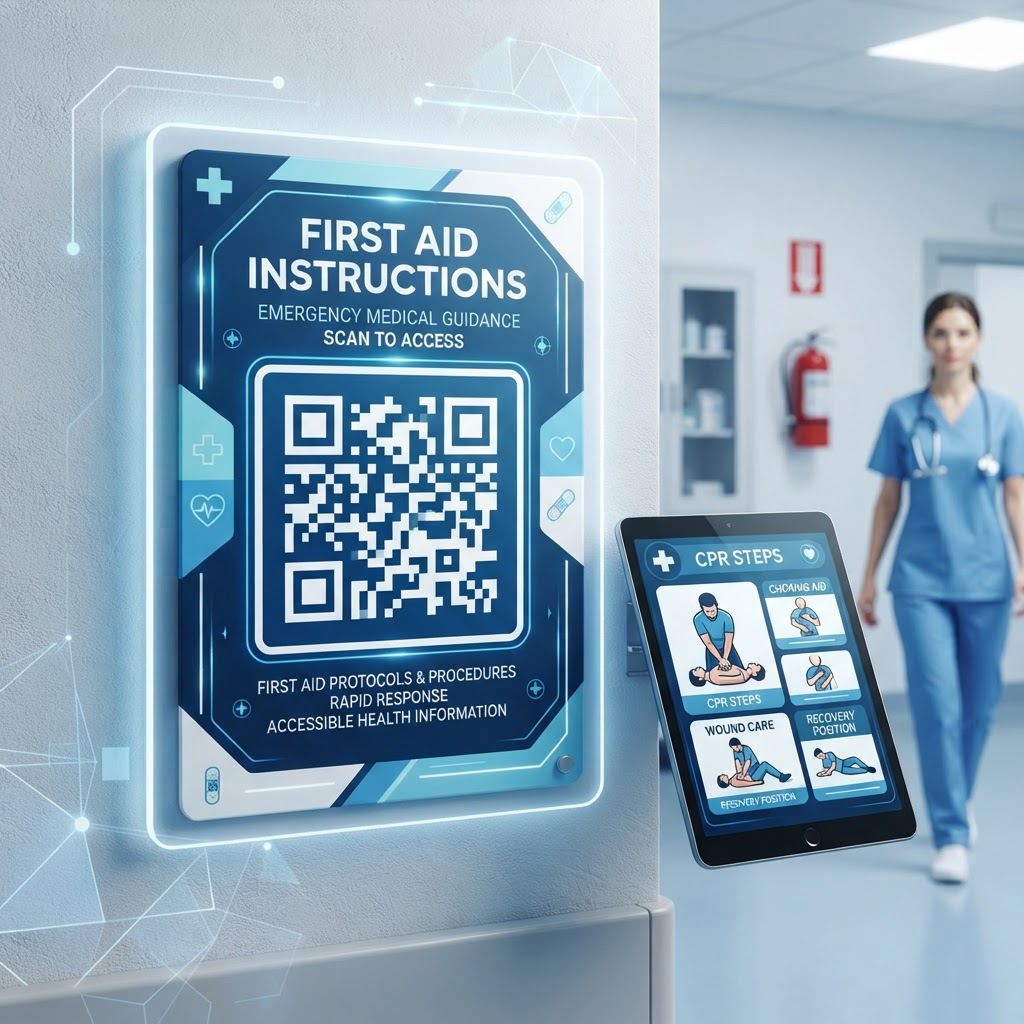
The Critical Importance of First Aid QR Codes in 2026
By 2026, the digital transformation of workplace safety has reached a point where analog, static instructions are no longer sufficient to meet modern health and safety standards. In high-pressure situations, human memory often fails, and the ability to retrieve verified, step-by-step procedures is vital.
A qr code for first aid instructions provides an immediate visual prompt that bypasses the need for searching through dusty binders or manuals. Because most smartphones are now equipped with native scanning capabilities, the barrier to accessing this data is practically non-existent.
Key Points
- Immediate access to verified, step-by-step first aid procedures
- Digital instructions can support diverse workforces and language needs
- Linked content can be updated without replacing physical QR code labels
- Accessible guidance can help reduce panic while professional help is on the way
Furthermore, businesses today operate in a more globalized environment, often with diverse workforces where language barriers can hinder the effectiveness of traditional signage. Digital instructions accessed via QR codes can be programmed to detect the user's browser language settings, automatically serving content in a format they understand.
From a liability and compliance perspective, utilizing digital assets allows for seamless updates. If first aid protocols change—such as updated CPR techniques or new regulations—an organization can update the landing page linked to the code without needing to reprint thousands of stickers or physical posters.
How First Aid QR Codes Work Technically
The technical foundation of a qr code for first aid instructions is rooted in the concept of a URL redirect. When you utilize the tools available at blueqrcode.com, you are essentially generating a machine-readable pattern that encodes a specific web address.
When a user points their phone camera at this pattern, the device decodes the string and automatically launches the default web browser to that URL. The landing page can be a simple PDF, a series of high-definition instructional videos, or an interactive web application that walks the user through specific triage scenarios.
Dynamic QR Code Advantages
- Flexible content: Update the destination content without replacing the physical QR code.
- Multiple formats: Link to PDFs, instructional videos, or interactive web applications.
- Continuous access: Host medical data on a secure cloud server for 24/7 availability.
- Efficient scanning: Modern smartphones can scan codes in milliseconds, including in low-light conditions.
Behind the scenes, using a dynamic QR code system—which is what we prioritize at blueqrcode.com—provides significant technical advantages over static codes. With a dynamic code, the underlying URL remains constant even if the target content changes.
If you need to swap a PDF document for a new video demonstration, you simply update the link in the background dashboard. The physical QR code label on the wall or the first aid box never needs to be replaced.
Step-by-Step Guide to Creating Codes with blueqrcode.com
Creating your first aid instructional system is a straightforward process when you use the intuitive tools provided at blueqrcode.com.
- Step 1: Gather your instructional PDF or the URL to your organization's emergency procedures website.
- Step 2: Navigate to the blueqrcode.com dashboard and select the URL-based QR code generation option.
- Step 3: Enter the destination address where your first aid instructions reside.
- Step 4: Use a custom landing page that is specifically mobile-optimized, with readable text and easy-to-press buttons.
- Step 5: Customize the code with colors, frame styles, and a call-to-action such as "Scan for Emergency First Aid."
- Step 6: Download the code in a high-resolution PNG or vector format such as SVG or EPS.
- Step 7: Test the code with multiple mobile devices and keep a log of where each code is placed.
Best Practices for Deployment and Physical Placement
The efficacy of a qr code for first aid instructions is directly proportional to how visible and accessible it is. In an emergency, people do not search for things; they need to see them immediately.
- Use dual-location placement: Place one code directly on the first aid kit and a larger, high-visibility sticker on the wall above the station.
- Choose eye-level positioning: Place the code roughly 5 feet off the ground to keep it within the natural field of vision for a standing adult.
- Prioritize lighting: Avoid shadows and glare-prone plastic covers that may interfere with camera sensors.
- Select an appropriate size: Use codes at least two inches by two inches for close-range scanning and larger codes for wall-mounted signs.
- Maintain high contrast: Use combinations such as black on a white background to support reliable scanning.
- Inspect regularly: Check quarterly for peeling edges, fading from sun exposure, or physical damage.
Many businesses make the mistake of mounting the code behind glass. If you must use a protective cover, opt for matte-finish materials that do not reflect light.
100% Free — No signup required
Create your Qr Code For First Aid Instructions in seconds
Create Free QR Code →Common Mistakes to Avoid in Implementation
Several implementation errors can reduce the usefulness of a QR code during an emergency. The landing page must be responsive, fast, and easy to understand under stress.
- Poor mobile optimization: Desktop-only pages that require excessive scrolling or pinching can prevent users from accessing help quickly.
- Broken or slow links: A lagging server or complex login can make the QR code frustrating to use.
- Missing context: A random QR code without a clear CTA such as "Scan for First Aid Guide" may be ignored.
- Too much information: Complex PDFs with fifty pages of text are difficult to use in a crisis.
- Offline limitations: Facilities with cellular dead zones should consider caching instructional content locally on the user's phone browser.
- Outdated content: Safety procedures should be updated when organizational policies or national health board guidance changes.
Make Instructions Actionable
Break instructions into bite-sized sections such as "How to Stop Bleeding," "How to Perform CPR," or "How to Treat Minor Burns." Use visual aids, infographics, and bold headers that allow a user to scan the information quickly while they act.
Concrete Use Cases by Industry
Different sectors require unique applications of QR codes to optimize safety outcomes. In the construction industry, codes can be printed on weather-resistant, durable decals and attached to portable first aid bags or crane control stations.
- Construction: Link to site-specific safety protocols, emergency contact numbers for the site lead, and the exact location of the nearest hospital.
- Hospitality: Place codes behind guest room doors or in common areas such as pools, with simple, multi-lingual instructions for guests.
- Education: Use codes in gyms, laboratories, and athletic fields for chemical burn protocols or concussion assessment steps.
- Retail and corporate offices: Provide a permanent, always-on training tool for employees and new hires.
By tailoring the content to the specific risks present in the environment—whether it is machinery, chemicals, or public crowds—you transform a general tool into a highly effective, sector-specific safety asset.
Summary and Next Steps for Your Organization
Implementing a qr code for first aid instructions is a simple yet high-impact step toward modernizing your safety culture. By leveraging the tools available at blueqrcode.com, you can create a reliable, scalable system that provides essential guidance when it matters most.
Your next step is to conduct a site survey, curate your instructional materials into clear and mobile-friendly formats, and create test codes at blueqrcode.com. Gather feedback, refine your content, and scale the deployment across your facility while keeping the information updated.
No watermark · No expiry · Works on all phones
Your QR code is ready in under 30 seconds.
Generate Free QR Code →Conclusion
A QR code for first aid instructions helps organizations provide accessible, adaptable guidance during emergencies. With clear content, thoughtful placement, regular testing, and ongoing updates, it can become a valuable part of a modern safety system.