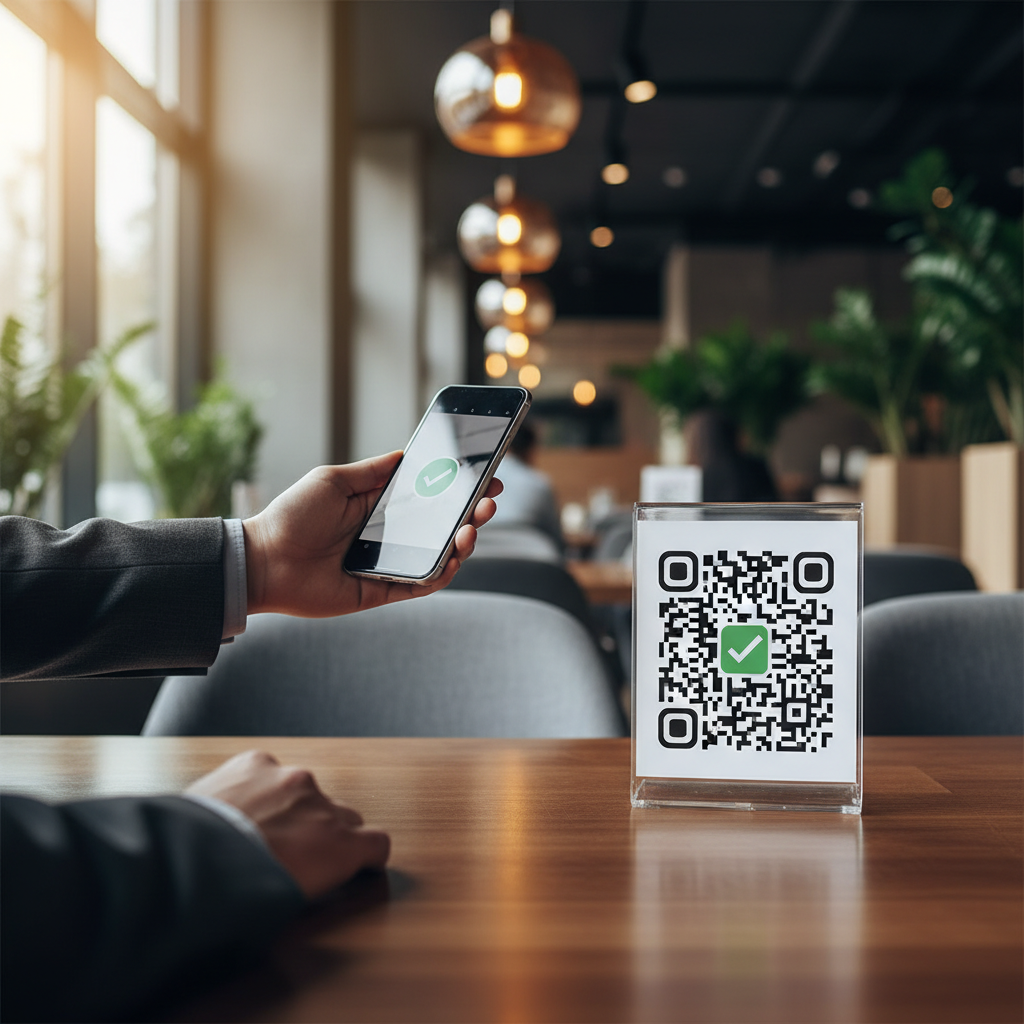
What Is QR Code For Flyer Marketing Free and Why It Matters in 2026
A QR code for flyer marketing free is a scannable, machine-readable square barcode printed directly on a physical flyer that instantly connects a reader's smartphone to a digital destination — a website, a contact card, a WhatsApp conversation, a Google review page, or dozens of other endpoints — without costing a single cent to generate.
In 2026, this intersection of print and digital is no longer a novelty; it is an expected feature of well-designed marketing collateral.
Flyers remain one of the most cost-effective physical marketing formats used by small businesses, event promoters, restaurants, gyms, real estate agents, and nonprofits.
The problem has always been the gap between the printed page and measurable digital action. A phone number on a flyer requires manual dialing and a website URL requires tedious typing; a QR code eliminates both friction points entirely.
What makes the free aspect critically important is accessibility for organizations on tight budgets — a local café promoting a weekend event, a freelancer distributing services flyers, or a community organisation announcing a fundraiser.
Platforms like blueqrcode.com exist precisely for this reason: QR codes should be free, simple, and accessible to everyone, from Fortune 500 companies down to individuals printing flyers on a home printer.
Why QR Codes Transform Flyer Marketing in 2026
Traditional flyers rely on one of three call-to-action formats:
- A phone number: requires the reader to manually dial or save the number into their phone.
- A website URL: requires typing a long, often difficult-to-remember web address.
- A social media handle: requires the reader to find the account manually, and they might follow the wrong one by accident.
All three approaches carry friction. The reader must take multiple steps, use multiple apps, and make an effort to act on the marketing message.
A QR code removes that friction entirely.
When someone sees a QR code on your flyer, they:
- Point their phone camera at the code.
- Tap the notification that appears (automatic on most phones).
- Arrive at your website, contact card, menu, or offer — instantly.
This three-step process takes 2-3 seconds. Compare that to manually typing a website address or searching for a social media profile, which can take a minute or longer.
Friction is the enemy of conversion, and QR codes eliminate it.
How Free QR Codes Fit Into Your Flyer Marketing Strategy
Using free QR codes on flyers is not a corner-cutting exercise. It's a smart allocation of marketing budget.
Try it now: Generate a free Qr Code For Flyer Marketing Free →
- Print costs dominate flyer budgets: a typical flyer costs $0.10–0.30 per unit when printed in bulk. Design, postage, or distribution typically costs more than the QR code generation itself.
- Free QR codes work perfectly: there is no functional difference between a free QR code and a premium one. Both are permanently scannable, never expire, and carry the same error-correction capacity.
- Save for analytics and design: redirect the money you save on QR code subscriptions toward analytics tracking, professional design, or better targeting of who receives your flyers.
- No vendor lock-in: a free QR code generated today will still work in five years, on any platform, using any phone. A paid service that goes out of business or changes its pricing model leaves you vulnerable.
Best Practices for QR Codes on Flyers
Generating a free QR code is the easy part. Making sure people actually scan it requires attention to design and placement.
1. Size Matters More Than You Think
A QR code needs to be large enough to be readable from a typical scanning distance. Guidelines suggest:
- Hand-held flyer: minimum 2.5cm × 2.5cm (about 1 inch × 1 inch).
- Poster or wall-mounted flyer: minimum 5cm × 5cm or larger.
- Small print (business card, postcard): minimum 1.5cm × 1.5cm, but expect lower scan rates due to distance.
2. Contrast Is Critical
QR codes are easiest to scan when they have high contrast. Black on white works best.
If you customize the colors, ensure you test the code with several phones before finalizing the flyer design.
- Dark vs light contrast: the dark module (usually black) contrasts sharply with the light background.
- Avoid light colors: avoid light colors like yellow or pale green, which reduce readability.
- Test before printing: test the code with several phones before finalizing the flyer design.
3. Add a Clear Call-to-Action
Never place a bare QR code on your flyer without context. Always include instructional text like:
- "Scan for exclusive coupon"
- "See the menu in seconds"
- "RSVP using your phone"
- "Learn more — scan now"
Research shows that QR codes with nearby instructional text see 2-3x higher scan rates than codes with no context.
4. Avoid Overcrowding
Don't place your QR code in a cluttered area of the flyer. Give it white space around it so it stands out visually and is easy to photograph with a smartphone camera.
5. Test Before Printing
Always test your QR code with multiple devices before sending the flyer to print. Scan it with:
- An iPhone (both old and new models).
- An Android phone.
- Different lighting conditions (bright daylight, indoor office, evening).
- From various distances (30cm, 50cm, 1 meter away).
If your code scans reliably under these conditions, it will work for the vast majority of your audience.
Common Flyer + QR Code Mistakes to Avoid
Even with free QR codes, several design and strategy mistakes can tank your campaign.
100% Free — No signup required
Create your Qr Code For Flyer Marketing Free in seconds
Create Free QR Code →- Mistake 1: Printing the code too small — a 1cm × 1cm code printed on a flyer will have very low scan rates. Go bigger; your flyer has space.
- Mistake 2: Poor landing page experience — the QR code links to a website that takes 10 seconds to load or isn't mobile-optimized. Test on 4G; most mobile users won't wait.
- Mistake 3: Vague call-to-action — people don't know why they should scan. Be explicit: "Scan for menu," "Scan for 20% off," "Scan to RSVP."
- Mistake 4: Broken destination URL — the QR code points to a URL that's gone offline or redirects to the wrong page. Test the destination before distributing the flyer.
- Mistake 5: Coloring the QR code unscannable colors — bright pink on orange looks interesting but won't scan. Stick to high-contrast combinations.
- Mistake 6: Including a logo inside the code — this reduces error correction capacity and can cause scanning failures. Keep the code clean.
Measuring the Success of Your QR Code Flyer Campaign
One reason QR codes are so powerful for flyers is that they're measurable. Unlike a phone number or website URL printed in plain text, a QR code can direct people to a trackable landing page or custom URL with parameters.
100% Free — No signup required. Create your Qr Code For Flyer Marketing Free in seconds: Create Free QR Code →
To measure success:
- Create a custom landing page: use a URL shortener (like Bit.ly or your own domain) that includes a campaign identifier, e.g.,
blueqrcode.com/flyer-may-2026. - Track analytics: monitor traffic from that URL in Google Analytics. You'll see exactly how many people scanned the QR code and what they did next.
- Set a baseline goal: based on your flyer distribution volume, estimate a realistic scan rate (typically 2-8% for untargeted flyers, higher for targeted or event-based distribution).
- Iterate: if your scan rate is below 2%, adjust the code size, call-to-action text, or landing page experience and try again.
Free QR Code Generators: What to Look For
Not all free QR code platforms are equal. When choosing where to generate your flyer QR codes, prioritize:
- No account required: you should be able to generate a code in 10 seconds, with no signup email or password.
- No watermark or branding: your QR code should look clean, not marked with the generator's logo.
- Support for all QR types: URL, contact card, WiFi, email, SMS, WhatsApp, etc.
- High-quality output: codes should be downloadable in vector format (SVG) for scalability, not just raster (PNG).
- Permanent codes: static codes that never expire, and never require the generator to stay in business for your flyer to keep working.
Platforms like blueqrcode.com check all these boxes: no account, no watermark, multiple QR types, vector downloads, and permanent static codes.
Real-World Example: A Local Restaurant's Flyer Campaign
Imagine you own a small Italian restaurant and you're distributing 5,000 flyers in your neighborhood advertising a new tasting menu.
Traditional approach: Include your phone number and website. Some people will call; fewer will remember to type your website. Almost none will search for you on social media.
QR code approach: Include a large, clear QR code (4cm × 4cm) with the text "Scan for menu & reservations." The code links to a mobile-friendly page showing your tasting menu with a built-in reservation form.
In two weeks, you receive 200 scans from 5,000 flyers (a 4% scan rate) and 15 reservations directly from flyer scans. The QR code cost you zero dollars to generate.
Why Free QR Codes Are the Standard in 2026
In the early days of QR codes, some platforms charged for "premium" features or analytics. In 2026, those business models have largely disappeared.
- QR code technology is commoditized — there's no functional difference between a free code and a paid one.
- Static codes never expire — there's no ongoing hosting cost or server maintenance fee to justify a subscription.
- Free platforms have proliferated — users have no reason to pay when free options work just as well.
- Businesses value simplicity — the fastest, simplest QR code generator (free, no signup) wins.
Using a free QR code on your flyer is not cutting corners. It's the smart, modern approach.
Bottom Line: QR Codes Make Flyer Marketing Measurable and Frictionless
A free QR code on your flyer does one critical job: it bridges the gap between print and digital in a single tap, removing the friction that stops most people from taking action.
With proper size, placement, and call-to-action text, a QR code flyer campaign can deliver measurable results at virtually no cost. Generate your free QR code today, print your flyer, and start tracking results.
No watermark · No expiry · Works on all phones. Your QR code is ready in under 30 seconds: Generate Free QR Code →
No watermark · No expiry · Works on all phones
Your QR code is ready in under 30 seconds.
Generate Free QR Code →