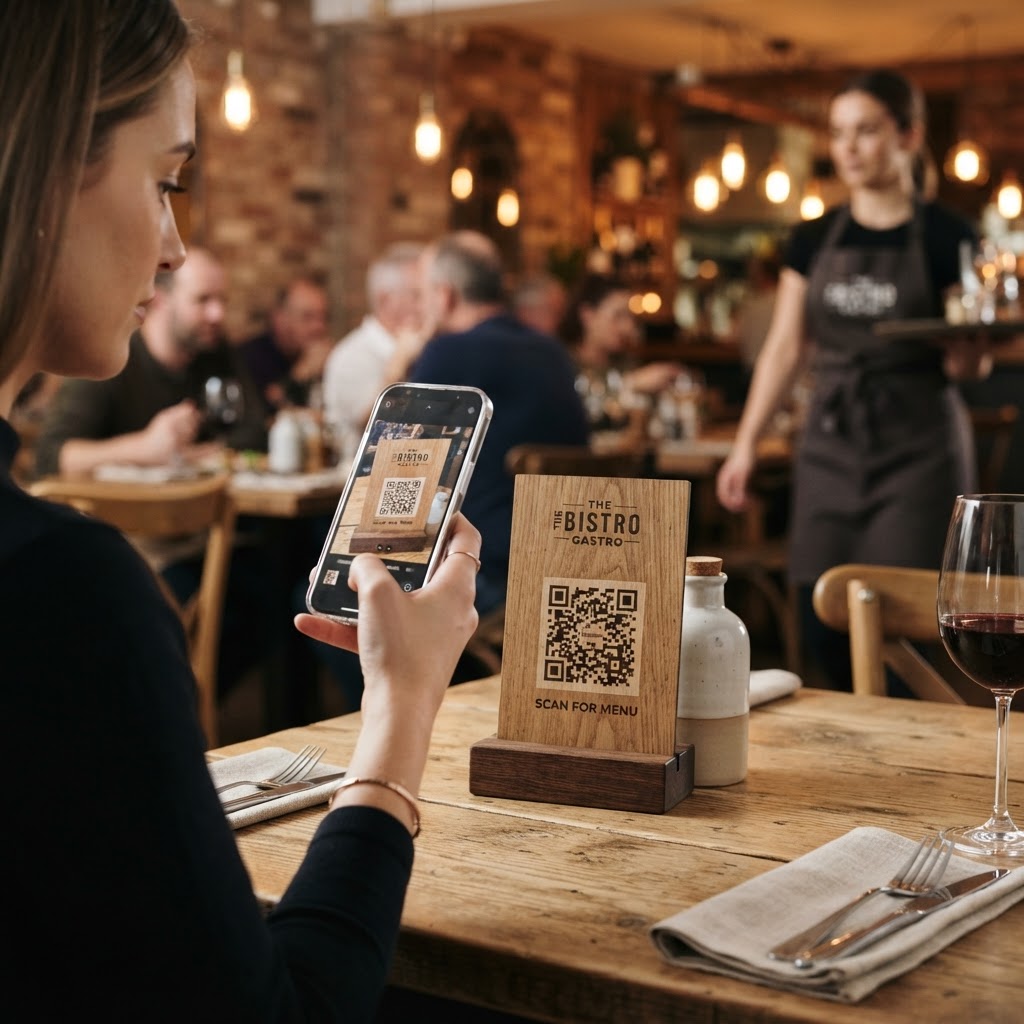
Why a qr code for food and beverage matters
Imagine a busy Saturday night rush where every table requires a physical menu, but you only have a handful of printed copies left. By deploying a QR code, you instantly allow patrons to view your entire selection on their own devices without waiting for staff. This approach reduces friction, lowers printing costs, and gives you the flexibility to update prices or ingredients in real-time. Our free QR Code Generator provides the professional solution you need to make this transition smoothly.
What you need before you start
Before you jump in, ensure you have a digital version of your content ready for the web. This could be a PDF menu hosted on a cloud drive, a landing page for ingredient transparency, or even a direct ordering link.
- Digital Asset: A URL that links directly to your menu or product page.
- Brand Assets: Your logo file if you intend to customize the design for your business.
- Testing Device: A smartphone with a camera to verify the link works before you print.
How to generate a QR code for food and beverage items — step by step
Follow these steps to create your custom code and streamline your customer experience. You can generate yours in seconds using our platform.
- Prepare your URL: Copy the exact link to your digital menu or nutrition facts page.
- Access the Tool: Navigate to the Blue QR Code Generator interface.
- Select Data Type: Choose the 'URL' option from the available categories.
- Paste the Link: Insert your target URL into the input field carefully.
- Customize Design: Adjust colors and add your logo to reflect your brand identity.
- Download: Click the generate button to save your code as a high-resolution PNG or SVG file.
How to test and deploy it
Deployment is just as important as creation. Always scan the final image with both an iPhone and an Android device to ensure the landing page loads correctly on different mobile browsers.
Once verified, place your code in high-traffic areas like table centerpieces, entrance signage, or printed order receipts. You can confidently use Blue QR Code Generator's QR codes tool to ensure your prints remain clear and scannable regardless of the surface texture.
Common mistakes that ruin results
- Low Contrast: Using light-colored codes on light backgrounds makes scanning impossible for many cameras.
- Size Issues: Printing the code too small forces users to struggle to get a clear focus.
- Broken Links: Failing to test if the destination URL is active leads to frustrated customers.
- Over-Complicated Designs: Adding too many colors or custom frames can interfere with the data density of the code.
Real examples of success
Many local cafes use these codes on condiment caddies to link to a 'leave a review' page, boosting their online reputation instantly. Another common strategy involves placing a code on product packaging to show customers a video of the farm-to-table journey, building trust and brand loyalty.
Whether you are a bakery or a high-end restaurant, you can easily generate your QR codes to drive engagement. Start implementing these tools today to modernize your workflow and delight your guests.