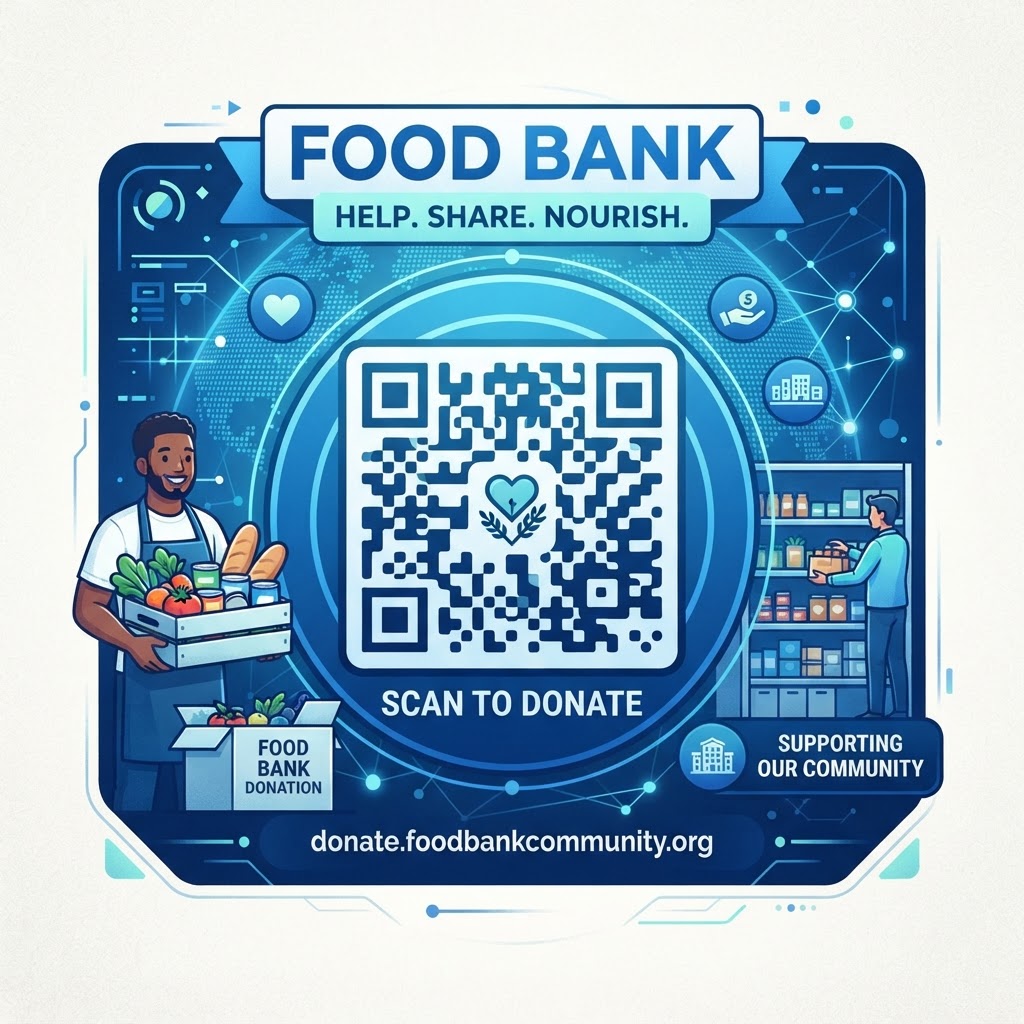
Why Integrating a QR Code for Food Bank Operations Matters in 2026
In the evolving landscape of 2026, reliance on paper-based registration and manual donation tracking is rapidly becoming a bottleneck for food banks facing increased demand. Donors and community members seeking assistance expect instantaneous, mobile-first interactions.
By implementing a QR code for a food bank, organizations can provide immediate access to distribution hours, inventory needs, and donation portals. QR-based systems can also make it easier to reach donation forms and volunteer information without requiring an app or physical paperwork.
Tracking engagement through QR codes helps food bank directors understand which platforms and physical locations drive the most traffic. This data can help organizations allocate limited resources and build trust through efficient, transparent interactions.
Key Points
- QR codes connect physical materials with donation, volunteer, and assistance resources.
- Mobile-first access can reduce friction for donors and community members.
- Engagement data can help food banks understand which locations and platforms attract attention.
How It Works Technically: From Scan to Action
A QR code is a physical representation of a URL or structured data. When someone scans a QR code for a food bank with a smartphone camera, the device decodes the pattern and directs the user to the selected destination.
On blueqrcode.com, the generated code contains a web address or data string that can direct users to a donation gateway, volunteer registration form, or map to a distribution center. Modern smartphone cameras can scan QR codes without requiring third-party software.
Because the code connects a physical item—such as a flier, donation box, or community bulletin board—to a digital destination, it can help users reach information without typing a long web address. A dynamic QR code generator can also allow the destination to be updated as inventory needs or event times change, while keeping the printed code in use.
Try it now: Generate a free Qr Code For Food Bank →
Step-by-Step Guide Using BlueQRCode.com
Creating an effective QR code for a food bank starts with choosing a clear goal and destination. Follow these steps to prepare, customize, and test your code.
- Choose a destination: Identify the digital goal, such as streamlining food donations, and prepare a direct link to your online donation portal or a specific Amazon wishlist.
- Enter the URL: Go to blueqrcode.com, select the URL-QR option, and paste your destination web address into the field provided.
- Customize the design: Add a logo or choose a primary color that matches your food bank’s branding to help build trust and encourage scans.
- Test the code: Scan the code with multiple devices and check that the landing page displays correctly on mobile browsers.
- Download the file: Choose a scalable vector format for large banners or a high-quality PNG for digital newsletters and social media assets.
Best Practices for Deployment: Size, Placement, and Format
Successful deployment depends on strategic placement and physical design. The code must be large enough to scan from the intended distance, and its surroundings should make scanning straightforward.
- Match the code size to the scanning distance; a 2-inch by 2-inch square is typically sufficient for a community notice board.
- Leave a clear quiet zone around the code, free of other graphics or text.
- Place codes in high-traffic areas where people have a moment of downtime, such as entryways, checkout counters, or waiting areas.
- Use a high-contrast design, such as a dark pattern against a light background; brand colors can work if the contrast is sufficient.
- Avoid reflective materials, such as glossy plastic or glass in direct sunlight, because glare can hinder scanning.
- Test the code from the location where a donor would stand to confirm that it scans readily.
Common Mistakes to Avoid in Non-Profit QR Campaigns
QR codes can support digital engagement, but avoidable mistakes can make them less useful. Make sure the destination is mobile-friendly and relevant to the reason someone scanned.
- Using a desktop-only landing page: A page that requires users to zoom and scroll on a phone can cause them to abandon the process; use a responsive, mobile-first page that loads quickly.
- Linking to a generic or dead URL: Send users directly to the relevant donation or registration page rather than making them search for it from the homepage.
- Overcrowding the code: An overly complex pattern can be harder for devices to interpret, so manage its complexity with blueqrcode.com.
- Leaving out a call to action: Add clear text such as “Scan to Volunteer” or “Scan to Donate Items” so users know what to expect.
3-4 Concrete Use Cases by Industry and Sector
The versatility of the QR code for food bank applications allows organizations and their partners to support community engagement in different settings. These examples show how QR codes can connect people with food bank activities.
- Corporate sponsorship: Local businesses can place codes on counters or near registers so customers can round up a bill or see a list of urgent food items needed for the week.
- Educational environments: Schools and universities can put codes on food drive posters, linking students to a digital inventory tracker or delivery-shift sign-up sheet.
- Distribution centers: Food banks can use signs with QR codes for contactless check-in, registration updates, or information about eligibility for specific programs.
- Public spaces: Codes on community garden gates or park notice boards can direct passersby to information about the mission, upcoming harvest schedules, or volunteer hours.
Summary and Next Steps for Your Food Bank
Adopting a QR code for food bank operations can help organizations streamline communication, donations, and volunteer engagement in 2026. Successful implementation requires attention to landing page quality, placement, and clear calls to action.
Start with one location or campaign, such as a seasonal food drive, and use a QR code generated through blueqrcode.com. Monitor engagement, refine your approach, and make it easier for your community to connect with your mission.
No watermark · No expiry · Works on all phones
Your QR code is ready in under 30 seconds.
Generate Free QR Code →