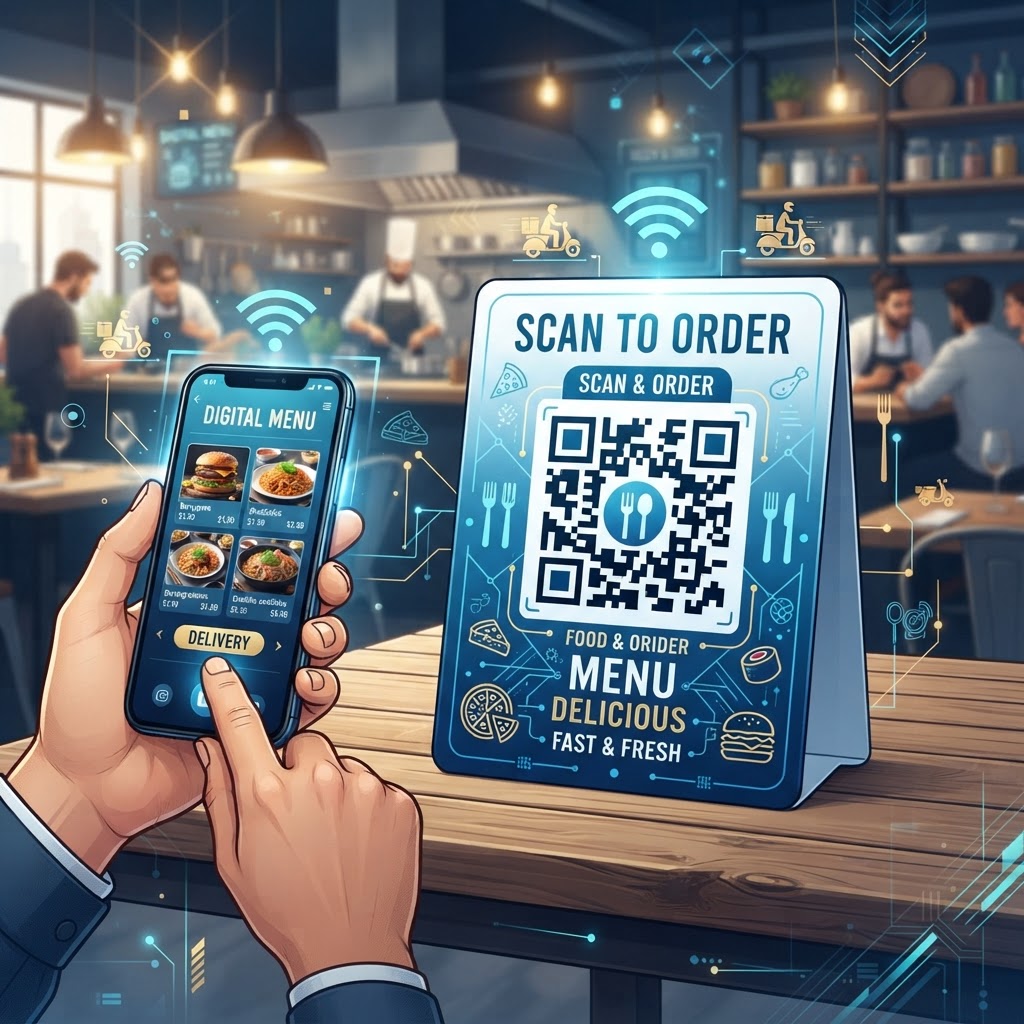
Why Integrating a QR Code for Food Delivery Menus Matters in 2026
As we navigate the mid-2020s, the digital transformation of the food service industry has reached a state of near-total ubiquity. A qr code for food delivery menu serves as the primary bridge between the offline world—such as physical store signage, flyers, direct mail, and in-restaurant displays—and the online digital ordering ecosystem.
In 2026, customers expect a seamless transition from discovering a brand to placing an order. When a user scans a QR code, they are transported directly to a digital landing page where they can browse the full menu, check current pricing, view high-definition food photography, and complete their transaction without the friction of typing long URLs into a browser.
Key Benefits
- Faster ordering: Customers move from “hungry” to “order placed” with fewer steps.
- Real-time updates: Businesses can hide unavailable items or update seasonal pricing without reprinting physical assets.
- Data collection: Businesses can track which marketing campaigns, locations, or physical touchpoints drive the highest conversion rates.
- Mobile-first convenience: QR codes support modern consumers who prioritize convenience in their daily interactions with food service providers.
By utilizing the robust tools at blueqrcode.com, restaurant owners can ensure their delivery systems are not only operational but optimized for the modern mobile-first consumer.
How QR Code Technology Functions for Food Delivery
The technical architecture of a QR code for a food delivery menu is deceptively simple yet highly effective. At its core, a QR code acts as a visual representation of a data string—most commonly a Uniform Resource Locator (URL).
When a customer points their smartphone camera at the code, the device’s software decodes the pattern and automatically prompts the user to visit the linked web address. For food delivery, this destination URL should lead directly to a mobile-responsive landing page or an integrated online ordering system.
How the Process Works
- Scanning: The customer points a smartphone camera at the QR code.
- Decoding: The device decodes the visual pattern and identifies the embedded URL.
- Redirecting: The customer is prompted to visit the linked delivery portal or interactive PDF menu.
- Ordering: The mobile-responsive destination allows the customer to browse and complete an order.
The process relies on standard web technologies: HTML5, CSS, and optimized JavaScript frameworks that allow menus to load almost instantaneously even on moderate cellular data connections. When you create a code using a platform like blueqrcode.com, you are embedding an encrypted or shortened URL that redirects the user to your specific delivery portal or an interactive PDF menu.
The technical advantage of using a dynamic QR code system is that the destination URL can be modified on the backend without changing the actual printed QR code itself. This allows restaurants to run various promotions, change delivery platforms, or update menu links throughout the year while maintaining the same physical QR code assets on takeout boxes or table tents.
Most smartphones now have native QR scanning capabilities built into their camera applications, meaning that the barrier to entry for the end user is virtually non-existent. This ubiquity ensures that the technology remains a reliable, cross-platform solution for businesses regardless of whether their customers are using the latest flagship mobile device or an older, budget-friendly smartphone model.
Try it now: Generate a free Qr Code For Food Delivery Menu →
A Step-by-Step Guide to Creating Your Menu QR Code
Generating a high-quality, effective QR code for your food delivery menu is a straightforward process that requires only a few minutes when you use the resources provided by blueqrcode.com.
- Step 1: Prepare your digital content by ensuring that the destination URL points to a mobile-optimized webpage, such as a dedicated delivery menu hosted on your website or a secure third-party ordering portal.
- Step 2: Navigate to blueqrcode.com and select the URL option from the generator menu.
- Step 3: Paste your specific destination link into the input field. It is highly recommended to use a trackable link if your platform supports it, as this will help you analyze the traffic later.
- Step 4: Customize the appearance by changing the color, adding a logo, or adjusting the corner shapes to match your brand identity.
- Step 5: Generate the code and conduct a rigorous testing phase using multiple mobile devices and both major operating systems.
- Step 6: Download your QR code in a high-resolution format like PNG or SVG.
- Step 7: Keep a digital record of the code’s destination link for future management and updates as your menu evolves.
Choosing a File Format
- PNG files: Excellent for digital use on social media or email campaigns.
- SVG files: Vector-based and perfect for large-scale printing on physical menus, signage, or stickers.
Best Practices for Deployment: Size, Placement, and Format
The efficacy of a QR code for a food delivery menu is heavily dependent on how it is deployed within your physical and digital environments. Size matters significantly because a code that is too small cannot be scanned accurately by a smartphone camera from a distance.
- Size: Ensure the QR code is at least 2cm by 2cm for close-up items like business cards, and scale it significantly larger for window displays or sandwich board signage.
- Contrast: Use a dark code against a light background, and avoid reversing these colors or using low-contrast combinations like yellow on white.
- Placement: Consider the user journey and place the code where customers are already primed to think about food.
- Digital visibility: Include the code in email newsletters, on your Instagram “Link in Bio,” or within digital advertisements.
- Call to action: Add instructions such as “Scan to View Our Full Delivery Menu” or “Order Your Favorites Instantly.”
Examples of effective physical placement include the back of a takeout menu, the exterior of a delivery bag, table tents, or a window decal that remains visible even when the shop is closed.
100% Free — No signup required
Create your Qr Code For Food Delivery Menu in seconds
Create Free QR Code →Common Mistakes to Avoid in QR Marketing
While the adoption of QR codes is surging, many businesses unintentionally sabotage their own efforts by falling into common traps that frustrate the end user and lower conversion rates.
- Non-responsive menus: Linking to a desktop-only menu forces mobile users to pinch and zoom, which can cause them to abandon the process.
- Slow-loading files: A bloated PDF file that takes too long to load can frustrate customers.
- Insufficient testing: Failing to test the code across various lighting conditions or distances can make scanning difficult.
- Poor placement: Positioning a code behind a reflective surface or in a poorly lit area can prevent scanners from resolving the pattern.
- Broken links: Dead codes that lead to 404 error pages or broken links damage the customer experience.
- Over-complicated designs: Excessively modifying the finder patterns can render the code unreadable.
When you change your menu or your delivery platform, you must ensure that your QR codes are updated or redirected accordingly. This is where the dynamic QR code feature at blueqrcode.com becomes essential, as it allows you to change the target URL without having to reprint thousands of flyers or menu cards.
Concrete Use Cases by Industry and Sector
The application of a QR code for food delivery menus extends far beyond standard casual dining. Each use case demonstrates how a simple QR code, generated via tools like blueqrcode.com, can solve a specific operational or customer-experience challenge.
- Hospitality: Hotels use codes on bedside tables or in-room brochures to facilitate late-night delivery service for guests.
- Ghost kitchens: Delivery-only facilities place codes on delivery bags so customers can save the restaurant’s ordering page for their next meal.
- Corporate catering: Catering services use codes on communal kitchen display boards to manage individual lunches and bulk office orders.
- Food trucks: Food trucks display codes on side panels so customers can browse the full menu and place orders for future pickup or delivery.
- Pop-up events: Pop-ups use codes to manage queues and prevent order-taking bottlenecks during high-traffic windows.
These applications help businesses reduce guest friction, increase repeat orders, or manage physical traffic flow in busy environments where traditional service models might otherwise break down under pressure.
Summary and Future-Proofing Your Delivery Strategy
In summary, the implementation of a QR code for a food delivery menu is a high-impact, low-cost strategy that aligns perfectly with the behavioral patterns of the 2026 consumer. By facilitating a direct, frictionless connection between physical marketing assets and a digital point-of-sale, businesses can improve the customer experience and gain valuable insights into their conversion pathways.
The ability to update menus in real time, maintain brand consistency, and bridge the gap between offline interest and online action makes this technology indispensable for any modern food service operation. Utilizing blueqrcode.com to manage your QR ecosystem allows you to stay agile as your business grows.
Future-Proofing Actions
- Audit current physical touchpoints where customers are likely to interact with your brand.
- Deploy customized QR codes strategically across relevant locations and materials.
- Continuously test, measure, and refine your approach.
- Prioritize a fast, mobile-optimized, and easy-to-navigate ordering interface.
No watermark · No expiry · Works on all phones
Your QR code is ready in under 30 seconds.
Generate Free QR Code →