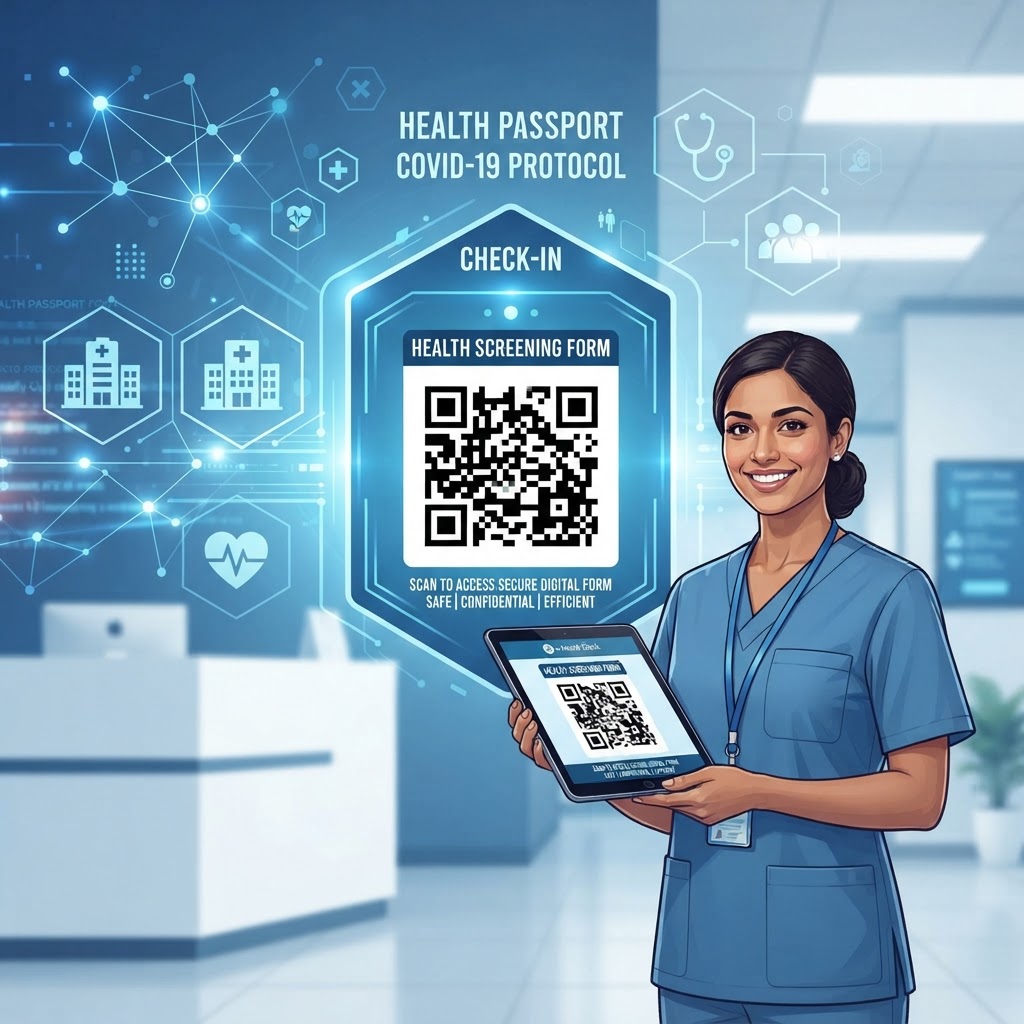
Why This Matters in 2026
In 2026, the digital transformation of facility access control has matured into an essential component of operational strategy. Many businesses now view health screening not merely as a temporary safeguard, but as a standard component of professional hospitality and corporate risk management.
The shift toward digital health forms is primarily driven by the need for efficiency and data traceability. When visitors walk into a lobby or event hall, their first impression is defined by the ease of access; a cumbersome, paper-based queue is not only outdated but creates a bottleneck that hampers productivity from the start.
By leveraging a QR code for health screening form, organizations can shift the burden of data entry onto the visitor’s own mobile device, effectively eliminating the need for shared pens, clipboard kiosks, or physical paperwork that requires manual transcription.
Key Points
- Digital health forms improve entry efficiency and data traceability.
- Timestamped digital records support reporting and compliance audits.
- QR codes reduce queues, manual data entry, and reliance on shared materials.
Furthermore, the integration of digital health screenings provides a centralized repository of data that is indispensable for reporting and compliance audits. As organizations face increasing scrutiny regarding workplace safety and public health mandates, having a digital record—timestamped and automatically stored in a secure database—is invaluable.
Most smartphones today are natively equipped with advanced camera capabilities that can scan a URL-based QR code in milliseconds, making the barrier to entry for the user virtually non-existent. This high level of adoption among the general public ensures that staff members spend less time troubleshooting technological hurdles and more time focusing on their primary roles.
Ultimately, adopting this technology allows for a frictionless flow of traffic, protecting staff and guests alike while projecting a modern, forward-thinking image that builds trust and reinforces a commitment to safety standards in an increasingly complex environment.
How It Works Technically
The technical elegance of using a QR code for health screening lies in its simplicity. At its core, a QR code acts as a visual bridge between a physical location and a specific digital destination, typically a URL hosted on a secure cloud server.
When a user scans the code, their device interprets the binary information encoded in the pattern of squares and immediately launches a web browser directed to the specific health screening form URL. This process requires zero additional software installations on the part of the visitor, as the vast majority of modern mobile operating systems integrate this functionality directly into their camera software.
Data Flow and Security
- Scanning directs the visitor to the health screening form URL.
- The form collects information such as identity, visit purpose, and health-related disclosures.
- Submitted data is transmitted to a backend database or spreadsheet application.
- Encrypted transmission and temporary sessions can support privacy and retention requirements.
The form itself, typically developed using web-based survey tools or custom-built internal portals, interacts with the visitor’s browser to collect necessary information such as identity, visit purpose, and health-related disclosures.
From a data management perspective, once the user submits the form, the data is pushed to a backend database or a spreadsheet application. This real-time transmission is a major upgrade over traditional paper forms, which are prone to being lost, illegible, or buried in storage cabinets.
With a digital system, stakeholders can set up automated alerts for high-risk responses, allowing management to react instantaneously to potential safety concerns. Security is a critical technical factor; modern platforms ensure that the transmission of health data is encrypted, often utilizing SSL/TLS certificates to protect user privacy.
Furthermore, many businesses configure these forms to work with temporary, ephemeral sessions, ensuring that guest data is processed and cleared according to local data retention policies. By understanding the flow of data—from the physical QR code scan to the cloud-based processing and finally to the administrative dashboard—organizations can better appreciate why this method is the gold standard for rapid, compliant information gathering in the current technological climate.
Step-by-Step Guide Using BlueQRCode.com
Getting started with your digital screening strategy is a streamlined process that can be accomplished in minutes. The first step involves creating your digital form.
- Step 1: Create your digital form using a standard survey platform or proprietary web portal, and ensure that the URL is public-facing and secure.
- Step 2: Visit https://blueqrcode.com and navigate to the URL-based QR code generator.
- Step 3: Paste your form's URL into the provided field and double-check that it is correct to avoid broken links during critical entry periods.
- Step 4: Consider appending tracking parameters or UTM codes to the URL to identify which entrance or device a specific guest used.
- Step 5: Customize the QR code’s colors, center logo, and patterns to align with your organization’s branding while keeping it easily scannable.
- Step 6: Generate the code and download it in a high-resolution format, such as PNG or SVG, depending on where it will be displayed.
- Step 7: Print the code on high-quality, matte-finished paper or vinyl to prevent glare.
- Step 8: Place the QR codes in high-traffic, visible areas, such as entry vestibules, reception desks, or gates.
- Step 9: Test the code with multiple smartphone models and under various network conditions.
By following these methodical steps, you create a robust, reliable infrastructure for health screening that remains consistent and professional for all visitors.
Best Practices for Deployment
Successful deployment of a QR code for health screening is not just about the digital link; it is about the physical environment in which the user interacts with it.
Placement and Size
- Use a minimum size of 4x4 inches for indoor wall-mounted displays.
- Place the code at eye level, roughly 5 feet off the ground.
- Use unique QR codes for multiple entrances to track visitor flow and entry locations.
First and foremost, size matters. The QR code must be large enough to be scanned from a distance that respects social distancing or queuing lines.
Lighting and contrast are equally critical. Avoid placing codes behind reflective materials like plexiglass or glossy film, as this causes glare that prevents the smartphone camera from focusing.
Signage and Accessibility
- Use matte finishes to improve scan accessibility.
- Include clear instructions such as “Scan to Complete Health Screening.”
- Print a secondary, short URL beneath the QR code for users with device or camera issues.
By treating the physical presentation of the QR code as a user experience project, you significantly increase compliance rates, reduce the workload on front-desk staff, and ensure that your health screening protocols are integrated smoothly into the overall guest journey at your facility.
100% Free — No signup required
Create your Qr Code For Health Screening Form in seconds
Create Free QR Code →Common Mistakes to Avoid
Even with the most efficient tools, certain common pitfalls can undermine the effectiveness of your health screening program.
- Using an unstable URL can cause expiration or redirection issues, so the link should be hosted on a reliable server.
- Failing to test the code under real-world conditions can cause problems with lighting, distance, or print resolution.
- Without a confirmation screen or color-coded approved badge, users may submit duplicate entries or seek staff assistance.
- Collecting unnecessary personal data can create privacy concerns and compliance risks.
- Ignoring visitors without a smartphone or data plan can create unnecessary friction.
Always perform stress tests in the exact location where the sign will be posted, checking both light conditions and the distance required for a fast scan. Maintain a contingency plan, such as a physical tablet or a paper-based backup, for users who cannot interact with the QR code directly.
Concrete Use Cases by Industry
The utility of the QR code for health screening forms extends across a vast range of industries, each finding unique ways to implement this technology.
- Corporate offices: Large office buildings use codes to manage employees and contractors at peak hours while creating a digital audit trail.
- Healthcare facilities: Clinics and diagnostic centers screen patients before they reach the waiting room to support effective triage.
- Hospitality and events: Conference centers and hotels process large numbers of attendees quickly at event entrances.
- Education: Universities and private academies monitor access to restricted labs or athletic facilities.
These diverse use cases demonstrate that the fundamental technology is versatile enough to be scaled according to the unique requirements of any industry, regardless of the volume of foot traffic involved.
Summary and Next Steps
Implementing a QR code for health screening form is a transformative step toward achieving a modern, efficient, and safety-conscious facility. The process is not merely about replacing paper with a digital link; it is about optimizing the guest experience, ensuring regulatory compliance, and protecting your community.
By leveraging tools like BlueQRCode, you can generate professional-grade codes that are easy to deploy and even easier for your visitors to use. The technical requirements are minimal, yet the benefits—ranging from real-time data tracking to reduced administrative overhead—are substantial and immediate.
- Step 1: Audit your current entry process and identify delays or repetitive data-entry tasks.
- Step 2: Draft your screening form around your specific compliance requirements.
- Step 3: Use our platform to generate the necessary codes.
- Step 4: Prioritize accessibility, testing, and clear signage during rollout.
- Step 5: Monitor the data dashboard and refine entry protocols over time.
The transition to digital screening is a powerful way to demonstrate that your organization values both safety and modern efficiency. Start your implementation today by visiting https://blueqrcode.com and take the first step toward a more organized and secure environment for everyone who walks through your doors.
No watermark · No expiry · Works on all phones
Your QR code is ready in under 30 seconds.
Generate Free QR Code →