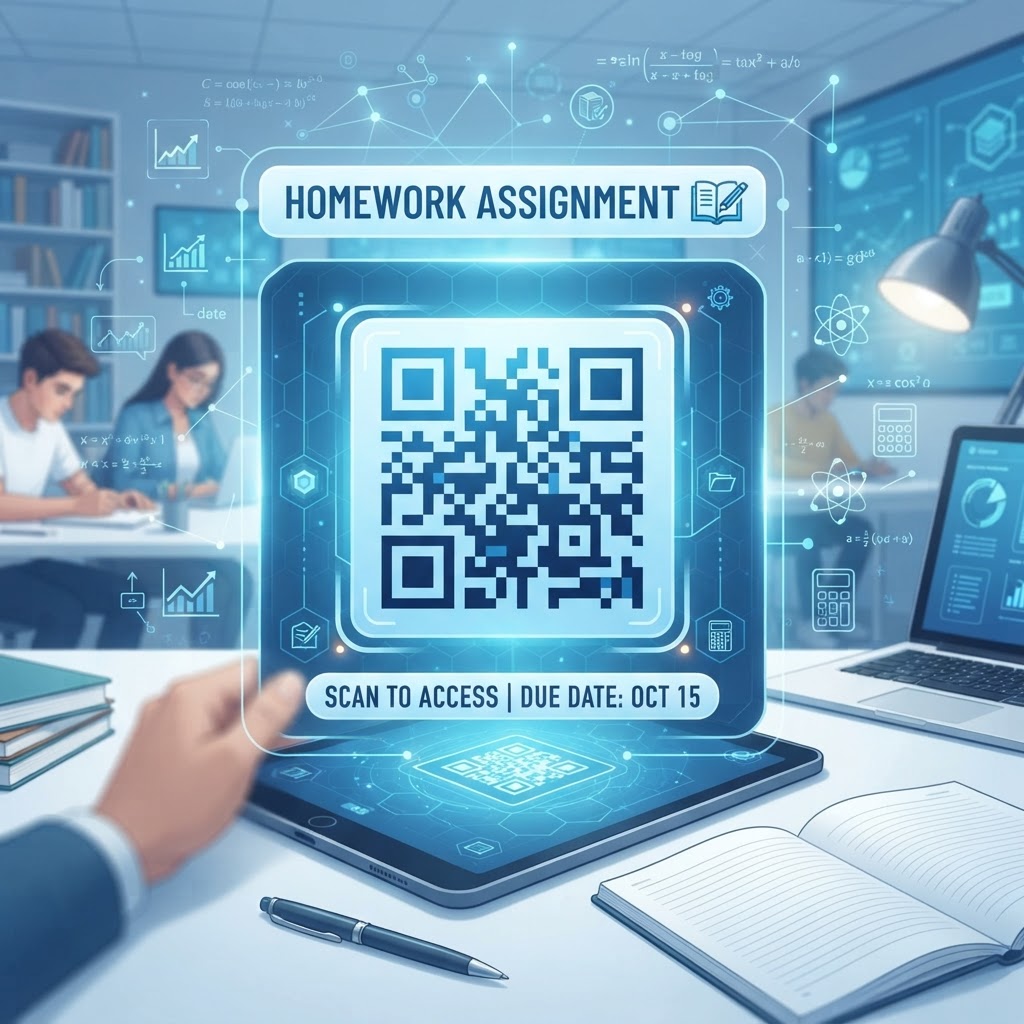
The Significance of QR Codes in 2026 Educational Environments
In the modern educational landscape of 2026, the rapid integration of mobile technology has shifted how students interact with their learning materials. The traditional approach of printing long, complex URLs on handouts is increasingly inefficient, prone to human error, and fails to engage students who are accustomed to instantaneous digital access. When you utilize a QR code for homework assignment purposes, you eliminate the frustration of misspelled web addresses and broken links, ensuring that students reach the intended educational resource immediately upon scanning. This technological shift is particularly vital for students who rely on mobile devices or tablets to access homework tasks after school hours, providing a seamless transition from the classroom to the home environment.
Moreover, the use of these codes facilitates a dynamic learning experience. Because you can update the destination URL of a dynamic code without needing to reprint the physical document, teachers can modify assignments or add updated research materials in real-time. This agility is a game-changer for curriculum development. Furthermore, the accessibility benefits are profound; students with fine motor skill challenges or those who struggle with typing complex strings of characters benefit immensely from the simple point-and-scan mechanism. By adopting this practice, educators demonstrate a commitment to inclusive, efficient, and modern teaching methodologies. As schools continue to prioritize digital literacy, the ability to provide instant, reliable, and secure links via a QR code becomes an essential skill for any curriculum designer or classroom teacher. It transforms a static piece of paper into a gateway for deep-dive learning, supporting diverse learning styles through video, interactive media, and collaborative platforms that go far beyond what traditional printed text can offer on its own merits.
Understanding the Technical Mechanism Behind QR Codes
At their core, QR codes are two-dimensional matrix barcodes that store data in a pattern of black squares arranged on a square grid on a white background. When a student or educator scans a code—typically using a camera app built into most smartphones—the device’s processor interprets the arrangement of the light and dark pixels to extract the encoded information, which is most commonly a URL pointing to an online resource. This technical simplicity is exactly why they are so powerful for homework. The underlying technology is lightweight, meaning the QR code itself does not store the assignment content; rather, it acts as a permanent, reliable signpost that points the user's browser toward your digital content hosted on a secure server or educational management system.
From a technical standpoint, the reliability of a QR code relies on its error correction capabilities. These codes are designed with built-in redundancy, which allows them to be readable even if a portion of the code is obscured, torn, or printed with slight misalignment. This is critical for classroom environments where papers might be folded, wrinkled, or marked with ink. By leveraging high-quality generation tools like blueqrcode.com, you ensure that the generated code is optimized for high-density information storage and maximum scannability. Furthermore, the transition from analog to digital happens in milliseconds. Once scanned, the student's device immediately initiates an HTTP request to the target URL. This ensures that even in areas with varying internet connectivity, the digital payload—whether it is a PDF file, a video lecture, or an assessment platform—is initiated with minimal latency. Understanding that the QR code is merely a trigger for a network connection allows teachers to create more complex digital workflows, such as linking to secure Google Drive files or interactive laboratory simulations that require a robust web-based environment to operate properly.
Step-by-Step Guide to Creating QR Codes with BlueQRCode
Creating a highly functional QR code for homework assignment use is a straightforward process when using a professional platform like blueqrcode.com. The first step involves preparing your destination content. Whether you have created a digital worksheet as a PDF, a video tutorial on a hosted platform, or a landing page with research links, ensure the URL is live and publicly accessible or accessible to your students via their institutional credentials. Once your link is prepared, navigate to the dashboard of blueqrcode.com. Select the URL category to ensure the code is optimized specifically for web navigation, as this ensures the fastest redirect times for student devices.
Next, input the target URL into the provided field. It is highly recommended to use a dynamic URL feature if your platform supports it, as this allows you to change the destination later without needing to distribute new paper assignments. Once the link is submitted, you can customize the aesthetic of the code. While the default black-and-white square is standard and universally recognizable, you may choose to adjust the contrast or add a subtle logo if your school branding permits it, though always maintain high contrast for the best scannability. After customizing, download your QR code in a high-resolution format such as SVG or high-quality PNG. These formats ensure that the code remains sharp when printed on school printers. Finally, perform a test scan with multiple devices before distributing the materials to your class. Open the camera app on a standard smartphone and verify that it directs you instantly to the expected content. This simple verification step protects you from any potential formatting issues or broken links that could disrupt the student's learning flow during their homework time at home.
Deployment Best Practices: Size, Placement, and Format
Effective deployment is the final barrier between a good idea and a functional teaching tool. The physical representation of the QR code matters significantly. For a homework assignment, the ideal size of the QR code should be at least one inch by one inch (approximately 2.5 cm by 2.5 cm) on a standard 8.5" x 11" paper. Anything smaller may lead to scanning difficulties, particularly for students using older mobile devices with lower-resolution cameras. Placement is equally critical; place the code in a prominent area, such as the top corner of the assignment sheet or directly next to the specific question it pertains to. Avoid placing the code in areas that are prone to creasing or where the paper might be bound, as physical distortion can interfere with the scanner's ability to interpret the matrix patterns accurately.
Regarding formatting, consider the material being printed upon. Matte paper is generally better than glossy paper because it reduces glare, which can bounce light into the smartphone camera and make the code difficult to detect. Furthermore, avoid placing the code against a background that contains distracting patterns, as the contrast between the black modules and the white background must be absolute. If you are printing in black and white, ensure the printer settings are configured for high-quality ink output to prevent smudging or fading of the code lines. Additionally, providing a short instruction text near the code, such as "Scan this QR code to view the video tutorial," sets clear expectations for the student. If the assignment requires a specific app to view the content—such as a specialized geometry tool or a math solver—mention that clearly beneath the code to ensure a smooth transition from scanning to interacting with the digital homework materials.
100% Free — No signup required
Create your Qr Code For Homework Assignment in seconds
Create Free QR Code →Common Mistakes and How to Avoid Them
Even with the best intentions, teachers sometimes encounter pitfalls when implementing QR codes. One of the most frequent errors is using a long, unoptimized URL that results in a highly dense, complex QR code pattern. A very dense code is much harder to scan than a simpler one. If your URL is excessively long, use a URL shortening service or the built-in management tools within blueqrcode.com to create a cleaner, more efficient link. This simplifies the visual pattern of the code, making it significantly more reliable for students across a wide range of devices. Another common mistake is failing to test the landing page on mobile devices. What looks perfect on a desktop browser may be poorly optimized for a mobile screen, leading to a frustrating user experience for the student.
Another significant oversight involves the expiration of content. If you link to a document that is housed in a temporary folder or a restricted area that requires specific permissions you have not granted, the student will encounter a 404 error or a permission denial screen. Always double-check your sharing settings to ensure that "anyone with the link" can access the content. Additionally, do not rely solely on the QR code. Always print the human-readable URL below the code for students who may have device issues, broken cameras, or simply prefer to type the link manually. This redundancy is a hallmark of good pedagogical design. Finally, avoid over-populating a single document with too many QR codes, as this can clutter the visual hierarchy of the assignment and overwhelm the student. Use codes selectively for the highest-value digital content, such as instructional videos or reference databases, to maintain the focus of the educational activity.
Concrete Use Cases by Industry and Sector
The application of QR codes extends across various educational sectors, from primary school to higher education and professional training. In K-12 education, a common use case is the 'interactive worksheet.' A teacher creates a math worksheet where each problem set is accompanied by a QR code linking to a recorded screen-cast explanation of the process, allowing students to access step-by-step guidance in real-time. In foreign language instruction, teachers use QR codes to link to audio clips of native speakers, helping students practice pronunciation and listening comprehension outside the classroom. The instant access to audio materials significantly enhances the efficacy of language homework, as students can listen and repeat at their own pace.
In higher education and vocational training, QR codes are used to link students to complex research datasets or interactive laboratory manuals. For instance, in a chemistry homework assignment, a QR code might link to a 3D simulation of a molecular model that students can manipulate on their phones to understand spatial geometry. In professional development, certification courses often provide handouts that include QR codes linking to digital assessment forms, allowing students to submit their completed homework or quiz answers directly into an automated grading system. This bypasses the need for physical submission and manual entry of grades. By standardizing these workflows, training institutions reduce administrative overhead and provide students with a modern, integrated learning experience. Whether it is linking to a 3D model, a spoken-word audio file, or a secure testing platform, the versatile nature of the QR code allows it to serve any discipline that requires a connection between a physical prompt and a digital educational resource.
Summary and Next Steps for Educators
Integrating a QR code for homework assignments is a simple yet high-impact strategy for any educator looking to modernize their classroom. As we have explored, the process involves understanding the technical basics, following established best practices for deployment, and avoiding common pitfalls such as broken links or overly dense code patterns. By ensuring that your codes are scannable, accessible, and strategically placed, you provide your students with a streamlined experience that minimizes technological friction and maximizes learning potential. The use of professional platforms like blueqrcode.com ensures that your digital links are managed effectively, giving you the control to update resources as your curriculum evolves throughout the academic year.
The next steps are simple: audit your current homework materials, identify sections that would benefit from multimedia support, and start creating your own library of QR codes. Begin with a single assignment to gauge the impact on student engagement and accessibility. Once you see the positive results in your classroom, you can expand this practice to include more complex assignments, collaborative projects, and supplemental resources. Remember that the ultimate goal of any educational tool is to support the student's journey toward mastery. By embracing the digital-physical hybrid model that QR codes provide, you are not just assigning homework; you are providing the tools necessary for students to succeed in an increasingly digital world. Start your journey today by creating your first set of codes and observe how this small adjustment improves the daily workflow for both you and your students, turning every handout into an opportunity for discovery and achievement.
No watermark · No expiry · Works on all phones
Your QR code is ready in under 30 seconds.
Generate Free QR Code →