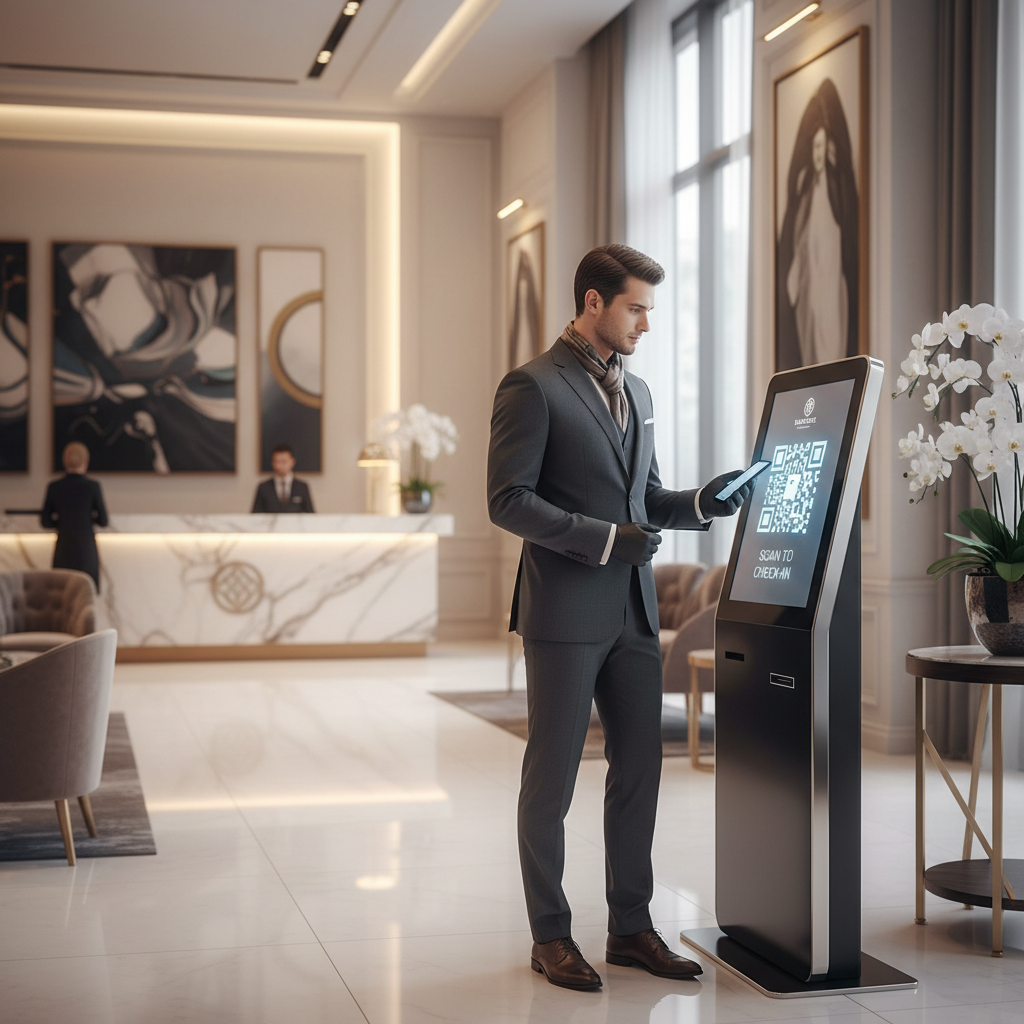
What Is QR Code For Hotel Checkin and Why It Matters in 2026
The hospitality industry has undergone a dramatic transformation over the past several years, and at the center of that shift is the growing demand for contactless, frictionless guest experiences.
A QR code for hotel checkin is a scannable code that guests can use to access WiFi credentials, review their stay, contact the front desk via WhatsApp, receive digital welcome cards, or navigate the property — all without waiting in line or handling shared physical materials. You can easily create your own using our QR Code Generator.
Key Points
- Guest experience: QR codes speed up arrival and create a modern, frictionless first impression.
- Compatibility: No app required — most smartphones from 2020 onward scan natively via the camera.
- Cost & maintenance: blueqrcode.com codes are free, require no account, and static codes never expire.
How QR Code For Hotel Checkin Works — The Technical Foundation
Understanding the technical mechanics behind a QR code for hotel checkin helps property managers deploy them with confidence and troubleshoot issues before they affect guests.
At its core, a QR code is a two-dimensional matrix barcode that encodes data in a pattern of black and white squares. When a guest points their smartphone camera at the code, the device decodes the pattern and triggers a corresponding action — opening a URL, pre-filling a WhatsApp message, connecting to WiFi, or saving a contact.
BlueQRCode.com supports 13 distinct QR code types, each designed for a specific use case. In the hotel checkin context, the most relevant types are:
- WiFi QR codes: encode the network SSID, password, and encryption protocol (WPA2, WPA3, WEP, or open networks). Guests scan and connect instantly, no typing required.
- vCard QR codes: encode name, phone number, email, website, address, and even a photo. Ideal for sharing the hotel's contact details or a dedicated concierge's information.
- WhatsApp QR codes: open a direct WhatsApp conversation with the front desk or guest services team, eliminating the need to save a phone number manually.
- Google Review QR codes: redirect guests directly to the hotel's Google review page at the ideal moment: checkout.
- URL QR codes: link to any web page, such as a digital checkin form, a property map, the restaurant menu, or a local guide.
One of the most important technical specifications to understand is error correction. BlueQRCode.com encodes QR codes with up to 30% error correction (Level H), meaning the code can still be scanned accurately even if up to 30% of its surface is damaged, dirty, or obscured. This is critical for hotel environments where printed materials may get wet, crumpled, or worn over time.
Try it now: Generate a free Qr Code For Hotel Checkin →
All codes are generated as static QR codes, meaning the data is permanently embedded at creation. Static QR codes never expire, making them an exceptionally reliable long-term investment for any property.
Output formats include PNG for printed materials (key envelopes, posters, signage) and SVG for digital and web use (emails, websites, digital screens). For print deployments, the minimum recommended size is 2.5cm × 2.5cm to ensure reliable scanning from a normal distance.
Step-by-Step: Create Your QR Code For Hotel Checkin on blueqrcode.com
Creating a professional QR code for hotel checkin takes only a few minutes on blueqrcode.com and requires no account or payment.
- Step 1: Navigate to the generator by opening your browser and going to the free QR code generator at blueqrcode.com. The interface loads instantly and presents you with all 13 available QR code types.
- Step 2: Select your QR code type. For the checkin WiFi experience, select the WiFi option and enter SSID, password, and encryption type (WPA2/WPA3/nopass as appropriate).
- Step 3: For a vCard (welcome card) QR code, select the vCard type and fill in the hotel's name, main phone number, email, website, and address. Optionally upload a logo or property photo.
- Step 4: For WhatsApp-based guest communication, select the WhatsApp type, enter the hotel's WhatsApp-enabled phone number in international format, and optionally pre-fill an opening message.
- Step 5: Generate and download. Click the generate button and download the code in PNG format for print or SVG format for digital use.
- Step 6: Test before deployment by scanning with at least two different smartphones to verify WiFi connection, WhatsApp routing, or vCard fields are correct.
The entire process — from landing on the page to having a print-ready file — typically takes under five minutes per code type.
Deployment Best Practices for QR Code For Hotel Checkin
Generating a high-quality QR code is only half the work. Where and how you deploy your QR code for hotel checkin determines whether guests actually use it and benefit from it.
- Print size & quality: Use at least 2.5cm × 2.5cm for small items; larger sizes (5–6cm) for key card envelopes or lobby signage are recommended. Use high-resolution PNG or SVG to avoid pixelation.
- Clear call-to-action: Always include contextual text such as "Scan to connect to WiFi" or "Scan to message our concierge on WhatsApp" to increase scan rates.
- Durability & verification: Laminate or use weatherproof materials in high-traffic areas, and periodically verify codes if underlying data (like WiFi password) changes.
Strategic placement across the guest journey:
- Lobby entrance: WiFi QR code displayed prominently so guests can connect the moment they arrive.
- Key card envelope or welcome packet: vCard and WhatsApp QR codes so guests have contact information immediately accessible.
- In-room desk card: WiFi code plus WhatsApp code for room service or housekeeping requests.
- Elevator or stairwell: URL QR codes linking to the digital property map or amenity guide.
- Checkout desk or departure area: Google Review QR code with a friendly prompt encouraging guests to share their experience.
Material durability is another consideration; blueqrcode.com encodes with up to 30% error correction, but proactive protection extends deployment life.
100% Free — No signup required
Create your Qr Code For Hotel Checkin in seconds
Create Free QR Code →Periodically verify your codes even though static QR codes never expire — update printed codes when passwords or numbers change.
Common Mistakes to Avoid With QR Code For Hotel Checkin
Even well-intentioned QR code deployments can fail when basic mistakes go unchecked. Understanding common pitfalls helps ensure a consistently positive guest experience.
- Printing at insufficient size: Codes smaller than the 2.5cm × 2.5cm minimum may scan inconsistently, especially on older devices or in low light.
- Using low-resolution exports for print: Stretching a PNG in a design tool causes pixelation and reduces scan reliability; use SVG or high-res PNG.
- Forgetting to test on multiple devices: Always test on both iOS and Android devices to confirm consistent behavior.
- Placing codes in low-light or high-glare locations: Glare or poor lighting can make codes unreadable; test scanning in the actual deployment location.
- Not updating codes when underlying data changes: If WiFi credentials or phone numbers change, replace all printed instances to avoid frustrating guests.
- Overloading a single code with too many purposes: Avoid encoding overly complex or lengthy URLs that result in dense patterns harder to scan quickly.
Real-World Use Cases: QR Code For Hotel Checkin Across Industries
While the focus is on hotels, the concept extends across accommodation verticals with consistent principles: reduce friction, deliver information instantly, and enable self-service.
- Boutique and independent hotels: Lean front desks benefit from lobby WiFi codes and in-room WhatsApp codes for service requests.
- Vacation rentals and Airbnb-style properties: URL QR codes on welcome cards can point to digital checkin guides, house rules, and local recommendations.
- Hostels and budget accommodations: Google Review codes in common areas help build online reputation at scale.
- Conference hotels and event venues: Event and URL QR codes distribute schedules, maps, and session information to attendees.
- Resort properties and spa hotels: Place QR codes at amenity entrances linking to booking forms, menus, or service details.
- Extended-stay and aparthotel properties: vCard and WhatsApp codes ensure long-stay guests always have contact details and maintenance channels.
Frequently Asked Questions
Do hotel WiFi QR codes expire or stop working over time?
QR codes generated on blueqrcode.com are static QR codes, which never expire. The code itself will remain scannable indefinitely, but underlying data such as a WiFi password can become outdated and require a new code.
What encryption types does the WiFi QR code support for hotel networks?
The WiFi QR code on blueqrcode.com supports WPA2, WPA3, WEP, and open networks (nopass). Select the appropriate encryption during creation and enter the SSID and password exactly as configured.
Can guests scan hotel checkin QR codes without downloading an app?
Yes. No app installation is required — most modern smartphones with native camera apps (especially devices from 2020 onward) can scan QR codes directly.
What file format should hotels use when printing QR codes on signage or key envelopes?
For print, use PNG at the highest available resolution or ideally SVG for perfectly sharp rendering. SVG scales without pixelation, and the minimum print size is 2.5cm × 2.5cm.
Is it possible to create multiple QR codes for different areas of a hotel for free?
Absolutely. BlueQRCode.com is completely free with no account required and no limit on the number of codes you can generate. Hotels can create separate codes for networks, WhatsApp, reviews, vCards, menus, and more.
Ready? Generate free at blueqrcode.com — no account, no watermark.
Conclusion
QR codes for hotel checkin offer a simple, device-friendly way to reduce arrival friction and extend guest services across the stay.
Using free, static codes from blueqrcode.com makes deployment low-cost and low-maintenance while delivering measurable improvements in guest experience.
```No watermark · No expiry · Works on all phones
Your QR code is ready in under 30 seconds.
Generate Free QR Code →