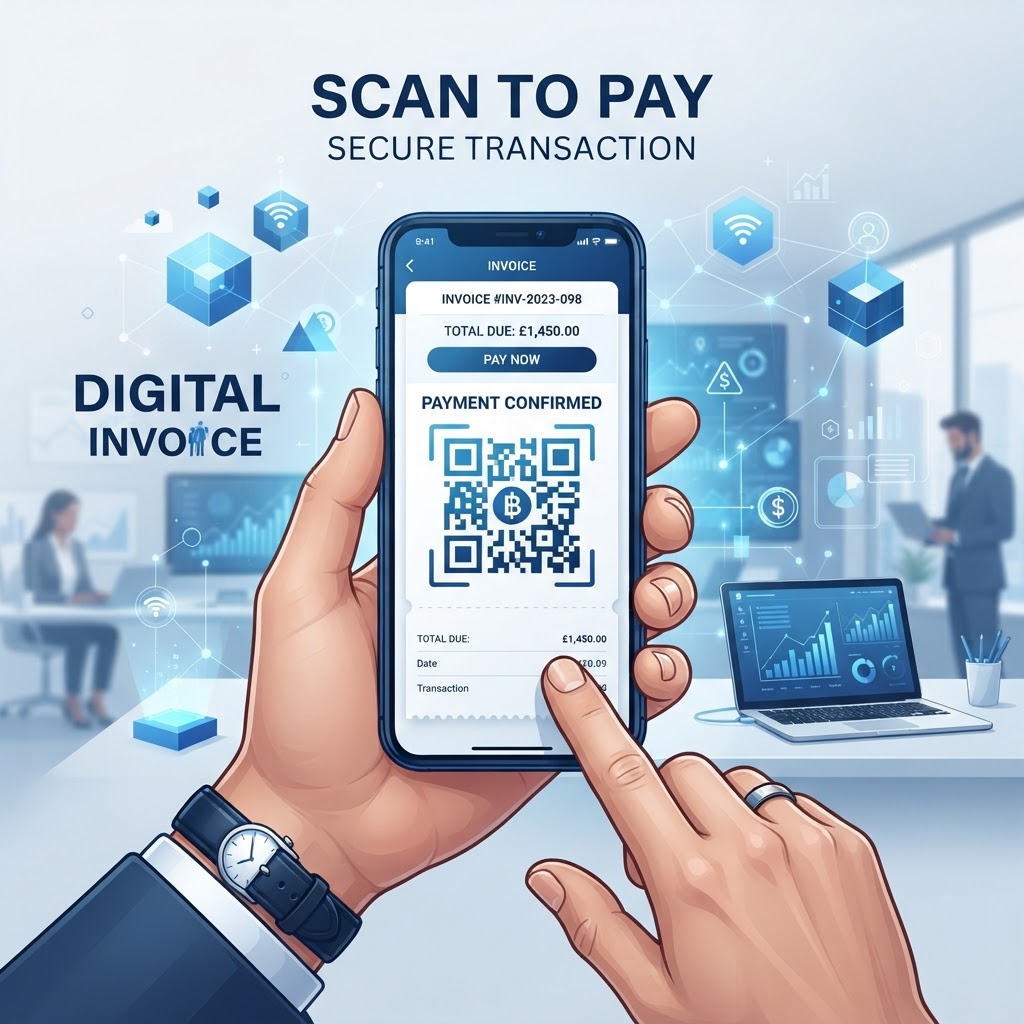
Why Integrating QR Codes for Invoice Payments Matters in 2026
By 2026, the reliance on digital wallets and instant banking interfaces has reached an all-time high, making the inclusion of a qr code for invoice payment a strategic imperative for any business looking to maintain a professional edge. When a customer receives an invoice, the path from viewing the bill to completing the payment can involve obstacles such as logging into a banking app, manually typing account numbers, or searching for physical checkbooks.
These manual hurdles create payment friction and can lead to delayed settlements. By embedding a QR code generated via https://blueqrcode.com, you remove the need for manual payment entry, allowing for automated reconciliation and immediate confirmation of receipt.
Modern native camera applications automatically detect and interpret QR codes, routing users to your designated payment gateway or banking application without additional software downloads. This seamless transition can support customer satisfaction and signal a modern, tech-forward business model.
In remote and hybrid environments, the ability to collect payments through physical or digital documentation is paramount. Eliminating the risk of mistyped numbers or incorrect payment references also helps link transactions to your internal accounting, keeping accounts receivable organized and up-to-date.
Key Points
- A QR code can reduce the manual steps customers take to pay an invoice.
- Customers can scan codes using modern native camera applications.
- Payment links can help connect a specific transaction to your accounting workflow.
How Invoice Payment QR Codes Work Technically
From a technical standpoint, a qr code for invoice payment acts as a programmable hyperlink, often formatted as a URL or a specific payment protocol string. When you use a platform like blueqrcode.com to generate your code, the tool translates your payment link—such as a payment processor integration, a PayPal “Pay Now” link, or a banking app deep-link—into a two-dimensional matrix of black and white squares.
This matrix is designed for high-density data storage and can remain readable even if the image is slightly damaged, inverted, or poorly lit. The complexity of the QR code increases as more data is added, but for simple invoice payments, a concise URL helps keep the code easily scannable by mobile devices.
Once scanned, the user's mobile OS parses the encoded URL. If it corresponds to a web address, the browser opens the payment checkout page; if it is formatted as a deep-link, the device may prompt the user to open the corresponding app, with transaction details pre-filled if supported.
This technical architecture uses data redundancy, helping software identify the QR code even if parts are obscured or distorted. The QR code itself does not hold sensitive bank credentials; it directs the customer's device to a payment environment where the transaction is encrypted and finalized.
Try it now: Generate a free Qr Code For Invoice Payment →
Step-by-Step Guide to Creating Codes Using BlueQRCode
Generating a qr code for invoice payment on https://blueqrcode.com is a straightforward process designed for business owners who need speed without sacrificing technical reliability.
- Step 1: Prepare your payment URL, such as a checkout page, digital wallet address, or bank transfer request form.
- Step 2: Navigate to the BlueQRCode dashboard, select the URL-based QR code generation option, and paste your payment destination link into the input field. If supported, use a URL with parameters to pre-fill invoice numbers or customer IDs for bookkeeping.
- Step 3: Customize the QR code’s colors, logo, and frame design to align with your company’s branding.
- Step 4: Preview the code and scan it with your smartphone. Test it with multiple devices to check that the experience is consistent across mobile platforms.
- Step 5: Download the code in a high-resolution format like PNG or SVG, then add it to your invoice template near the “Total Amount Due” section.
Best Practices for Deployment and Placement
Placement and visual clarity are two critical factors when deploying a qr code for invoice payment. Thoughtful sizing, positioning, and presentation can make the code easier for customers to scan.
- For physical invoices, print the code at least 1.5 by 1.5 inches so standard smartphone cameras can focus on it quickly.
- Position the code on the bottom half of the first page, near payment instructions, and away from edges, staples, binding, or protective envelopes.
- Leave a quiet zone—a clear border of white space—around the QR code so the camera can distinguish its pattern from background text or graphics.
- For digital invoices, use a crisp image file such as SVG or high-resolution PNG rather than a compressed, blurry JPEG.
- Provide a clickable text link underneath the code for people viewing the invoice on the same device they would use to pay.
- Add a clear call to action, such as “Scan to Pay via Mobile,” and regularly check that the linked payment page remains active and secure.
100% Free — No signup required
Create your Qr Code For Invoice Payment in seconds
Common Mistakes to Avoid
Even with a robust system, common pitfalls can undermine the effectiveness of a qr code for invoice payment. Avoid these issues to keep the payment process clear and reliable for customers.
- Using a non-mobile-optimized destination: A page with small fonts, horizontal scrolling, or broken buttons can frustrate customers and cause them to abandon payment.
- Linking to a generic contact page: Direct customers to checkout rather than making them take extra steps after scanning.
- Skipping testing: Before printing invoices in bulk, verify that the link is correct and the payment processor is ready to accept transactions. Test the full flow on a real device.
- Omitting a backup payment method: Include traditional payment details, such as bank account numbers, in text below the code so customers can still pay if scanning fails.
- Over-stylizing the code: Low-contrast colors or intricate logos that cover the code’s data zones can cause scanning failures, particularly on older smartphones.
Use Cases by Industry
The application of a qr code for invoice payment spans a range of sectors, each finding unique advantages. In services such as landscaping, residential cleaning, or plumbing, field technicians can provide an invoice after completing a job so homeowners can scan and pay on the spot.
In medical and dental settings, QR codes on patient statements allow for quick co-pay settlements at checkout or through mailed statements. Retail and wholesale businesses can include codes on B2B invoices to direct buyers to an enterprise payment portal and simplify accounts payable.
In property management and real estate rentals, landlords can attach a QR code to monthly rent statements. Residents can scan it to reach their tenant portal, review their balance, and confirm payment.
Summary and Next Steps
Integrating a qr code for invoice payment can reduce friction in traditional payment methods while improving the customer experience. Careful placement, clear presentation, and thorough testing help businesses use these codes effectively.
Audit your invoicing workflow to identify where customers encounter payment friction, then visit https://blueqrcode.com to generate and test a custom-branded QR code. Start with a small batch of invoices or a trial with frequent clients, and use their feedback to assess the process.
No watermark · No expiry · Works on all phones
Your QR code is ready in under 30 seconds.