Why Integrating QR Codes into Library Catalogs Matters in 2026
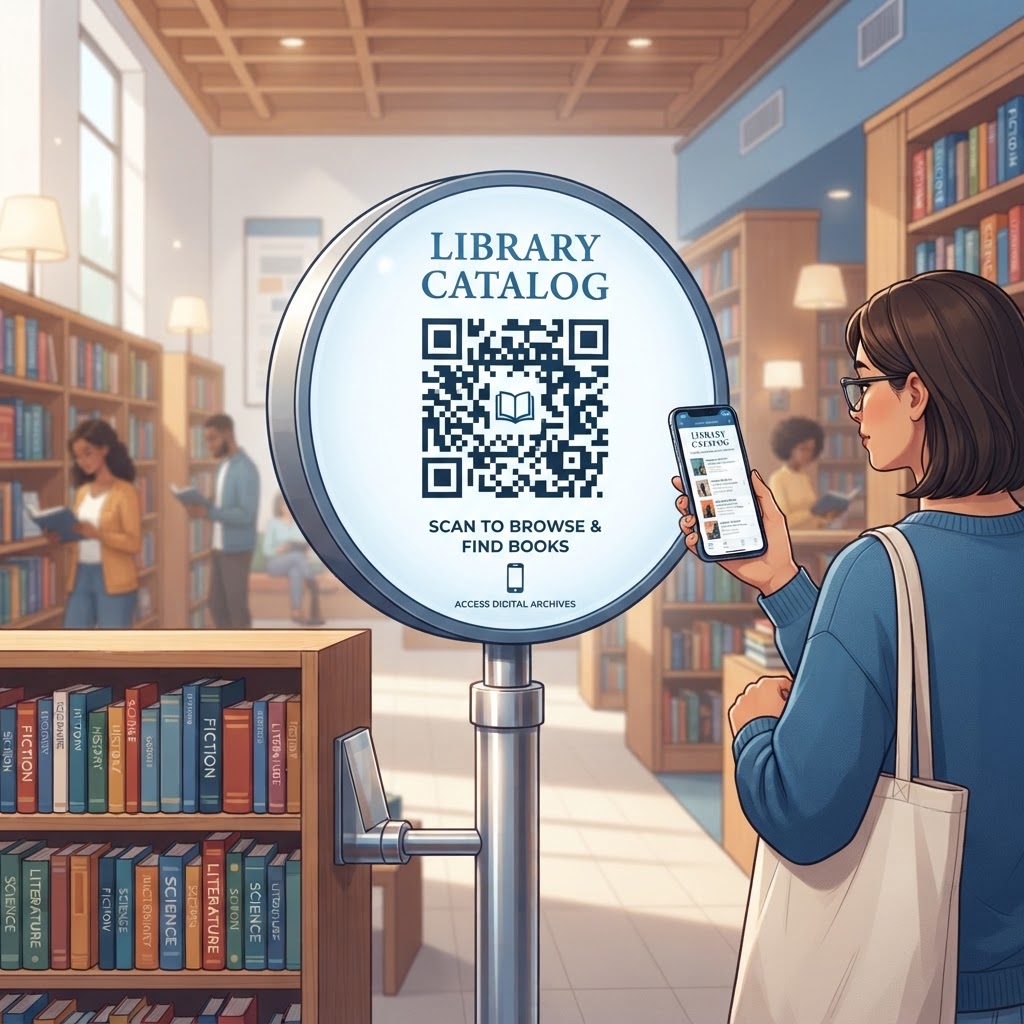
As we navigate the middle of the decade, the expectation for immediate digital integration within physical spaces is at an all-time high. Modern library patrons are accustomed to the speed of commercial e-commerce platforms, where product details, stock levels, and user reviews are always a click away. By deploying a QR code for library catalog access, librarians can mirror this efficiency within their stacks. This is not merely a novelty; it is an essential evolution in reader services. When a patron stands in front of a shelf, the physical item is often all they have to go on. A QR code changes this dynamic entirely by providing an immediate, secondary layer of information that the printed spine or dust jacket cannot convey. This might include digital summaries, links to related media, or even a direct button to place a hold on the item if it were to be checked out.
Furthermore, in 2026, accessibility and inclusivity remain paramount for public and academic institutions alike. For many users, scanning a QR code is a more intuitive and inclusive way to interact with data than navigating complex library software on a desktop computer. It removes the friction of searching for specific ISBNs or call numbers in an interface that may not be mobile-optimized. Most smartphones are now equipped with native camera-based QR readers, meaning no additional software installations are required for the average user. By placing these codes strategically, libraries demonstrate a commitment to user-centered design, showing that they value the patron’s time and effort. As physical collections continue to coexist with digital resources, the ability to weave these worlds together ensures that the library remains a relevant, helpful, and technologically adept hub for its community, regardless of the size of the collection.
How the Technical Integration of Library QR Codes Works
At its core, a QR code for library catalog management functions as a persistent URL shortcut. When you generate a code via a platform like https://blueqrcode.com, you are essentially encoding a specific web address that corresponds to an item's unique identifier within your library management system (LMS). Most modern library catalogs are cloud-based and utilize a permalink structure, which allows for stable, direct linking to specific bibliographic records. When a patron scans the code with their mobile device, their operating system reads the encoded URL and immediately triggers a request to the web browser to navigate to that specific page. This process relies on the underlying structure of the library’s website, which must be responsive—meaning it should adapt automatically to the small screen size of a mobile device.
Technically, the QR code acts as a visual bridge that bypasses the need for the patron to perform a manual search on the library portal. The URL encoded in the QR code often contains specific query parameters that tell the catalog exactly which book or resource to display. For instance, if you are linking to a specific genre or a curated digital shelf, the QR code points to that directory. The integrity of these links is vital; if a library changes its catalog provider or domain structure, the QR codes might break. Therefore, it is often recommended to use a centralized redirect tool if possible, though static permalinks provided by most library systems are generally reliable. Because most smartphones interpret these codes in milliseconds, the user receives an almost instantaneous result, effectively turning a static shelf space into a dynamic, interactive library interface that communicates directly with the central database in real-time.
Try it now: Generate a free Qr Code For Library Catalog →
Step-by-Step Guide to Generating QR Codes with BlueQRCode
Creating a QR code for library catalog access is an efficient process when utilizing a reliable service like https://blueqrcode.com. First, ensure you have the correct destination URL for the resource you wish to link. This might be the permalink of a specific book record in your catalog, a general search results page for a specific author, or even a curated list of new arrivals. Once you have copied the URL, navigate to the BlueQRCode platform. Select the option for a 'URL' QR code, as this is the industry standard for directing users to web-based content. Paste your copied link into the designated field. At this stage, ensure that the link you are using is a 'stable' or 'permanent' link, as you want the QR code to function for as long as the book remains in the collection.
After inputting the URL, you can customize the aesthetic of your QR code to align with your library’s branding. While a standard black-and-white code is functional, adding colors or a logo can make it more recognizable to patrons. Be mindful, however, that excessive customization can sometimes interfere with the scanability of the code on certain older smartphones. Once you are satisfied with the design, generate the code and test it across multiple devices—including both iOS and Android platforms—to ensure that it leads precisely to the intended catalog page. After verifying that the code works correctly, download the file in a high-resolution format like PNG or SVG, which will allow you to scale the image for printing on shelf-talkers or posters without losing clarity. Always keep a spreadsheet record of which QR code links to which resource, so you can manage your digital library infrastructure effectively over time.
Best Practices for Deployment: Size, Placement, and Format
The success of your QR code initiative depends largely on how you present these codes to the public. Size and placement are the most critical factors for ensuring user adoption. A QR code that is too small will be difficult for a camera to focus on, especially if it is located in a dimly lit area of the stacks. As a general rule, the QR code should be at least two inches by two inches in size, though larger is often better for shelf-talkers that are viewed from a standing distance. The placement should be at eye level or clearly marked on the shelf edge so that patrons do not have to crouch or reach to scan the code. If the code is placed too low, you essentially hide the digital advantage you are trying to provide.
Regarding material and format, consider the environment where the code will live. If you are placing QR codes on book spines or high-traffic areas, ensure they are printed on matte, non-reflective materials. Glossy surfaces can cause glare under overhead lighting, which frequently prevents a smartphone camera from properly interpreting the data patterns in the code. Furthermore, consider adding a clear 'Call to Action' (CTA) next to the QR code. A simple line of text, such as 'Scan to see more details' or 'Check availability in our catalog,' tells the user exactly what to expect. Without this instruction, some patrons may be hesitant to scan. By following these ergonomic and visual standards, you ensure that the QR code is seen, understood, and utilized frequently by your library community, thereby maximizing the return on your investment in these digital tools.
100% Free — No signup required
Create your Qr Code For Library Catalog in seconds
Create Free QR Code →Common Mistakes to Avoid in QR Code Implementation
One of the most frequent mistakes libraries make is failing to test their QR codes across a wide variety of devices before wide-scale deployment. A code might work perfectly on your specific smartphone, but if the contrast ratio is too low or the resolution is insufficient, other users may struggle to scan it. Another common pitfall is linking to a page that is not mobile-optimized. If a patron scans a QR code only to be directed to a desktop-only interface that requires them to zoom in and scroll horizontally to read the information, they will likely abandon the process. Always verify that the destination URL leads to a responsive mobile page that loads quickly, even on standard public Wi-Fi networks.
Additionally, avoid the trap of 'code clutter'—placing too many QR codes in one spot can overwhelm the patron. If a shelf has ten different QR codes for ten different books, the user may feel intimidated rather than encouraged. Focus your deployment on high-value areas, such as new releases, highly popular series, or staff-recommended titles. Furthermore, beware of broken links. Libraries often change their web infrastructure or CMS providers, and these updates can effectively 'kill' existing QR codes. Establish a routine maintenance schedule to audit your active QR codes every few months. If you find a dead link, update the redirect immediately. By avoiding these common errors, you maintain the credibility of your digital infrastructure and ensure that patrons continue to trust that the QR codes provide a helpful and functional bridge to the information they seek.
Concrete Use Cases by Sector
In academic libraries, QR codes are indispensable for linking physical reference materials to digital archives and databases. For example, a student researching a specific historical topic can scan a QR code placed on a reference book to immediately access an entire collection of primary source documents or an related e-journal series. This capability transforms a solitary book into a gateway for deep-dive research. In public libraries, QR codes are often utilized for 'Shelf-Talkers.' By placing a QR code on the edge of a shelf dedicated to 'Best Sellers' or 'Local Authors,' libraries allow users to instantly check out digital copies of titles that are currently checked out in print, ensuring that the library never has to tell a patron that a book is unavailable.
School libraries also see significant benefits by using QR codes to engage younger readers. Teachers can create scavenger hunts where students scan codes hidden on bookshelves to solve riddles or discover facts about specific authors, effectively gamifying the process of navigating a library collection. This makes the physical environment more engaging for digital natives. Finally, in specialized or private libraries, QR codes can serve as links to private member portals, allowing patrons to access internal documentation, request inter-library loans, or see real-time updates regarding collection maintenance. Across all these sectors, the primary benefit remains the same: the QR code provides an instant, actionable path that connects the physical collection to the vast, searchable world of the digital catalog, creating a richer and more efficient user experience for everyone involved.
Summary and Next Steps for Your Library
Integrating a QR code for library catalog access is a powerful, low-cost strategy to modernize your library’s service model in 2026. By bridging the gap between physical shelves and your digital presence, you provide patrons with the immediate information they demand, while simultaneously showcasing your library as a forward-thinking institution. We have explored the importance of this integration, the technical foundation of how these codes work, and the best practices for physical deployment, ranging from sizing to testing for mobile responsiveness. Avoiding common mistakes like poor contrast or non-responsive landing pages will ensure that your digital efforts yield high engagement rates and tangible value for your library community.
Your next steps should begin with a small-scale pilot program. Choose a high-traffic area of your library—perhaps the 'New Arrivals' or 'Staff Picks' section—and place a few carefully designed, well-labeled QR codes. Observe how patrons interact with them, gather feedback, and monitor your web analytics to see how many users are navigating to your catalog via these codes. Once you have a handle on the workflow, you can begin expanding the program to other parts of the collection. Remember, the goal is to make the library experience as fluid as possible. Tools like https://blueqrcode.com are there to help you generate these gateways effortlessly, so you can focus on what matters most: helping your patrons find the information they need, whether it resides in a book on the shelf or a file in your digital repository.
No watermark · No expiry · Works on all phones
Your QR code is ready in under 30 seconds.
Generate Free QR Code →