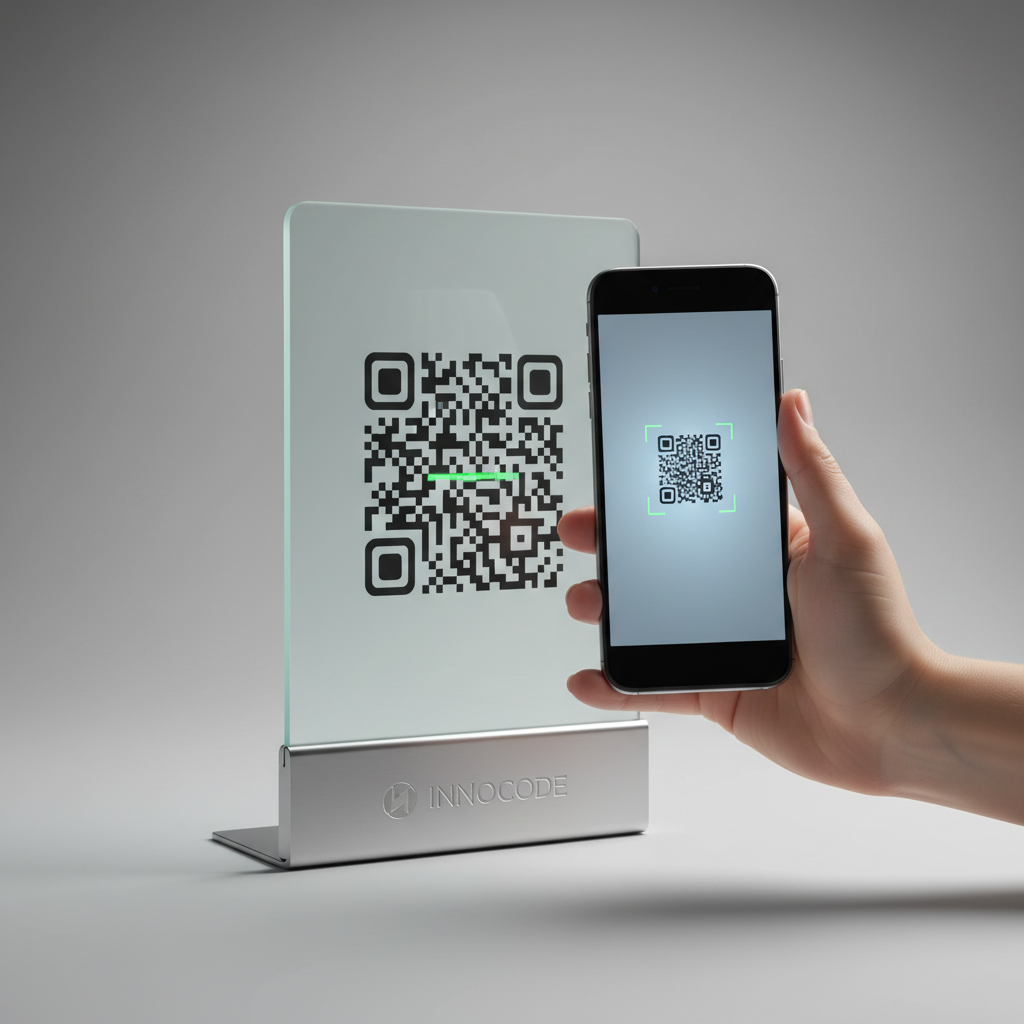
What Is QR Code For Loyalty Card Program and Why It Matters in 2026
A QR code for loyalty card program is a scannable square barcode that connects customers instantly to your loyalty rewards system, digital membership card, or business profile, removing the need for physical cards or app downloads. Customers point their smartphone camera at the QR code and can register, access rewards, or contact your business within seconds.
Near-universal QR-capable smartphones (especially models made since 2020) mean the barrier to entry is effectively zero. For small businesses, a free QR code for a loyalty card program is a low-cost, high-impact way to boost enrollment and retention; tools like blueqrcode.com make setup accessible without accounts, payment, or technical skills. You can also try our free QR Code Generator to create your own loyalty codes easily.
Key Points
- Frictionless enrollment: QR codes remove signup friction by enabling instant access to loyalty sign-up or contact saving.
- Wide compatibility: Most modern smartphones scan QR codes natively, so participation is broadly accessible.
- Durability and cost: Static QR codes never expire, and services like blueqrcode.com offer free, watermark-free downloads.
How QR Code For Loyalty Card Program Works — The Technical Foundation
At its core, a QR code for loyalty card program is a two-dimensional matrix barcode encoding data in black-and-white squares. When a smartphone camera reads the pattern, it decodes the data and triggers an action — opening a URL, saving a vCard contact, launching WhatsApp, and more.
blueqrcode.com supports multiple QR code types suitable for loyalty programs; choose the type that matches the action you want customers to take.
- vCard QR Code: Encodes business name, phone, email, website, address, and photo so customers can save your business as a contact — an elegant digital loyalty card substitute.
- WhatsApp QR Code: Opens a direct WhatsApp conversation with your business number, useful for messaging-based loyalty updates and offers.
- URL QR Code: Links to a loyalty portal, sign-up form, or landing page for enrollment and rewards details.
- Google Review QR Code: Used in "review and earn" incentives that reward customers with points or discounts for leaving reviews.
- Email QR Code: Pre-fills an email to your loyalty sign-up address for quick enrollment via a single scan-and-send action.
Codes generated on blueqrcode.com are static QR codes, meaning the encoded data is fixed at creation and never expires. This is ideal for printed counter cards, menus, and packaging that you want to remain valid indefinitely.
Error correction up to 30% (Level H) ensures scannability even if part of the code is obscured by a logo, damage, or dirt — a useful resilience for frequently handled loyalty materials.
Step-by-Step: Create Your QR Code For Loyalty Card Program on blueqrcode.com
Creating a QR code for loyalty card program on blueqrcode.com is quick and requires no account or payment. Follow these steps to generate and test your code.
- Step 1: Choose Your QR Code Type — visit the free QR code generator at blueqrcode.com and select vCard, WhatsApp, URL, or another suitable type for your loyalty workflow.
- Step 2: Fill In Your Loyalty Program Details — enter relevant fields: for vCard include business name, loyalty phone, email, website, address, and logo; for WhatsApp add the messaging number; for URL paste the sign-up or portal link.
- Step 3: Generate and Preview — click generate and inspect the code on-screen to confirm the encoded action and appearance are correct.
- Step 4: Download in the Right Format — choose PNG for print materials and SVG for scalable digital or large-format use.
- Step 5: Test Before Deployment — scan the code with at least two different smartphones to confirm the full customer experience before printing.
The entire process is free: no account, no subscription, no watermark, and no expiration on the static code itself.
Deployment Best Practices for QR Code For Loyalty Card Program
Generating a QR code is only half the work — deployment determines whether customers actually use it. Follow these practices to maximize visibility, scannability, and engagement.
- Size and print quality: Use a minimum of 2.5cm × 2.5cm; 5cm × 5cm or larger is preferable for counter or table placements, and always print at 300 DPI or higher.
- Strategic placement locations: Place codes where customers pause — at the point of sale, on receipts, product packaging, table cards, fitting room doors, email footers, or business cards.
- Clear call to action: Pair codes with short labels like "Scan to join our rewards club" so customers know the benefit before scanning.
- Contrast and color: Maintain strong dark-on-light contrast; avoid busy patterns or gradients that hinder scanning.
- Lamination and durability: Consider lamination for frequently handled materials; built-in 30% error correction helps, but lamination extends lifespan.
Common Mistakes to Avoid With QR Code For Loyalty Card Program
Even well-designed loyalty programs can underperform due to avoidable QR implementation errors. Avoid these common pitfalls to keep participation high.
- Printing too small: Codes below 2.5cm × 2.5cm often fail to scan reliably, creating frustration at the moment customers try to enroll.
- No contextual label: A code without explanation leaves customers hesitant; a short CTA immediately clarifies the benefit.
- Poor mobile destination: Linking to a non-mobile-optimized page will cause bounce and lost enrollments; test the mobile experience first.
- Choosing the wrong QR type: Match the code type to the desired action (vCard to save contact, WhatsApp for messaging, URL for portals).
- Not testing on multiple devices: Scan behavior varies by OS and phone model; always test on at least two different smartphones.
- Forgetting updates: Static QR codes are permanent; if contact details or URLs change, generate a new code and reprint materials.
Real-World Use Cases: QR Code For Loyalty Card Program Across Industries
The versatility of a QR code for loyalty card program allows it to fit nearly any business model. Below are practical examples of how industries use QR codes to replace or augment traditional loyalty cards.
100% Free — No signup required
Create your Qr Code For Loyalty Card Program in seconds
Create Free QR Code →Cafés and Coffee Shops
Place a vCard QR code on the counter labeled "Save our contact and get your loyalty stamp digitally." Scanning saves the café as a contact and provides a quick way to log repeat visits or message via WhatsApp for point updates.
Salons and Beauty Services
Use WhatsApp QR codes at the front desk to open direct messaging for bookings and loyalty offers. Stylists build contact lists organically, and the QR code serves as an effortless enrollment prompt.
Retail Boutiques and Independent Shops
Include URL QR codes on packaging or receipts that link to a Google Form for loyalty sign-up, collecting name, email, and birthday to run basic rewards via email marketing.
Restaurants and Food Service
Table tent QR codes can combine a Google Review QR code with a loyalty offer (for example, "Leave us a review and mention 'loyalty' for a free dessert"). This builds reputation and incentivizes repeat visits.
Fitness Studios and Gyms
Place vCard QR codes at reception so new members save contact details instantly, eliminating lost physical membership cards and keeping booking info accessible on their phones.
B2B Service Providers
Embed QR codes in email signatures and invoices so clients can save contact details easily. This subtle visibility reinforces relationship touchpoints and supports retention programs.
Frequently Asked Questions
Do QR codes for loyalty card programs expire after a certain number of scans?
No. QR codes generated on blueqrcode.com are static codes, which means they never expire and have no scan limit. They remain functional whether scanned once or ten thousand times over years.
What is the best QR code type to use for a loyalty card program?
The best type depends on your loyalty workflow. Use a vCard QR code to save business details permanently, WhatsApp QR code for messaging-based loyalty, and URL QR code for portal-based sign-ups. blueqrcode.com offers all three among its available types.
Can I add my business logo to the loyalty card QR code?
The vCard type on blueqrcode.com includes a photo field for your logo so the saved contact includes your branding. For other types, download the watermark-free image and incorporate your logo around the code in your design tool.
What smartphone compatibility should I expect for my customers?
QR codes from blueqrcode.com are compatible with over 95% of modern smartphones made from 2020 onward. Most current iOS and Android devices scan natively via the camera app without extra software.
Is blueqrcode.com really free, and will there be a watermark on my loyalty card QR code?
Yes. blueqrcode.com is free to use with no account required, and downloaded QR codes (PNG and SVG) contain no watermark, no hidden fees, and no expiration applied to the codes.
Ready? Generate free at blueqrcode.com — no account, no watermark.
Conclusion
A qr code for loyalty card program is an accessible, low-cost way to modernize loyalty enrollment and retention across industries. With proper type selection, placement, and testing, QR-based loyalty can replace physical cards and simplify customer engagement.
```No watermark · No expiry · Works on all phones
Your QR code is ready in under 30 seconds.
Generate Free QR Code →