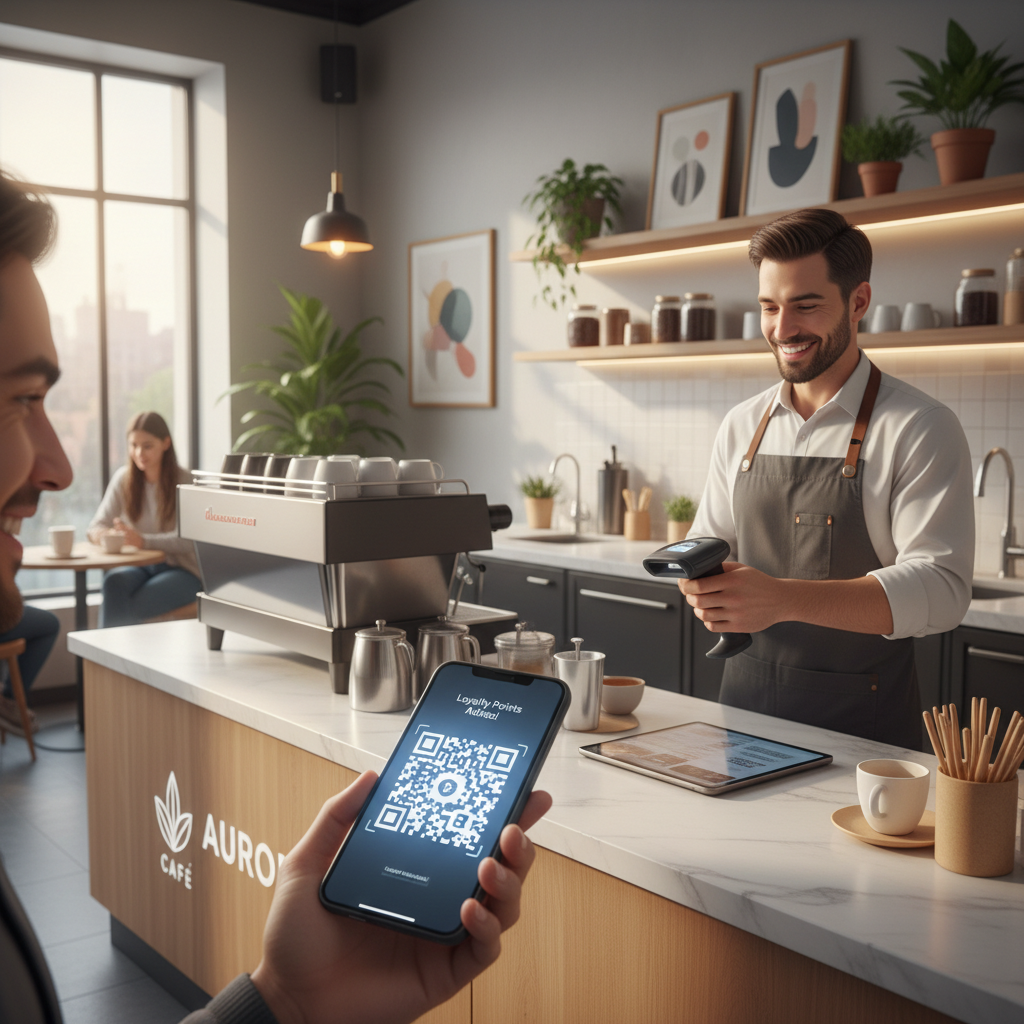
Why This Topic Matters
A qr code for loyalty program is a scannable matrix barcode that connects customers instantly to a loyalty experience, replacing punch cards and paper forms with a frictionless digital touchpoint. QR codes meet rising consumer expectations for speed and convenience at every brand interaction. You can create your own with our free QR Code Generator.
Tools like blueqrcode.com make QR-based loyalty accessible to businesses of all sizes by offering free, no-account generation with no watermark, and static codes that never expire.
Key Points
- QR codes remove friction by letting customers join or redeem loyalty rewards with a single scan.
- Multiple QR types (URL, vCard, WhatsApp, Google Review) support different loyalty mechanics.
- Static QR codes from blueqrcode.com never expire and include Level H error correction for durability.
Step-by-Step Guide
Quick walkthrough to create a scannable loyalty QR code on blueqrcode.com.
- Step 1: Open blueqrcode.com/qr-code-generator; no account or watermark is required.
- Step 2: Choose the QR type that fits your loyalty mechanic — URL, WhatsApp, Google Review, vCard, Email, or SMS depending on how customers will interact.
- Step 3: Enter the required details for the chosen type (paste your loyalty portal URL for URL codes, enter contact fields for vCard, or enter a WhatsApp number for WhatsApp codes).
- Step 4: Generate and preview the QR code on-screen, then test by scanning with a smartphone before downloading.
- Step 5: Download the code in PNG for print or SVG for web; PNG is recommended for receipts, table tents, and packaging.
- Step 6: Verify minimum print size of at least 2.5 cm × 2.5 cm and increase size for posters or distant placements.
Step-by-Step: Create Your QR Code For Loyalty Program on blueqrcode.com
- URL: Best for directing customers to an online loyalty portal or digital stamp card.
- WhatsApp: Ideal for conversational loyalty programs where customers message to claim points.
- Google Review: Useful for review-incentive rewards that redirect customers to a review page.
- vCard: Lets new members save business contact details instantly for re-engagement.
- Email: For workflows that require customers to send a confirmation or registration email.
- SMS: For SMS-based opt-ins where a pre-written message is sent automatically on scan.
Best Practices
Deployment matters: placement, clarity, and technical reliability together determine scan rates and program uptake.
Try it now: Generate a free Qr Code For Loyalty Program →
- Place QR codes at natural decision moments (point-of-sale, receipts, table tents, packaging) with a clear CTA label.
- Ensure printed codes meet size and durability requirements—use laminated or UV-resistant materials for permanent placements.
- Test across multiple devices and operating systems and use SVG for digital placements and PNG for print.
Deployment Best Practices for QR Code For Loyalty Program
Position codes where customers are already pausing, and pair each code with a one-line prompt like "Scan to join our rewards program" to remove hesitation.
Use blueqrcode.com's Level H error correction for resilience, but still prioritize prevention by replacing faded or damaged prints and checking placements monthly.
Common Mistakes to Avoid
Many loyalty initiatives fail because of small but avoidable QR deployment errors.
- Mistake one and why to avoid it: Printing codes too small (below 2.5 cm × 2.5 cm) which causes scan failures and customer frustration.
- Mistake two and why to avoid it: Linking to a non-mobile-optimized page — mobile responsiveness is essential for post-scan conversion.
- Mistake three and why to avoid it: Placing codes in low-light or behind reflective surfaces without testing, which prevents reliable scanning.
- Mistake four and why to avoid it: Overcomplicating the post-scan journey with lengthy forms or mandatory app downloads, which reduces completion rates.
Common Mistakes to Avoid With QR Code For Loyalty Program
Always scan and validate the QR code on multiple devices before printing large batches to avoid costly errors from typos or incorrect links.
100% Free — No signup required
Create your Qr Code For Loyalty Program in seconds
Create Free QR Code →Conclusion
QR codes provide a simple, cost-effective way to grow and maintain loyalty by reducing friction and meeting customers where they already are. Using best practices for placement, sizing, and testing ensures your qr code for loyalty program delivers measurable results.
Ready? Generate free at blueqrcode.com — no account, no watermark.
What Is QR Code For Loyalty Program and Why It Matters in 2026
A qr code for loyalty program bridges physical and digital experiences, enabling instant sign-up, visit logging, reward redemption, reviews, or contact saving via a single scan. Most smartphones from 2020 onward can scan QR codes natively through the camera app, removing the need for third-party readers.
How QR Code For Loyalty Program Works — The Technical Foundation
A QR code encodes data (URL, phone number, vCard, or text) in a two-dimensional grid that a smartphone camera decodes to trigger an action such as opening a browser or saving contact details. For loyalty use cases, URL QR codes are the most commonly used type because they point directly to web-based sign-up or reward portals.
blueqrcode.com applies error correction up to Level H, keeping codes scannable even with up to 30% surface obstruction, and static codes generated on the site never expire.
Real-World Use Cases: QR Code For Loyalty Program Across Industries
Cafés often use a URL QR code for a digital stamp card and a Google Review QR code near the exit to reward reviewers. Retailers use vCard and SMS QR codes for onboarding and opt-ins. Restaurants place URL or WhatsApp QR codes on table tents to capture diners during relaxed moments.
Gyms, hotels, events, and service businesses also adapt QR types (WhatsApp, WiFi, Event, Email) to their loyalty mechanics, improving re-engagement without requiring staff intervention.
Frequently Asked Questions
Do QR codes generated on blueqrcode.com expire, and can I use them permanently in my loyalty program?
Static QR codes generated on blueqrcode.com never expire and are suitable for permanent placements as long as the destination URL remains active.
Which QR code type is best suited for a loyalty program?
The best type depends on your loyalty mechanics; a URL QR code is most versatile, while WhatsApp, Google Review, or vCard codes serve specific conversational, review, or onboarding flows.
Is there a cost to create loyalty program QR codes on blueqrcode.com?
blueqrcode.com is free to use with no account, subscription, or watermark. You can download PNG and SVG formats at no cost.
What file format should I download for printing loyalty program QR codes on physical materials?
Download PNG for physical printing and SVG for vector needs; always ensure the final printed size is at least 2.5 cm × 2.5 cm for reliable scanning.
How can I make sure my loyalty program QR code scans reliably for all my customers?
Use blueqrcode.com's error correction Level H, print at recommended sizes, place codes in well-lit areas, and test on multiple devices and OS versions to ensure broad compatibility.
```No watermark · No expiry · Works on all phones
Your QR code is ready in under 30 seconds.
Generate Free QR Code →