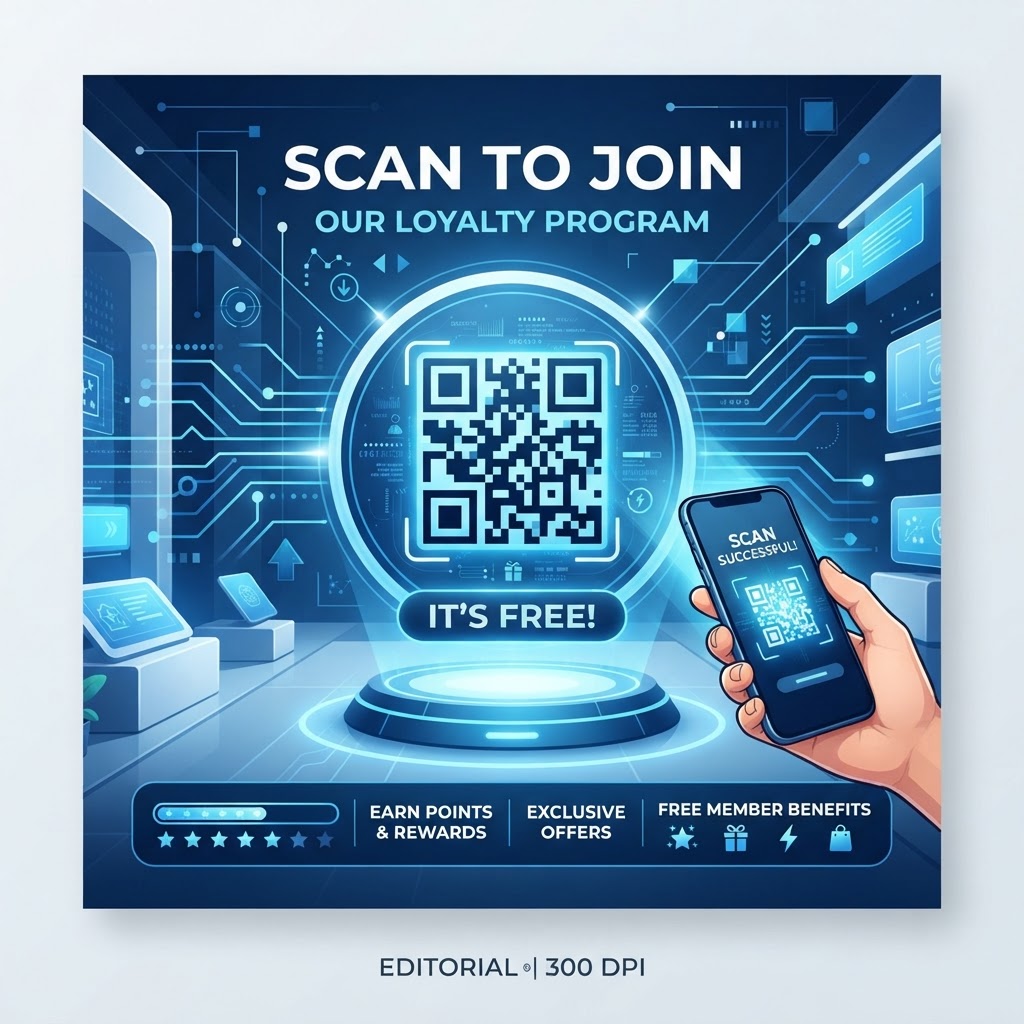
Why Implementing a QR Code Loyalty Program Matters in 2026
The year 2026 marks a turning point in how consumers interact with local businesses, where convenience is the primary driver of brand loyalty.
By deploying a QR code for a loyalty program, you eliminate friction from paper-based methods and enable instant tracking of rewards, automated point accumulation, and personalized notifications.
Key Points
- Mobile-first scanning removes the need for physical cards or extra apps.
- URL-based QR codes allow dynamic destinations and granular tracking.
- Starting with a free generator lets you test and iterate before scaling.
How QR Code Loyalty Programs Work Technically
A QR code acts as a visual gateway: when a user scans a code generated via a service like https://blueqrcode.com, their device resolves the pattern into a URL that points to a mobile-optimized landing page or form.
Behind the scenes, scans tie to a unique identifier or session so the server can verify the scan, add points, and return confirmation. Using dynamic, URL-based codes also lets you change destinations without reprinting physical materials.
Try it now: Generate a free Qr Code For Loyalty Program Free →
Step-by-Step Guide Using BlueQRcode.com
Follow these steps to create and deploy a QR-driven loyalty flow using BlueQRcode.com.
- Step 1: Define the destination URL (Google Form, landing page, or loyalty portal) and copy the complete link into the BlueQR URL field.
- Step 2: Customize the QR design to match your brand, then generate a preview and perform live tests on several smartphones in different lighting conditions.
- Step 3: Download the code in the appropriate format (PNG for stickers, SVG for large prints), print or display it, and track scans with URL parameters or your analytics setup.
100% Free — No signup required
Create your Qr Code For Loyalty Program Free in seconds
Best Practices for Deployment: Size, Placement, and Format
Effective deployment ensures customers can find and scan your code quickly, which is as important as design.
- Place codes at eye level and in high-traffic spots like the POS, counter stands, or table tents.
- Use high contrast (dark code on a light background) and avoid reflective surfaces to prevent glare.
- Provide a clear call-to-action near the code (e.g., "Scan here to earn rewards") and keep the minimum size around two inches by two inches.
Common Mistakes to Avoid in Loyalty Programs
Avoid barriers that stop customers from signing up or regularly using the program.
- Asking for too much information at signup and creating friction for users to join.
- Failing to optimize the landing page for mobile or not integrating the QR code into routine messaging and receipts.
Concrete Use Cases by Industry
Coffee Shops
Place a QR code on cups or at the pickup station to track visits and deliver every-tenth-coffee rewards automatically.
Independent Retail Boutiques
Use a register-side code for member-only discounts, encouraging repeat visits and fostering exclusivity without physical cards.
Fitness and Wellness
Place codes at check-in desks so members earn points for each visit and can redeem them for classes or merchandise.
Mobile Services (Food Trucks / Pop-ups)
Display a code on the truck or at the ordering window to keep customers connected despite changing locations and to build a digital community.
Summary and Next Steps
Building a successful loyalty program in 2026 can start with a free QR code generator; define goals, create a test code at https://blueqrcode.com, and place it in high-visibility areas.
Print a few codes, collect feedback, monitor scan data, and iterate—then scale rewards if the pilot gains traction. Generate Free QR Code →
No watermark · No expiry · Works on all phones
Your QR code is ready in under 30 seconds.