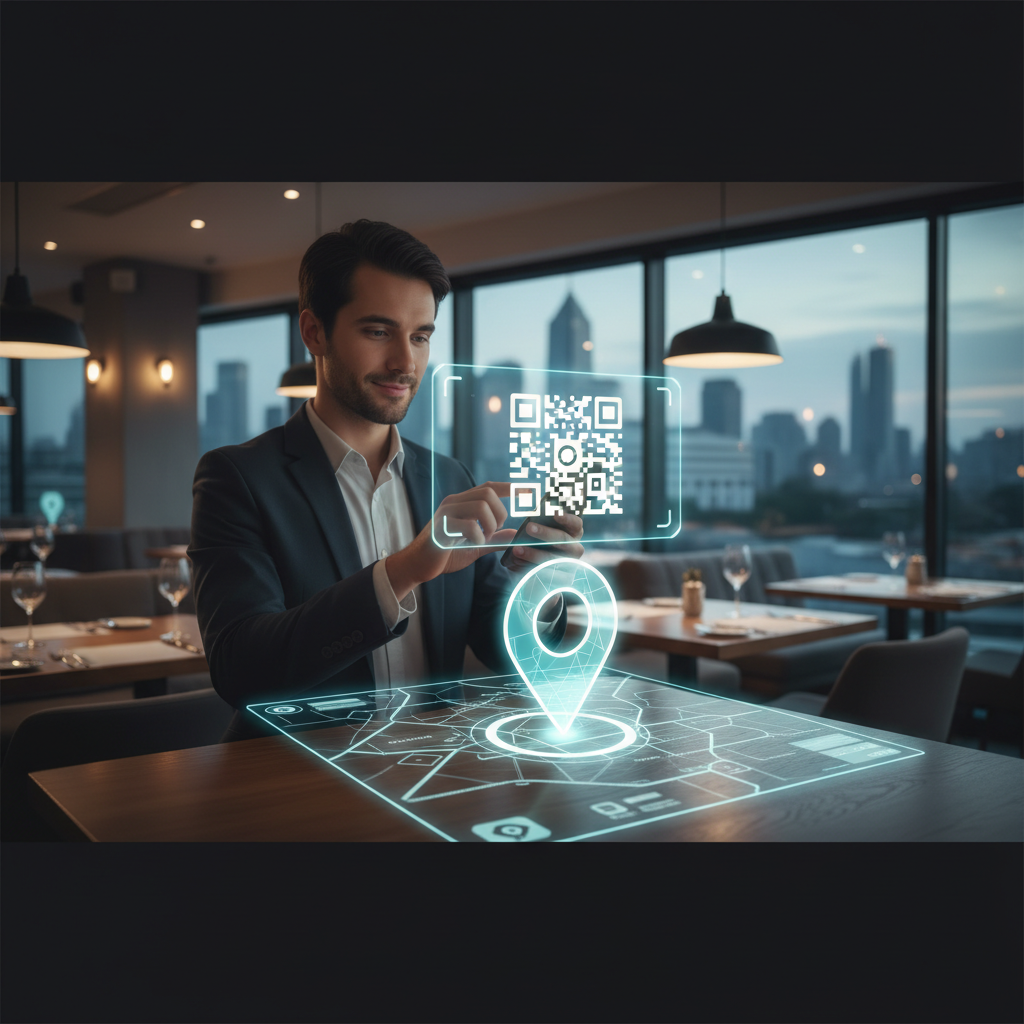
What Is a QR Code for Map Location Pin Free and Why It Matters in 2026
A QR code for a map location pin is a scannable code that opens a specific geographic location in the user's preferred mapping app — Google Maps, Apple Maps, or another navigation tool. Scanning drops users directly onto the correct pin, removing the need to type an address or search manually.
This is done by encoding a maps URL (coordinates or place ID) into a standard QR code. The process is free when done through a tool like blueqrcode.com and works across most modern devices.
Key Points
- Instantly opens a precise map location from a single scan.
- Works across Android, iOS, and other devices with a camera and internet.
- Can be generated for free using blueqrcode.com — no signup required.
Why QR Codes for Location Pins Are Powerful for Navigation
Location-based QR codes remove common navigation friction by delivering exact coordinates or place links instantly. They convert physical signage into an immediate route to turn-by-turn directions.
- Instant location capture: Typing or searching can be slow and error-prone; a QR scan takes seconds and lands on the exact spot.
- Offline-to-online bridge: Physical signs, posters, or cards with a location QR code connect someone directly to navigation without typing.
- Multi-device compatibility: Google Maps or Apple Maps links work on Android, iOS, Windows, and any phone with a camera and internet.
- Accessibility: Scanning is faster for users with visual impairments, dyslexia, or language barriers than reading and typing an address.
- Cost-effective at scale: A printed QR code is cheap to produce and provides direct navigation value far beyond a phone number.
How to Create a QR Code for a Map Location on blueqrcode.com
Follow these steps to generate a location QR code quickly on blueqrcode.com.
Try it now: Generate a free Qr Code For Map Location Pin Free →
- Step 1: Go to blueqrcode.com and select the URL QR Code type.
- Step 2: In the URL field, paste a Google Maps URL for your location. Example formats:
https://maps.google.com/?q=<latitude>,<longitude>orhttps://maps.google.com/maps/place/[business+name]. - Step 3: Alternatively, use Apple Maps with a URL like
https://maps.apple.com/?address=[street+address]&adr=[postcode]if targeting iOS users. - Step 4: Customize colors if desired but keep high contrast (dark code, light background) to ensure reliable scanning.
- Step 5: Download the PNG for printing or SVG for scalable digital use.
- Step 6: Test the QR code on both iOS and Android to confirm it opens the correct map location.
- Step 7: Print or deploy the code on signs, flyers, business cards, event materials, and other places where users need directions.
The entire process is free, instant, and requires no account. The code does not expire and will work as long as the chosen mapping service remains operational.
Real-World Use Cases for Location QR Codes
Location QR codes are useful across many industries and scenarios where directing people to a precise place matters.
- Retail and hospitality: "For Sale" signs, restaurant windows, and hotel check-in signage that drop customers into navigation.
- Events and conferences: Venue location QR codes on websites, invitations, and posters so attendees navigate directly to session halls.
- Healthcare facilities: Hospital campus maps with codes for departments, parking, entrances, and outpatient centers.
- Real estate and property: Open house signs and listing cards that let buyers scan to get exact directions.
- Manufacturing and logistics: Warehouse or dock location codes on labels for delivery drivers to scan for turn-by-turn directions.
- Wedding and event planning: Invitations and RSVP cards with location codes so guests unfamiliar with a venue can navigate immediately.
Best Practices for Location QR Codes
Use these practices to maximize scanning rates and ensure the QR code directs users correctly.
100% Free — No signup required
Create your Qr Code For Map Location Pin Free in seconds
Create Free QR Code →100% Free — No signup required. Create your Qr Code For Map Location Pin Free in seconds: Create Free QR Code →
- Clear CTA text: Label the code with "Scan for directions", "Tap to navigate", or "Find us" so users know what to expect.
- Test before printing: Scan on iOS and Android to confirm the link opens the correct map location and pin.
- Size and placement: Minimum 2.5cm × 2.5cm for handheld use; 5cm × 5cm or larger for outdoor signage for visibility.
- High contrast: Use a dark code on a light background to avoid slow or failed scans.
- Accent with branding: You may customize colors (e.g., dark blue on white) as long as contrast remains high.
- Update the destination if needed: If you move locations, generate a new code pointing to the new address and replace the old one.
Common Mistakes with Location QR Codes
Avoid these common errors that reduce scan rates and user success.
- Wrong map link: Copying a link that points to the wrong or nearby location instead of the exact spot—always test first.
- No CTA text: A bare QR code gets fewer scans; label it to tell users what will happen when they scan.
- Printing too small: Codes under 2.5cm are harder to scan; use larger sizes for signage and outdoor use.
- Poor contrast: Light-on-light or pastel color combinations often fail; stick to dark on light.
- Outdated location after moving: Replace codes that still point to an old address when you relocate.
- Not accounting for international markets: Consider Baidu or Yandex if your audience primarily uses those services in certain countries.
Frequently Asked Questions About Location QR Codes
Can a single QR code point to both Google Maps and Apple Maps?
No, a QR code encodes one URL. Many location services auto-detect the device and redirect appropriately, but you should test behavior on both platforms.
What's the best map service to use for a location QR code?
Google Maps is the most universal and familiar to most users; Apple Maps is suitable for iOS-only audiences. Choose based on your primary audience geography.
Can I include multiple locations in one QR code?
No, one QR code encodes one URL, which points to one location. Generate separate QR codes for multiple offices, stores, or venues.
If I move locations, do I need a new QR code?
Yes. Because the QR code encodes a specific map URL tied to coordinates, moving requires creating and distributing a new code.
How accurate is a location QR code?
Google Maps and Apple Maps typically pinpoint locations within 10–30 meters, which is sufficient for finding buildings or street addresses. For indoor precision, add additional on-site wayfinding.
Conclusion
QR codes for map location pins provide a fast, low-cost way to guide users to an exact place from physical materials. Use high-contrast design, clear CTAs, and testing to ensure a seamless navigation experience.
No watermark · No expiry · Works on all phones
Your QR code is ready in under 30 seconds.
Generate Free QR Code →