Why This Matters in 2026
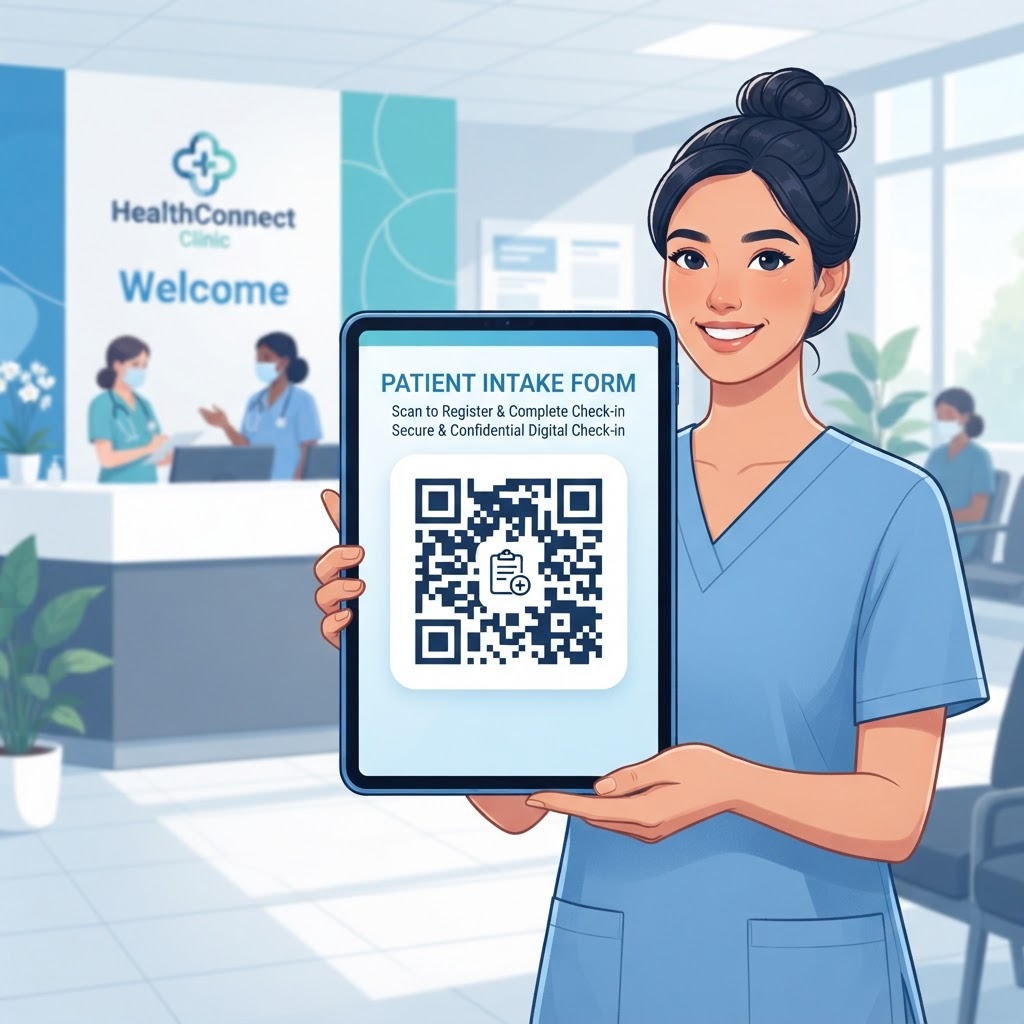
In the evolving healthcare ecosystem of 2026, the demand for frictionless patient experiences has reached an all-time high. Patients expect their interactions with clinics to be as digital and efficient as the services they receive in other sectors, such as banking or retail. Utilizing a QR code for patient intake forms is fundamentally about reducing the time patients spend in a lobby, which is critical for infection control and overall administrative efficiency.
When patients fill out their forms via a smartphone, they are entering their data directly into the system, which eliminates the need for staff to decipher handwriting or manually input records, a process that historically introduced significant delays and data entry errors. Replacing stacks of paper forms with digital alternatives also reduces physical waste.
Digital intake forms sent through encrypted portals or secure cloud-based systems are generally safer than leaving paper clipboards unattended in a public area. By digitizing the initial engagement, clinics can securely store and update patient health history, insurance information, and consent forms within their existing database.
This approach allows clinical staff to review information before the physical examination, leading to more informed patient-provider interactions. Many medical businesses have observed that moving to a QR-based system reduces check-in bottlenecks and supports more flexible, efficient practice management.
Key Points
- Digital intake can reduce lobby wait times and manual data entry.
- Secure digital forms can help protect patient information and reduce paper waste.
- Staff can review patient information before an examination begins.
How It Works Technically
A QR code for patient intake is a visual representation of a specific URL. When a patient scans it with a smartphone camera, the device navigates to that web address, which typically points to a secure patient intake portal or digital document hosted by the clinic.
Because this process uses standard web technologies, most patients with a modern smartphone can access the form without downloading a specialized application. The form may support conditional logic, adapting to a patient's answers—for example, displaying an additional field when a patient reports medication allergies.
After submission, the data is transmitted over an encrypted HTTPS connection. The backend system can then format the information and send it to the clinic's Electronic Health Record (EHR) system, reducing manual work and helping staff access patient information at the start of an examination.
Step-by-Step Guide Using BlueQRCode.com
Creating a QR code for patient intake can take just a few minutes with blueqrcode.com. Prepare your secure patient intake form URL before getting started.
- Prepare the link: Use the secure link provided by your EHR software or a trusted third-party form builder that complies with necessary healthcare privacy regulations.
- Enter the URL: Navigate to blueqrcode.com, select the 'URL' option from the generator menu, and paste your intake form URL into the input field.
- Customize the code: Choose colors and frame styles, and optionally add your clinic’s logo to align the QR code with your brand identity.
- Test the code: Scan it with your mobile device and confirm that the link opens correctly in a standard mobile browser.
- Download and display: Download the code in a high-resolution format such as PNG or SVG, then place the printed code near the entrance or reception desk.
100% Free — No signup required
Create your Qr Code For Patient Intake Form in seconds
Create Free QR Code →Best Practices for Deployment
Successful deployment involves thoughtful placement and a patient-friendly experience, not just generating the code. Place the QR code at eye level in a clear, well-lit area and include a short call to action, such as 'Please scan here to start your digital intake form.'
- Use a printed QR code large enough to scan from at least two to three feet away; a size of at least 2x2 inches is generally recommended.
- Make sure the form is mobile-responsive and test it on various screen sizes, including older smartphone models.
- Consider offering a 'Guest Wi-Fi' QR code nearby for patients with limited cellular service.
Common Mistakes to Avoid
Implementation problems can undermine the convenience of digital intake. Check that the destination URL works consistently and loads properly, and periodically confirm that changes to your intake form software have not affected the link.
- A broken link or slow-loading page can frustrate patients and lead them to request paper forms instead.
- Staff who are unfamiliar with the scanning process may be unable to help patients who need assistance.
- Relying only on digital forms without keeping paper forms available can create difficulties for patients without smartphones or during system maintenance.
Train front-desk staff to explain the digital process and support patients when needed. Maintaining a paper-form backup can help prevent unnecessary stress when technology is unavailable.
Concrete Use Cases by Industry/Sector
QR codes for intake forms can support a range of healthcare settings. In dental practices, patients can provide information about jaw pain, previous procedures, and insurance before a consultation, helping the dentist prepare for the visit.
Physical therapy clinics can use a secure, recurring form to collect daily pain levels or progress notes before a session. In urgent care centers, a code at the entrance or reception can let walk-in patients begin entering demographic and symptom information upon arrival.
Specialized diagnostic centers can use QR codes to present consent forms, giving patients the opportunity to review documents at their own pace. These examples show how digital intake can fit different administrative workflows across medical disciplines.
Summary and Next Steps
Using a QR code for patient intake can help clinics modernize administrative workflows, reduce manual tasks, and improve the patient experience. Tools from platforms like blueqrcode.com can help clinics create a professional interface for connecting patients with digital forms.
Evaluate your current workflow, optimize forms for mobile use, and generate and test your QR codes. Train staff to support patients and maintain a backup plan as your facility adopts digital intake.
No watermark · No expiry · Works on all phones
Your QR code is ready in under 30 seconds.
Generate Free QR Code →