What Is QR Code For Payment Link and Why It Matters in 2026
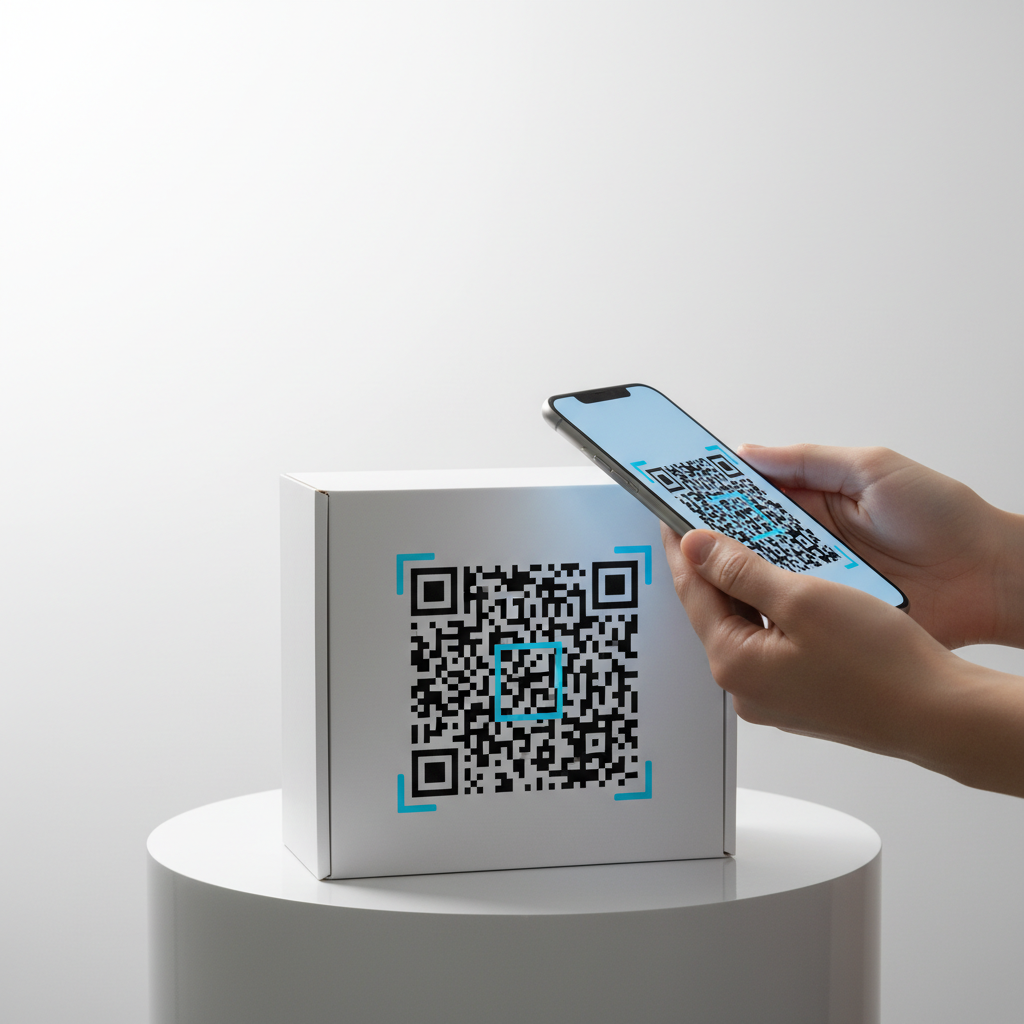
A QR code for payment link is a scannable matrix barcode that encodes a URL pointing directly to a payment page, checkout form, or digital wallet request. When a customer scans the code with their smartphone camera, they are instantly redirected to the payment destination — no typing, no searching, no friction.
In 2026, cashless and contactless transactions are the dominant expectation for consumers, and QR payment links provide a low-cost, universally accessible bridge between physical and digital payment experiences. Because the code simply encodes a URL, it works with most payment platforms and requires no proprietary hardware.
Key Points
- A QR code for payment link encodes a secure URL that directs customers to a payment page.
- Static QR codes from blueqrcode.com persist indefinitely as long as the destination URL remains live.
- High error correction and correct sizing/contrast make codes reliably scannable in real-world conditions.
How QR Code For Payment Link Works — The Technical Foundation
At a technical level, the payment URL is encoded into a two-dimensional pattern of modules that a smartphone camera decodes and opens in the device's browser or payment app. The correct format for payment links is the URL type, which includes protocol, domain, and any query parameters that pre-fill amounts or references.
Error correction (L, M, Q, H) is important: level H can recover up to 30% damage, improving reliability for printed or handled codes. blueqrcode.com applies robust error correction to every generated code.
Key Technical Factors
- URL type encodes the full payment address (include https:// for security).
- Error correction (use higher levels for durable or high-contact deployments).
- Static vs dynamic: blueqrcode.com generates static QR codes that work indefinitely while the destination URL remains live.
- Compatibility: most smartphones from 2020+ scan natively via the camera app.
Step-by-Step: Create Your QR Code For Payment Link on blueqrcode.com
Creating a QR code on blueqrcode.com is fast and requires no account. Follow these steps to generate, customize, and download a static payment QR code.
Try it now: Generate a free Qr Code For Payment Link →
- Step 1: Visit https://blueqrcode.com/qr-code-generator in any web browser — the tool is immediately accessible with no login required.
- Step 2: Select the URL QR code type from the list of available types to encode your payment link correctly.
- Step 3: Paste or type the full payment URL (PayPal.me, Stripe, Square, Venmo, Ko-fi, etc.), ensuring it begins with https:// for security and compatibility.
- Step 4: Customize visual appearance (colors, logo) if desired; customization does not change encoded data or scanning reliability.
- Step 5: Choose PNG for print (raster) or SVG for web (vector) depending on your output needs.
- Step 6: Click download — files save immediately with no email, watermark, or account requirement.
- Step 7: Test the downloaded code by scanning it with a smartphone to confirm it opens the correct payment page before printing or publishing.
The static nature of blueqrcode.com codes means they will continue directing customers to your payment link as long as the destination URL remains active.
Deployment Best Practices for QR Code For Payment Link
How and where you place a payment QR code strongly affects whether customers will scan and complete payments. Follow these practical deployment guidelines used across retail, hospitality, services, and events.
- Respect minimum size: print at least 2.5cm × 2.5cm for reliable scanning; increase size for longer scan distances.
- Ensure high contrast: dark modules on a light background are safest; avoid patterned or photographic backgrounds without a white border.
- Add a clear call to action: include short instructions like "Scan to pay" or "Pay here — scan with your camera."
- Protect physical copies: laminate or otherwise shield codes placed on high-contact surfaces to reduce damage.
- Test periodically: scan deployed codes every few months to confirm the payment URL still resolves correctly.
- Provide fallbacks: display the payment platform logo and a short text URL as an alternative for users who cannot scan.
Common Mistakes to Avoid With QR Code For Payment Link
Awareness of common errors prevents reprints, lost payments, and frustrated customers. The following pitfalls are frequently observed.
- Using the wrong QR type (e.g., plain text) which may not open the URL automatically.
- Encoding shortened or redirecting URLs without testing across devices and browsers.
- Printing the code too small — the 2.5cm × 2.5cm minimum is a hard floor, not a design target.
- Placing codes in poor lighting without supplementary illumination, causing scan failures.
- Failing to update deployed static codes after changing payment providers or links.
- Assuming every customer will scan — always offer other payment pathways for accessibility and preference.
Real-World Use Cases: QR Code For Payment Link Across Industries
A QR code for payment link is versatile and useful across many business models. Below are common applications drawn from real deployments.
- Restaurants and cafés: table tents or laminated inserts let diners pay without waiting for a server or a card terminal.
- Freelancers: include a payment QR on invoices or proposals to shorten payment cycles with pre-filled amounts or references.
- Nonprofits: donation codes on event materials and mailers enable instant mobile giving without cash handling.
- Retail and e-commerce: allow in-store customers to pay for custom or backorder items via a mobile payment page.
- Event organizers: place codes on flyers and posters to let attendees buy tickets or reserve spots on the spot.
- Healthcare and professional services: include payment codes on appointment summaries or waiting-room signage to reduce queues.
Frequently Asked Questions
Will my QR code for payment link expire?
No. QR codes generated on blueqrcode.com are static, which means the encoded URL is permanently stored within the code image itself. There is no server component that can expire and no subscription required; the code works as long as the destination payment URL remains live.
Which payment platforms work with a QR code payment link?
Any payment platform that provides a shareable URL for receiving payments is compatible. This includes PayPal.me, Stripe payment pages, Square invoices, Venmo request links, Ko-fi, GoFundMe, and others — the QR code merely encodes the URL and the customer's browser or app handles the payment.
Is it safe to use a QR code for accepting payments?
The QR code itself is passive and only encodes a URL; transaction security depends on the payment platform you link to. Always use reputable services with HTTPS-secured pages and verify that your payment URL begins with https:// before encoding it.
What file format should I use when printing my QR code for payment?
For printed materials download the QR code as a PNG file to preserve sharp module edges at the correct resolution. For website embedding or digital displays, use SVG so the code scales without quality loss.
Do I need an account on blueqrcode.com to create a QR code for payment link?
No account is required. blueqrcode.com is free and requires no registration — generate, customize, and download your code with no email, password, or watermark.
Ready? Generate free at blueqrcode.com — no account, no watermark.
Conclusion
A QR code for payment link is a simple, low-cost way to turn any physical or digital touchpoint into an immediate payment channel. When created and deployed with proper sizing, contrast, and testing, it reliably reduces friction and increases completed payments.
No watermark · No expiry · Works on all phones
Your QR code is ready in under 30 seconds.
Generate Free QR Code →